
1. Introduction
This manual provides essential information for the safe and effective use of your Pickle Power 4000mAh LIP1708 replacement battery for the Sony PlayStation 5 DualSense CFI-ZCT1W Wireless Controller. Please read these instructions carefully before installation and use.
2. Product Features
- High Capacity: 4000mAh for extended gaming sessions.
- Long Battery Life: Designed with Grade A+ rated cells for increased lifespan and no memory effect.
- Multiple Safety Protections: Built-in safeguards against over-charging, short-circuit, high-temperature, and surge protection.
- Fire-Resistant Construction: Ensures enhanced safety during operation.
- CE and ROHS Certified: Meets international quality and safety standards.

Image: The 4000mAh high-capacity battery, emphasizing its long battery life, rechargeability, and use of Grade A+ battery cells.
3. Compatibility
The Pickle Power LIP1708 battery is compatible with the Sony PlayStation 5 (PS5) DualSense CFI-ZCT1W Wireless Controller. It is not compatible with the DualSense Edge controller.
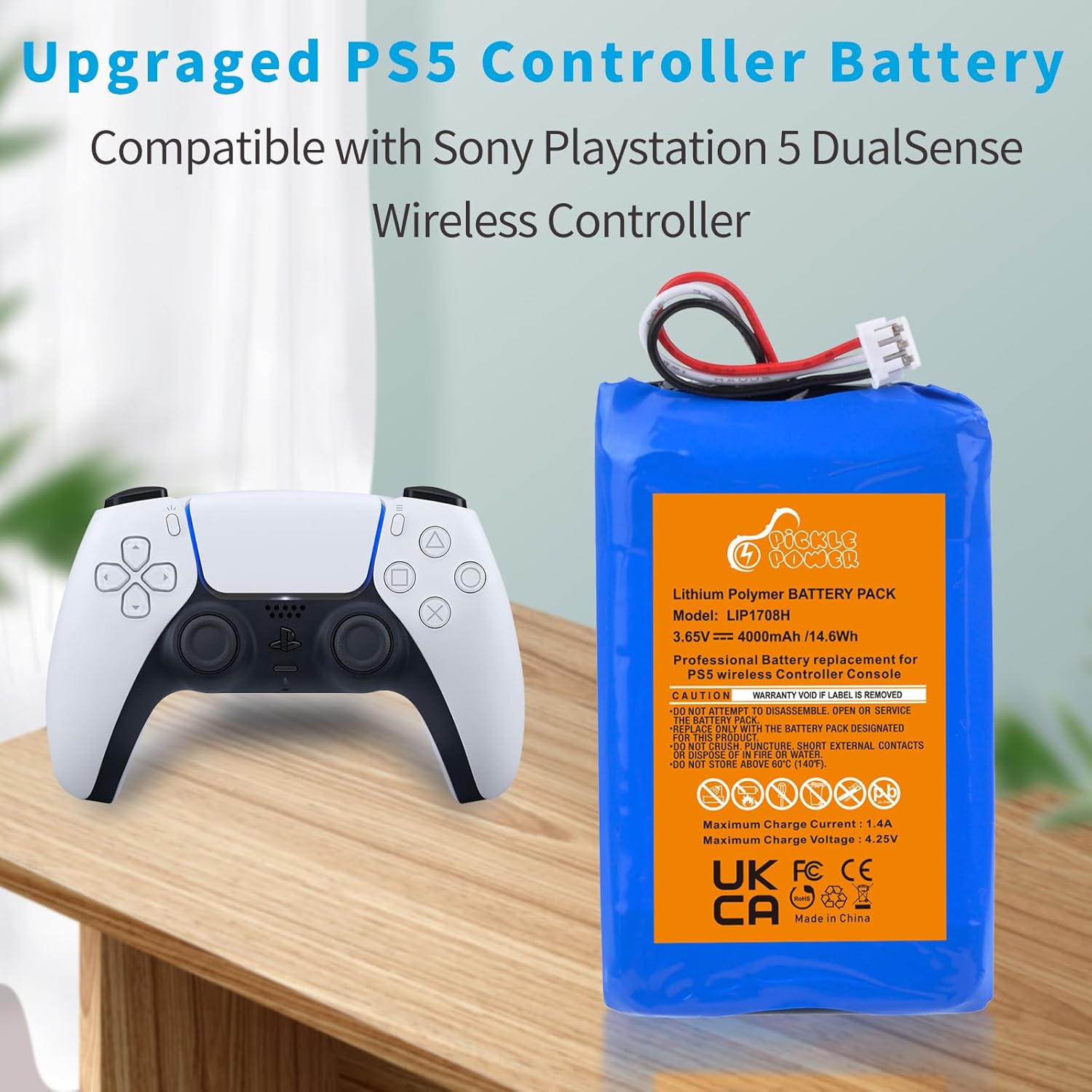
Image: The Pickle Power LIP1708 battery shown alongside a Sony PS5 DualSense wireless controller, illustrating compatibility.
4. Package Contents
Your package includes:
- 2 x Pickle Power LIP1708 Batteries
- 1 x Tool Set (includes a screwdriver and a plastic pry tool)

Image: Two Pickle Power PS5 controller batteries displayed with the accompanying screwdriver and plastic pry tool.
5. Setup and Installation
Replacing the battery in your PS5 DualSense controller requires careful disassembly. Please follow these general guidelines and refer to online video tutorials for detailed visual instructions.
- Prepare Your Workspace: Ensure you have a clean, well-lit area.
- Disassemble Controller: Use the provided plastic pry tool to gently open the controller casing. Locate and remove the necessary screws using the included screwdriver.
- Disconnect Old Battery: Carefully disconnect the old battery from the controller's circuit board.
- Install New Battery: Connect the new Pickle Power LIP1708 battery. The battery may be slightly smaller than the original; use the pre-attached double-sided tape to secure it in place if needed.
- Reassemble Controller: Carefully reassemble the controller, ensuring all connections are secure and screws are tightened appropriately.
Important: Exercise caution and gentleness when using the plastic tool to avoid damaging the controller. Numerous video guides are available online (e.g., YouTube) demonstrating the PS5 DualSense controller battery replacement process. It is highly recommended to watch one before attempting installation.
6. Operating Instructions
To achieve optimal performance and longevity from your new battery, please follow these recommendations:
- Initial Charging Cycles: For the first three times, use the battery until it is fully depleted before performing a complete charge.
- Optimal Performance: The battery's full performance and longevity are typically achieved after 3 to 5 complete charge and discharge cycles.
- Regular Use: Use and charge your controller as normal after the initial conditioning cycles.
7. Maintenance
Proper maintenance helps extend the life of your battery:
- Storage: If storing the controller for an extended period, ensure the battery is charged to approximately 50-70% to prevent deep discharge.
- Temperature: Avoid exposing the battery to extreme temperatures (below 0°C/32°F or above 60°C/140°F).
- Cleaning: Keep the controller and battery compartment clean and free from dust or debris.
8. Troubleshooting
If you encounter issues with your battery, consider the following:
- Battery Not Charging: Ensure the battery is correctly connected to the controller's circuit board. Verify that your charging cable and port are functional.
- Short Battery Life: Confirm that you have completed 3-5 full charge/discharge cycles to optimize battery performance. Avoid using the controller in extremely cold environments, which can temporarily reduce battery life.
- Controller Not Powering On: Double-check all internal connections after installation. Ensure the battery is fully charged.
If problems persist after following these steps, please contact customer support.
9. Specifications
| Specification | Value |
|---|---|
| Battery Model | LIP1708 |
| Voltage | 3.65V |
| Capacity | 4000mAh (14.6Wh) |
| Battery Type | Li-ion Polymer |
| Maximum Charge Current | 1.4A |
| Maximum Charge Voltage | 4.25V |
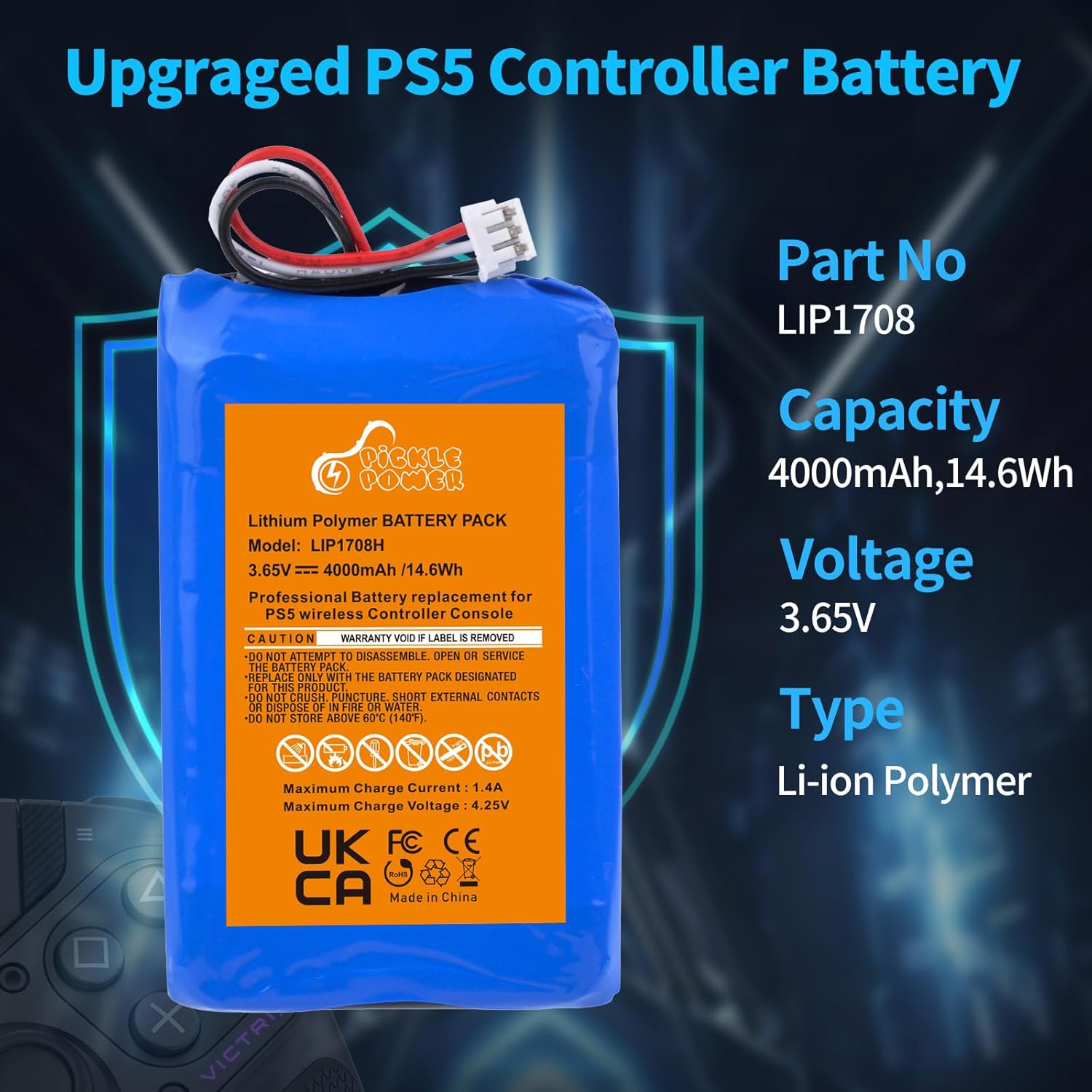
Image: The Pickle Power LIP1708 battery with its key specifications clearly labeled.

Image: The Pickle Power LIP1708 battery displaying its physical dimensions.
10. Safety Information
Your Pickle Power battery is designed with multiple safety features. Please adhere to the following safety guidelines:
- Do Not Disassemble: Do not attempt to disassemble, open, or service the battery pack.
- Avoid Damage: Do not crush, puncture, short external contacts, or dispose of in fire or water.
- Temperature Limits: Do not store above 60°C (140°F).
- Integrated Protections: The battery includes over-charging, short-circuit, high-temperature, and surge protection to prevent potential hazards.
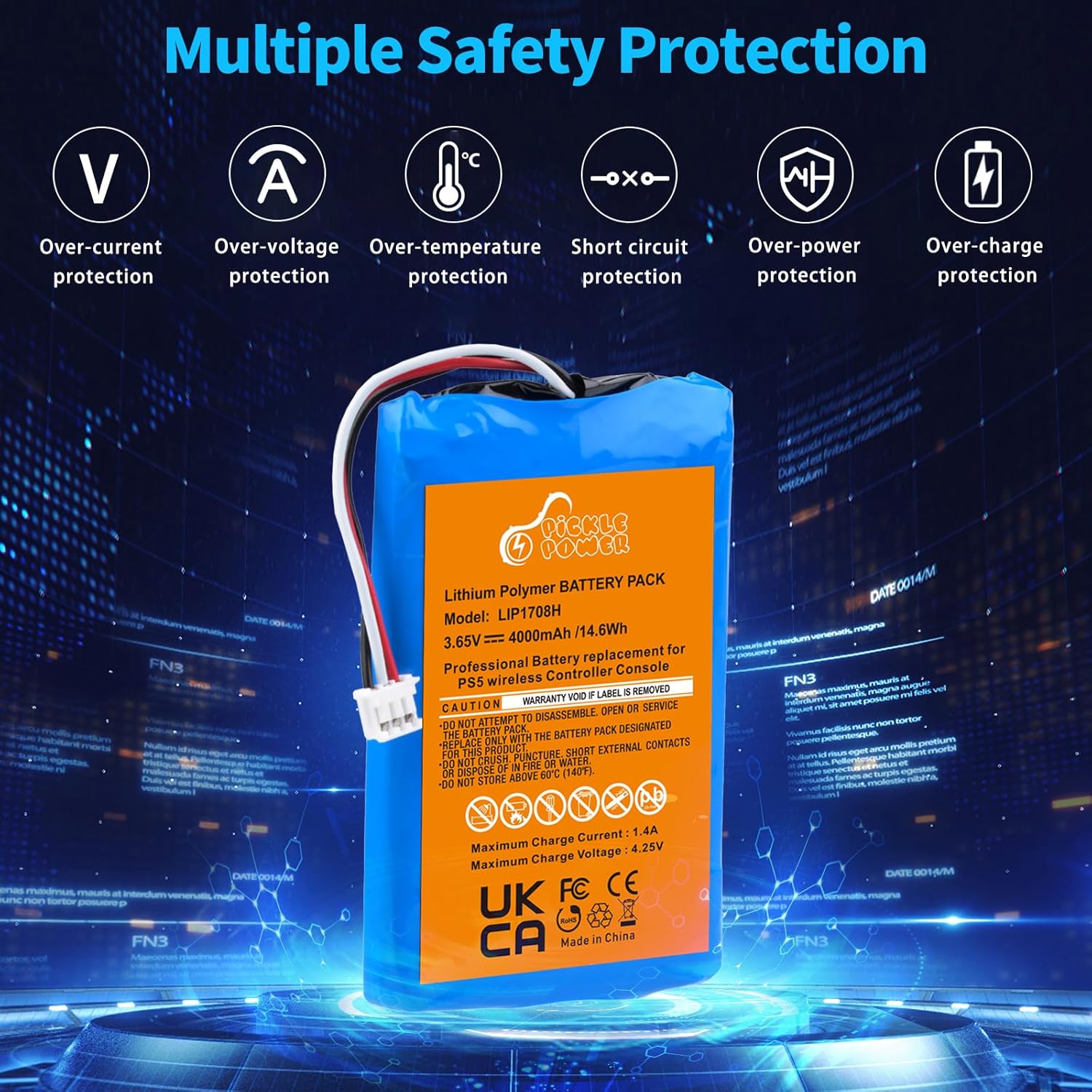
Image: The battery highlighting its comprehensive safety features, including various circuit protections.
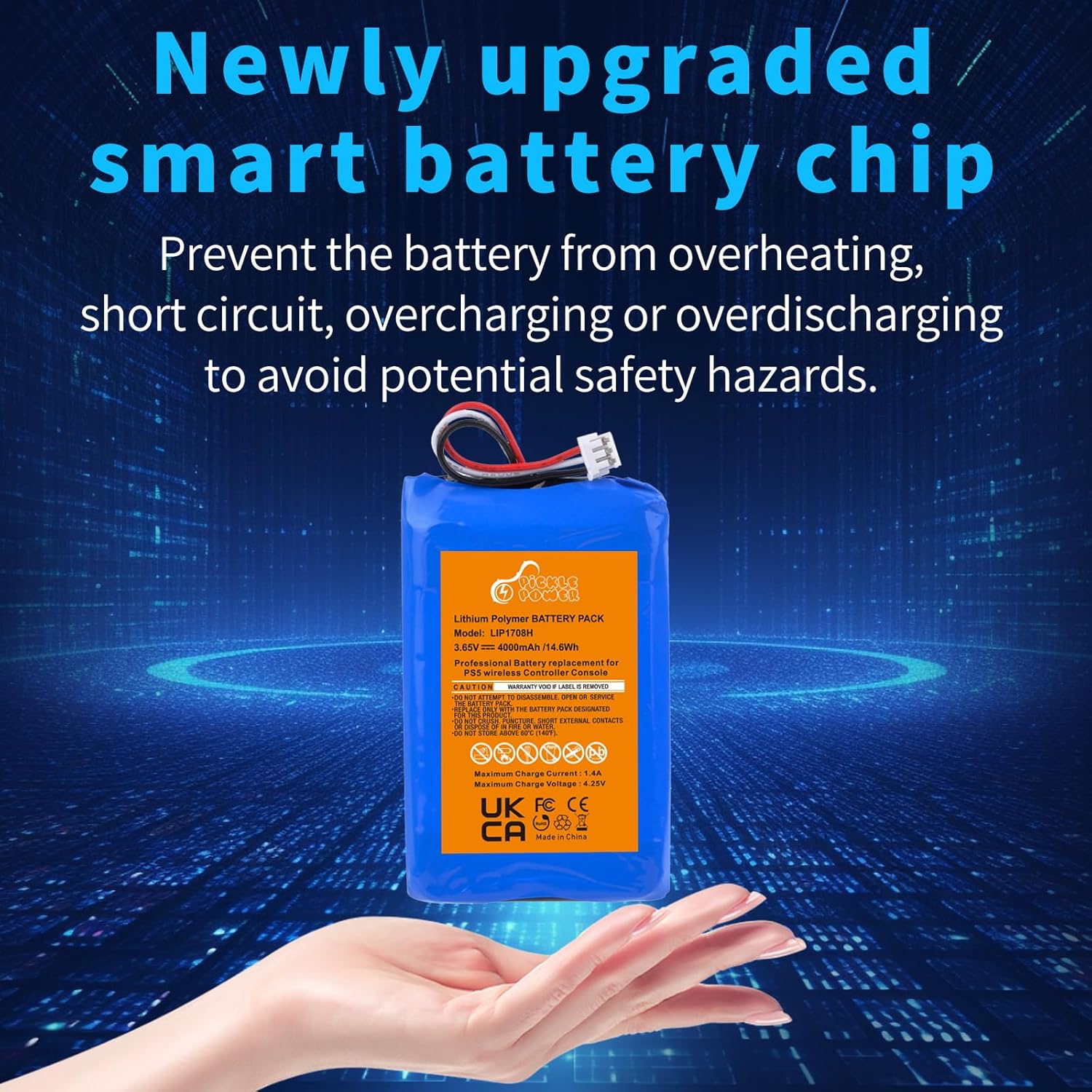
Image: The battery illustrating its upgraded smart chip technology designed to prevent overheating and other safety risks.
11. Warranty and Support
Pickle Power values customer experience. If you receive defective batteries or encounter any quality issues, please contact us directly.
- We aim to respond to all inquiries within 24 hours.
- A refund option is available within 30 days of purchase for qualifying issues.
