
1. Introduction
Thank you for purchasing the Jebao EOW Smart Wave Maker Circulation Pump. This manual provides detailed instructions for the safe and efficient operation, installation, and maintenance of your new wave maker. Please read this manual thoroughly before use and retain it for future reference.
The Jebao EOW Wave Maker is designed to create natural water movement in your aquarium, promoting a healthy environment for aquatic life. It features a compact design, quiet operation, and can be controlled via Wi-Fi using the Jebao App or through its manual controller.
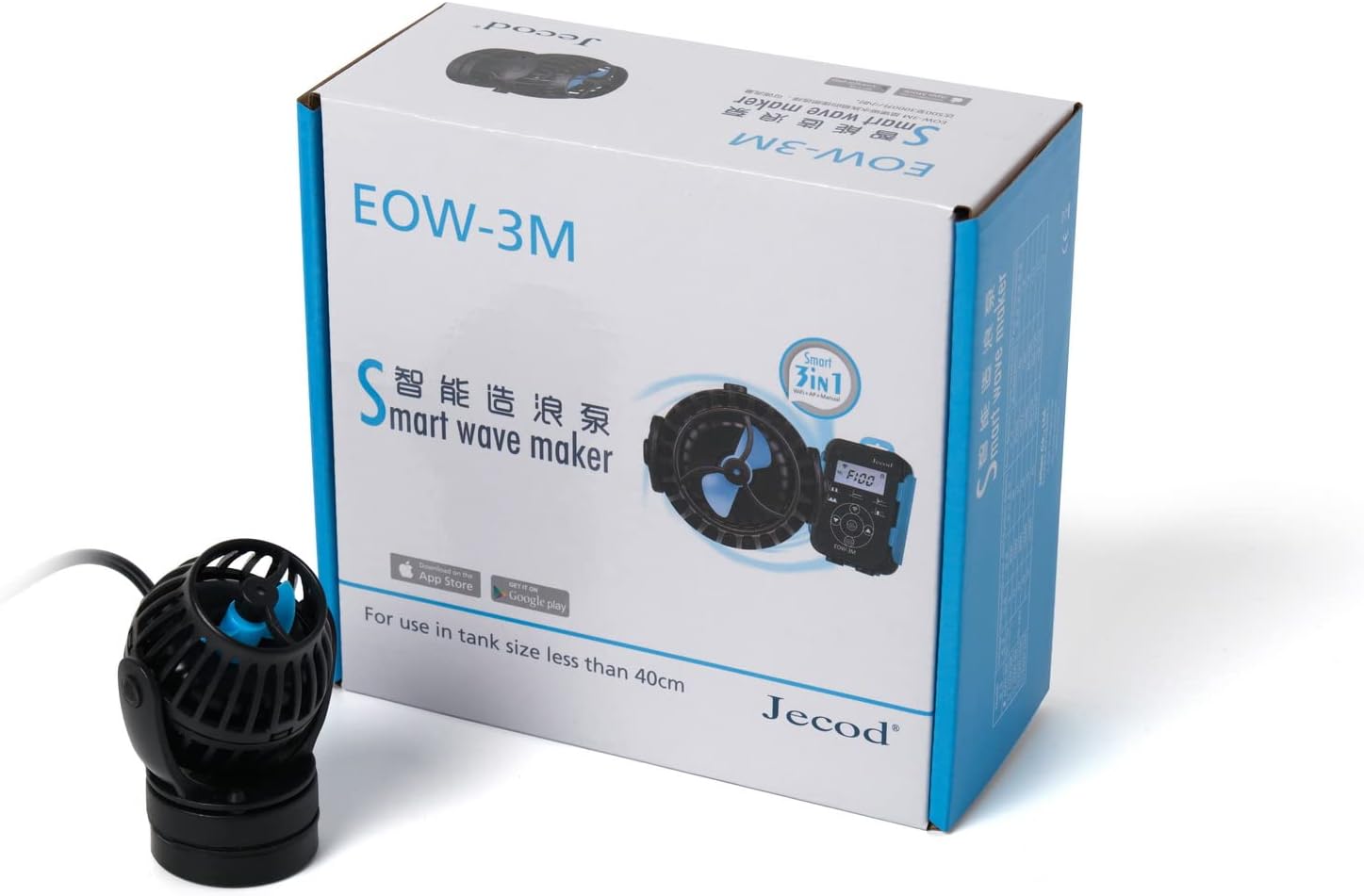
Figure 1: The Jebao EOW-3M Smart Wave Maker pump shown alongside its retail packaging.
2. Safety Instructions
- Always disconnect power before performing any maintenance or installation.
- Do not operate the pump dry. Ensure it is fully submerged in water before turning on.
- This appliance is for indoor use only and intended for use with aquariums.
- Ensure the power cord is not damaged or pinched.
- Keep the controller and power adapter away from water.
- Do not attempt to repair the unit yourself. Refer to qualified service personnel.
3. Package Contents
Verify that all components are present in the package:
- Jebao EOW Smart Wave Maker Pump
- Controller with LCD display
- Power Adapter (US plug)
- Magnetic Base
- User Manual (this document)

Figure 2: Overview of the Jebao EOW-3M Smart Wave Maker package contents.
4. Setup and Installation
- Positioning the Pump:
Select a suitable location within your aquarium for the wave maker. The pump features a 3D rotation angle, allowing you to adjust the output water direction for optimal flow. Position it to create desired water movement without disturbing substrate or delicate corals.

Figure 3: Front view of the pump.
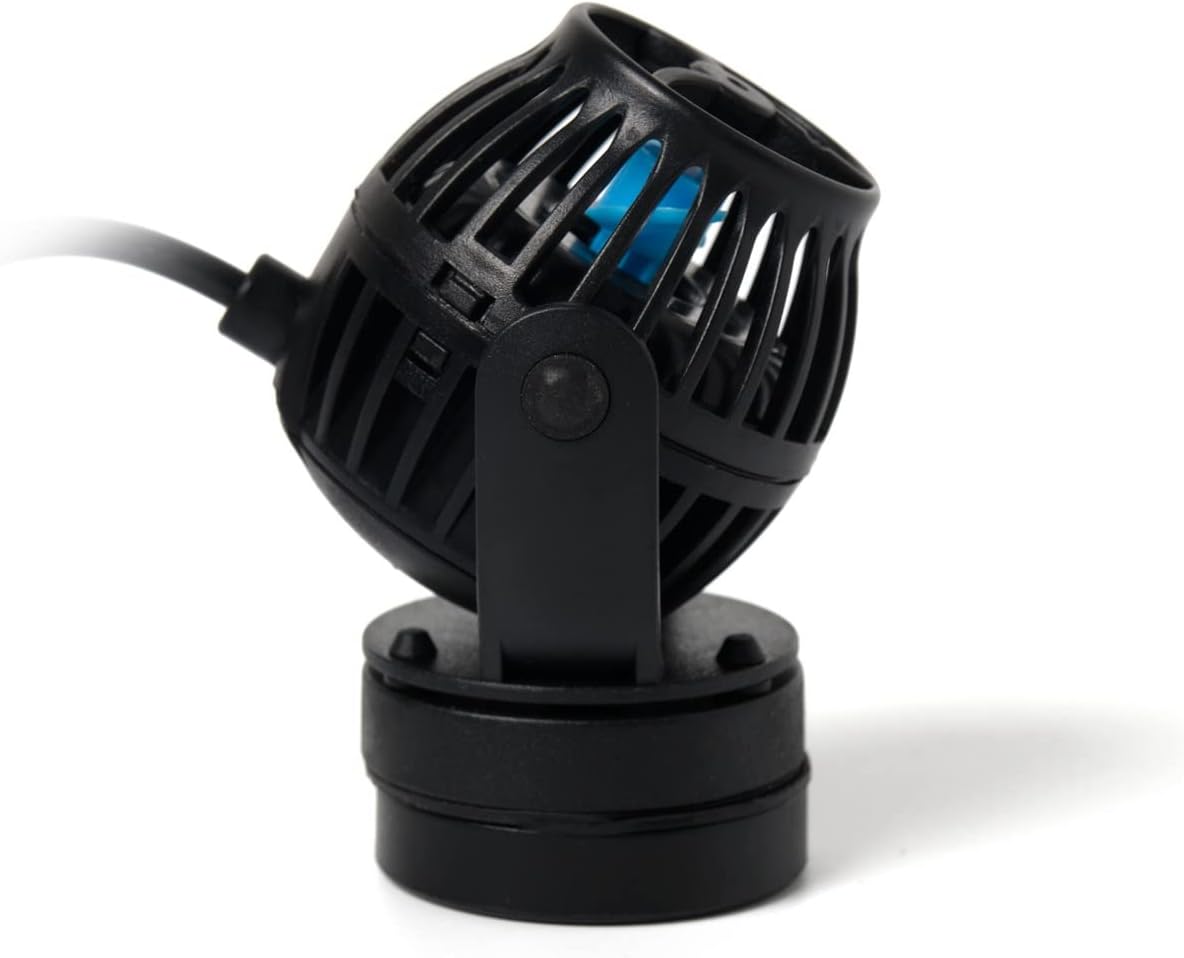
Figure 4: Side view of the pump.
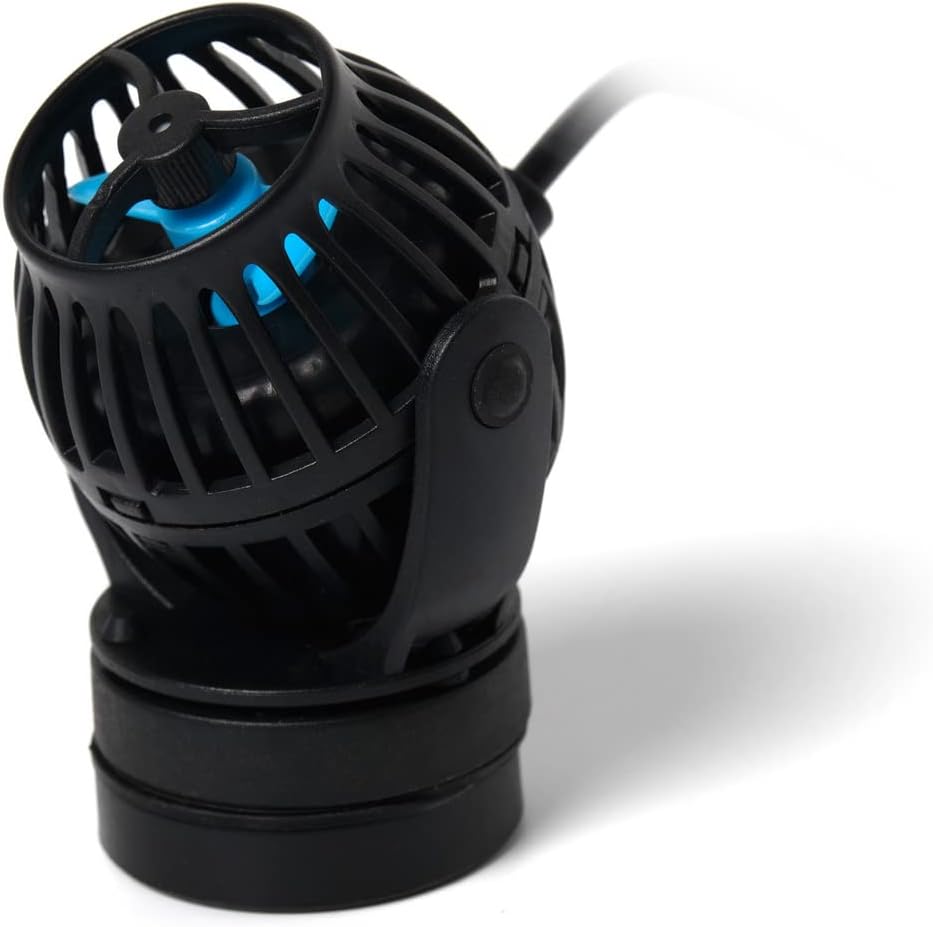
Figure 5: Angled view of the pump, demonstrating its adjustability.

Figure 6: Rear view of the pump.
- Attaching with Magnetic Base:
The wave maker uses a strong magnetic base for secure attachment. Place the pump unit inside the aquarium at the desired location. Align the external magnet on the outside of the aquarium glass directly opposite the internal magnetic base. The strong magnetic force will hold the pump firmly in place. Ensure the glass thickness is within the recommended limits for the magnet's strength.
- Connecting the Controller:
Connect the pump's cable to the designated port on the controller. Ensure the connection is secure.
- Connecting Power:
Connect the power adapter to the controller, then plug the power adapter into a standard 120V AC outlet. Ensure a drip loop is formed with the power cord to prevent water from traveling along the cord to the outlet.
5. Operating Instructions
5.1. Manual Control
The LCD display controller allows for direct manual operation and mode selection. Refer to the controller's specific buttons and display indicators for adjusting flow modes, intensity, and other settings. Typically, buttons are provided for increasing/decreasing flow, changing modes (e.g., constant flow, wave mode, random flow), and a feed mode button.
5.2. Wi-Fi Control (Jebao App)
For advanced control and programming, download the official Jebao App from the App Store (iOS) or Google Play Store (Android). Follow the in-app instructions to connect your wave maker to your home Wi-Fi network.
The app provides features such as:
- Customizable flow patterns and intensity levels.
- Scheduling daily flow cycles.
- Feed mode activation with adjustable duration.
- Firmware updates for the device.
Ensure your smartphone is connected to a 2.4GHz Wi-Fi network during the initial setup process for the wave maker.
6. Maintenance
Regular maintenance ensures the longevity and optimal performance of your wave maker.
- Cleaning the Impeller: Periodically, disconnect the pump from power and remove it from the aquarium. Carefully disassemble the front cage and impeller cover to access the impeller. Clean any algae, debris, or calcium buildup from the impeller and its housing using a soft brush and warm water. Do not use harsh chemicals.
- Checking the Magnetic Base: Ensure the magnetic base is clean and free of debris that could scratch the aquarium glass.
- Inspecting Cables: Regularly check the power cord and pump cable for any signs of wear, cuts, or damage. Replace if necessary.
- Submersion: Always ensure the pump is fully submerged during operation to prevent overheating and damage.
7. Troubleshooting
If you encounter issues with your Jebao EOW Smart Wave Maker, refer to the following common problems and solutions:
| Problem | Possible Cause | Solution |
|---|---|---|
| Pump not running | No power; Impeller jammed; Controller issue. | Check power connection; Clean impeller; Test controller. |
| Weak flow | Impeller dirty; Obstruction in pump; Incorrect mode/setting. | Clean impeller; Remove obstructions; Adjust settings via controller/app. |
| Excessive noise | Impeller dirty/damaged; Air trapped in pump; Improper installation. | Clean/inspect impeller; Gently shake pump to release air; Re-position pump. |
| Wi-Fi connection issues | Incorrect Wi-Fi password; Router too far; 5GHz network. | Verify password; Move router closer or use extender; Ensure 2.4GHz network is used. |
If the problem persists after attempting these solutions, please contact Jebao customer support.
8. Specifications
| Feature | Detail |
|---|---|
| Model | EOW-3M |
| Flow Rate | 792 GPH (Gallons Per Hour) |
| Recommended Tank Size | 20-40 Gallons |
| Power Input | 12V DC, 6W, 60Hz (US Plug) |
| Control Method | Wi-Fi (iOS/Android App) + Manual Controller with LCD |
| Technology | SINE wave technology for ultra-quiet operation |
| Adjustability | 3D rotation angle for output water direction |
| Material | Plastic, Stainless Steel (No exposed copper element) |
| Dimensions (Pump) | 2" diameter x 2.5" (approximate) |
| Item Weight | 1.1 pounds |
9. Warranty and Support
Jebao products are manufactured to high-quality standards. For warranty information and customer support, please refer to the official Jebao website or contact your retailer. Keep your purchase receipt as proof of purchase.
Protection plans may be available for extended coverage. Please check with your retailer for details on available protection plans.