
1. Introduction
Thank you for choosing the Remax TWS-33 True Wireless Stereo Earbuds. These earbuds are designed to provide a high-quality audio experience with the convenience of wireless connectivity. This manual will guide you through the setup, operation, and maintenance of your new earbuds.

Image 1.1: Remax TWS-33 True Wireless Stereo Earbuds in their open charging case.
2. Package Contents
- Remax TWS-33 True Wireless Stereo Earbuds (Left and Right)
- Charging Case
- USB Charging Cable (Type-C)
- User Manual
3. Setup
3.1 Charging the Earbuds and Case
- Initial Charge: Before first use, fully charge the earbuds and the charging case. Place the earbuds into the charging case.
- Connect Power: Connect the provided USB Type-C charging cable to the charging port on the case and the other end to a USB power adapter (not included) or a computer's USB port.
- Charging Indicators: The indicator lights on the charging case will show the charging status. Refer to the case's specific light patterns for full charge indication.
- Charging Time: Earbuds typically charge in about 1 hour. The charging case takes approximately 1.5 hours to fully charge.

Image 3.1: Front view of the Remax TWS-33 earbuds securely placed in their charging case.
3.2 Pairing with Your Device
- Power On: Open the charging case. The earbuds will automatically power on and enter pairing mode. You may see indicator lights on the earbuds flashing, indicating they are ready to pair.
- Activate Bluetooth: On your smartphone or other Bluetooth-enabled device, go to the Bluetooth settings and ensure Bluetooth is turned on.
- Select Earbuds: In the list of available Bluetooth devices, look for "Remax TWS-33" or a similar name and select it to connect.
- Confirmation: Once successfully paired, the earbuds will typically provide an audio prompt, and the indicator lights will change (e.g., stop flashing).
- Automatic Reconnection: After initial pairing, the earbuds will automatically connect to the last paired device when taken out of the case, provided Bluetooth is active on the device.
3.3 Wearing the Earbuds
Gently insert each earbud into your ear canal. Adjust them for a comfortable and secure fit. The ergonomic design ensures a snug fit for extended wear.
4. Operating Instructions
4.1 Basic Controls
The Remax TWS-33 earbuds feature touch controls for easy management of your audio and calls.
- Play/Pause: Single tap on either earbud.
- Next Track: Double tap on the right earbud.
- Previous Track: Double tap on the left earbud.
- Answer/End Call: Single tap on either earbud during an incoming call.
- Reject Call: Press and hold either earbud for 2 seconds during an incoming call.
- Activate Voice Assistant: Triple tap on either earbud to activate your device's voice assistant (e.g., Siri, Google Assistant).
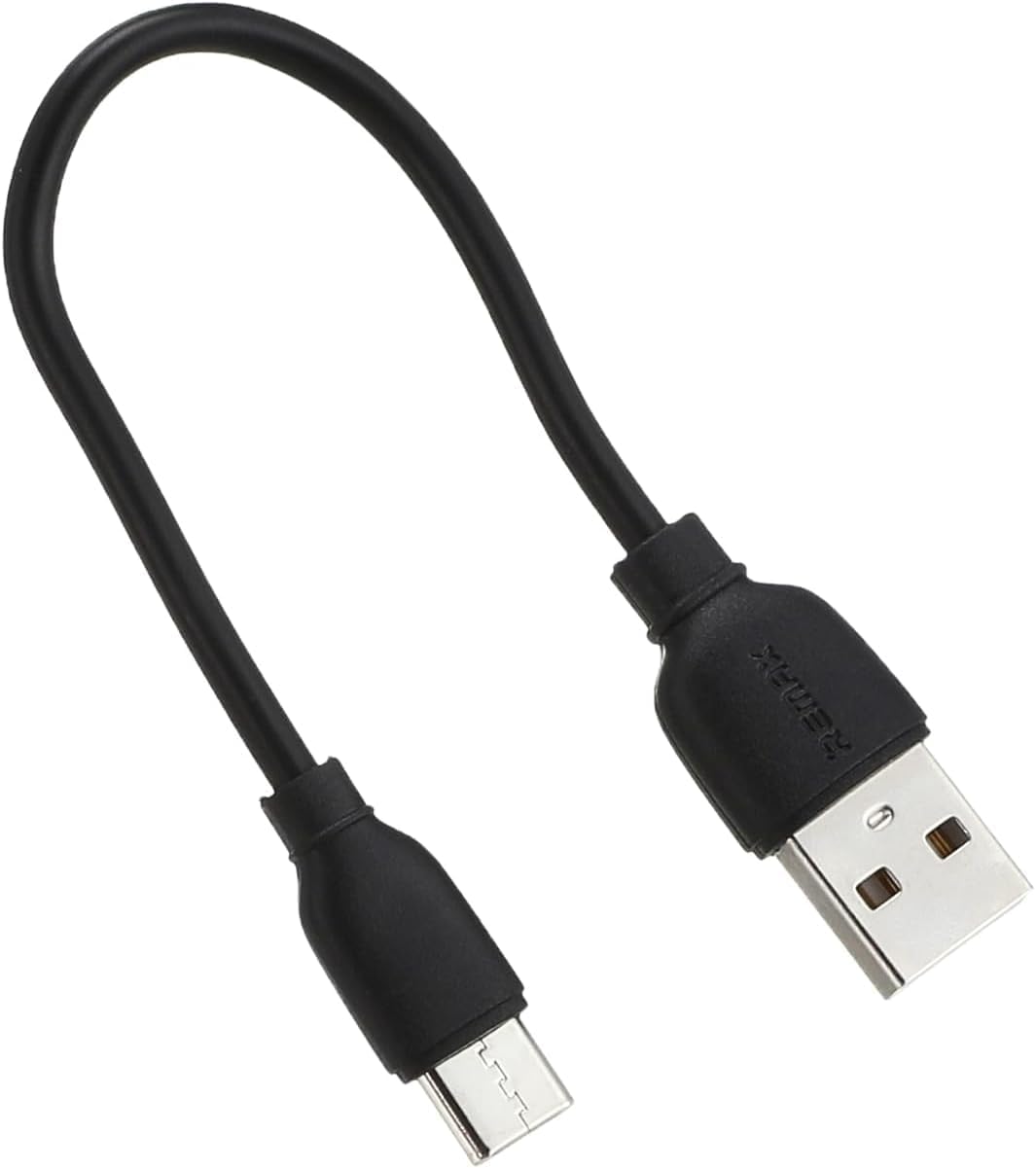
Image 4.1: Key features of the Remax TWS-33 earbuds, including clear sound, metal textured charging case, ultra-low power consumption, and ergonomic fit.
4.2 Single Earbud Mode
You can use either the left or right earbud independently. Simply take one earbud out of the case, and it will automatically connect to your device if it was previously paired. The other earbud can remain in the case or be used by another person.

Image 4.2: The Remax TWS-33 earbuds offer up to 45 hours of standby time and support free switching between single and dual earbud use.
4.3 Voice Assistant
Access your device's voice assistant quickly by triple-tapping either earbud. This allows for hands-free control of your device for tasks like making calls, sending messages, or getting directions.

Image 4.3: The Remax TWS-33 earbuds provide quick access to voice assistants and are available in multiple metal-style colors.
5. Maintenance
5.1 Cleaning
- Use a soft, dry, lint-free cloth to clean the earbuds and charging case.
- Do not use abrasive cleaners, solvents, or aerosol sprays.
- Avoid getting moisture in any openings.
5.2 Storage
- Always store the earbuds in their charging case when not in use to protect them and keep them charged.
- Store in a cool, dry place, away from extreme temperatures and direct sunlight.
6. Troubleshooting
| Problem | Possible Cause | Solution |
|---|---|---|
| Earbuds not pairing | Low battery, out of range, Bluetooth off, previously paired to another device. | Charge earbuds and case. Ensure Bluetooth is on. Forget device on previous connections. Restart pairing process. |
| No sound from earbuds | Volume too low, not connected, media paused. | Increase device volume. Check Bluetooth connection. Ensure media is playing. |
| One earbud not working | Low battery, connection issue. | Place both earbuds back in the case, close, then reopen. Ensure both are charged. |
| Charging case not charging | Faulty cable/adapter, dirty charging port. | Try a different USB cable and power adapter. Clean the charging port gently. |
7. Specifications
- Bluetooth Version: 5.0
- Earbud Battery Capacity: 30mAh
- Charging Case Battery Capacity: 300mAh
- Earbud Charging Time: Approximately 1 hour
- Case Charging Time: Approximately 1.5 hours
- Talk Time: Approximately 4 hours
- Music Playback Time: Approximately 3.5 hours
- Standby Time: Approximately 45 hours
- Speaker Power: 3mW
- Connectivity: Wireless (Bluetooth)
- Form Factor: In-Ear
- Model Number: TWS-33
- Manufacturer: Remax
- Country of Origin: China
8. Warranty and Support
For warranty information and customer support, please refer to the warranty card included with your product or visit the official Remax website. Keep your proof of purchase for any warranty claims.