
1. Introduction
Thank you for choosing the Gemini GSYS-2400 3-Piece Bluetooth Home Stereo System. This system is designed to provide a powerful and versatile audio experience for your home entertainment needs. Featuring 2400 Watts Peak Power, Bluetooth connectivity, multi-color LED party lights, and a wired microphone for karaoke, the GSYS-2400 is suitable for various audio applications, from movie nights to parties.
This manual provides essential information for setting up, operating, and maintaining your stereo system. Please read it thoroughly before use to ensure proper function and to maximize your enjoyment of the product.
Video 1.1: An overview of the Gemini GSYS-2400 system, demonstrating its features and use in a home setting.
2. Safety Information
To ensure safe operation and prevent damage, please observe the following safety precautions:
- Read all instructions before operating the appliance.
- Keep the unit away from water or moisture.
- Do not block any ventilation openings. Install in accordance with the manufacturer’s instructions.
- Do not install near any heat sources such as radiators, heat registers, stoves, or other apparatus (including amplifiers) that produce heat.
- Protect the power cord from being walked on or pinched, particularly at plugs, convenience receptacles, and the point where they exit from the appliance.
- Only use attachments/accessories specified by the manufacturer.
- Unplug this appliance during lightning storms or when unused for long periods of time.
- Refer all servicing to qualified service personnel. Servicing is required when the apparatus has been damaged in any way.
3. Package Contents
Verify that all items listed below are included in your package:
- GSYS-2400 Main Unit (Integrated Amplifier)
- 2 x Satellite Speakers
- Wired Microphone
- Remote Control
- Power Cable
- User Manual (this document)
4. Product Overview
The Gemini GSYS-2400 system consists of a main unit with an integrated amplifier and two satellite speakers. It features a smart-device dock, various input options, and customizable LED lighting.
4.1 Main Unit Controls and Features

Image 4.1: The main unit's control panel, featuring buttons for power, source selection, playback, light effects, and microphone inputs. A tablet is shown docked for hands-free viewing.
- Smart-Device Dock: A dedicated slot on the main unit to securely hold your smartphone or tablet, allowing for hands-free media playback or karaoke lyric display.
- Control Panel: Intuitive buttons for power, source selection (Bluetooth, USB, FM Radio, Analog, Digital), playback controls (play/pause, skip tracks), and light effects.
- Microphone Inputs: Two 1/4-inch inputs for connecting microphones, with adjustable volume, bass, treble, and echo effects.
- USB Port: For playing audio files directly from a USB drive.
- LED Display: Shows current mode, track information, and other system statuses.
4.2 Satellite Speakers and LED Lighting

Image 4.2: The satellite speakers feature integrated multi-color LED lights that can sync with the music, enhancing the visual experience.
- Dual 8'' Woofers, 6.5” Woofer, and Two High-Frequency Tweeters: Delivers clear and powerful sound across the frequency spectrum.
- Multi-Color LED Party Lighting: Dynamic lights that pulsate and change colors in sync with the music, creating an engaging atmosphere.
5. Setup
5.1 Unpacking and Placement
- Carefully remove all components from the packaging.
- Place the main unit and satellite speakers on a stable, flat surface. Ensure adequate ventilation around all units.
- For optimal sound, position the satellite speakers equidistant from the main unit and at ear level when seated.

Image 5.1: Example setup of the GSYS-2400 system in a home environment, demonstrating ideal placement for sound and visual integration.
5.2 Connecting the Speakers and Power
- Connect the satellite speakers to the main unit using the provided speaker cables. Ensure correct polarity (positive to positive, negative to negative).
- Plug the power cable into the main unit's power input, then into a standard electrical outlet.
- Press the POWER button on the main unit or remote control to turn on the system. The LED display will illuminate.
6. Operating Instructions
6.1 Bluetooth Pairing
- Turn on the GSYS-2400 system.
- Press the SOURCE button on the main unit or remote control until "BT" (Bluetooth) appears on the LED display. The system will enter pairing mode, indicated by a flashing "BT".
- On your Bluetooth-enabled device (smartphone, tablet, etc.), go to the Bluetooth settings and search for available devices.
- Select "Gemini GSYS-2400" from the list. Once connected, the "BT" indicator on the system's display will stop flashing and remain solid.
- You can now play audio from your device through the GSYS-2400 system.
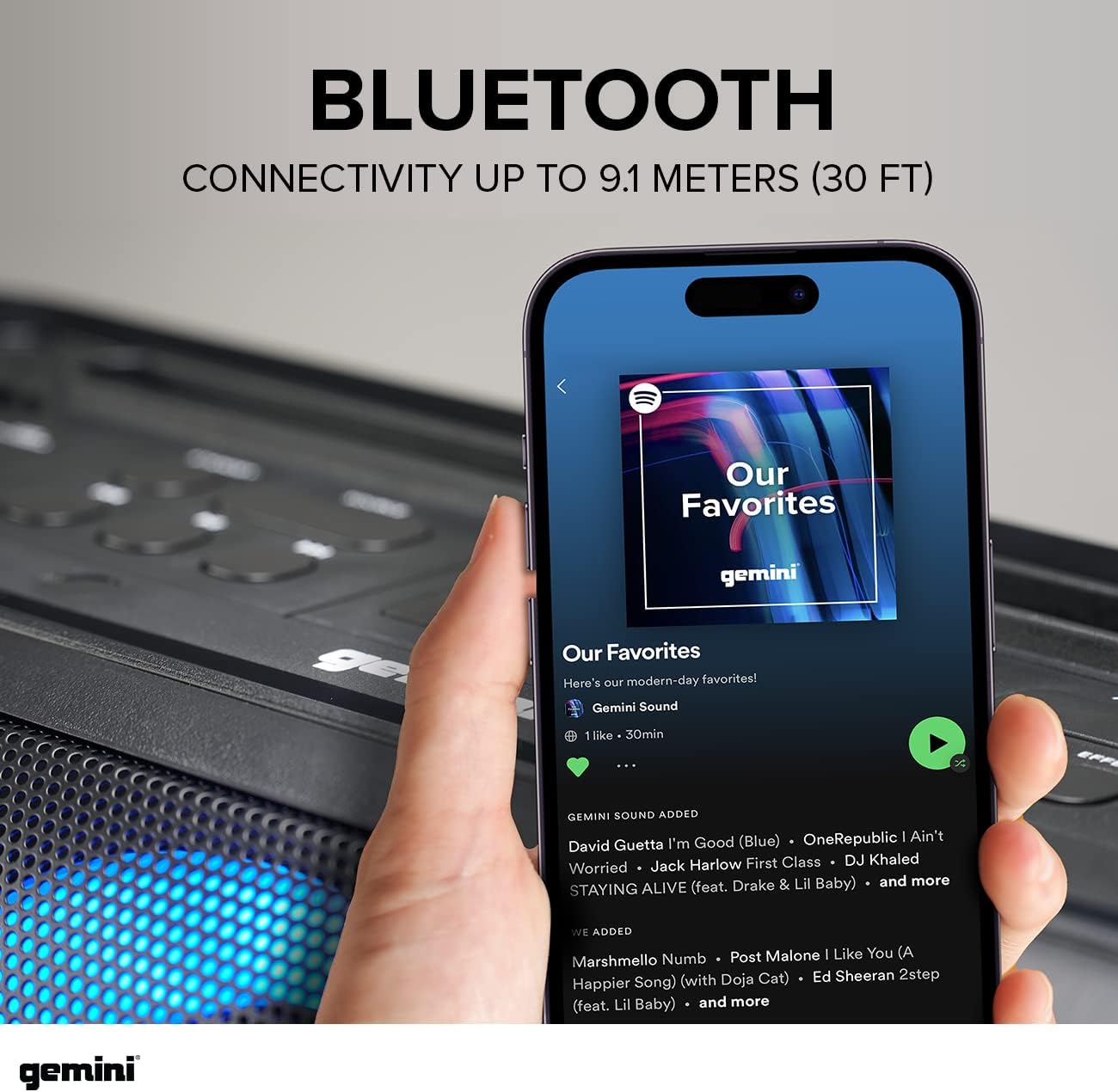
Image 6.1: A smartphone screen demonstrating the Bluetooth pairing process with the Gemini GSYS-2400.
6.2 Using Other Audio Inputs
The GSYS-2400 supports multiple audio sources:
- USB: Insert a USB drive containing MP3 audio files into the USB port on the main unit. The system will automatically switch to USB mode and begin playback.
- Analog Input (LINE IN): Connect an external audio device (e.g., CD player, MP3 player) to the LINE IN port using a 3.5mm audio cable. Select the LINE IN source.
- Digital Inputs (Coaxial/Optical): Connect your TV or other digital audio sources to the Coaxial or Optical input ports for high-quality, lossless audio. Select the appropriate digital input source.

Image 6.2: Digital input options for connecting the stereo system directly to a television for enhanced audio.
6.3 Karaoke Function
- Connect the wired microphone to one of the MIC IN ports on the main unit.
- Adjust the microphone volume, bass, treble, and echo effects using the dedicated controls on the main unit or remote.
- Use the smart-device dock to hold your tablet or smartphone for displaying karaoke lyrics.

Image 6.3: The wired microphone being connected to the main unit, ready for karaoke or vocal performances.

Image 6.4: The GSYS-2400 system facilitating a karaoke session, with lyrics displayed on a connected television.
6.4 LED Party Lights
The multi-color LED lights can be controlled via the LIGHT button on the main unit or remote control. Cycle through different modes, including music-synced patterns, static colors, or turn the lights off.

Image 6.5: The main unit showcasing its dynamic multi-color LED lighting effects.
6.5 Remote Control
The included remote control provides convenient access to all system functions, including power, source selection, volume adjustment, playback controls, and LED light modes.
7. Maintenance
- Cleaning: Use a soft, dry cloth to clean the exterior surfaces of the system. Do not use liquid cleaners or abrasive materials.
- Storage: If storing the system for an extended period, unplug it from the power outlet and store it in a cool, dry place away from direct sunlight and extreme temperatures.
- Ventilation: Ensure that the ventilation openings are not obstructed to prevent overheating.
8. Troubleshooting
| Problem | Possible Cause | Solution |
|---|---|---|
| No power | Power cable not connected; Power outlet not active; System is off. | Ensure power cable is securely plugged in. Check the power outlet with another device. Press the POWER button to turn on the system. |
| No sound | Volume too low; Incorrect source selected; Cables not connected properly. | Increase volume. Select the correct input source. Check all audio cable connections. |
| Bluetooth not connecting | Device too far; Bluetooth not enabled on device; System not in pairing mode. | Ensure device is within 30 feet. Enable Bluetooth on your device. Press SOURCE to select BT mode and ensure it's flashing. |
| Microphone not working | Microphone not plugged in; Microphone volume too low; Microphone switch off. | Ensure microphone is securely plugged into MIC IN. Adjust microphone volume. Check if the microphone has an on/off switch. |
9. Specifications
| Feature | Detail |
|---|---|
| Brand | Gemini Sound |
| Model Number | GSYS-2400 |
| Speaker Maximum Output Power | 2000 Watts (Peak) |
| Frequency Response | 30 Hz |
| Connectivity Technology | Auxiliary, Bluetooth, USB |
| Audio Output Mode | Surround |
| Mounting Type | Tabletop Mount |
| Enclosure Material | Plastic |
| Speaker Type | Stereo |
| Subwoofer Diameter | 8 Inches |
| Woofer Diameter | 8 Inches |
| Bluetooth Range | 30 Feet |
| Control Method | Remote |
| Item Dimensions (D x W x H) | 10"D x 36"W x 12"H |
| Power Source | Corded Electric |
| Number of Audio Channels | 5.1 |
10. Warranty and Support
10.1 Warranty Information
The Gemini GSYS-2400 system comes with a 1 Year Limited Warranty. This warranty covers defects in materials and workmanship under normal use. Please retain your proof of purchase for warranty claims. For full warranty terms and conditions, please refer to the documentation included with your product or visit the Gemini Sound official website.
10.2 Customer Support
If you encounter any issues or have questions regarding your Gemini GSYS-2400 system that are not addressed in this manual, please contact Gemini Sound customer support. You can typically find contact information (phone, email, or support portal) on the manufacturer's website or on your product packaging.
For further assistance, visit the official Gemini Sound website: www.geminisound.com