
1. Introduction
Thank you for choosing the magicplux IC4S Induction Hob. This manual provides essential information for the safe and efficient installation, operation, and maintenance of your new appliance. Please read these instructions carefully before use and keep them for future reference.
The magicplux IC4S is a 60 cm built-in electric induction hob featuring 4 cooking zones, 9 power levels, sensor touch control, and a child lock for enhanced safety and convenience.
2. Safety Information
To prevent accidents and ensure proper operation, always observe the following safety precautions:
- Electrical Safety: Ensure the hob is connected to a properly grounded electrical supply by a qualified electrician. Do not use adapter plugs or extension cords. Disconnect power before any maintenance or cleaning.
- General Use: This appliance is for domestic use only. Do not use it for purposes other than cooking. Do not leave the hob unattended during operation, especially when cooking with fats or oils.
- Hot Surfaces: The hob surface will become hot during and after use. Avoid touching hot surfaces. Use oven mitts or pot holders.
- Child Safety: Keep children away from the hob during operation and when it is cooling down. Activate the child lock function to prevent accidental activation.
- Ventilation: Ensure adequate ventilation around the appliance as specified in the installation instructions.
- Cookware: Only use induction-compatible cookware. Non-compatible cookware will not heat up.
3. Product Overview
The magicplux IC4S Induction Hob offers a sleek design and efficient cooking capabilities. It features four independent cooking zones, allowing for versatile meal preparation.

Image: The magicplux IC4S Induction Hob demonstrating its flexible function with four independent cooking zones, suitable for various cookware sizes.
Each cooking zone can be controlled independently with 9 power levels, providing precise heat control for different cooking needs. A 99-minute timer function is also integrated for convenience.

Image: Visual representation of the 9 power levels and the 99-minute timer function available on the magicplux IC4S Induction Hob.
4. Setup and Installation
The magicplux IC4S is designed for built-in, drop-in installation. Proper installation is crucial for safety and performance. It is recommended that installation be performed by a qualified technician.
4.1 Dimensions and Cutout
Ensure your countertop cutout matches the specified dimensions for a secure fit.
- Product Dimensions (Overall): Approximately 20.47 x 23.23 x 2.46 inches (520 x 590 x 62.5 mm)
- Cutout Dimensions: Refer to the diagram below for precise cutout measurements (typically 555mm x 485mm).

Image: Detailed dimensions for the magicplux IC4S Induction Hob, including the overall size and the required countertop cutout for built-in installation.
4.2 Electrical Connection
- Voltage: 220 Volts (AC)
- Wattage: 7200 watts
- The appliance must be connected to the mains power supply by a qualified electrician, adhering to local wiring regulations.
5. Operating Instructions
5.1 Power On/Off
- To turn on: Touch and hold the power symbol (O) for a few seconds. The display will show "0" for all zones.
- To turn off: Touch and hold the power symbol (O) again.
5.2 Selecting a Cooking Zone and Adjusting Power
- Place an induction-compatible pot on the desired cooking zone.
- Touch the corresponding zone selection button. The display for that zone will flash.
- Use the "+" or "-" touch controls to adjust the power level from 1 to 9.
- For a quick boost, select power level 9 and then press "+" again to activate the boost function (P).
5.3 Timer Function
- With a cooking zone active, touch the timer button.
- Use the "+" or "-" controls to set the desired cooking time (up to 99 minutes).
- The timer will count down, and the hob will automatically turn off the selected zone when the time expires.
5.4 Child Lock
- To activate: With the hob turned on but no cooking zones active, touch and hold the child lock symbol (key icon) for a few seconds. The display will show "Lo" (Lock).
- To deactivate: Touch and hold the child lock symbol again until "Lo" disappears.
5.5 Compatible Cookware
Induction hobs require cookware made of ferromagnetic material. Look for the induction symbol on the bottom of your pots and pans.

Image: Guide to compatible induction cookware, including cast iron, enameled cast iron, and magnetic stainless steel. Incompatible materials include copper, ceramic, aluminum, and glass.
- Compatible: Cast iron, enameled cast iron, magnetic stainless steel, and pots with a magnetic base.
- Incompatible: Aluminum, copper, glass, ceramic, and non-magnetic stainless steel.
6. Maintenance and Cleaning
Regular cleaning and maintenance will prolong the life of your induction hob and ensure optimal performance.
6.1 Cleaning the Hob Surface
- Always ensure the hob is cool and disconnected from power before cleaning.
- The glass-ceramic surface is easy to clean. Wipe with a soft cloth and a mild detergent or a specialized ceramic hob cleaner.
- For stubborn stains, use a hob scraper designed for glass-ceramic surfaces.
- Avoid abrasive cleaners, scouring pads, or harsh chemicals that can scratch or damage the surface.
- Dry the surface thoroughly after cleaning to prevent water marks.
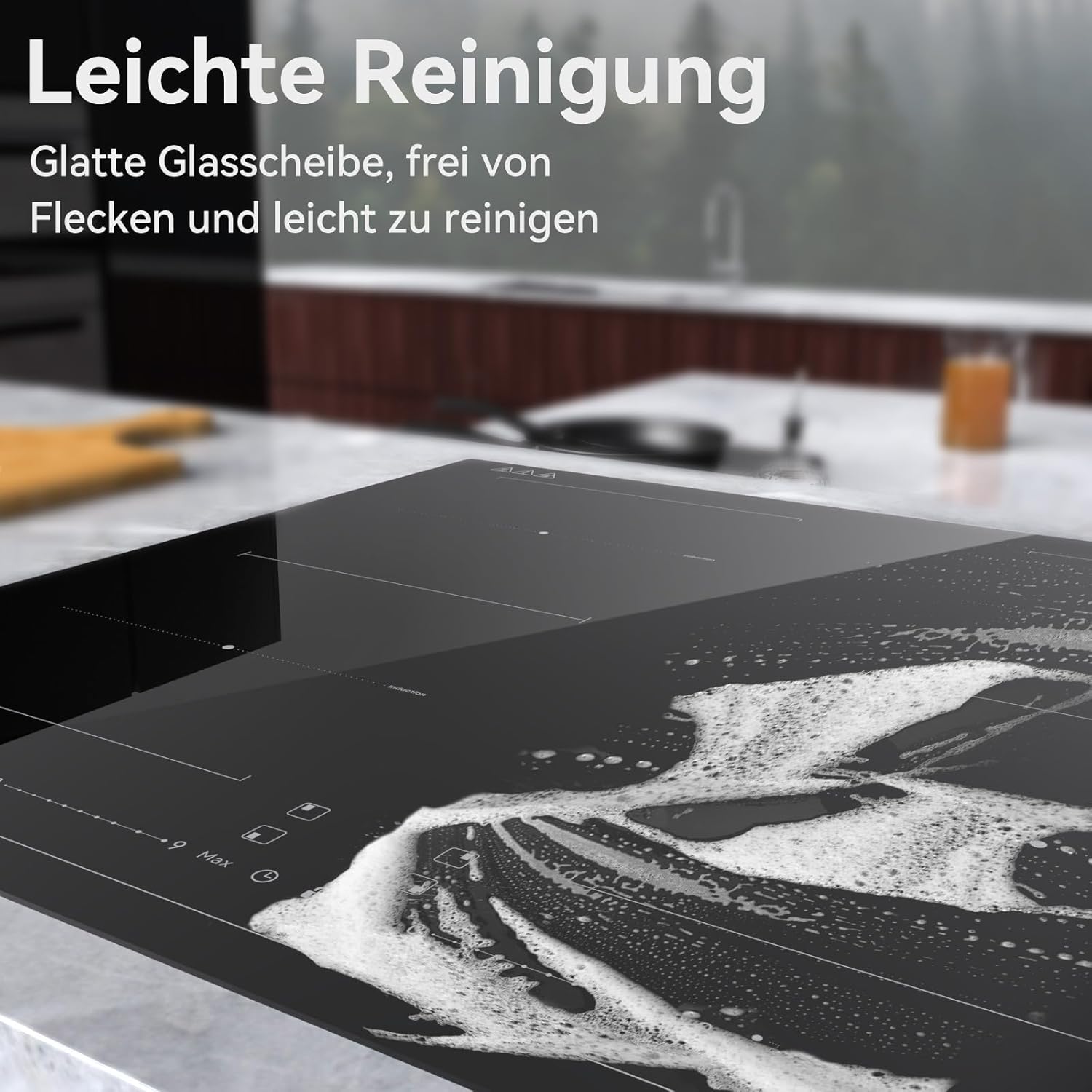
Image: The smooth glass-ceramic surface of the magicplux IC4S Induction Hob being cleaned, highlighting its ease of maintenance.
7. Troubleshooting
If you encounter issues with your induction hob, refer to the following common problems and solutions:
| Problem | Possible Cause | Solution |
|---|---|---|
| Hob does not turn on. | No power supply; child lock active. | Check circuit breaker. Deactivate child lock. |
| Cooking zone not heating. | Incompatible cookware; no pot detected; pot not centered. | Use induction-compatible cookware. Ensure pot is centered and has sufficient base diameter. |
| Display shows "E" (Error Code). | Internal fault; overheating. | Turn off the hob, disconnect from power for a few minutes, then restart. If the error persists, contact customer support. |
| Hob turns off unexpectedly. | Overheating protection activated; liquid spilled on controls. | Allow hob to cool down. Clean control panel if liquid is present. |
If the problem persists after attempting these solutions, please contact customer support.
8. Specifications
| Feature | Specification |
|---|---|
| Brand | magicplux |
| Model | IC4S |
| Installation Type | Drop-In |
| Product Dimensions (L x W x H) | 20.47 x 23.23 x 2.46 inches (520 x 590 x 62.5 mm) |
| Item Weight | 21 pounds (approx. 9.5 kg) |
| Burner Type | Induction |
| Heating Elements | 4 |
| Voltage | 220 Volts (AC) |
| Wattage | 7200 watts |
| Fuel Type | Electric |
| Material | Glass-Ceramic |
| Control Type | Digital Touch |
| Included Components | Cooktop unit only |
9. Warranty and Support
9.1 Warranty Information
For detailed warranty terms and conditions, please refer to the warranty card included with your product or visit the official magicplux website. Keep your proof of purchase for warranty claims.
9.2 Customer Support
If you have any questions, require technical assistance, or need to report a problem with your magicplux IC4S Induction Hob, please contact our customer support team. Contact details can typically be found on the manufacturer's website or your purchase documentation.
