
Introduction
Thank you for choosing the Ingco GE8002 800W 2-Stroke Gasoline Generator. This manual provides essential information for the safe operation, maintenance, and troubleshooting of your generator. Please read it thoroughly before use and keep it for future reference.
Important Safety Instructions
Failure to follow these instructions can result in serious injury or death. Always prioritize safety when operating the generator.
- Carbon Monoxide Hazard: Generators produce carbon monoxide, a colorless, odorless, poisonous gas. Operate the generator ONLY outdoors and far away from windows, doors, and vents. Never operate it inside a home, garage, basement, crawl space, or other enclosed area.
- Fire Hazard: Gasoline is highly flammable.
- Refuel in a well-ventilated area with the engine off and cool.
- Do not smoke or allow flames or sparks near the generator or fuel tank.
- Store fuel in an approved container in a well-ventilated area, away from ignition sources.
- Electrical Shock Hazard:
- Never operate the generator in wet conditions (rain, snow, wet ground).
- Ensure the generator is properly grounded.
- Do not connect the generator directly to your home's electrical system without a transfer switch installed by a qualified electrician. This can cause backfeed, electrocuting utility workers.
- Use only approved extension cords that are rated for outdoor use and the load.
- Hot Surfaces: The generator's engine and muffler become very hot during operation and remain hot for some time after shutdown. Avoid touching hot surfaces to prevent burns.
- Children and Pets: Keep children and pets away from the generator, especially during operation.
- Ventilation: Ensure adequate clear space around the generator for proper ventilation.
- Hearing Protection: Generators can be noisy. Consider wearing hearing protection during extended operation.
Product Overview
Familiarize yourself with the components of your Ingco GE8002 generator before operation.
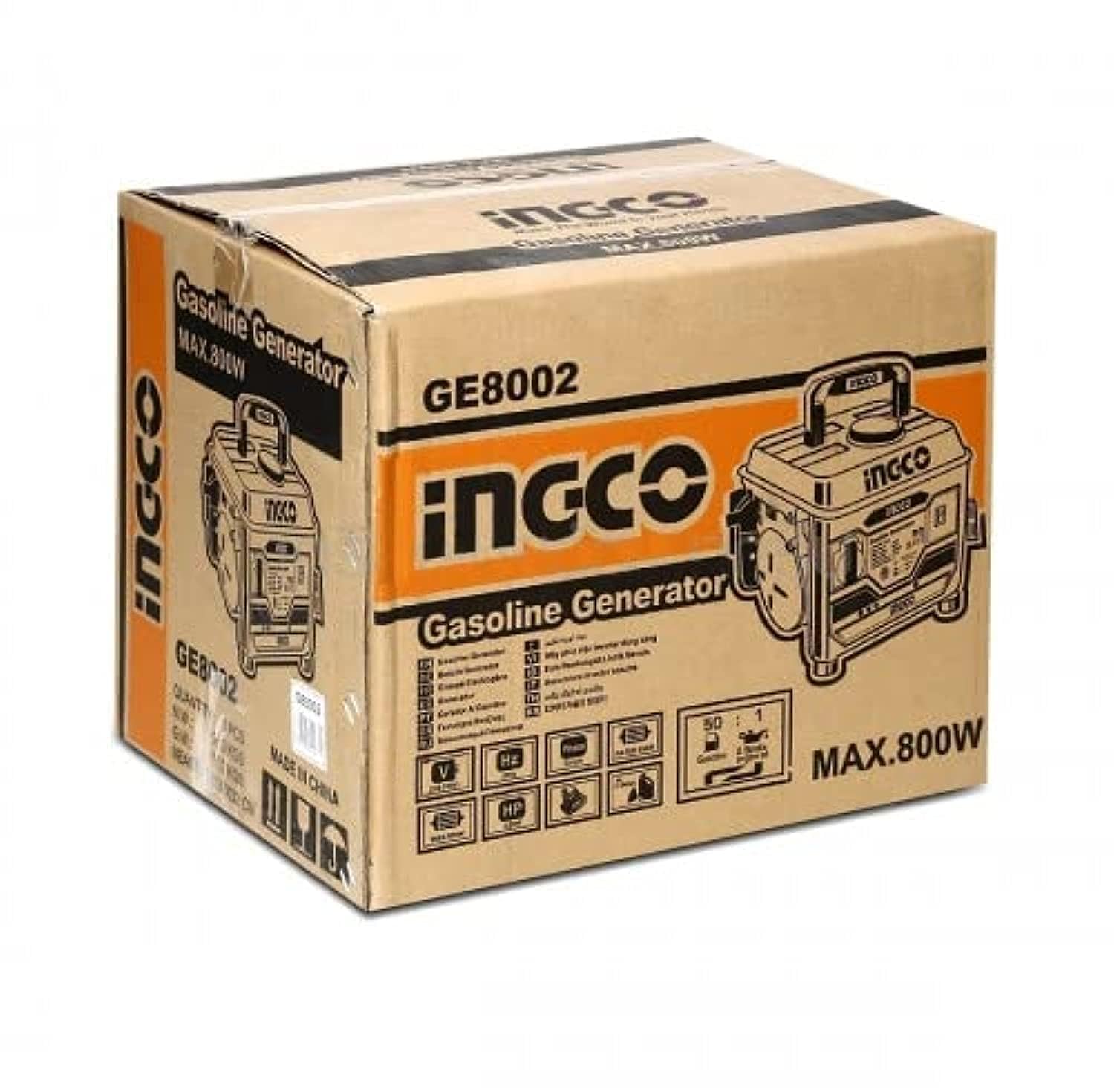

Key Components:
- Fuel Tank: Located on top, for gasoline and 2-stroke oil mixture.
- Fuel Cap: Secures the fuel tank opening.
- Recoil Starter: Used to manually start the engine.
- Engine Switch: Controls engine ignition (ON/OFF).
- AC Output Sockets: For connecting electrical appliances.
- Circuit Breaker/Protector: Protects the generator from overload.
- Air Filter: Filters air entering the engine.
- Carrying Handle: For portable transport of the unit.
Setup and Preparation
- Unpacking: Carefully remove the generator from its packaging. Inspect for any damage during shipping. Retain packaging for future storage or transport.
- Placement: Place the generator on a firm, level surface outdoors, in a well-ventilated area, away from combustible materials, and at least 1 meter (3 feet) from buildings or other equipment.
- Fuel Mixture (2-Stroke Engine):
This generator uses a 2-stroke engine and requires a specific gasoline-to-oil mixture. Refer to the engine specifications for the exact mixing ratio (e.g., 50:1 or 25:1). Use fresh, unleaded gasoline and high-quality 2-stroke engine oil. Mix the fuel and oil thoroughly in a separate, approved fuel container before pouring into the generator's fuel tank.
- Ensure the engine is OFF and cool before refueling.
- Clean any spilled fuel immediately.
- Do not overfill the fuel tank.
- Grounding: For safety, the generator must be properly grounded. Connect a grounding wire (not included) from the generator's grounding terminal to an appropriate ground source, such as a ground rod driven into the earth. Consult a qualified electrician if unsure.
Operating Instructions
Starting the Generator:
- Ensure the generator is on a level surface and all electrical loads are disconnected from the outlets.
- Turn the engine switch to the "ON" position.
- If the engine is cold, apply the choke (if equipped).
- Pull the recoil starter handle firmly and smoothly until the engine starts. Do not let the rope snap back.
- Once the engine starts, gradually push the choke back to the "OFF" position (if used). Allow the engine to warm up for a few minutes.
Connecting Electrical Loads:
- With the generator running, plug in your appliances or extension cords into the AC output sockets.
- Do not exceed the generator's rated output (0.65 kW continuous, 0.8 kW maximum). Overloading will trip the circuit breaker.
- Connect appliances one at a time, starting with the highest wattage.
Stopping the Generator:
- Disconnect all electrical loads from the generator outlets.
- Turn the engine switch to the "OFF" position.
- Allow the engine to cool down before storing.
Maintenance
Regular maintenance ensures optimal performance and extends the life of your generator. Always perform maintenance with the engine OFF and cool.
- Air Filter: Check the air filter regularly (e.g., every 20 hours of operation or monthly). Clean or replace if dirty. A clogged air filter can reduce engine performance.
- Spark Plug: Inspect the spark plug periodically (e.g., every 50 hours of operation or every 3 months). Clean carbon deposits or replace if worn. Ensure the gap is correct according to the engine specifications.
- Fuel System: If storing the generator for an extended period (more than 30 days), drain the fuel tank and carburetor to prevent fuel degradation and gumming. Run the engine until it stops from lack of fuel.
- General Cleaning: Keep the generator clean and free of dirt, debris, and fuel spills. Use a dry cloth or soft brush. Do not use water to clean the engine or electrical components.
- Storage: Store the generator in a clean, dry, well-ventilated area, away from direct sunlight and heat sources.
Troubleshooting
| Problem | Possible Cause | Solution |
|---|---|---|
| Engine will not start |
|
|
| No power output |
|
|
| Engine runs poorly |
|
|
If problems persist after attempting these solutions, please contact Ingco customer support or a qualified service technician.
Specifications
| Model | GE8002 |
| Rated Voltage | 220-240V |
| Rated Frequency | 50Hz |
| Max Output | 0.8 kW (800W) |
| Rated Output | 0.65 kW (650W) |
| Rated Speed | 3000 rpm |
| Engine Type | 2-Stroke |
| Displacement | 63 ml |
| Cooling System | Air-cooled |
| Starting System | Recoil Start |
| Alternator Wire | Aluminum |
| Fuel Tank Capacity | 4.0 L |
| Dry Weight | 16.5 kg |
| Product Dimensions (L x W x H) | 37 x 20 x 10 cm (approx.) |
| Fuel Type | Gasoline (mixed with 2-stroke oil) |
| Run Time | 5 hours (at rated load) |
| Included Components | Power cord, User Manual |
Warranty and Support
For warranty information, please refer to the warranty card included with your product or contact Ingco customer service. Keep your purchase receipt as proof of purchase.
For technical support or spare parts, please contact your local Ingco dealer or visit the official Ingco website for contact details.


