
SONOFF ZBCurtain
SONOFF Zigbee Smart Curtain Motor User Manual
Model: ZBCurtain | Brand: SONOFF
1. Introduction
The SONOFF Zigbee Smart Curtain Motor is an innovative device designed to automate your existing curtains, bringing smart home convenience to your living space. This motor allows for remote control, scheduling, and voice control of your curtains when paired with a compatible Zigbee 3.0 hub. It is engineered for easy installation without the need for complex rewiring or drilling, making your home automation journey simple and efficient.

Image: The SONOFF Zigbee Smart Curtain Motor, remote, and packaging.
2. What's in the Box
Please verify that all components are present before beginning installation:
- Curtain motor (Main-motor + Vice-motor + Drive-chain + Main-clamp) x1
- Curtain Remote Controller x1
- Curtain Remote Controller base (3M adhesive included) x1
- Vice-clamp x1
- Screw x2
- Type-C USB cable (1m) x1
- Type x4
- C-shape bracket x2
- Quick guide x1

Image: Detailed view of all items included in the product packaging.
3. Key Features
The SONOFF Zigbee Smart Curtain Motor offers a range of features designed for convenience and efficiency:
- Easy to Make Ordinary Curtain Smart: Transform your existing curtains into smart curtains in seconds without modifications or tools. The motor can pull curtains up to 8kg at a constant speed.
- One Device Meets Different Use Scenes: Compatible with various curtain types, supporting both single-side and double-side opening curtains.
- Manual Start or Pause: Gently pull the curtain to automatically open or close, and stop at any desired position.
- Multiple Control Options: Control via the eWeLink App, set schedules, create smart scenes with other devices, use the included remote control, or utilize voice commands.
- Long Battery Life and Easy to Charge: Equipped with a 4000mA lithium battery, providing up to 3 months of use on a full charge (based on two open/close cycles per day). Can also be continuously charged.

Image: Visual representation of the motor's core features including automatic opening, adjustable percentage, 8kg pull, APP, voice, and remote control.

Image: Icons illustrating control options: One-tap Operation, Remote Control, Timer Schedule, Voice Control, Share Control, Manual Operation, Smart Scene.
4. Compatibility
The SONOFF Zigbee Smart Curtain Motor requires a Zigbee 3.0 HUB for full smart functionality. It is compatible with a variety of popular smart home ecosystems and gateways:
- Zigbee 3.0 HUB: Essential for connecting the motor to your smart home network.
- Voice Assistants: Works with Alexa, Google Assistant, and Alice for convenient voice control.
- Smart Home Platforms: Compatible with SmartThings hub v3 and Aeotec Smart Home Hub v3.
- SONOFF Gateways: Supports SONOFF ZBBridg, ZBBridg-P, NSPanel Pro, ZBDongle-P, and ZBDongle-E.
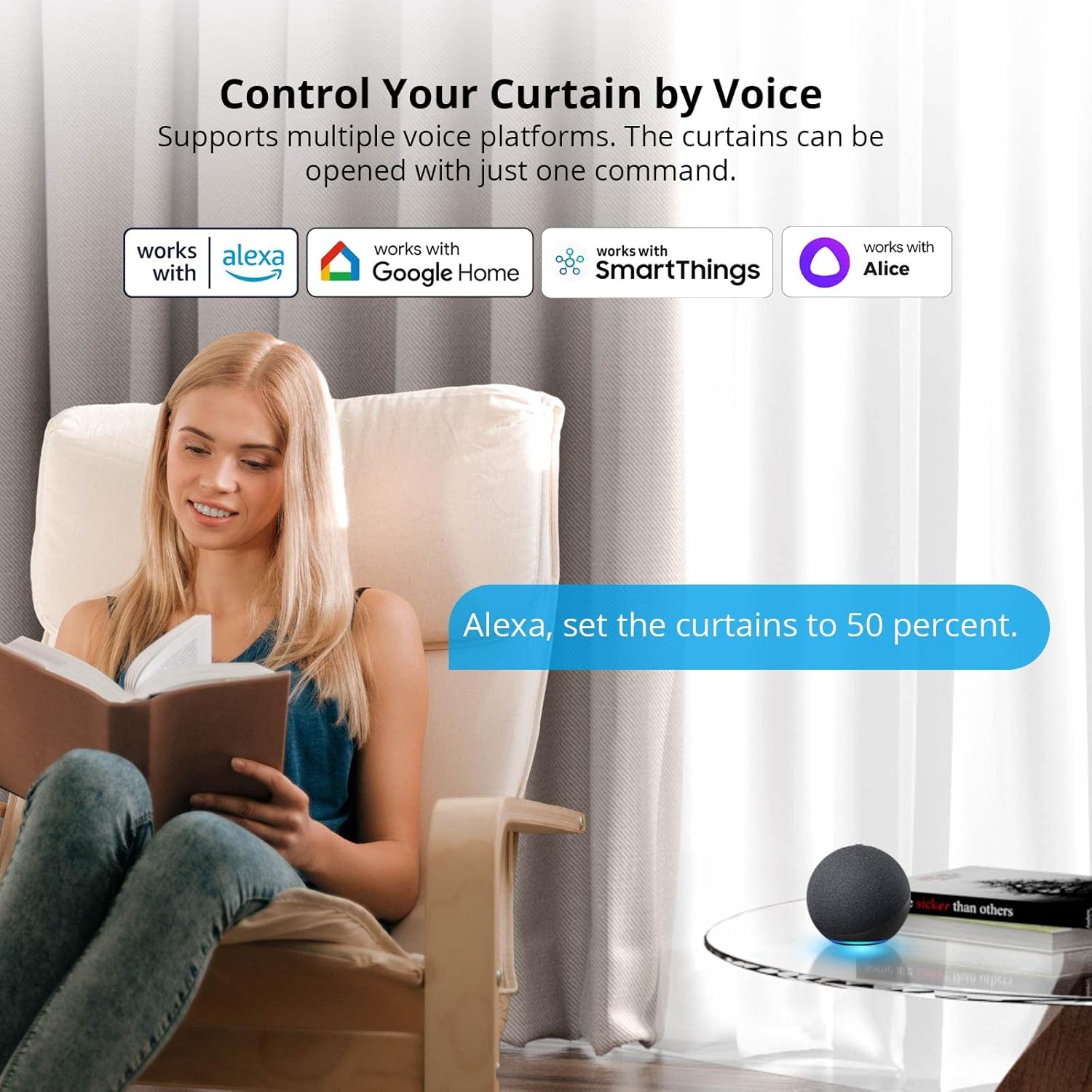
Image: Demonstrates voice control compatibility with Alexa, Google Home, SmartThings, and Alice.

Image: Illustrates support for multiple Zigbee 3.0 gateways, including various SONOFF bridges and popular smart home hubs/speakers.
5. Installation Guide
The SONOFF Zigbee Smart Curtain Motor is designed for simple, one-person installation without drilling or complex rewiring. Follow these steps:
5.1 Applicable Situations
Ensure your curtain setup meets the following criteria for proper operation:
- Supports straight curtain tracks.
- Requires head space greater than 2mm above the track.
- Compatible with rail lengths less than 3.5m.
- Not supported: Curved curtain tracks or curtain rods.

Image: Visual guide for compatible curtain track types (straight) and incompatible types (curved, rod).
5.2 Mounting the Motor
The motor attaches directly to your existing curtain track. No drilling is required.
- Attach the main-clamp and vice-clamp to the curtain track.
- Secure the motor unit to the clamps.
- Ensure the motor is firmly in place and does not obstruct curtain movement.

Image: Step-by-step visual instructions for installing the motor onto the curtain track.
5.3 Quick Start Pairing
After physical installation, pair the device with your Zigbee gateway:
- Download the eWeLink APP from http://app.coolkit.cc/dl.html.
- Power on the curtain motor.
- Open the eWeLink APP, select your Zigbee gateway, and tap the "Add" icon.
- Wait for the APP to search and add the device.

Image: Visual guide for downloading the eWeLink app, powering on the device, and initiating the pairing process.
6. Operation
Control your smart curtains using various methods:
6.1 eWeLink App Control
The eWeLink App provides comprehensive control over your curtain motor:
- Open/Close: Manually open or close your curtains from anywhere.
- Adjust Opening Percentage: Precisely control how much your curtains open, allowing you to manage sunlight and privacy.
- Scheduling: Set specific times for your curtains to open or close automatically, such as at sunrise or sunset.
- Smart Scenes: Integrate your curtain motor with other smart devices to create automated scenarios (e.g., curtains close when you leave home, or open when a door sensor is triggered).
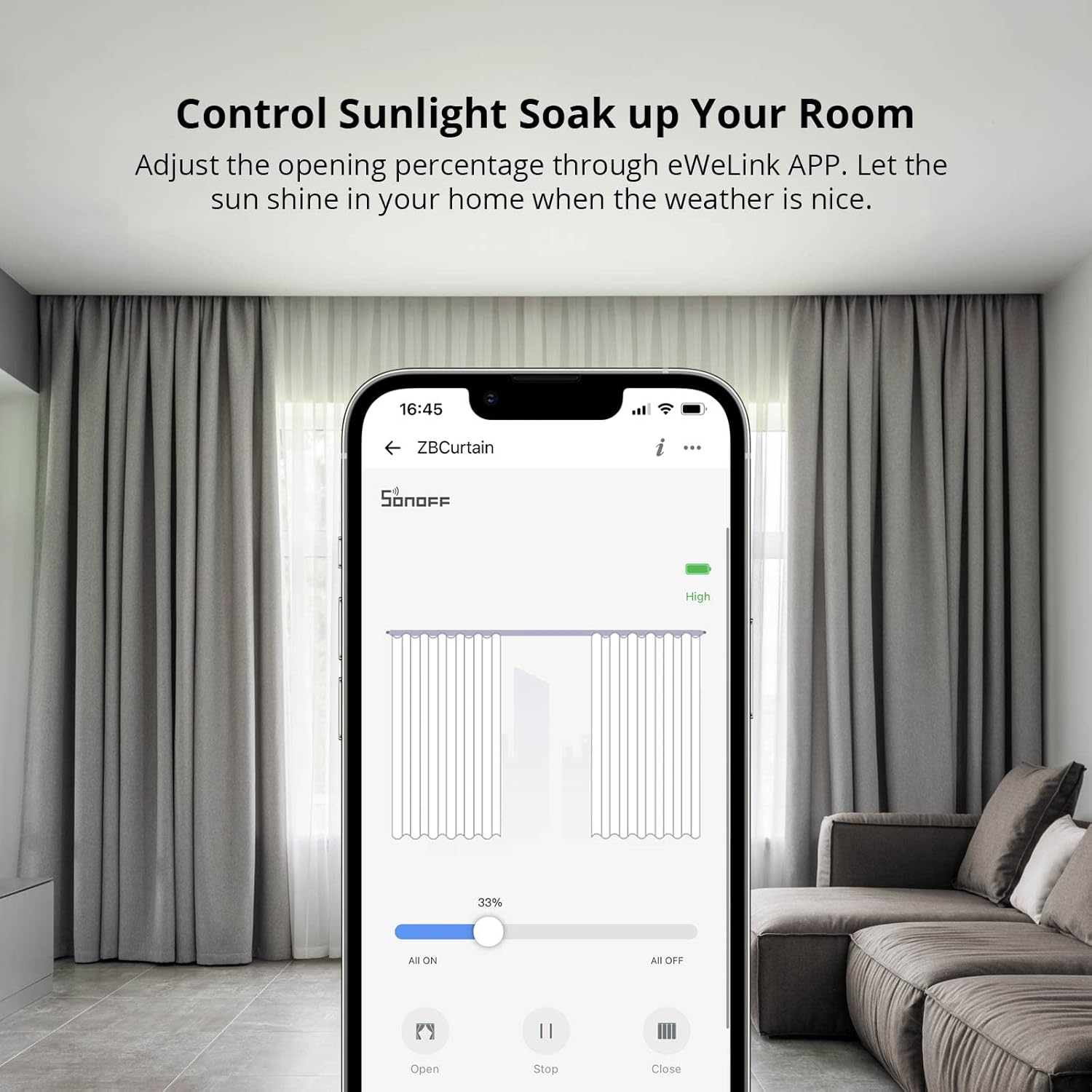
Image: Screenshot of the eWeLink app demonstrating the ability to adjust curtain opening percentage.
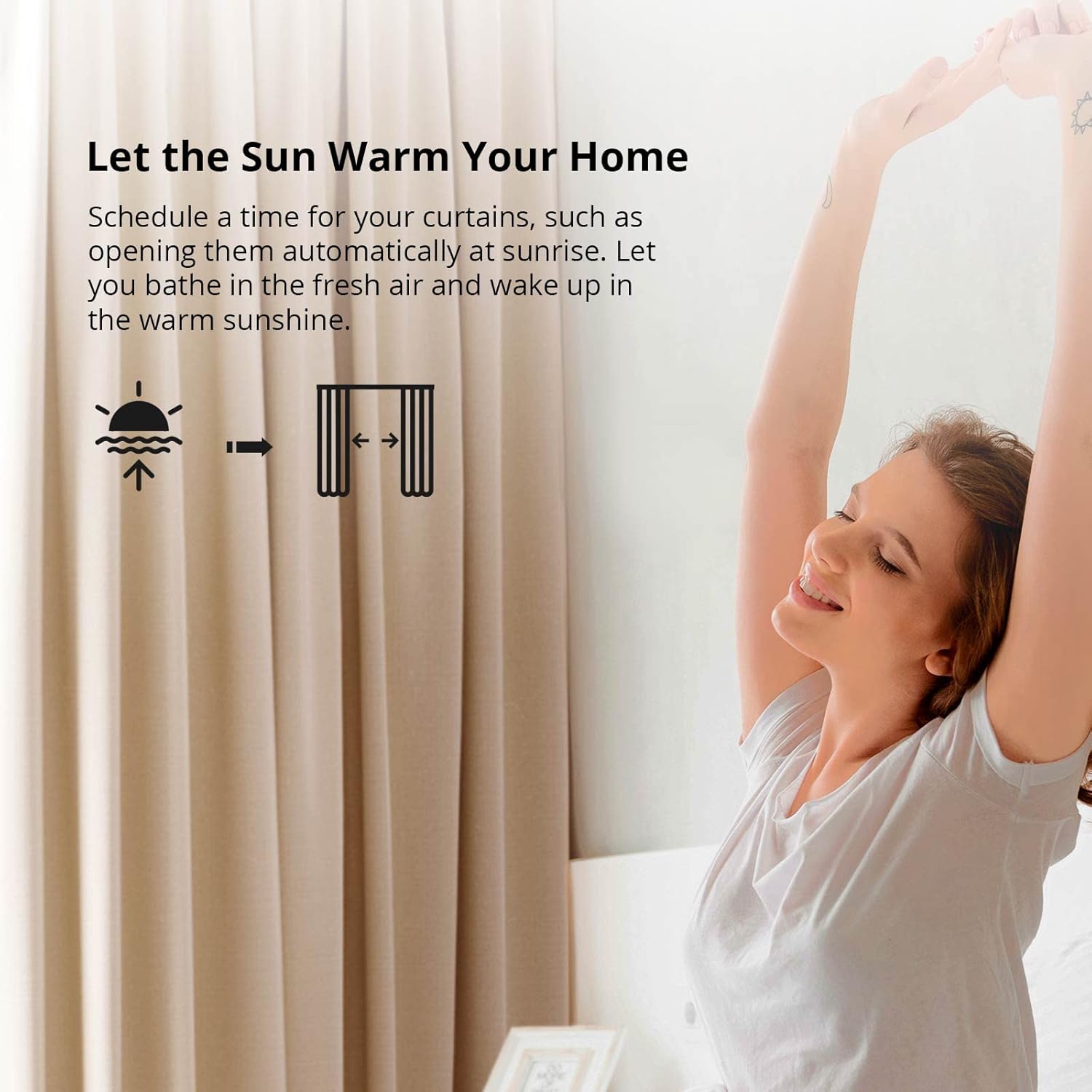
Image: Depicts scheduling functionality, allowing curtains to open automatically at sunrise.

Image: Illustrates the motor's versatility for both single-side and double-side opening curtain setups.
6.2 Voice Control
Use voice commands through compatible assistants like Alexa or Google Assistant to control your curtains hands-free. For example, say "Alexa, set the curtains to 50 percent."
6.3 Remote Control
The included remote control provides direct physical control. One remote can control multiple curtain motors, or multiple remotes can control a single motor.
6.4 Manual Operation
The motor supports manual start and pause. Gently pull the curtain to initiate movement, and it will automatically continue or stop at your command.
7. Maintenance
7.1 Battery Life and Charging
The SONOFF Zigbee Smart Curtain Motor is equipped with a 4000mA lithium battery. A full charge can provide power for up to 3 months, based on two open/close cycles per day. The device can also be continuously charged via its Type-C USB port to ensure it is always ready for use.

Image: Illustrates the 4000mA lithium battery capacity and the Type-C charging method.
7.2 Optional Solar Panel Charging
For an environmentally friendly and energy-saving solution, the motor can be optionally charged using solar panels (purchased separately). One day of charging with sufficient light intensity (e.g., 6037LX) can support the device for three days of operation.

Image: Shows the optional solar panel accessory that can be used to charge the curtain motor.
8. Specifications
| Attribute | Value |
|---|---|
| Model | ZBCurtain |
| Input | 5V⎓1A |
| Wireless Connection | Zigbee 3.0 |
| Max. Power | 5W |
| Applicable Curtain Length | ≤3.5m |
| Product Size (Main-motor) | 115x78x29mm |
| Product Size (Vice-motor) | 115x58x28mm |
| Battery Model | 103450 (103450x2 3.7V) |
| Battery Capacity | 4000mAh |
| Interface Type | Type-C |
| Applicable Track/Curtain Rod Diameter | ≤40mm |
| Shell Material | ABS |
| Maximum Weight Recommendation | 8 Kilograms |

Image: Technical drawing with dimensions and key specifications of the motor unit.
9. Troubleshooting
If you encounter issues with your SONOFF Zigbee Smart Curtain Motor, consider the following common solutions:
- Motor Not Responding:
- Check if the motor is powered on and fully charged.
- Ensure the Zigbee hub is online and the motor is properly paired.
- Verify the remote control battery if using it.
- Curtains Not Moving Smoothly:
- Inspect the curtain track for any obstructions or damage.
- Ensure the bead chain is correctly installed and not tangled.
- Check if the curtain weight exceeds the 8kg maximum recommendation.
- Incorrect Status in App:
- Ensure a stable Zigbee connection between the motor and the hub.
- Try re-calibrating the curtain's open/close limits within the eWeLink App.
- Pairing Issues:
- Ensure the motor is in pairing mode (refer to quick start guide).
- Move the motor closer to the Zigbee hub during the pairing process.
- Check for firmware updates for your Zigbee hub.
For persistent issues, consult the eWeLink App's help section or contact SONOFF customer support.
10. Warranty and Support
SONOFF products are designed for reliability and performance. For warranty information, please refer to the specific warranty card included with your product or visit the official SONOFF website. If you require technical assistance or have questions regarding your SONOFF Zigbee Smart Curtain Motor, please contact SONOFF customer support through their official channels. You can find contact information and additional resources on the product packaging or the SONOFF website.

Image: Back of the product box showing QR codes for eWeLink app download and manufacturer details, useful for support.
Related documentsZBCurtain


Ask a question about this manual
Ask about setup, troubleshooting, compatibility, parts, safety, or missing instructions. Manuals+ will review the question and use this page’s manual context to help answer it.