
DEERC AU4-SQN-022-YW
DEERC RC Plane User Manual
Model: AU4-SQN-022-YW
2.4GHZ Remote Control Airplane with 6-axis Gyro Stabilizer
1. Introduction
Thank you for purchasing the DEERC RC Plane. This remote control airplane is designed for ease of use, making it ideal for beginners and experienced pilots alike. Featuring a 6-axis gyroscope for stable flight and durable EPP material for resilience, this model provides an enjoyable flying experience. Please read this manual thoroughly before operation to ensure safe and proper use.

Image: The DEERC RC Plane is designed for easy learning and fun for young pilots.
2. Safety Guidelines
To prevent injury or damage, always observe the following safety precautions:
- Adult Supervision: Recommended for pilots under 14 years of age.
- Flight Environment: Fly in open, clear areas away from people, buildings, trees, and power lines. Avoid flying in strong winds or adverse weather conditions.
- Pre-Flight Check: Always ensure the aircraft and remote control batteries are fully charged and properly installed. Verify all parts are securely attached.
- Propeller Safety: Keep hands, face, and loose clothing away from rotating propellers.
- Battery Safety: Use only the specified batteries and chargers. Do not overcharge, short-circuit, or puncture batteries. Dispose of batteries responsibly.
- Water Exposure: Do not expose the aircraft or remote control to water or moisture.
3. Package Contents
Please check the package to ensure all items are present:
- DEERC RC Plane (1)
- 2.4GHz Remote Control (1)
- 3.7V 185mAh LiPo Batteries (3)
- USB Charging Cables (2)
- Spare Propellers (2 pairs)
- Landing Gear (1 set)
- Screwdriver (1)
- User Manual (1)

Image: The complete package contents of the DEERC RC Plane, including the aircraft, remote, batteries, and accessories.
4. Product Overview
Familiarize yourself with the main components of your DEERC RC Plane:
- Aircraft Body: Made from durable EPP foam, designed to withstand impacts.
- Propellers: Located on the top of the wings, providing thrust.
- Battery Compartment: Located on the underside of the aircraft.
- LED Lights: Colorful LED strip for visibility and aesthetic appeal.
- Landing Gear: Removable for ground take-off and landing.
- Remote Control: 2.4GHz system for stable and responsive control.

Image: Key features of the DEERC RC Plane, highlighting its durable construction and advanced flight systems.

Image: The colorful LED strip on the DEERC RC Plane, enhancing visibility and visual appeal.
5. Setup
5.1 Charging Batteries
The aircraft comes with three 3.7V 185mAh LiPo batteries. Each battery provides up to 8 minutes of flight time, totaling up to 24 minutes with all three.
- Connect the LiPo battery to the USB charging cable.
- Plug the USB charging cable into a USB power source (e.g., computer USB port, USB wall adapter).
- The indicator light on the USB cable will show charging status (refer to charger instructions for specific light behavior).
- Charging typically takes approximately 30-40 minutes per battery. Do not leave batteries unattended while charging.
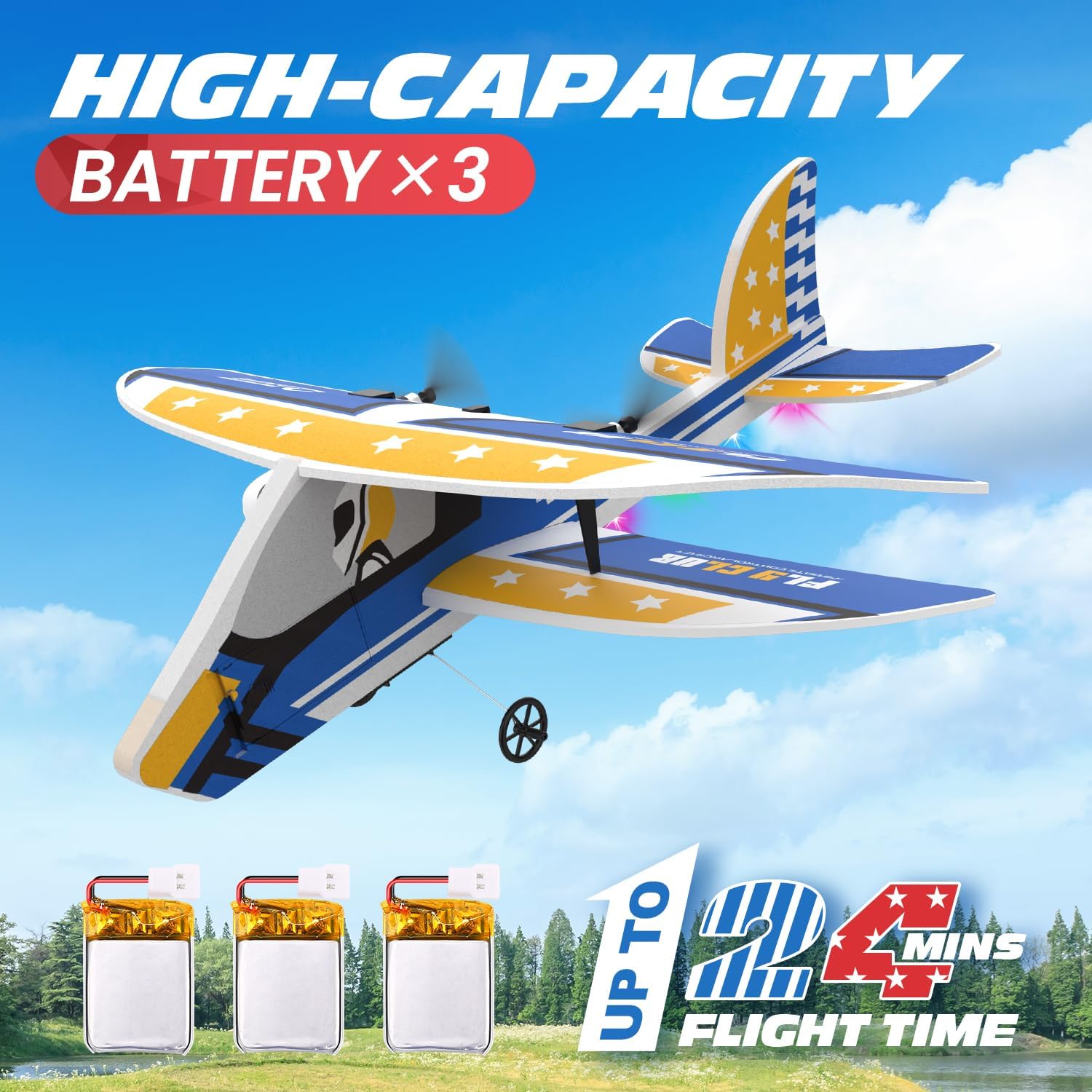
Image: The three included high-capacity batteries provide extended flight time.
5.2 Installing Aircraft Battery
- Locate the battery compartment on the underside of the aircraft.
- Carefully insert a fully charged LiPo battery into the compartment.
- Connect the battery plug to the aircraft's power port. Ensure the connection is secure.
- Close the battery compartment cover.
5.3 Installing Remote Control Batteries
The remote control requires 3 AA batteries (not included).
- Open the battery cover on the back of the remote control.
- Insert 3 AA batteries, observing the correct polarity (+/-).
- Close the battery cover securely.
5.4 Aircraft Assembly
The DEERC RC Plane comes mostly pre-assembled. You may need to attach the landing gear:
- Locate the slots on the underside of the aircraft for the landing gear.
- Gently push the landing gear into the slots until it clicks into place.

Image: The removable landing gear can be easily attached or detached.
5.5 Binding the Remote Control
To establish a connection between the aircraft and the remote control:
- Ensure the aircraft battery is connected and the aircraft is placed on a flat surface.
- Turn on the remote control. The indicator light on the remote will flash.
- Push the throttle stick (left stick) all the way up, then all the way down.
- The indicator light on the remote control will become solid, indicating successful binding.
6. Operating Instructions
6.1 Pre-Flight Check
- Confirm all batteries are charged and installed.
- Ensure the aircraft and remote control are bound.
- Check for any visible damage to the aircraft, especially propellers.
- Choose a safe, open area for flight.
6.2 Take-Off
The DEERC RC Plane supports two take-off methods:

Image: The DEERC RC Plane supports both ground take-off and hand launch methods.
6.2.1 Ground Take-Off
- Place the aircraft on a smooth, flat surface with the landing gear attached.
- Slowly increase the throttle. The plane will gain speed and lift off.
6.2.2 Hand Launch
- Hold the aircraft firmly with one hand, ensuring propellers are clear.
- Increase the throttle to about 70-80%.
- Gently toss the aircraft forward into the wind.
6.3 Flight Controls
The 2.4GHz remote control system provides a stable connection up to 164 feet (50 meters).
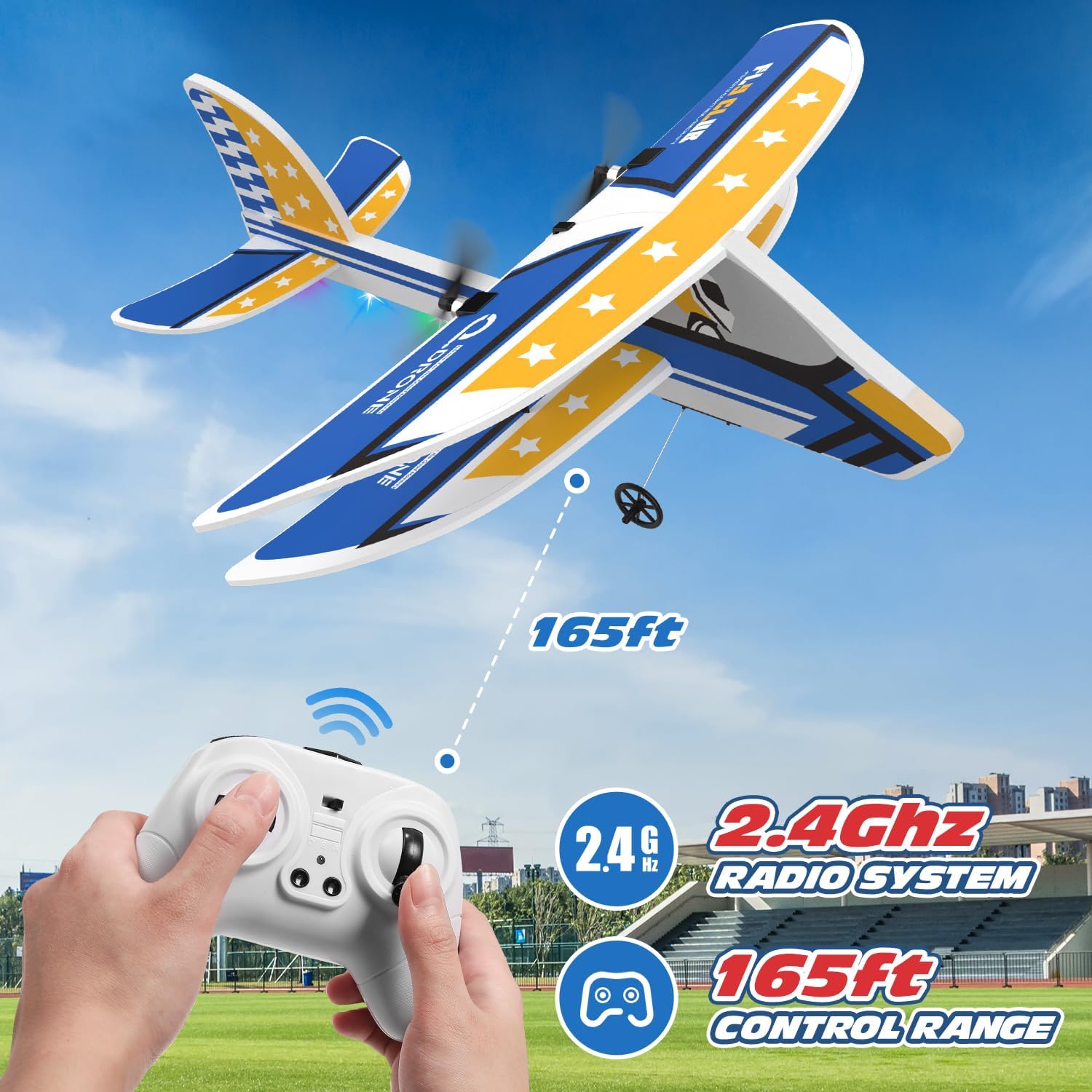
Image: The 2.4GHz radio system provides a control range of up to 165 feet.
- Throttle (Left Stick Up/Down): Controls the speed of the propellers, affecting altitude.
- Direction (Right Stick Left/Right): Controls the turning of the aircraft.
- 6-Axis Gyro Stabilizer: The built-in gyroscope automatically stabilizes the aircraft, making it easy to control even for beginners. If the plane loses control, release the throttle, and the gyro will help restore balance.

Image: The auto-leveling six-axis flight system ensures stable and balanced flight.

Image: The remote control allows for multi-directional flight control.
6.3.1 Speed Modes
The aircraft features two speed modes for different flying experiences:
- Low Speed Mode: Ideal for beginners and indoor flying (if space permits).
- High Speed Mode: For more experienced pilots and outdoor flying.
Refer to the remote control diagram for the button to switch between speed modes.

Image: The remote control offers two speed modes for varied flight experiences.
6.4 Landing
To land the aircraft safely:
- Reduce the throttle gradually to decrease altitude.
- Guide the aircraft towards an open, clear landing area.
- Continue to reduce throttle until the aircraft gently touches down.
- Once on the ground, fully reduce the throttle to stop the propellers.
7. Maintenance
7.1 Cleaning
Wipe the aircraft body with a soft, dry cloth after each use to remove dirt or debris. Do not use harsh chemicals or water directly on electronic components.
7.2 Propeller Replacement
If a propeller is damaged, replace it with a spare from the package:
- Carefully remove the damaged propeller.
- Install a new propeller, ensuring it is securely attached and facing the correct direction.
7.3 Battery Care and Storage
- Always disconnect the battery from the aircraft after use.
- Store batteries in a cool, dry place away from direct sunlight and heat.
- Do not store fully charged or completely depleted batteries for extended periods. For long-term storage, charge batteries to approximately 50% capacity.
8. Troubleshooting
| Problem | Possible Cause | Solution |
|---|---|---|
| Aircraft does not respond to remote control. | Not bound, low battery, out of range. | Re-bind aircraft and remote. Charge batteries. Fly within range. |
| Aircraft cannot take off or flies weakly. | Low aircraft battery, damaged propellers, motor issue. | Charge aircraft battery. Replace damaged propellers. Contact support if motor issue. |
| Aircraft drifts or is unstable. | Improper calibration, strong wind. | Ensure aircraft is placed on a flat surface during binding. Avoid flying in windy conditions. |
| Remote control indicator light flashes. | Low remote control battery. | Replace AA batteries in the remote control. |
9. Specifications
| Feature | Detail |
|---|---|
| Model Number | AU4-SQN-022-YW |
| Frequency | 2.4 GHz |
| Control Range | Up to 164 ft (50 meters) |
| Aircraft Battery | 3.7V 185mAh LiPo (x3 included) |
| Flight Time | Approx. 8 minutes per battery (up to 24 minutes total) |
| Charging Time | Approx. 30-40 minutes per battery |
| Remote Control Battery | 3 x AA batteries (not included) |
| Stabilization System | 6-axis Gyroscope |
| Material | EPP Foam |
| Product Dimensions | 10.7 x 4.1 x 11 inches |
| Item Weight | 14.4 ounces |
| Recommended Age | 14 years and up |

Image: Detailed dimensions of the DEERC RC Plane.
10. Warranty and Support
DEERC products are manufactured to high quality standards. For warranty information, technical support, or replacement parts, please contact DEERC customer service through the retailer's platform or the official DEERC website. Please retain your proof of purchase for warranty claims.
For further assistance, visit the official DEERC store: DEERC Store on Amazon
Related documentsAU4-SQN-022-YW

Ask a question about this manual
Ask about setup, troubleshooting, compatibility, parts, safety, or missing instructions. Manuals+ will review the question and use this page’s manual context to help answer it.