
Introduction
Thank you for choosing the Cellularline Wireless Power Bank MAG 5000. This portable charger is designed to provide convenient and efficient power to your compatible devices, especially those supporting MagSafe technology. Please read this manual carefully before using the product to ensure proper operation and to maximize its lifespan.
Package Contents
- Cellularline Wireless Power Bank MAG 5000
- USB-C to USB-C Charging Cable
- User Manual (this document)
Specifications
| Model Name | PBMAGSFCOL5000WIRK |
| Brand | Cellularline |
| Battery Capacity | 5000 mAh (Milliampere-hour) |
| Wireless Charging Output | 7.5 W |
| Wired Charging Output | 1 x USB-C 18 W |
| Connector Type | USB Type C |
| Voltage | 5 Volts |
| Battery Composition | Polymer |
| Color | Black |
| Special Feature | Compact design |
| Recommended Use | Mobile Phones (especially iPhone 12 and later with MagSafe) |
| Power Source | Electric Cable |
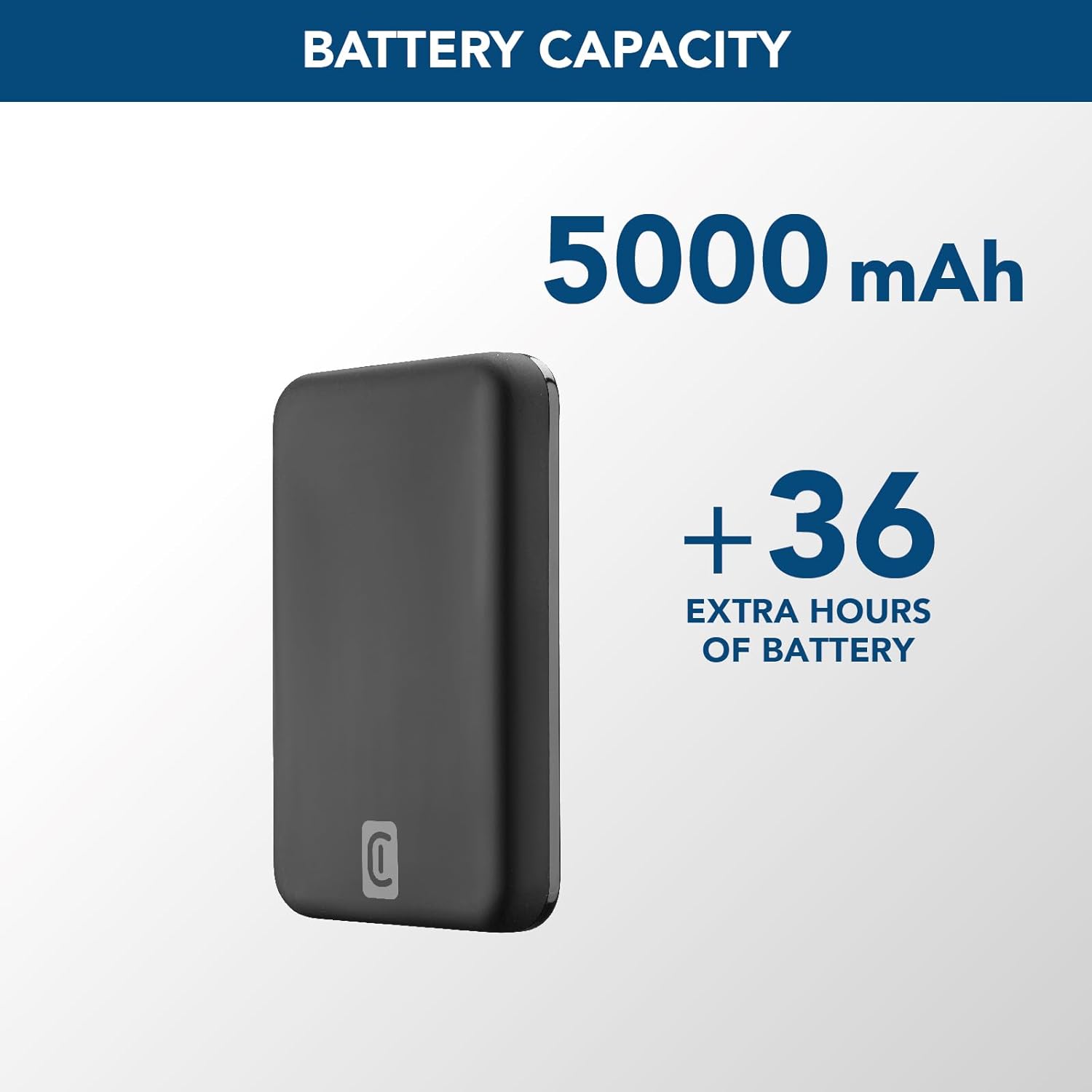
Image: A graphic highlighting the 5000 mAh battery capacity of the power bank, indicating extended battery life for devices.
Setup
Charging the Power Bank
Before initial use, fully charge your Cellularline Wireless Power Bank MAG 5000. This ensures optimal performance and battery longevity.
- Connect the supplied USB-C to USB-C cable to the USB-C port on the power bank.
- Connect the other end of the USB-C cable to a compatible USB-C wall adapter (not included) or a powered USB-C port on a computer.
- The LED indicators on the power bank will illuminate to show the charging status. Once all LEDs are solid, the power bank is fully charged.

Image: The Cellularline Wireless Power Bank MAG 5000 shown magnetically attached to the back of an iPhone, demonstrating its compact size and MagSafe compatibility. The power bank is black, and the iPhone has a clear case revealing the MagSafe ring.
Operating Instructions
Wireless Charging (MagSafe Compatible)
The power bank features magnetic wireless charging, ideal for iPhone 12 and later models, or other devices with MagSafe compatible cases.
- Ensure your device supports wireless charging and has MagSafe technology, or is equipped with a MagSafe compatible case.
- Align the power bank with the back of your compatible device. The magnets will automatically snap the power bank into place, ensuring proper alignment for wireless charging.
- Wireless charging will begin automatically. The LED indicators on the power bank may show charging activity.
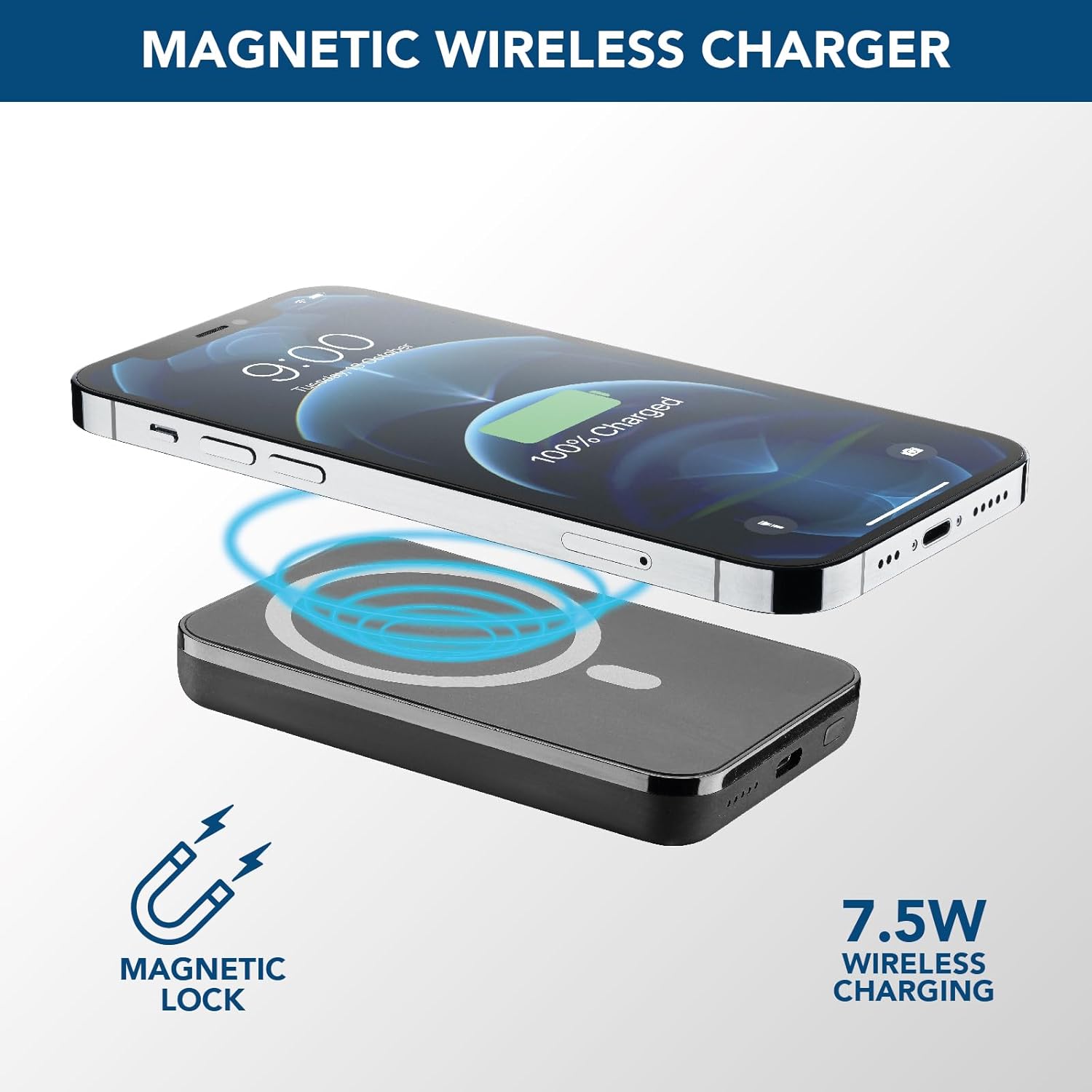
Image: An illustration showing the Cellularline power bank wirelessly charging an iPhone. Blue magnetic waves emanate from the power bank to the phone, indicating the magnetic lock and 7.5W wireless charging capability.
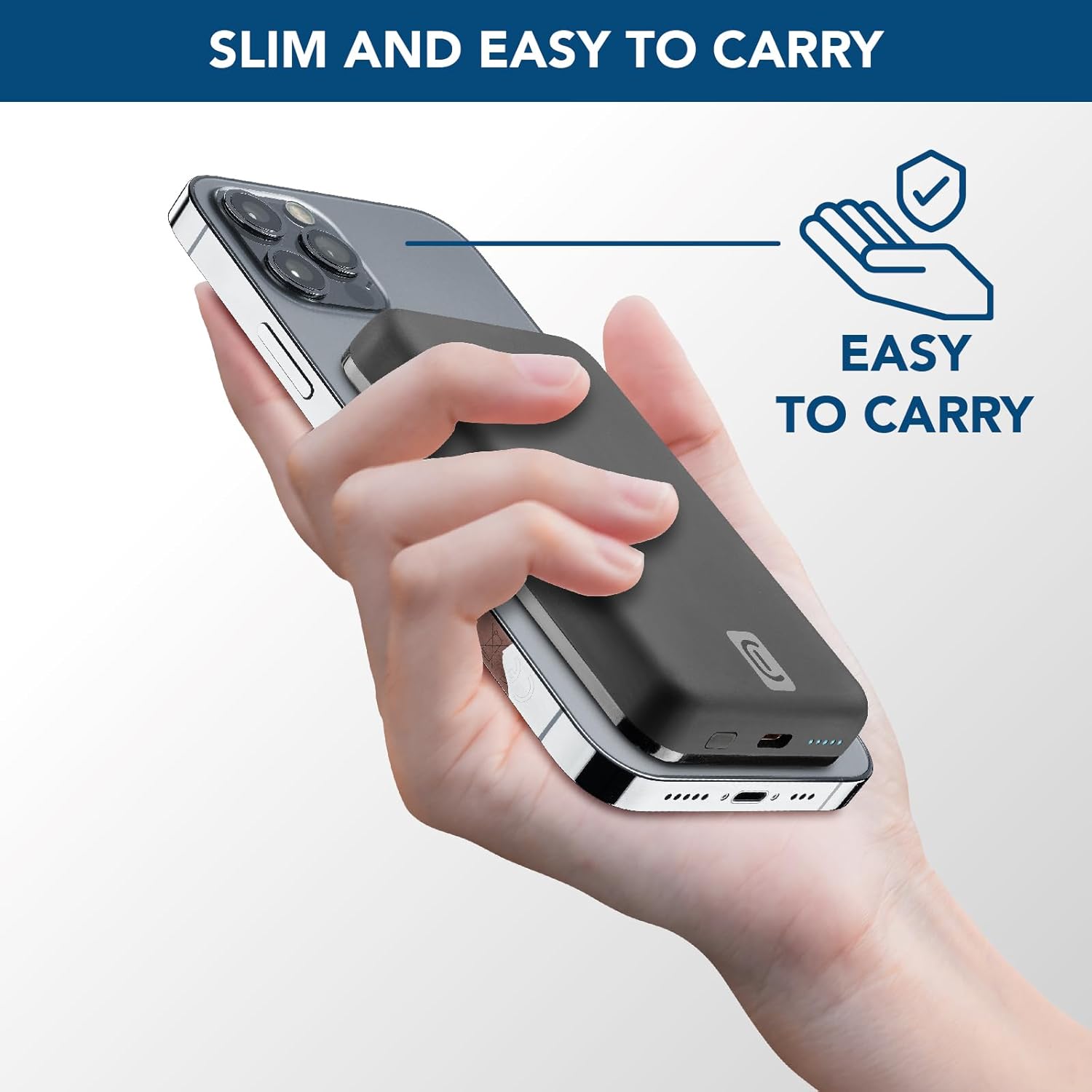
Image: A hand holding an iPhone with the Cellularline power bank magnetically attached to its back, highlighting the product's slim profile and ease of carrying.

Image: A collection of colorful MagSafe compatible phone cases, illustrating that the power bank can be used with any MagSafe case for secure magnetic attachment and charging.
Wired Charging (USB-C)
For devices that do not support wireless charging or for faster charging, use the USB-C port.
- Connect one end of a USB-C cable (the one supplied or another compatible cable) to the USB-C port on the power bank.
- Connect the other end of the USB-C cable to your device's charging port.
- Charging will begin automatically.
Note: The power bank can charge one device wirelessly and another via the USB-C port simultaneously, though total output may be shared.
Maintenance
- Cleaning: Use a soft, dry cloth to clean the power bank. Do not use harsh chemicals or abrasive materials.
- Storage: Store the power bank in a cool, dry place away from direct sunlight and extreme temperatures.
- Battery Care: To prolong battery life, fully charge the power bank at least once every three months if not in regular use. Avoid fully discharging the battery frequently.
- Handling: Do not drop, disassemble, or attempt to repair the power bank yourself. This can void the warranty and cause damage.
Troubleshooting
| Problem | Possible Cause | Solution |
|---|---|---|
| Power bank not charging |
|
|
| Device not charging wirelessly |
|
|
| Device not charging via USB-C |
|
|
| Power bank gets hot during use |
|
|
Warranty and Support
Cellularline products are designed and manufactured to the highest quality standards. For information regarding warranty coverage, technical support, or service inquiries, please refer to the warranty card included with your purchase or visit the official Cellularline website. Please retain your proof of purchase for warranty claims.
Official Website: www.cellularline.com


