
1. Introduction
This manual provides instructions for the safe and efficient use of your Philips DLP1815 10000mAh PD 20W Portable Power Bank. Please read this manual thoroughly before use and retain it for future reference. This power bank is designed to provide portable charging for various electronic devices, featuring fast charging capabilities and multiple output ports.
2. Product Overview
The Philips DLP1815 is a compact and high-capacity portable power bank. It features multiple ports for versatile charging and an LED indicator to display the battery status.
2.1 Components
- Philips DLP1815 Portable Power Bank
- USB-C to USB-A Charging Cable (may vary by package)
- User Manual
2.2 Port Layout
The power bank is equipped with the following ports:
- USB-C Port: Functions as both an input (for charging the power bank) and an output (for charging devices) with PD 20W support.
- Micro USB Port: Functions as an input for charging the power bank.
- USB-A Ports (x2): Output ports for charging devices with Quick Charge 3.0 support (up to 18W total).
The power bank also includes an LED indicator to show the remaining battery level.
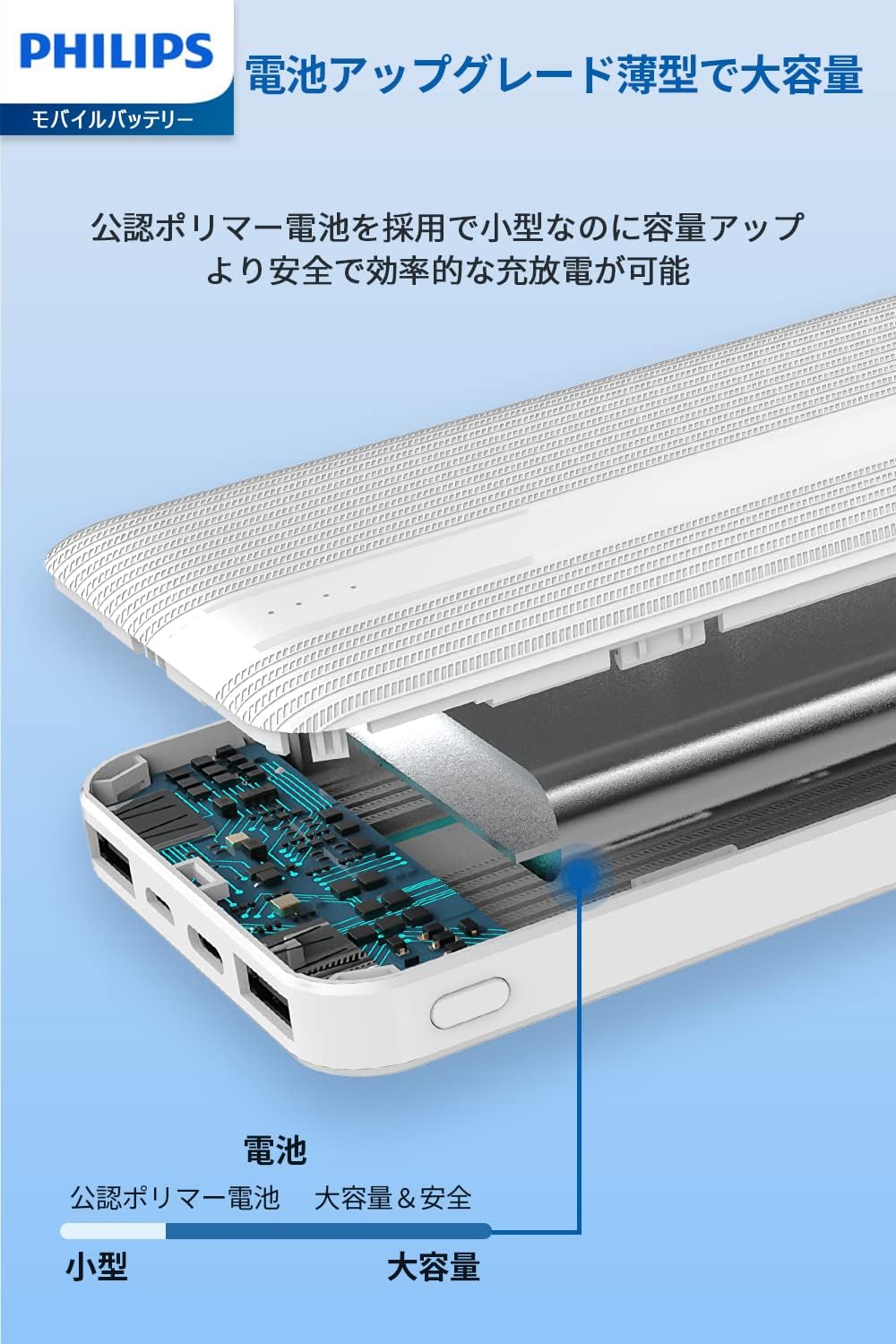
Image: Close-up view of the Philips DLP1815 power bank's input and output ports.

Image: The LED indicator lights on the Philips DLP1815 power bank, illustrating different battery charge levels.
3. Setup
Before using your Philips DLP1815 Portable Power Bank for the first time, it is recommended to fully charge it.
3.1 Initial Charging of the Power Bank
- Connect a compatible USB-C cable to the power bank's USB-C input port or a Micro USB cable to the Micro USB input port.
- Connect the other end of the cable to a USB wall charger (not included).
- The LED indicators will illuminate to show the charging progress. All four LEDs will be solid when the power bank is fully charged.
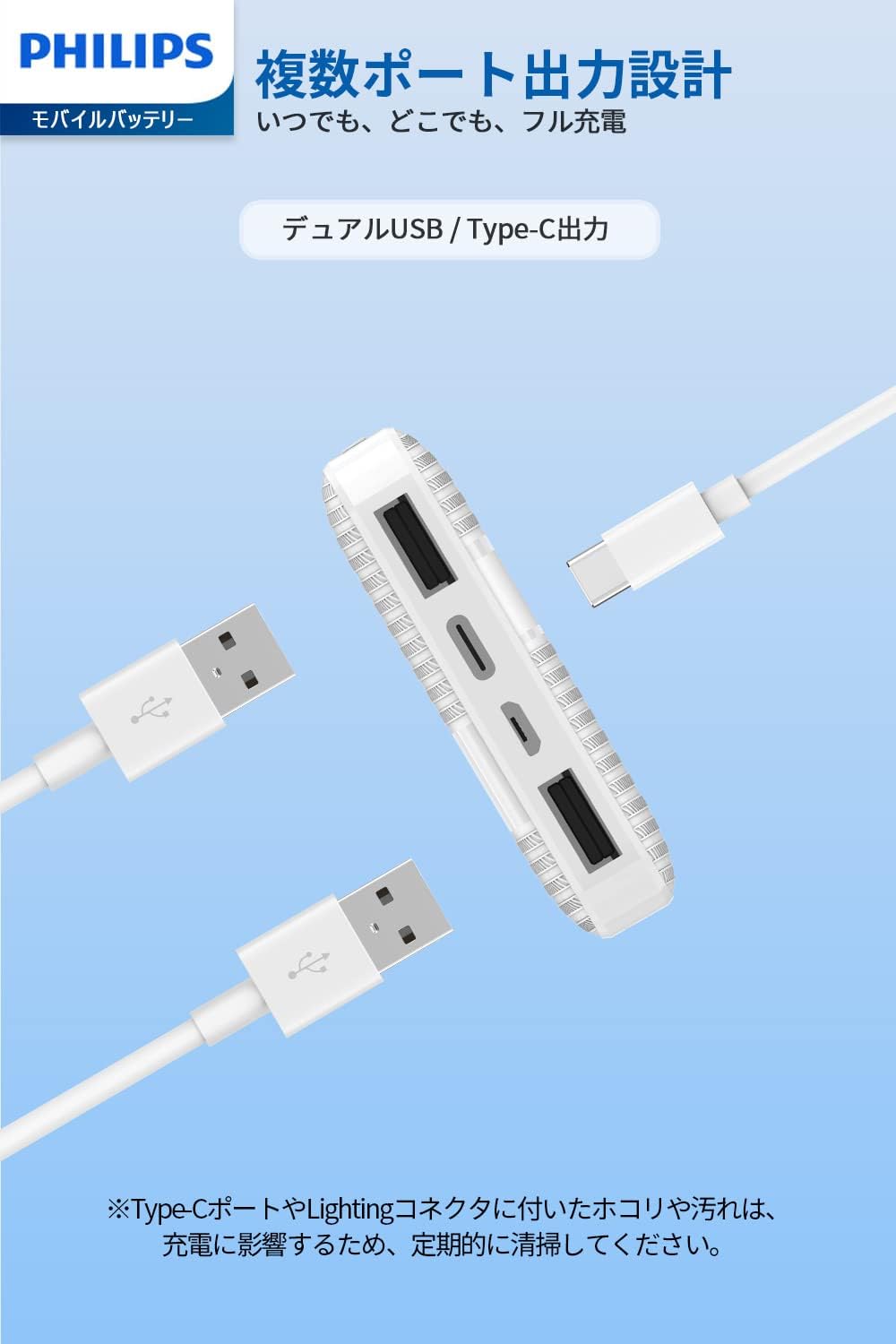
Image: The Philips DLP1815 power bank being charged via its USB-C port from a wall adapter.
4. Operating Instructions
4.1 Charging Your Devices
- Ensure the power bank has sufficient charge by checking the LED indicators.
- Connect your electronic device (e.g., smartphone, tablet) to one of the power bank's output ports (USB-A or USB-C) using a compatible charging cable.
- The power bank will automatically detect the connected device and begin charging.
- You can charge up to three devices simultaneously using the available output ports.
- For low-current devices such as Bluetooth earphones or smartwatches, the power bank provides an optimized low-current charging mode.
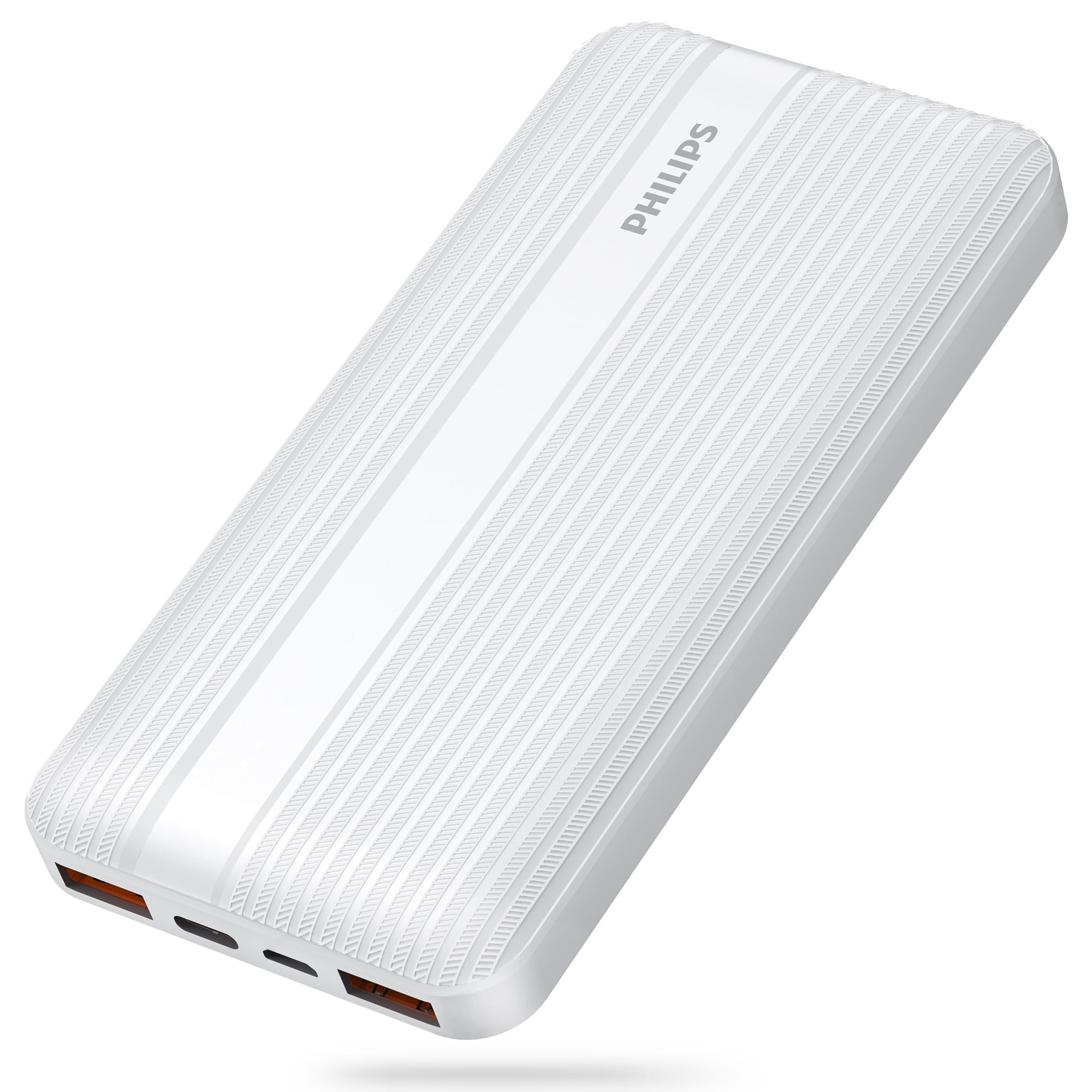
Image: A smartphone connected to and charging from the Philips DLP1815 power bank.
4.2 Checking Battery Level
Press the power button once to activate the LED indicators, which will display the current battery level of the power bank.
- Four LEDs: 76% - 100% charged
- Three LEDs: 51% - 75% charged
- Two LEDs: 26% - 50% charged
- One LED: 1% - 25% charged
5. Maintenance
Proper maintenance ensures the longevity and optimal performance of your power bank.
- Cleaning: Regularly clean the charging ports (USB-C, Micro USB, and USB-A) to prevent dust or dirt accumulation, which can affect charging performance. Use a dry, soft cloth or a small brush.
- Storage: Store the power bank in a cool, dry place away from direct sunlight, high temperatures, and humidity.
- Battery Care: To maintain battery health, fully charge the power bank at least once every three months if not in regular use.
6. Troubleshooting
If you encounter issues with your power bank, refer to the following common problems and solutions:
- Power Bank Not Charging:
- Ensure the charging cable is securely connected to both the power bank's input port and the wall charger.
- Verify that the wall charger is functioning correctly and provides sufficient power.
- Try using a different charging cable or wall adapter.
- Clean the input ports for any dust or debris.
- Device Not Charging from Power Bank:
- Check if the power bank has sufficient charge (refer to LED indicators).
- Ensure the charging cable connecting your device to the power bank is securely connected and undamaged.
- Try using a different output port on the power bank.
- Try using a different charging cable for your device.
- Ensure your device is compatible with the power bank's output specifications.
- Slow Charging:
- Ensure both your device and the charging cable support fast charging protocols (PD or QC 3.0) to achieve maximum speeds.
- Charging multiple devices simultaneously may reduce the charging speed for individual devices.
- Clean the charging ports on both the power bank and your device.
7. Specifications
| Model | DLP1815 |
| Battery Type | Rechargeable Lithium-ion Polymer Battery |
| Capacity | 10000mAh / 37Wh |
| Input (USB-C) | DC 5V/3A, 9V/2A |
| Input (Micro USB) | DC 5V/2A, 9V/2A |
| Output (USB-A1/A2) | DC 5V/3A, 9V/2A, 12V/1.5A (Max 18W) |
| Output (USB-C) | DC 5V/3A, 9V/2.22A, 12V/1.6A (Max 20W) |
| Operating Temperature | 0℃ to 45℃ (32°F to 113°F) |
| Dimensions (L x W x H) | 138mm x 68mm x 16mm |
| Weight | Approx. 220g |
| Special Features | LED Indicator, Power Delivery (PD), Quick Charge (QC 3.0), Multi-device Charging, Low-current Charging Mode |
8. Safety Information
To ensure safe operation and prevent damage, please observe the following safety guidelines:
- Do not expose the power bank to extreme temperatures (above 45℃ or below 0℃), direct sunlight, or high humidity.
- Avoid dropping, hitting, or disassembling the power bank.
- Keep the power bank away from water and other liquids.
- Do not use the power bank if it is damaged or appears to be malfunctioning.
- Keep out of reach of children.
- This product is equipped with multiple protection circuits, including overcharge, over-discharge, over-voltage, over-current, short circuit, and over-temperature protection, ensuring safe use.
- The product is PSE certified, indicating compliance with Japanese electrical appliance safety standards.

Image: Icons illustrating the safety features of the Philips DLP1815 power bank, including over-voltage, over-temperature, over-discharge, short-circuit, overcharge, and over-current protection.
9. Warranty and Support
For warranty information, technical support, or any inquiries regarding your Philips DLP1815 Portable Power Bank, please refer to the product packaging for contact details or visit the official Philips support website. Please have your model number (DLP1815) and purchase information ready when contacting support.


