
JBL JBLTOURONEM2BLK
JBL Tour One M2 Wireless Headphones User Manual
Model: JBLTOURONEM2BLK
Introduction
Welcome to your JBL Tour One M2 Wireless Headphones. This manual provides comprehensive instructions for setting up, operating, and maintaining your headphones to ensure an optimal audio experience. Please read this manual carefully before using your headphones.
What's in the Box
- 1 x JBL Tour One M2 Headphones
- 1 x Carrying Case
- 1 x 3.5mm Audio Cable
- 1 x Flight Adapter
- 1 x USB-C Charging Cable
- 1 x Safety Sheet

This image displays the complete contents of the JBL Tour One M2 retail box, including the headphones, carrying case, various cables, and accessories.
Product Overview
Familiarize yourself with the physical components of your JBL Tour One M2 headphones.

This image shows the JBL Tour One M2 headphones from an angled perspective, highlighting the earcups, headband, and control buttons on the side.
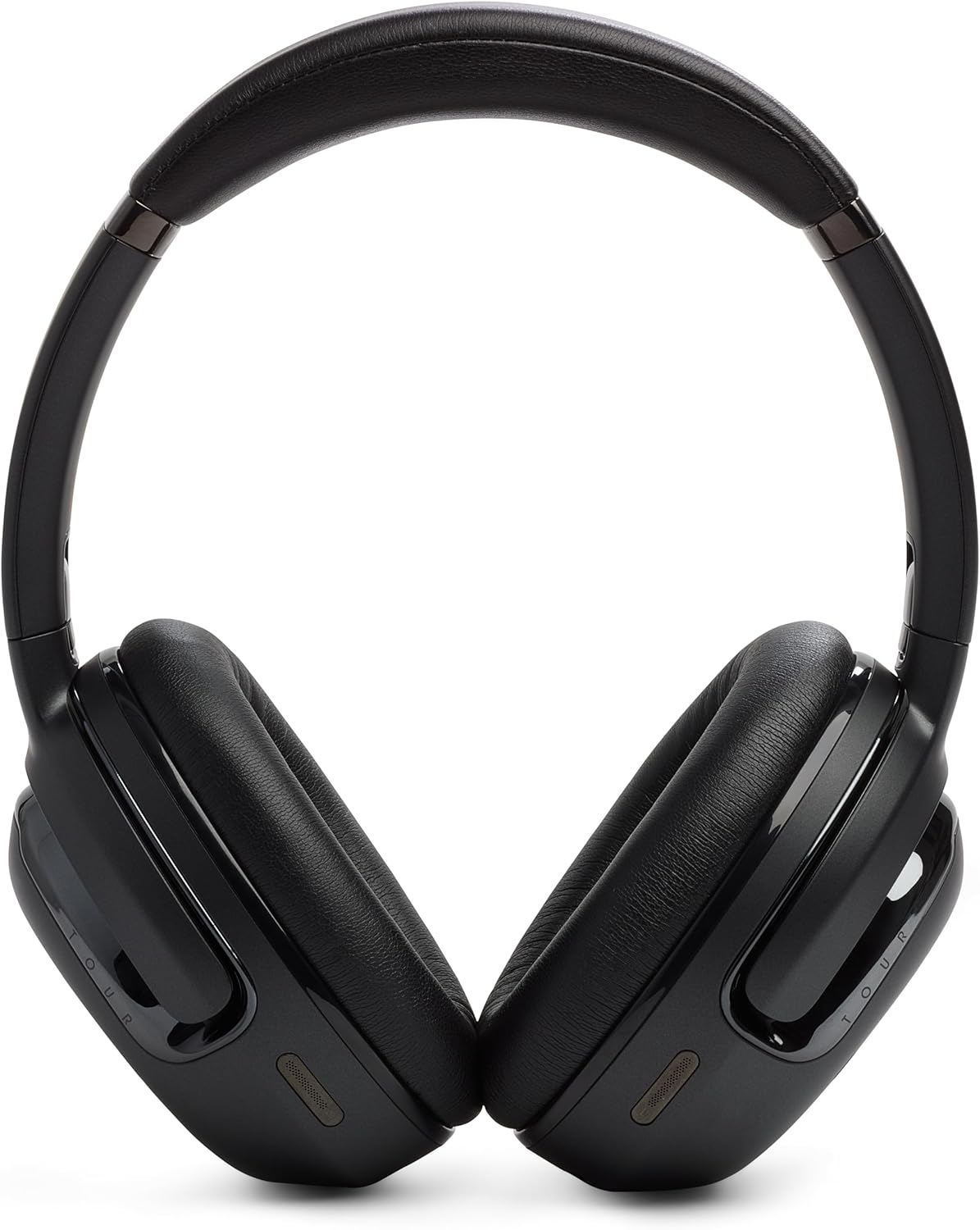
This image displays the front view of the JBL Tour One M2 headphones, showing both earcups and the headband.
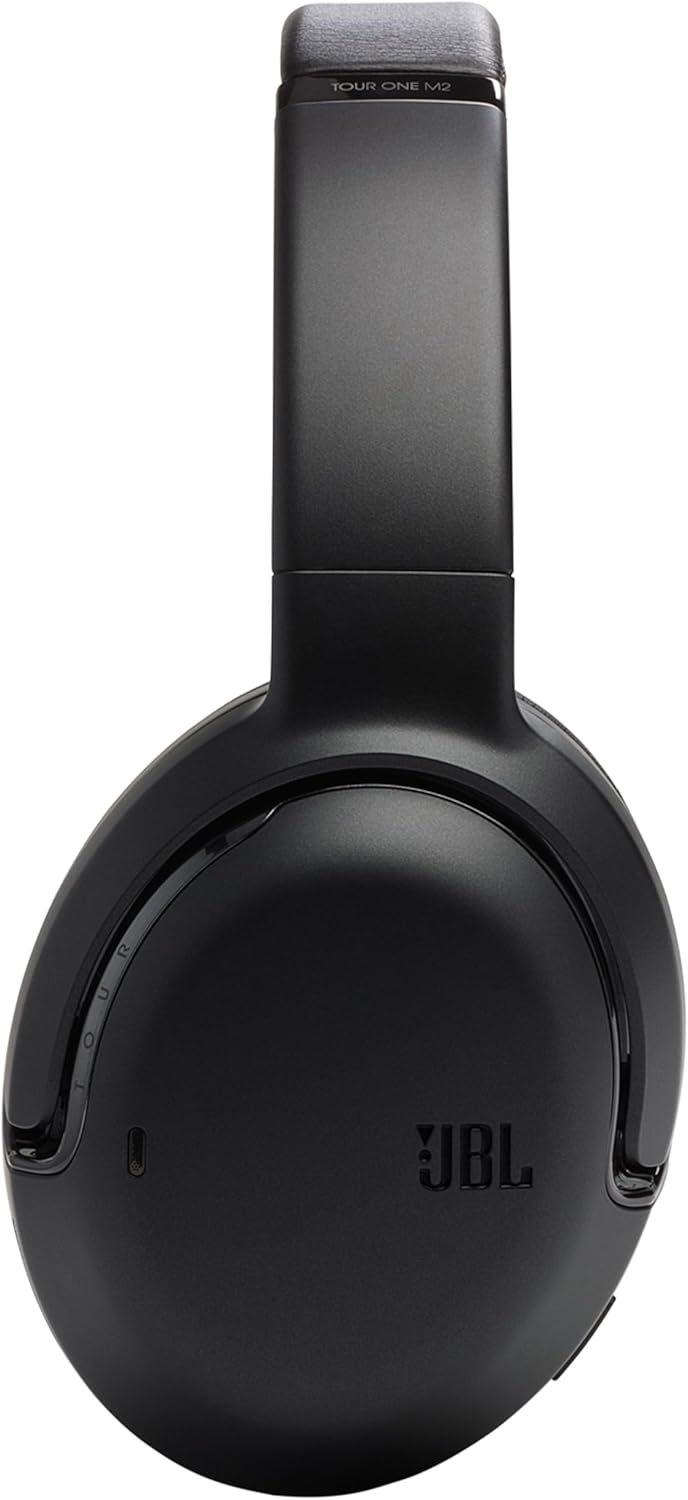
This image presents a side view of the JBL Tour One M2 headphones, focusing on the left earcup and the adjustable headband.
Setup
Charging
Connect the USB-C charging cable to the headphone's charging port and a compatible power source. The LED indicator will show the charging status. A full charge provides up to 50 hours of autonomy.
Bluetooth Pairing
- Ensure the headphones are powered off.
- Press and hold the power button for approximately 2 seconds until the LED indicator flashes blue, indicating pairing mode.
- On your Bluetooth-enabled device, navigate to the Bluetooth settings and select "JBL Tour One M2" from the list of available devices.
- Once successfully connected, the LED indicator on the headphones will turn solid blue.
Operating Instructions
Power On/Off
To power on or off the headphones, press and hold the power button for approximately 2 seconds.
Noise Cancellation and Smart Ambient
The JBL Tour One M2 features adaptive noise cancellation and Smart Ambient technology. Use the dedicated button on the earcup to cycle through the available modes: Noise Cancellation On, Ambient Aware, and TalkThru. These modes allow you to control how much of your surroundings you hear.

This image shows a person wearing the JBL Tour One M2 headphones in an urban environment, demonstrating the effectiveness of noise cancellation or Smart Ambient features in busy surroundings.

This image depicts a couple wearing JBL Tour One M2 headphones while walking, illustrating the use of Smart Ambient technology for situational awareness and interaction.
Smart Talk Function
The Smart Talk feature allows you to automatically pause music and activate TalkThru by simply speaking. This advanced voice recognition technology reacts to your voice, eliminating the need to manually pause playback when you need to converse.
Call Management
The headphones are equipped with 4 integrated microphones for exceptional call clarity. Use the controls on the earcup to answer, end, or reject incoming calls.
Audio Playback
Use the volume buttons to adjust audio levels. The multi-function button controls playback (play/pause), track skipping, and activation of your device's voice assistant.
Maintenance
Cleaning
Gently wipe the headphones with a soft, dry cloth. Do not use liquid cleaners, solvents, or abrasive materials, as these can damage the finish and internal components.
Storage
When not in use, store the headphones in the provided carrying case to protect them from dust, scratches, and accidental damage. Avoid storing them in extreme temperatures or high humidity.
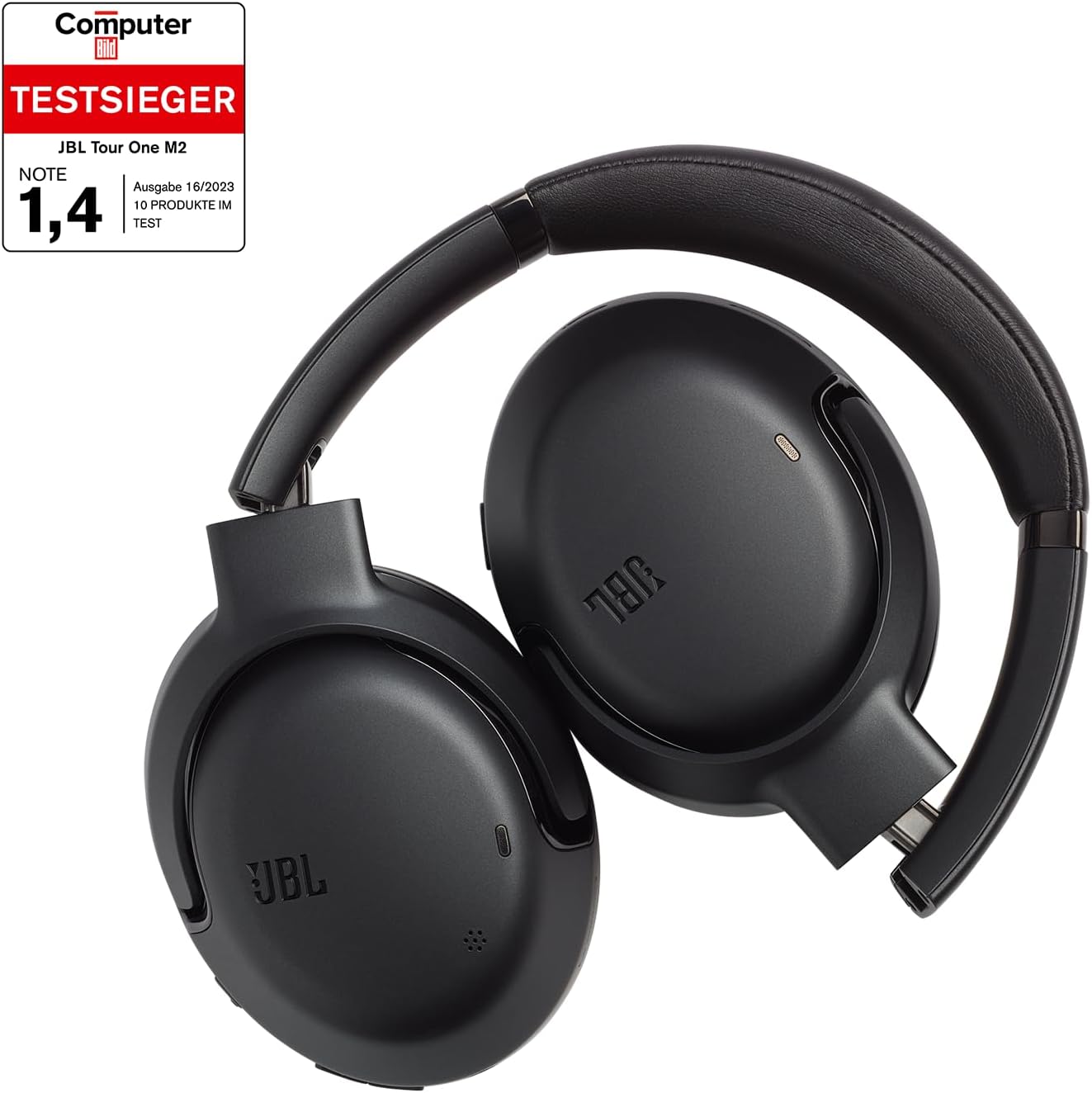
This image shows the JBL Tour One M2 headphones folded for compact storage, ready to be placed in their protective carrying case.
Troubleshooting
No Power
Ensure the headphones are fully charged. Connect them to a power source using the USB-C cable and allow sufficient time for charging.
Cannot Pair via Bluetooth
- Make sure the headphones are in pairing mode (flashing blue LED).
- Ensure Bluetooth is enabled on your device and it is within the effective range (typically 10 meters or 33 feet).
- Try forgetting the device on your phone's Bluetooth settings and then re-pairing.
- Restart both the headphones and your connected device.
No Sound
- Check the volume levels on both the headphones and your connected device.
- Ensure the headphones are properly connected via Bluetooth or the 3.5mm audio cable.
- Restart both the headphones and the connected device.
Specifications
| Feature | Detail |
|---|---|
| Brand | JBL |
| Model Name | JBL Tour One M2 |
| Model Number | JBLTOURONEM2BLK |
| Connectivity Technology | Wireless (Bluetooth 5.3) |
| Form Factor | Over-Ear (Circum-Auricular) |
| Color | Black |
| Material | Faux leather |
| Item Weight | 272 Grams |
| Frequency Range | 20 Hz - 20,000 Hz |
| Impedance | 32 ohms |
| Sensitivity | 117 dB |
| Soundproofing | Adaptive Noise Reduction |
| Control Type | Voice control |
| Cable Feature | Detachable (3.5mm audio cable) |
| Charging/Audio Port | USB-C, 3.5mm |
| Special Features | Fast charging |
| Battery Type | Lithium |
| Rechargeable Battery | Yes |
| Water Resistance Level | Not waterproof |
| Manufacturer Warranty | 2 year manufacturer |
Warranty and Support
Manufacturer's Warranty
Your JBL Tour One M2 headphones come with a 2-year manufacturer's warranty. Please retain your proof of purchase for all warranty claims. The warranty covers defects in materials and workmanship under normal use.
Customer Support
For further assistance, technical support, or warranty inquiries, please visit the official JBL website or contact their customer service department. You can also find more information and support resources by visiting the JBL Brand Store:
Related documentsJBLTOURONEM2BLK


Ask a question about this manual
Ask about setup, troubleshooting, compatibility, parts, safety, or missing instructions. Manuals+ will review the question and use this page’s manual context to help answer it.