
ASTOUND S109 Bluetooth Headset
ASTOUND S109 Wireless Bluetooth In-Ear Headset User Manual
Model: S109 Bluetooth Headset | Brand: ASTOUND
1. Introduction
Welcome to the user manual for your new ASTOUND S109 Wireless Bluetooth In-Ear Headset. This manual provides detailed instructions on how to set up, operate, and maintain your headset, ensuring you get the best experience from its advanced features. Please read this manual carefully before using the product.
2. Product Overview
2.1 Key Features
- High-Fidelity Sound: Equipped with intelligent noise reduction for maximum signal quality and excellent sound.
- Bluetooth 5.0 Connectivity: Ensures fast pairing and stable connection with compatible devices.
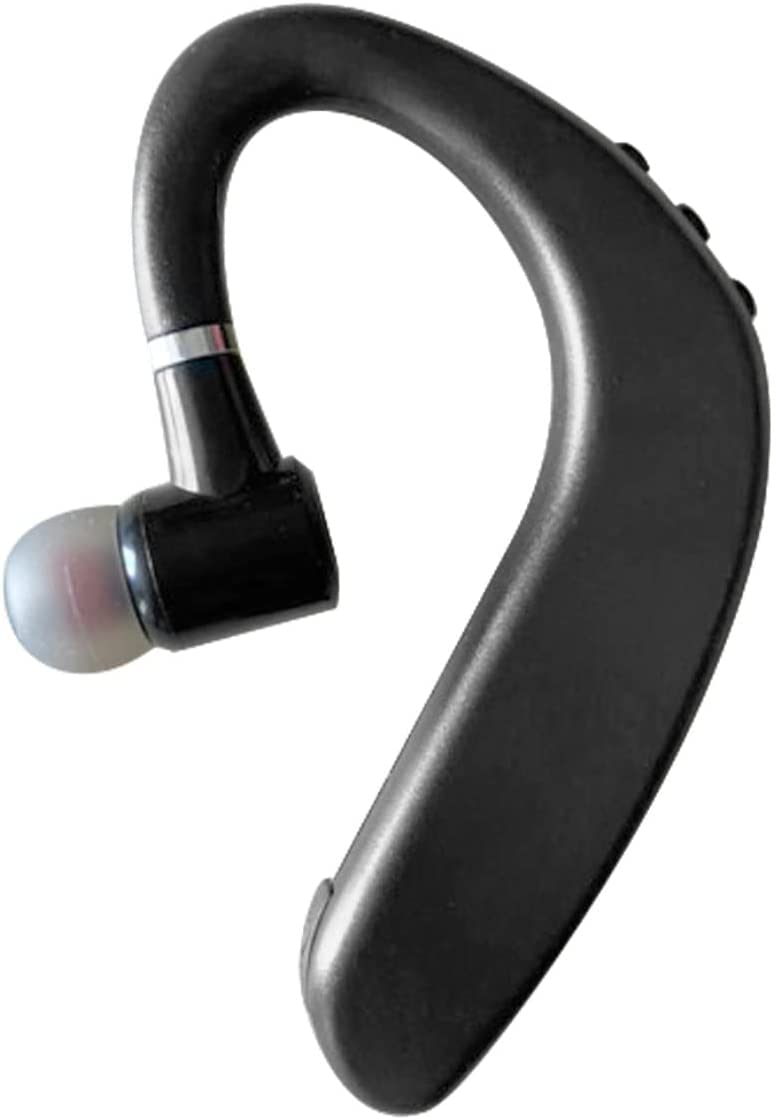
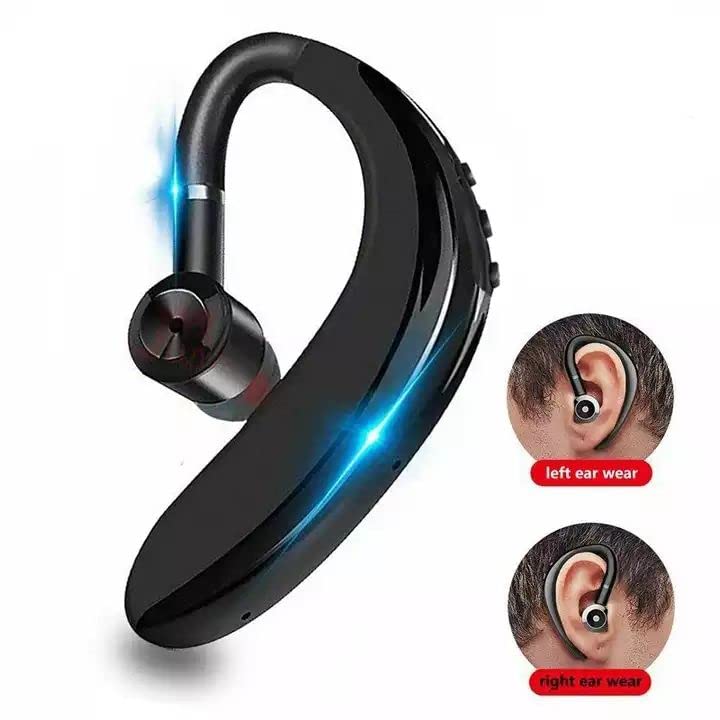
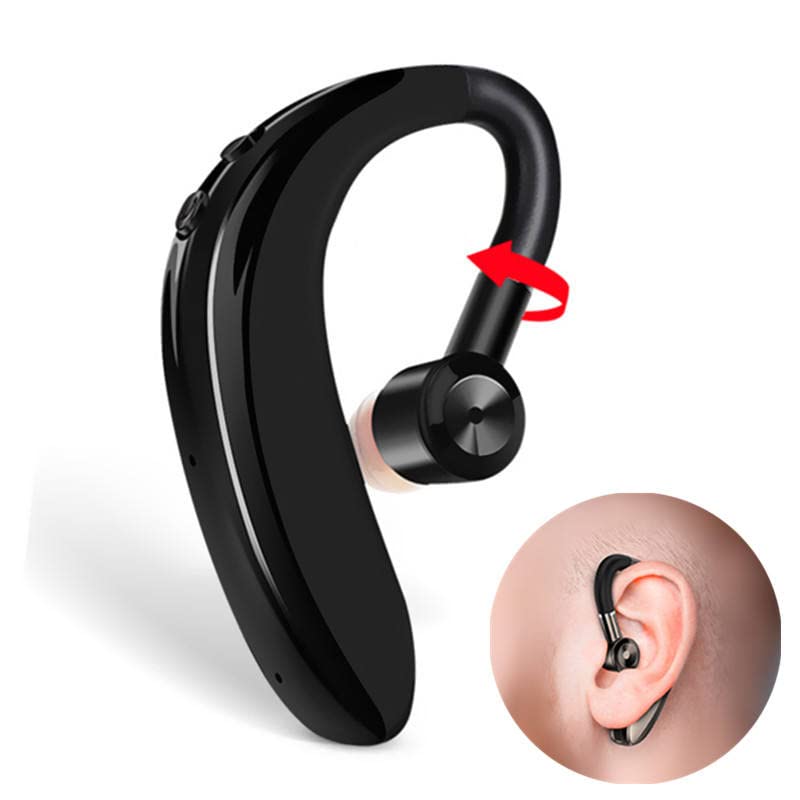
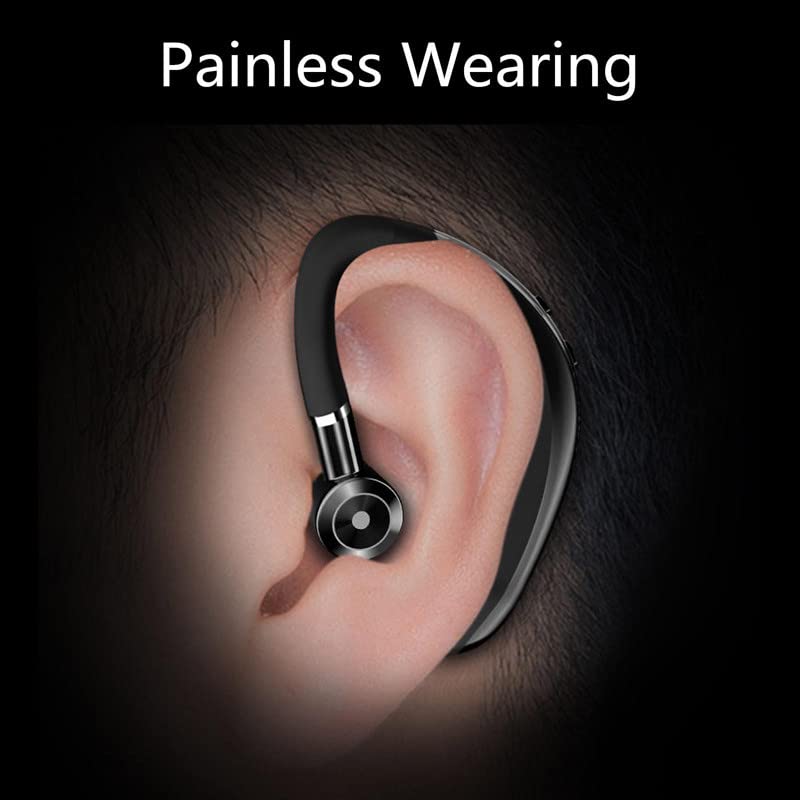
- Ergonomic Design: Ultra-light and comfortable in-ear design with ear hooks, suitable for extended wear. The 180-degree flip arm allows for use in both left and right ears.
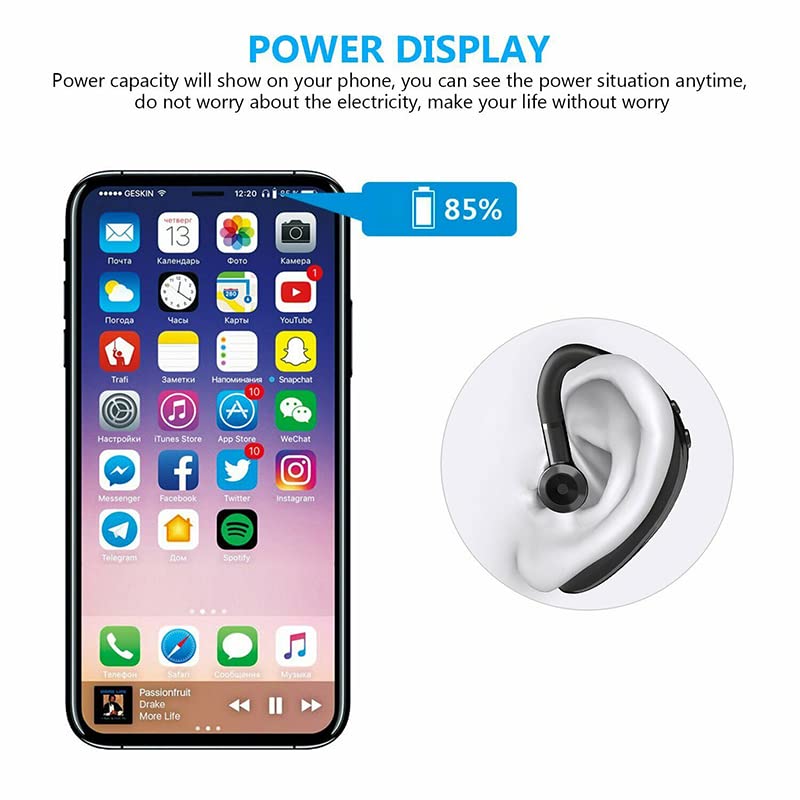
- Long Battery Life: Up to 4 hours of working time and 70 hours of standby time, with 1-hour fast charging.
- DSP Digital Noise Reduction: Enhances call clarity and music transparency.
- 10mm Graphene High-Fidelity Dynamic Coil Unit: Delivers layered and full sound quality with professional three-frequency adjustment.
- Sweatproof: Designed to withstand sweat, making it suitable for fitness and active use.
- Touch Control: Intuitive touch controls for easy operation.
2.2 What's in the Box
- ASTOUND S109 Wireless Bluetooth Headset
- Charging Cable
- Headband (likely referring to the ear hook design)
- User Manual (this document)
2.3 Product Visuals
3. Setup
3.1 Charging the Headset
Before first use, fully charge your ASTOUND S109 headset. Connect the provided charging cable to the headset's charging port and a USB power source. A full charge typically takes approximately 1 hour. The headset provides up to 4 hours of working time and 70 hours of standby time on a single charge. Ensure the headset is fully charged for optimal performance.
3.2 Pairing with a Bluetooth Device
- Power On: Press and hold the power button on the headset until you hear a voice prompt indicating it's powered on and in pairing mode. The indicator light will typically flash blue and red.
- Activate Bluetooth: On your mobile phone, tablet, or other Bluetooth-enabled device, go to the Bluetooth settings and turn Bluetooth on.
- Search for Devices: Your device will automatically search for nearby Bluetooth devices. Look for "S109 Bluetooth Headset" or a similar name in the list of available devices.
- Connect: Select "S109 Bluetooth Headset" from the list. Once connected, the indicator light on the headset will typically stop flashing and remain solid blue, and you will hear a confirmation sound.
- Automatic Reconnection: After the initial pairing, the headset will automatically connect to the last paired device when powered on, provided Bluetooth is active on the device and it is within range (up to 10 meters).
Note: The headset is compatible with 99% of Bluetooth devices, including mobile phones and tablets.
4. Operating Instructions
4.1 Basic Controls (Touch Method)
The ASTOUND S109 headset features intuitive touch controls. Specific touch gestures may vary slightly, but common functions include:
- Power On/Off: Long press the multi-function button.
- Play/Pause Music: Single tap the multi-function button.
- Answer/End Call: Single tap the multi-function button during an incoming call.
- Reject Call: Long press the multi-function button during an incoming call.
- Next Track: Double tap the multi-function button (may vary).
- Previous Track: Triple tap the multi-function button (may vary).
- Volume Control: Use your connected device's volume controls or specific touch areas on the headset if available (refer to quick start guide for exact locations).
4.2 Call Management
The integrated microphone and DSP digital noise reduction technology ensure clear communication. You can easily answer calls while driving or performing other activities.
- Answering Calls: Tap the multi-function button once.
- Ending Calls: Tap the multi-function button once during a call.
- Rejecting Calls: Press and hold the multi-function button for approximately 2 seconds.
4.3 Wearing the Headset
The ASTOUND S109 is designed for comfortable and stable wear. Its ergonomic in-ear earplugs and ear hooks ensure it stays securely in place without feeling heavy, even during prolonged use. The 180-degree flip arm allows you to adjust the headset for optimal fit on either your left or right ear.
5. Maintenance
5.1 Cleaning
To maintain the performance and hygiene of your headset:
- Wipe the headset regularly with a soft, dry, lint-free cloth.
- For ear tips, gently remove them and clean with a mild soap solution if necessary, then rinse thoroughly and dry completely before reattaching.
- Avoid using abrasive cleaners, solvents, or aerosol sprays.
5.2 Storage
When not in use, store the headset in a cool, dry place, away from direct sunlight and extreme temperatures. Avoid placing heavy objects on the headset.
5.3 Water Resistance
The ASTOUND S109 headset is water resistant and sweatproof, making it suitable for workouts and light exposure to moisture. However, it is not designed for submersion in water. Avoid prolonged exposure to heavy rain or direct water jets.
6. Troubleshooting
If you encounter issues with your ASTOUND S109 headset, please refer to the following common solutions:
| Problem | Possible Cause | Solution |
|---|---|---|
| Headset does not power on. | Low battery. | Charge the headset for at least 1 hour. |
| Cannot pair with device. | Bluetooth is off on device; headset not in pairing mode; device too far. | Ensure Bluetooth is enabled on your device. Put headset in pairing mode (flashing red/blue). Move headset closer to device (within 10 meters). |
| No sound or poor sound quality. | Volume too low; headset not properly connected; interference. | Increase volume on both headset and connected device. Reconnect the headset. Move away from sources of strong electromagnetic interference. |
| Call quality is poor. | Weak signal; microphone obstruction. | Ensure you are in an area with good signal. Check if anything is blocking the microphone. |
| Headset disconnects frequently. | Out of range; low battery. | Keep headset within 10 meters of the connected device. Charge the headset if battery is low (low battery reminder will activate). |
7. Specifications
| Feature | Detail |
|---|---|
| Model Name | S109 Bluetooth Headset |
| Brand | ASTOUND |
| Connectivity Technology | Wireless (Bluetooth 5.0) |
| Wireless Range | Up to 10 meters |
| Form Factor | In-ear with ear hook |
| Microphone | Included, with DSP digital noise reduction |
| Control Method | Touch |
| Battery Life (Working) | Up to 4 hours |
| Battery Life (Standby) | Up to 70 hours |
| Charging Time | Approximately 1 hour (fast charge) |
| Material | Plastic |
| Water Resistance Level | Water Resistant, Sweatproof |
| Item Weight | 100 g |
| Manufacturer | ASTOUND ASIA |
| Country of Origin | China |
8. Warranty and Support
For warranty information and customer support, please refer to the documentation provided with your purchase or contact ASTOUND customer service directly. You may also consider purchasing an extended warranty for additional coverage, such as the 1-year extended warranty available for this product.
Manufacturer: ASTOUND ASIA
Ask a question about this manual
Ask about setup, troubleshooting, compatibility, parts, safety, or missing instructions. Manuals+ will review the question and use this page’s manual context to help answer it.