
1. Introduction
Thank you for choosing the BoxWave ClearTouch Crystal Screen Protector for your wiiyii P11 HUD Display. This screen protector is designed to provide a clear, protective layer for your device's screen, guarding against scratches and dust while maintaining optimal display clarity and touch sensitivity. This manual provides detailed instructions for installation, usage, maintenance, and troubleshooting.
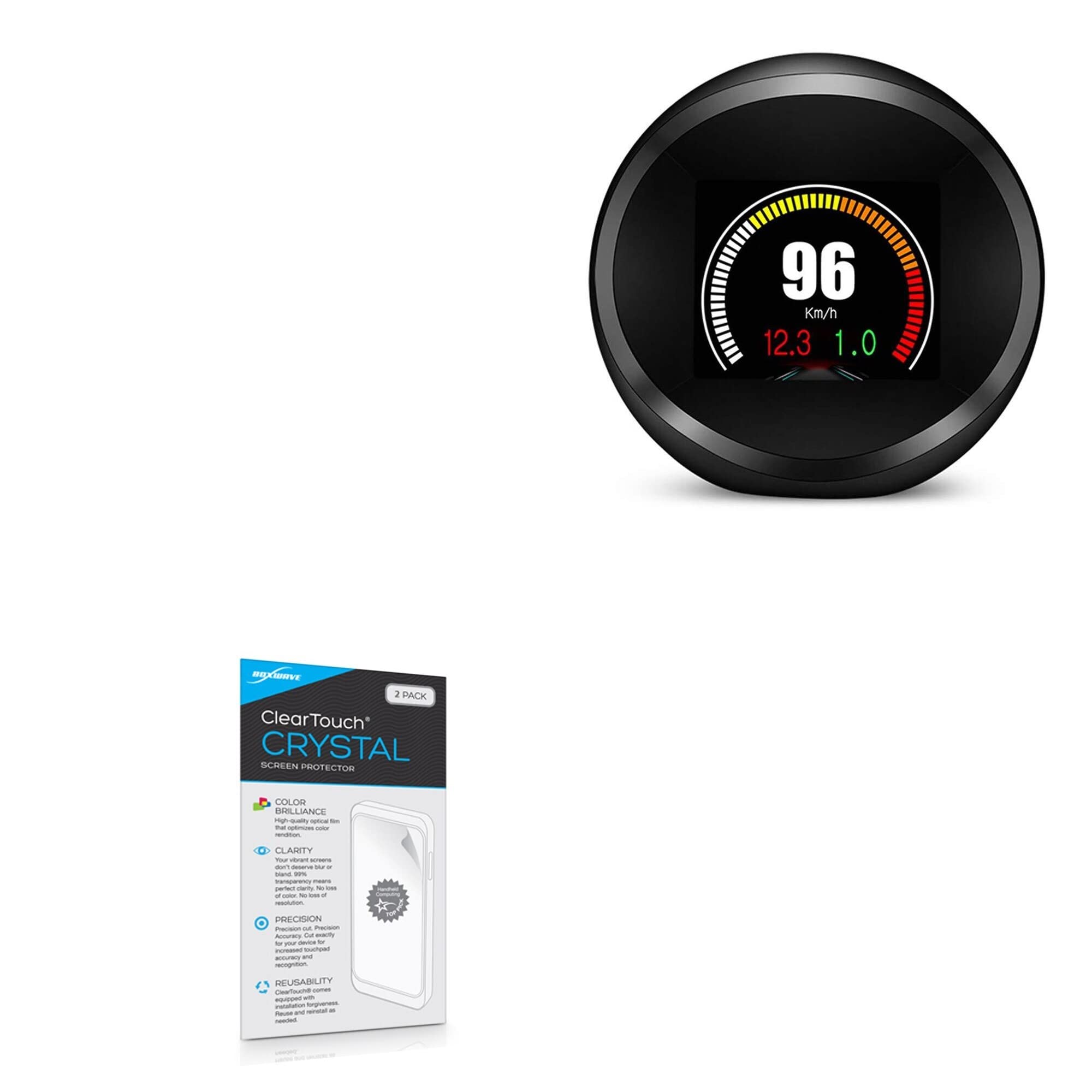
Image 1.1: Packaging for the BoxWave ClearTouch Crystal Screen Protector, showing the product name and key features.
2. Package Contents
Please verify that all items listed below are included in your package:
- Two (2) BoxWave ClearTouch Crystal Screen Protectors for wiiyii P11 HUD Display
- One (1) ClearTouch Applicator Card
- One (1) Microfiber Cleaning Cloth

Image 2.1: The contents of the BoxWave ClearTouch Crystal Screen Protector package, including two screen protectors, an applicator card, and a microfiber cleaning cloth.
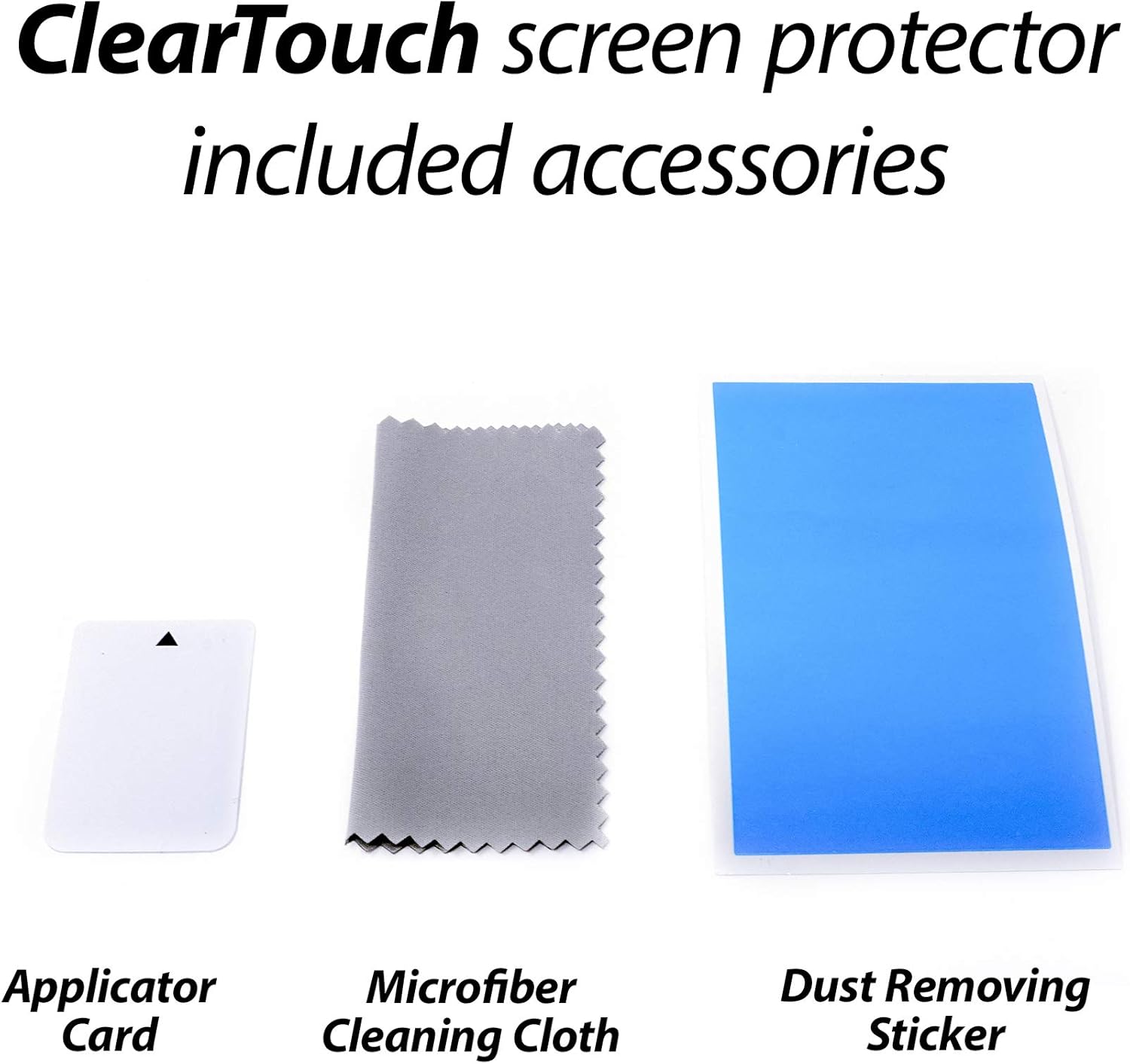
Image 2.2: A close-up view of the included accessories: an applicator card, a microfiber cleaning cloth, and a dust-removing sticker (not explicitly listed but often included).
3. Installation Instructions
Follow these steps carefully to ensure a smooth and bubble-free application of your screen protector.
3.1. Preparation
- Wash your hands thoroughly to remove any oils or dirt.
- Find a clean, dust-free environment for installation. Avoid areas with circulating air or excessive dust.
- Power off your wiiyii P11 HUD Display.
3.2. Cleaning the Device Screen
- Use the provided microfiber cleaning cloth to gently wipe the screen of your wiiyii P11 HUD Display. Ensure all smudges, fingerprints, and dust particles are removed.
- If necessary, use a piece of tape or a dust-removing sticker (if included) to lift any stubborn dust particles from the screen. Ensure the screen is perfectly clean before proceeding.
3.3. Applying the Screen Protector
- Identify the adhesive side of the screen protector. It is usually covered by a protective film labeled '1' or 'Back'.
- Carefully peel back a small portion of the protective film (labeled '1') from one end of the screen protector. Avoid touching the adhesive surface.
- Align the exposed adhesive edge of the screen protector with one edge of your wiiyii P11 HUD Display screen. Take care to align it precisely with the screen's contours and any cutouts.
- Slowly and steadily peel off the rest of the protective film (labeled '1') while simultaneously lowering the screen protector onto the device screen. Use the applicator card to gently smooth out any air bubbles as you go, pushing them towards the edges.
- Once the screen protector is fully applied, use the applicator card to firmly press down and smooth out any remaining bubbles. Work from the center outwards.
- Finally, carefully peel off the top protective film (usually labeled '2' or 'Front') from the screen protector.
Note: The special low-tack adhesive may take a little time to fully adhere around the edges. Any small air gaps or bubbles around the edges should clear out within approximately 2 days of regular use.
4. Usage and Care
4.1. General Use
The BoxWave ClearTouch Crystal Screen Protector is designed to be virtually invisible, preserving the original clarity and touch sensitivity of your wiiyii P11 HUD Display. Once installed, you can use your device as normal. The protector shields your screen from daily scratches, scuffs, and dust.

Image 4.1: An illustration demonstrating the high definition clarity provided by the screen protector, ensuring vibrant colors and optical transparency.
4.2. Cleaning the Screen Protector
To clean your screen protector, use the provided microfiber cleaning cloth or a similar soft, lint-free cloth. Gently wipe the surface to remove fingerprints and smudges. For more stubborn marks, slightly dampen the cloth with water or a screen-safe cleaning solution. Avoid harsh chemicals or abrasive materials, as these can damage the protector's surface.
5. Troubleshooting
5.1. Air Bubbles
- Small Bubbles: Many small bubbles will dissipate on their own within 24-48 hours due to the low-tack adhesive.
- Large Bubbles: Use the applicator card to gently push larger bubbles towards the nearest edge of the screen protector.
- Persistent Bubbles: If a bubble contains a dust particle, carefully lift the nearest corner of the screen protector with a piece of tape, use another piece of tape to dab and remove the dust from the adhesive side, then reapply the protector.
5.2. Dust Under the Protector
If dust particles are trapped under the protector, carefully lift the nearest corner of the screen protector using a piece of tape. Use another piece of tape to gently dab the dust particle off the adhesive side of the protector or the device screen. Reapply the protector slowly, smoothing it down with the applicator card.
5.3. Misalignment
If the screen protector is significantly misaligned, you may carefully peel it off entirely and attempt reapplication. The ClearTouch Crystal is designed for reusability, allowing for adjustments if needed. Ensure the adhesive side remains clean during this process.
6. Specifications
| Feature | Detail |
|---|---|
| Compatibility | wiiyii P11 HUD Display |
| Material | High-grade thermoplastics (ClearTouch Crystal) |
| Transparency | Ultra-high 99% visual transparency |
| Adhesive Type | Glueless, low-tack adhesive |
| Included Quantity | 2 Screen Protectors per package |
| Manufacturer | BoxWave |
| Item Weight | 0.7 ounces |
7. Warranty and Support
BoxWave is committed to providing high-quality accessories. If you encounter any issues or have questions regarding your ClearTouch Crystal Screen Protector, please contact BoxWave customer support. While specific warranty details are not provided in this manual, BoxWave stands behind its products and aims to ensure customer satisfaction.
For support, please visit the official BoxWave website or refer to the contact information provided with your product packaging.