
ZEBRONICS ZEB FIT 4 - SILVER+ORANGE (ICONIC ULTRA)
Zebronics ICONIC ULTRA AMOLED Smartwatch User Manual
Model: ZEB FIT 4 - SILVER+ORANGE (ICONIC ULTRA)
Introduction
Thank you for choosing the Zebronics ICONIC ULTRA AMOLED Smartwatch. This manual provides essential information for setting up, operating, maintaining, and troubleshooting your device. Please read it thoroughly to ensure optimal performance and longevity of your smartwatch.

Figure 1: Front view of the Zebronics ICONIC ULTRA AMOLED Smartwatch with its vibrant display and orange strap.
What's in the Box
Upon unboxing your Zebronics ICONIC ULTRA Smartwatch, please verify that all the following items are included:
- Smart Watch - 1 unit
- Charging Cable - 1 unit
- QC Guide Report - 1 unit
Setup Guide
1. Initial Charging
Before first use, fully charge your smartwatch. Connect the provided charging cable to the charging points on the back of the watch and to a USB power source. A full charge typically takes approximately 60 minutes.

Figure 2: Rear view of the smartwatch, highlighting the charging contacts and health sensors.
2. Powering On/Off
- To Power On: Press and hold the functional crown button on the side of the watch until the display lights up.
- To Power Off: Press and hold the functional crown button, then select "Power Off" from the options.

Figure 3: Side view of the smartwatch, illustrating the functional crown and additional button for control.
3. App Installation and Pairing
Download the ZEB-FIT 20 SERIES app from your smartphone's app store (compatible with Android and iOS). Open the app, create an account if necessary, and follow the on-screen instructions to pair your smartwatch via Bluetooth. Ensure Bluetooth is enabled on your phone.
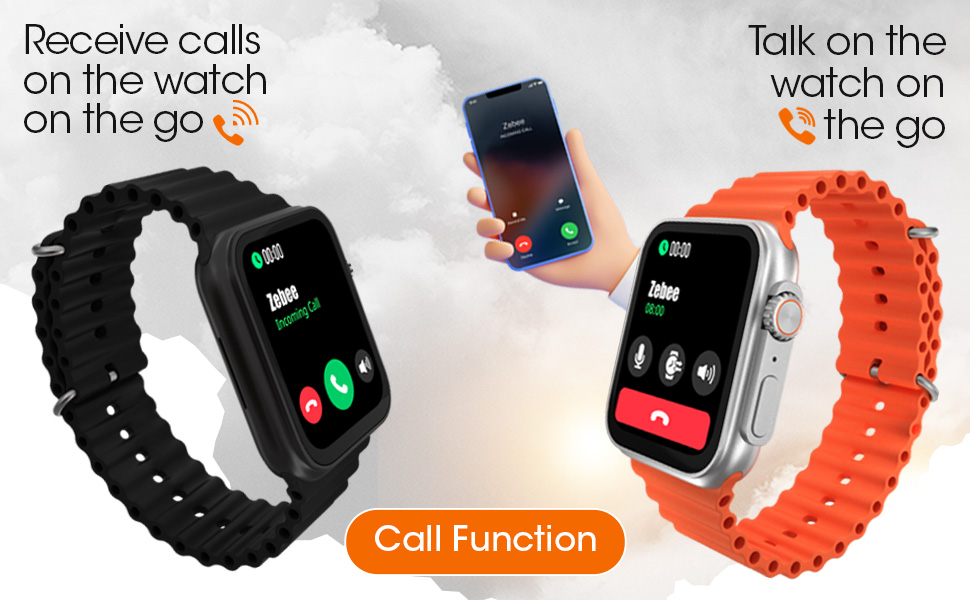
Figure 4: The smartwatch's Bluetooth call function, allowing users to receive and talk on calls directly from the watch.
Operating Your Smartwatch
Display and Navigation
The ICONIC ULTRA features a 1.78" (4.5cm) Large 2.5D Laminated AMOLED display with Always ON Display capability. Navigate through menus by swiping across the screen or using the functional crown and side button.

Figure 5: The vibrant AMOLED display, measuring 1.78 inches (4.5 cm) with 2.5D lamination.
The smartwatch offers two distinct menu UI styles for personalized navigation. You can also access a quick access menu for frequently used functions.

Figure 6: Overview of key features including dual menu UIs, quick access, Always On Display, 100+ sports modes, functional crown, IP67 water resistance, and metal body construction.
Health Monitoring
Your smartwatch is equipped with various health monitoring features:
- Heart Rate Monitor: Tracks your heart rate throughout the day.
- Blood Pressure Monitor: Provides estimated blood pressure readings.
- SpO2 Monitor: Measures your blood oxygen saturation levels.
- Sleep Tracking: Monitors your sleep patterns and quality.
- Pedometer: Counts steps, calculates calories burnt, and distance covered.
- Female Health Tracker: Offers timely reminders and tracking for female health cycles.

Figure 7: A summary of health and smart features, including sleep monitoring, activity tracking, voice assistant integration, media controls, and comprehensive health monitoring.
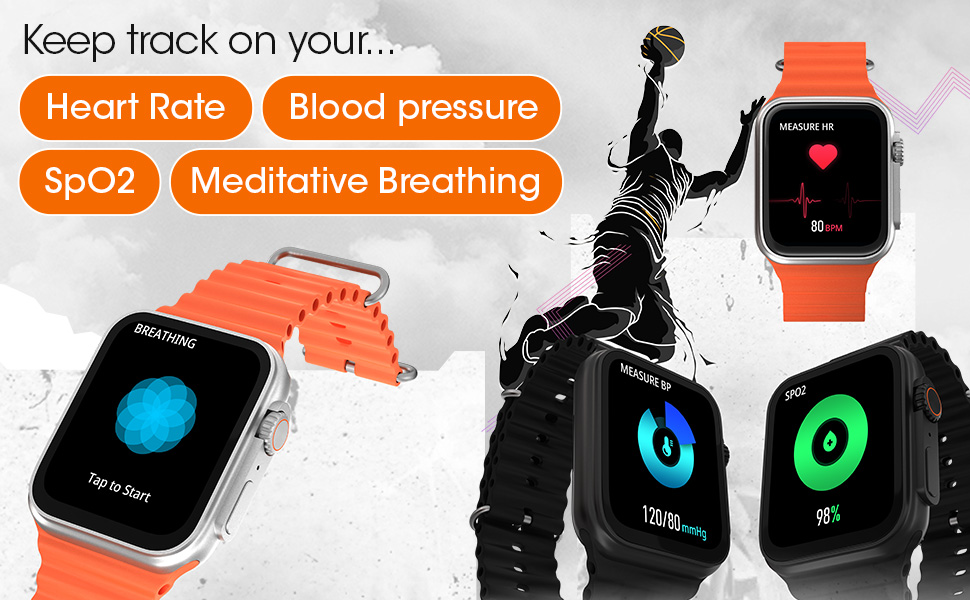
Figure 8: Visual representation of the smartwatch's ability to track heart rate, blood pressure, SpO2, and guide meditative breathing exercises.
Sports Modes and Activity Tracking
The smartwatch supports over 100 sports modes, allowing you to accurately track various physical activities. Its IP67 waterproof rating ensures durability during workouts and against accidental splashes.
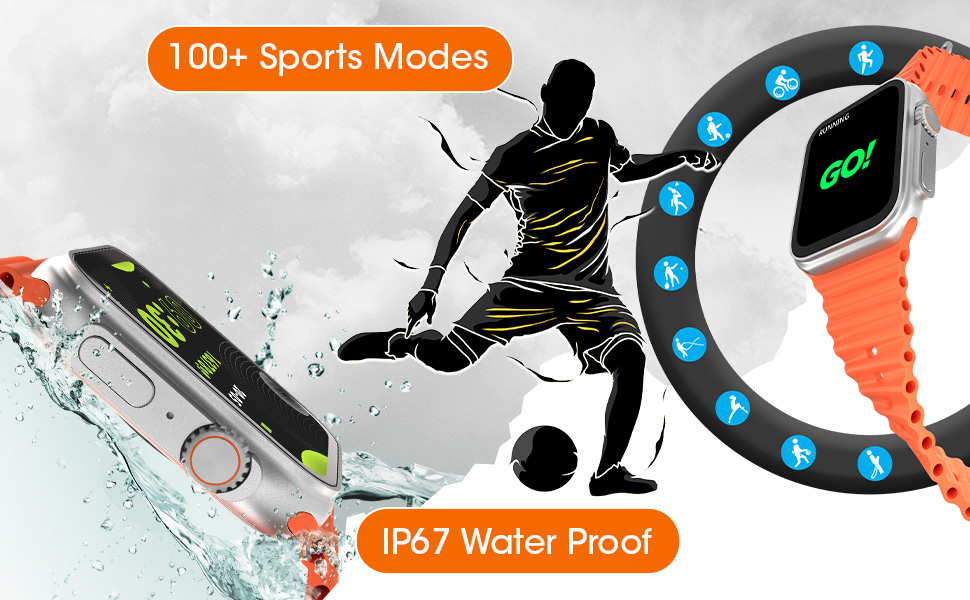
Figure 9: The smartwatch's extensive sports mode tracking capabilities and IP67 waterproof design, suitable for various activities.
Smart Features
- Voice Assistant: Access Google Assistant and iOS Siri directly from your watch.
- Notifications: Receive timely alerts from calls, SMS, WhatsApp, Instagram, and other third-party apps.
- Reminders: Set reminders for water consumption and sedentary time.
- Utilities: Access weather updates, a calculator, and quick access menus.
- Watch Faces: Choose from 9 built-in watch faces, customize your own, or select from over 100 cloud watch faces.
- Built-in Games: Enjoy 2 built-in games for entertainment.
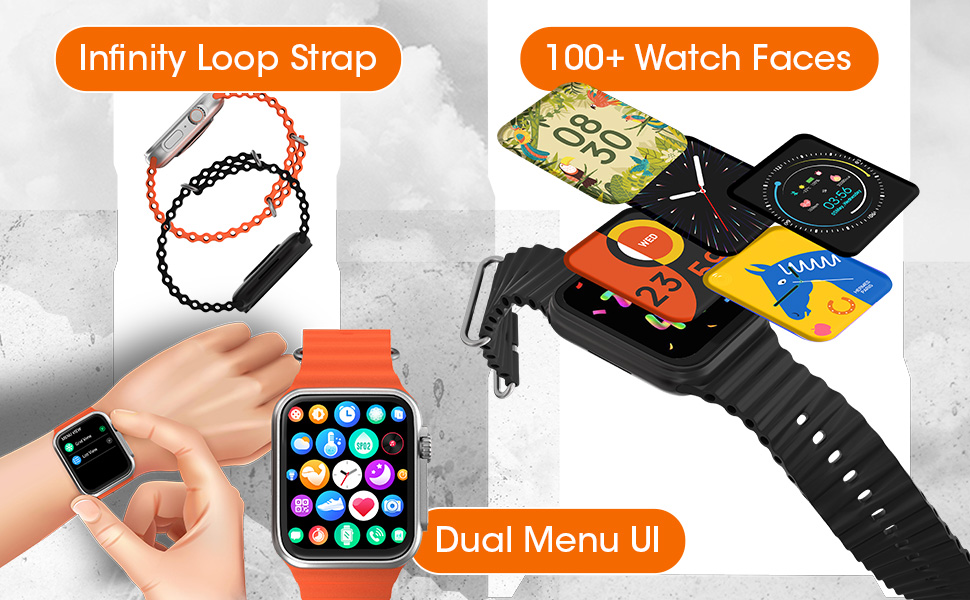
Figure 10: Features such as the comfortable Infinity Loop Strap, a wide selection of over 100 watch faces, and the intuitive Dual Menu UI.
Maintenance and Care
- Cleaning: Wipe the watch and strap regularly with a soft, dry cloth. For stubborn dirt, use a slightly damp cloth and dry thoroughly.
- Water Resistance: The watch is IP67 waterproof, meaning it is resistant to splashes and brief immersion. Avoid prolonged submersion, hot water, or steam.
- Battery Care: To prolong battery life, avoid fully discharging the battery frequently. Charge the watch when the battery level is low.
- Storage: Store the watch in a cool, dry place when not in use.
Troubleshooting
| Problem | Possible Solution |
|---|---|
| Watch does not power on. | Ensure the watch is fully charged. Connect to the charging cable for at least 60 minutes. |
| Cannot pair with smartphone. |
|
| Inaccurate health readings. | Ensure the watch is worn snugly on your wrist, not too tight or too loose. Clean the sensors on the back of the watch. Readings are for reference only and not for medical diagnosis. |
| Notifications not received. |
|
| Short battery life. |
|
Specifications
| Feature | Detail |
|---|---|
| Brand | ZEBRONICS |
| Model Name | ZEB FIT 4 - SILVER + ORANGE (ICONIC ULTRA) |
| Display Type | AMOLED |
| Screen Size | 1.78 Inches (4.5 cm) |
| Resolution | 960 x 960 |
| Connectivity Technology | Bluetooth v5.1 + v3.0 |
| Operating System Compatibility | Android, iOS |
| Battery Capacity | 260 mAh Lithium Polymer |
| Battery Average Life | Up to 1 Week (depending on usage) |
| Water Resistance Rating | IP67 |
| Item Weight | 55 g |
| Product Dimensions | 10.8 x 3.6 x 15.6 cm |
| Special Features | Blood Pressure Monitor, Sedentary Time Display, Heart Rate Monitor, SpO2 Monitor, Sleep Tracking, Pedometer, Female Health Tracker, Voice Assistant (Google Assistant, iOS Siri), Bluetooth Calling, 100+ Sports Modes, Always ON Display, Dual Menu UI, Built-in Games. |
Warranty and Support
The Zebronics ICONIC ULTRA AMOLED Smartwatch comes with a 1 Year Warranty from the date of purchase. For warranty claims, technical support, or service inquiries, please contact Zebronics customer service.
Please refer to the official Zebronics website or the QC Guide Report included in your package for detailed warranty terms and contact information.
Manufacturer: Zebronics India Private Limited
Importer: Zebronics India Private Limited
Ask a question about this manual
Ask about setup, troubleshooting, compatibility, parts, safety, or missing instructions. Manuals+ will review the question and use this page’s manual context to help answer it.