
Ants on a Melon RGB001
RGB Critter BT User Manual
Ants on a Melon
Model: RGB001
Introduction
This manual provides essential information for the safe and effective use of your RGB Critter BT Color-Changing RGB Flashlight. Please read this manual thoroughly before operation and retain it for future reference.

Image: The RGB Critter BT flashlight, a black cylindrical device with three green buttons, shown alongside graphical representations of its app-controlled color selection interface.
Product Features
- App-Controllable RGB Color Changing
- Intuitive Button Controls
- Durable Silicone Grip
- USB-C Charging
- Compatible with Over 200 Twist-On Accessories
- Replaceable 18650 Lithium-Ion Battery
Setup
Initial Charging
The RGB Critter BT comes with a pre-installed 18650 Lithium-Ion battery. For optimal performance, fully charge the device before first use.
- Locate the USB-C charging port at the base of the flashlight.
- Connect a standard USB-C cable (not included) to the port and the other end to a compatible USB power adapter.
- The indicator light will show charging status. A full charge typically takes approximately 3 hours.

Image: A close-up view of the USB-C charging port located at the bottom of the RGB Critter BT flashlight.
App Connection
To unlock the full potential of your RGB Critter BT, download the official Ants on a Melon® App.
- Search for "Ants on a Melon" in your device's app store (currently available on iOS).
- Install the app and follow the on-screen instructions to pair your RGB Critter BT via Bluetooth.
- Once connected, you can access over 16 million color options and various lighting modes.
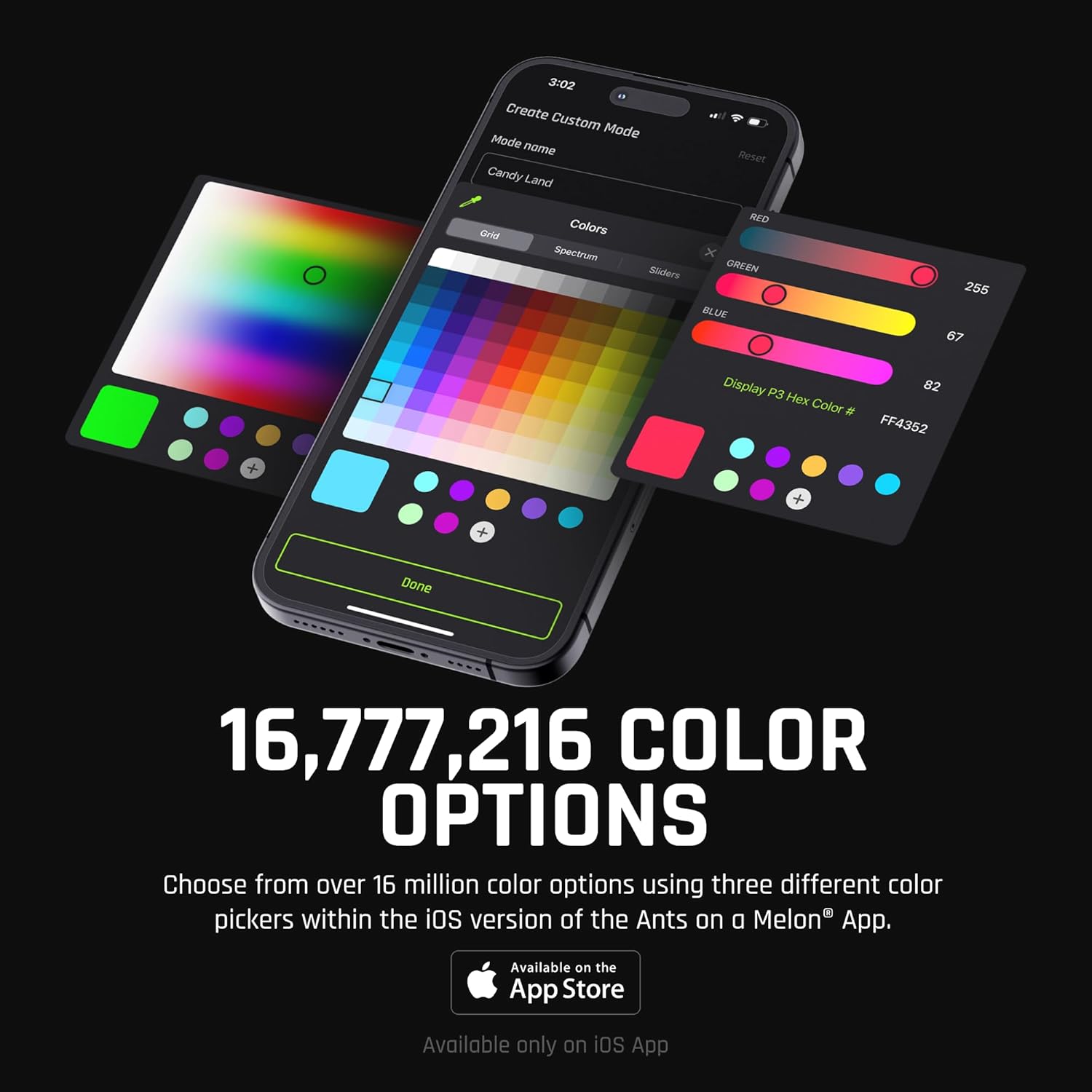
Image: A smartphone displaying the Ants on a Melon app interface, showcasing various color picker options including grid, spectrum, and sliders, allowing for precise color selection.
Operating Instructions
Button Controls
The RGB Critter BT features three intuitive buttons for direct control:
- Top Button: On/Off
- Middle Button: Navigate through 20 pre-set modes
- Bottom Button: Adjust mode speed (1-second hold increases speed by 10%)
- Lock/Unlock: Press the top and bottom buttons simultaneously.

Image: A visual guide illustrating the three buttons on the RGB Critter BT and their corresponding functions: On/Off, Navigate Modes, Lock/Unlock (simultaneous press), and Adjust Mode Speed (hold).
App Operation
The Ants on a Melon® App provides advanced control and customization:
- Color Selection: Choose from 16,777,216 colors using grid, spectrum, or RGB sliders.
- Custom Modes: Create and save personalized lighting modes and sequences.
- Brightness & Strobe: Adjust brightness levels and strobe effects.
- Playlists: Organize and play sequences of modes.
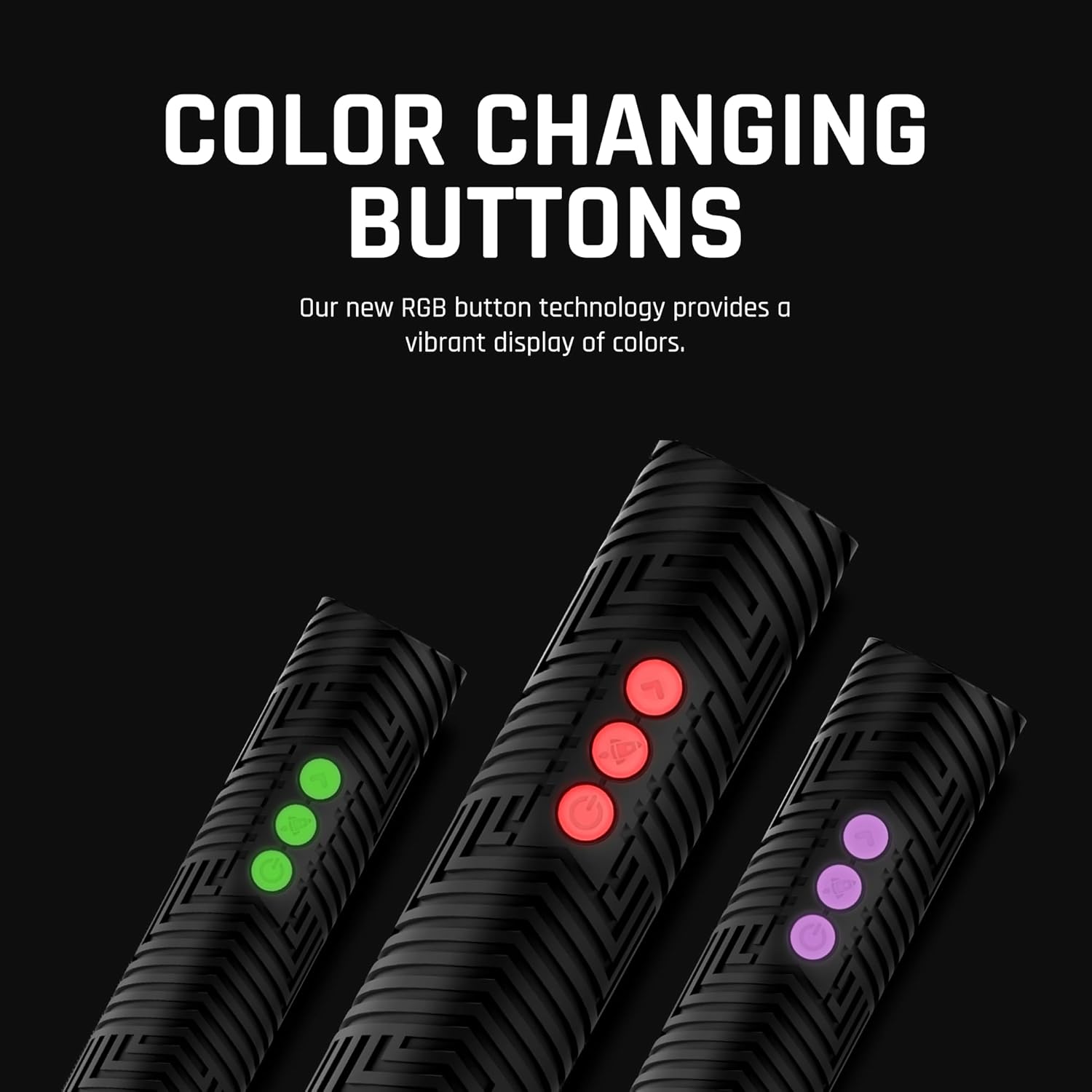
Image: A close-up of the RGB Critter BT's three buttons, illuminated in various colors (green, red, purple), demonstrating the color-changing button technology.
Accessory Integration
The RGB Critter BT is designed to interlock with over 200 twist-on accessories, such as flow toys and light painting tools.
- Align the accessory with the top of the RGB Critter BT.
- Twist gently until it securely locks into place.

Image: Several RGB Critter BT units shown with different twist-on accessories attached, demonstrating their use as light painting tools and flow toys, emitting various colors.
Maintenance
Cleaning
Wipe the device with a soft, dry cloth. Do not use abrasive cleaners or immerse the device in water. The device is not water resistant.
Storage
Store the RGB Critter BT in a cool, dry place away from direct sunlight and extreme temperatures.
Battery Care
To prolong battery life, avoid fully discharging the battery frequently. Recharge when the battery level is low.

Image: Two black silicone modular caps, designed to protect the RGB Critter and Modular Sabers from accidental drops, shown against a dark background.
Troubleshooting
| Problem | Possible Cause | Solution |
|---|---|---|
| Device does not turn on | Low battery; Device locked | Charge the device; Press top and bottom buttons simultaneously to unlock. |
| Cannot connect to app | Bluetooth off; Device out of range; App not updated | Ensure Bluetooth is enabled on your device; Move closer to the RGB Critter BT; Update the app to the latest version. |
| Buttons unresponsive | Device locked | Press top and bottom buttons simultaneously to unlock. |
Specifications
- Model: RGB001
- Dimensions: 5.4 x 1.3 x 1.3 inches
- Weight: 13.4 ounces
- Light Source: LED
- Brightness: 170 Lumens (White)
- Power Source: Battery Powered (Lithium-Ion 18650)
- Runtime: Up to 3 hours
- Material: Silicone
- Water Resistance: Not Water Resistant
- Special Features: Adjustable, Durable

Image: A detailed view of the improved no-slip silicone grip on the RGB Critter BT, featuring a textured pattern for enhanced control.
Warranty Information
The RGB Critter BT is covered by a Limited Lifetime Warranty from Ants on a Melon. This warranty covers defects in materials and workmanship under normal use. For full details and to make a warranty claim, please visit the official Ants on a Melon website.
Support
For further assistance, technical support, or frequently asked questions, please visit the official Ants on a Melon support page.
Website: www.antsonamelon.com
Ask a question about this manual
Ask about setup, troubleshooting, compatibility, parts, safety, or missing instructions. Manuals+ will review the question and use this page’s manual context to help answer it.