
1. Introduction
Thank you for choosing the Nulaxy Dual Folding Cell Phone Stand. This manual provides essential information for the proper setup, operation, and maintenance of your new device. Please read these instructions carefully before use and retain them for future reference.

Image: The Nulaxy Dual Folding Cell Phone Stands in black and rose gold.
2. Package Contents
Verify that all items are present in your package:
- 2 x Nulaxy Dual Folding Cell Phone Stand (Black & Rose Gold)
- Instruction Manual (this document)

Image: Two Nulaxy stands on a desk, one holding a phone.
3. Setup Instructions
Follow these steps to set up your Nulaxy phone stand:
- Unfold the Base: Gently pull the base of the stand outwards until it locks into an open position.
- Adjust the Support Arm: Lift the support arm to your desired viewing angle. The stand features dual-core shaft technology for smooth and stable adjustment.
- Position the Cradle: Adjust the device cradle to ensure your phone or tablet rests securely.

Image: Stand with adjustable angles and dimensions.

Image: Detail of the easy angle adjustment mechanism.
4. Operating Instructions
The Nulaxy Dual Folding Cell Phone Stand is designed for versatile use with various devices.
- Device Placement: Place your smartphone or tablet onto the cradle. The stand is compatible with devices ranging from 4 to 10 inches.
- Angle Adjustment: Adjust the stand's arm and the device cradle to achieve your preferred viewing angle for activities such as watching videos, video calls, or reading.
- Stability Recommendation: For optimal stability, devices between 4-6 inches can be used in both landscape and portrait modes. Devices between 6-10 inches are recommended for landscape mode.
- Case Compatibility: The cradle hook width is 19mm (0.74 inches), accommodating most phones even with thick cases. Ensure your device with its case does not exceed this thickness.
- Portability: When not in use, the stand folds completely flat for easy storage and transport.
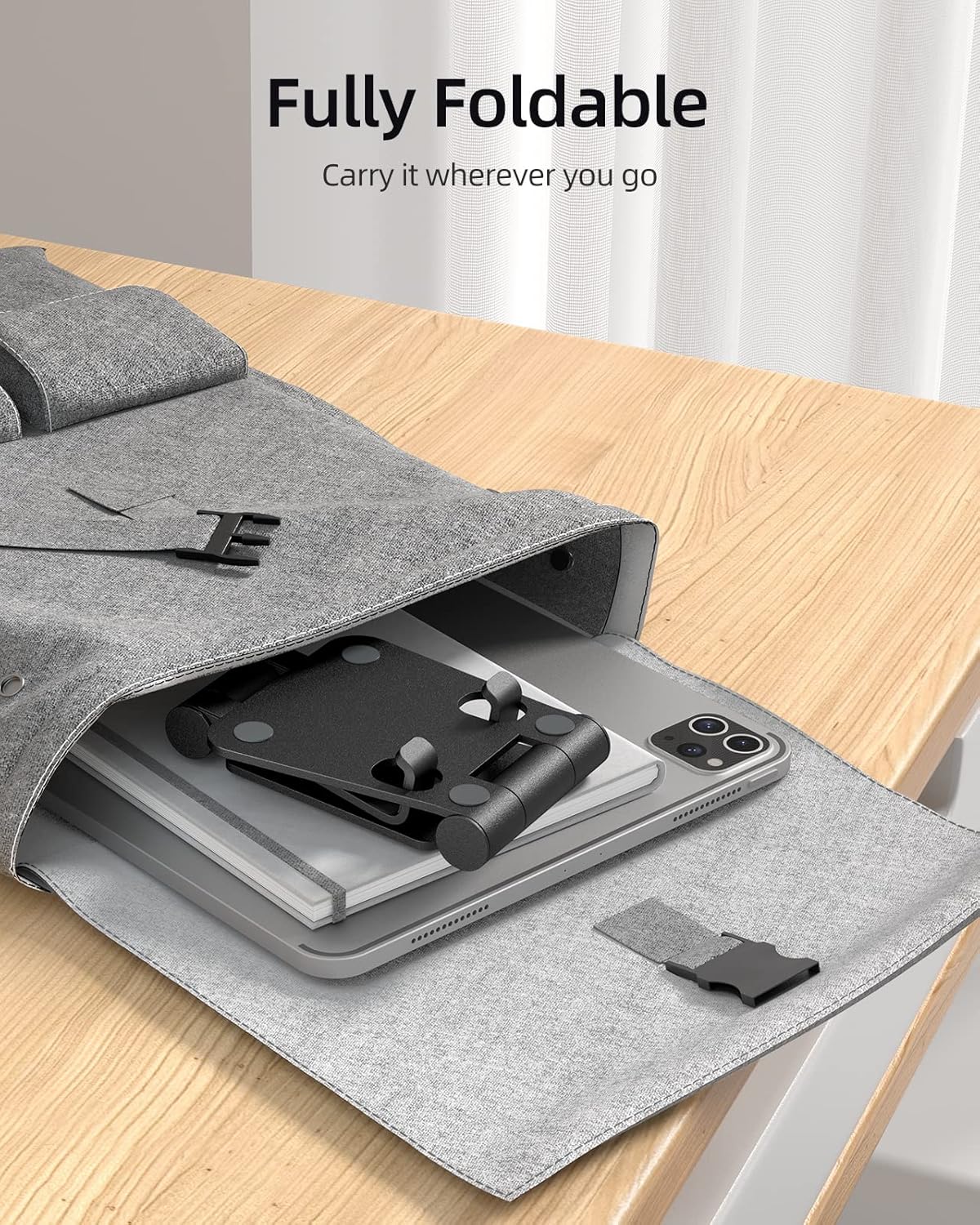
Image: The stand folded for portability, stored in a bag.

Image: The stand in use on a desktop with a phone.
5. Maintenance
To ensure the longevity and optimal performance of your Nulaxy phone stand, follow these simple maintenance guidelines:
- Cleaning: Wipe the stand with a soft, dry cloth to remove dust and fingerprints. For stubborn marks, a slightly damp cloth can be used, followed by immediate drying. Avoid abrasive cleaners or solvents.
- Storage: When not in use, fold the stand flat and store it in a clean, dry place away from direct sunlight or extreme temperatures.
- Inspection: Periodically check the hinges and rubber pads for any signs of wear or damage.
6. Troubleshooting
If you encounter any issues with your Nulaxy phone stand, refer to the following table for potential solutions:
| Problem | Possible Cause / Solution |
|---|---|
| Stand feels unstable or wobbles. | Ensure the stand is placed on a flat, stable surface. For larger devices (6-10 inches), use landscape orientation for better stability. Verify the device is centered on the cradle. |
| Difficulty adjusting the angle. | The hinges are designed to be firm to maintain position. Apply gentle, consistent pressure to adjust. Avoid forcing the hinges beyond their intended range of motion. |
| Device does not fit in the cradle. | Check if your device (including its case) exceeds the 19mm (0.74 inch) cradle depth. The stand is compatible with devices from 4 to 10 inches. |
7. Specifications
Detailed specifications for the Nulaxy Dual Folding Cell Phone Stand (Model A4):
| Feature | Detail |
|---|---|
| Model Number | A4 |
| Product Dimensions | 6.1 x 4.25 x 1.14 inches (folded) |
| Item Weight | 7.7 ounces |
| Material | High-quality aluminum alloy with rubber pads |
| Compatible Devices | Smartphones (4-10 inches), Tablets, Kindle, Mobile Phones (e.g., iPhone 16/15/14/13/12 Pro/Xs/Max/Xr, Samsung Galaxy series, Sony, Google Pixel, Huawei, etc.) |
| Cradle Hook Width | 19mm (0.74 inches) |
| Adjustable Angles | Yes, dual-axis adjustment |
8. Warranty and Support
Warranty Information: Nulaxy products are manufactured to high-quality standards. This product is covered by a standard manufacturer's warranty against defects in materials and workmanship. Please refer to the product packaging or the Nulaxy official website for specific warranty terms and duration.
Customer Support: For any questions, technical assistance, or warranty claims, please contact Nulaxy customer support through the retailer where the product was purchased or visit the official Nulaxy website for contact information. Please have your model number (A4) and purchase details ready when contacting support.
You can also visit the Nulaxy Store for more information: Nulaxy Store on Amazon
