
Introduction
The Gelielim Digital Alarm Clock Radio (Model 2993W) is a versatile device combining an alarm clock, FM radio, Bluetooth speaker, and wireless charging station. This manual provides detailed instructions for setup, operation, and maintenance to ensure optimal performance and user experience.

Image: The Gelielim Digital Alarm Clock Radio highlighting its 4-in-1 functionality: Alarm Clock, FM Radio, Wireless Charger, and Bluetooth.
Setup
1. Power Connection
Connect the provided power adapter to the DC input port on the back of the alarm clock and then plug it into a standard wall outlet. The clock will power on automatically.
2. Initial Time Setting
Upon initial power-on or after a power interruption, the clock may automatically synchronize its time when connected to a Bluetooth device. If manual adjustment is needed, refer to the 'Operating Instructions - Time Display & Brightness' section.
3. Placement for Wireless Charging
For effective wireless charging, place the alarm clock on a flat, stable surface. Ensure there are no metallic objects between the charging pad and your device.
Operating Instructions
1. Time Display & Brightness
The digital LED display shows the current time. The brightness can be adjusted to four levels: high, medium, low, and off. Use the dedicated dimmer button (often labeled with a sun icon) to cycle through these brightness settings to suit your preference.

Image: Illustration of the four adjustable brightness levels for the clock display.
2. Alarm Functions
The device features two independent alarms (AL1 and AL2). Each alarm can be set to wake you up with either a default chime or your favorite FM radio station.
- Setting Alarms: Refer to the specific buttons on your device (usually labeled AL1/AL2 SET) to enter alarm setting mode. Follow the on-screen prompts to set the desired time and wake-up sound.
- Snooze Function: When an alarm sounds, press the 'SNOOZE' button to temporarily silence it for a set period (typically 9 minutes). The alarm will sound again after the snooze period.
- Disabling Alarms: To turn off an active alarm, press the corresponding alarm button (AL1/AL2) or the 'OFF' button.
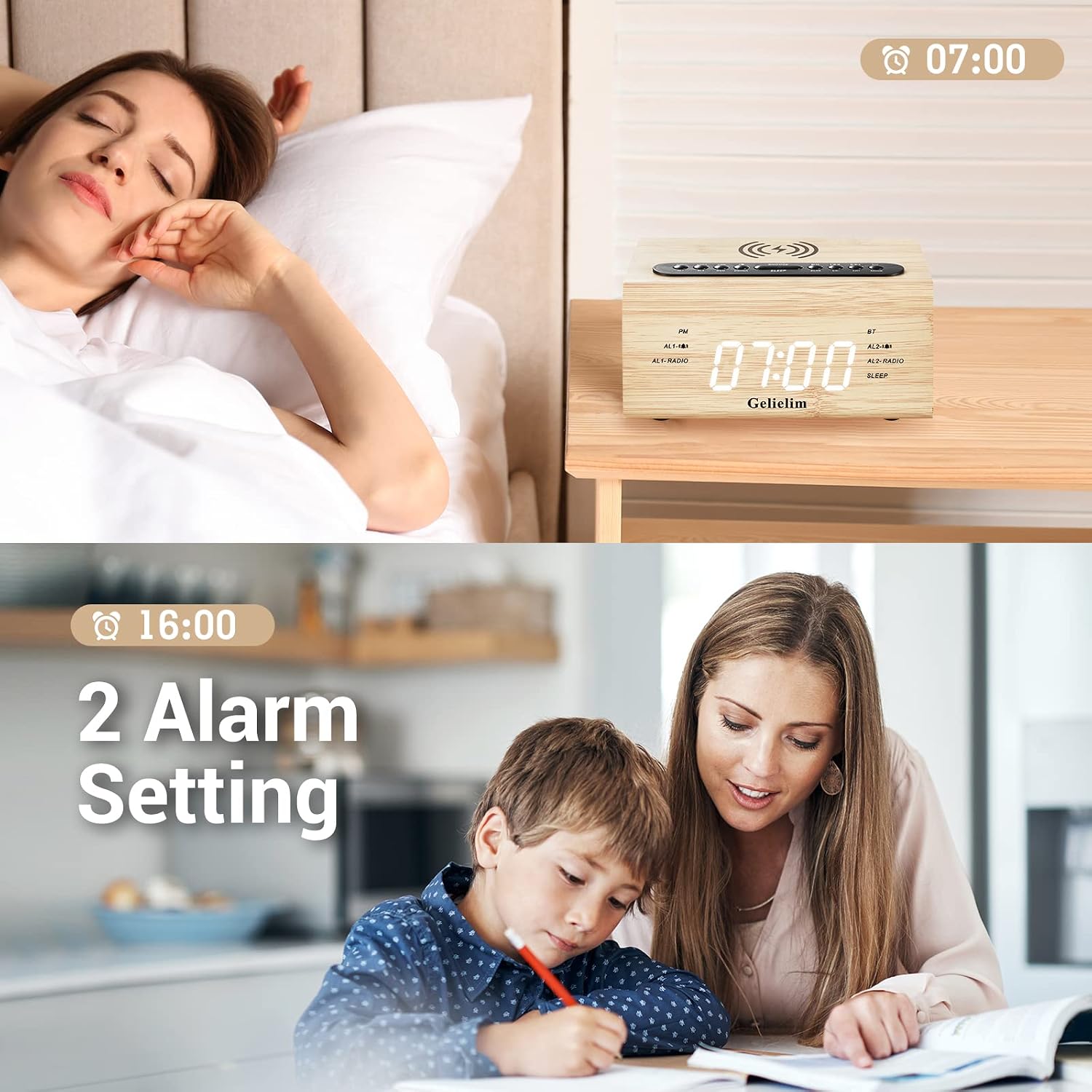
Image: The clock displaying two different alarm settings, illustrating the dual alarm feature.
3. FM Radio
The built-in FM radio operates within the frequency range of 87.5-108MHz.
- Tuning: Use the 'FM' button to switch to radio mode. Use the tuning buttons (often +/- or arrow icons) to manually scan for stations or press and hold for automatic scanning and saving of available channels.
- Saving Presets: The device supports saving your favorite radio channels for quick access. Consult your device's specific button layout for saving and recalling presets.
- Sleep Timer: The radio features a sleep timer function, allowing you to listen to the radio for a set duration (10-90 minutes, adjustable in 10-minute increments) before it automatically turns off.

Image: The clock displaying FM radio features, including frequency range and sleep timer.
4. Bluetooth Speaker
The alarm clock can function as a Bluetooth stereo speaker, compatible with various Bluetooth-enabled devices.
- Pairing: Activate Bluetooth mode on the alarm clock (usually by pressing a 'BT' button). On your mobile device, search for 'K-2993W' (or similar model name) in the Bluetooth settings and connect. The clock's time will automatically synchronize upon successful connection.
- AUX-IN: An AUX-IN port is available for connecting non-Bluetooth audio devices using a 3.5mm audio cable (not included).

Image: Demonstrating Bluetooth wireless connection and automatic time synchronization with a mobile phone.
5. Wireless Charging
The top surface of the alarm clock features an anti-slip wireless charging pad that supports 5W, 7.5W, and 10W adaptive charging.
- Usage: Place your Qi-compatible smartphone or other wireless charging device directly onto the charging pad. Ensure the device is centered for optimal charging. A charging indicator (if available) will illuminate.
6. USB Charging Port
A 5V/1A USB port is located on the back of the unit, allowing you to charge additional electronic devices via a USB cable (not included).

Image: The alarm clock providing both wireless charging for a smartphone and wired USB charging for a smartwatch.
Maintenance
To maintain the appearance and functionality of your Gelielim Digital Alarm Clock Radio, follow these guidelines:
- Cleaning: Use a soft, dry cloth to wipe the exterior surfaces. Avoid using abrasive cleaners, solvents, or chemical sprays, as these can damage the finish.
- Storage: If storing the device for an extended period, disconnect it from power and keep it in a cool, dry place away from direct sunlight and extreme temperatures.
- Liquid Exposure: Keep the device away from water and other liquids. In case of accidental spills, immediately disconnect power and allow it to dry completely before reconnecting.
Troubleshooting
If you encounter issues with your Gelielim Digital Alarm Clock Radio, refer to the following common problems and solutions:
- Clock Not Displaying Time / Incorrect Time:
- Ensure the power adapter is securely connected.
- If the time is not automatically synchronizing via Bluetooth, refer to the manual's time setting instructions for manual adjustment. Some users report initial difficulty with manual time setting; ensure you follow the steps precisely, including button press duration (short vs. long press) and sequence.
- FM Radio Reception is Poor/Static:
- Extend the FM antenna fully and try repositioning it for better signal reception.
- Move the unit away from other electronic devices that might cause interference.
- Perform an auto-scan to find stronger stations.
- Bluetooth Not Connecting:
- Ensure the alarm clock is in Bluetooth pairing mode.
- Make sure Bluetooth is enabled on your mobile device and it is within range (typically 1-10 meters).
- Forget the device from your phone's Bluetooth settings and try pairing again.
- Wireless Charging Not Working:
- Ensure your device is Qi-compatible and correctly centered on the charging pad.
- Remove any thick phone cases or metallic objects that may interfere with charging.
- Verify the alarm clock is powered on.
Specifications
| Feature | Detail |
|---|---|
| Brand | Gelielim |
| Model Number | 2993W |
| Display Type | Digital |
| Power Source | Corded Electric |
| Product Dimensions | 4.7"W x 7.2"H |
| Material | Wood |
| Wireless Charging Output | 5W/7.5W/10W Adaptive |
| USB Charging Output | 5V/1A |
| FM Radio Frequency | 87.5-108MHz |
| Special Features | Dual Alarm, Radio, Snooze, Dimmable Display, Bluetooth Speaker |
Warranty and Support
Gelielim stands behind the quality of its products. This Digital Alarm Clock Radio comes with:
- 12-Month Warranty: Covering manufacturing defects and malfunctions under normal use.
- 30-Day Money Back Guarantee: For returns within 30 days of purchase.
- 24-Hour Customer Service: For any questions or assistance, please contact Gelielim customer support. Refer to the product packaging or Gelielim's official website for contact details.