
Techmade M350
Techmade Bluetooth Speaker User Manual
Model: M350
1. Introduction
Thank you for choosing the Techmade Bluetooth Speaker. This portable wireless speaker is designed to provide high-quality audio and convenient hands-free calling. Its compact and lightweight design makes it perfect for use at home, in the office, or on the go. This manual provides essential information on setting up, operating, and maintaining your speaker.

Image 1.1: The Techmade Bluetooth Speaker in blue, showcasing its compact design and front controls.
2. Product Overview
2.1. Components
The Techmade Bluetooth Speaker package includes the following items:
- Techmade Bluetooth Speaker
- USB Cable (for charging)
2.2. Controls and Indicators
Familiarize yourself with the speaker's controls and ports:

Image 2.1: Detailed view of the speaker's intuitive controls, including the power switch, volume controls, and the USB-C charging port located at the bottom.
- Power Button: Used to turn the speaker on or off.
- Volume Down Button (-): Decreases the audio volume.
- Volume Up Button (+): Increases the audio volume.
- USB-C Charging Port: Located at the bottom, used to charge the speaker's internal battery.
3. Setup
3.1. Charging the Speaker
Before first use, fully charge the speaker. Connect the provided USB cable to the speaker's USB-C port and the other end to a USB power adapter (not included) or a computer's USB port. The charging indicator light will show the charging status.
3.2. Bluetooth Pairing
To connect your speaker to a Bluetooth-enabled device:
- Ensure the speaker is charged and powered on.
- Activate Bluetooth on your smartphone, tablet, or other device.
- Search for available Bluetooth devices. The speaker will appear as "Techmade M350" or similar.
- Select the speaker from the list to pair. A confirmation sound will indicate successful pairing.
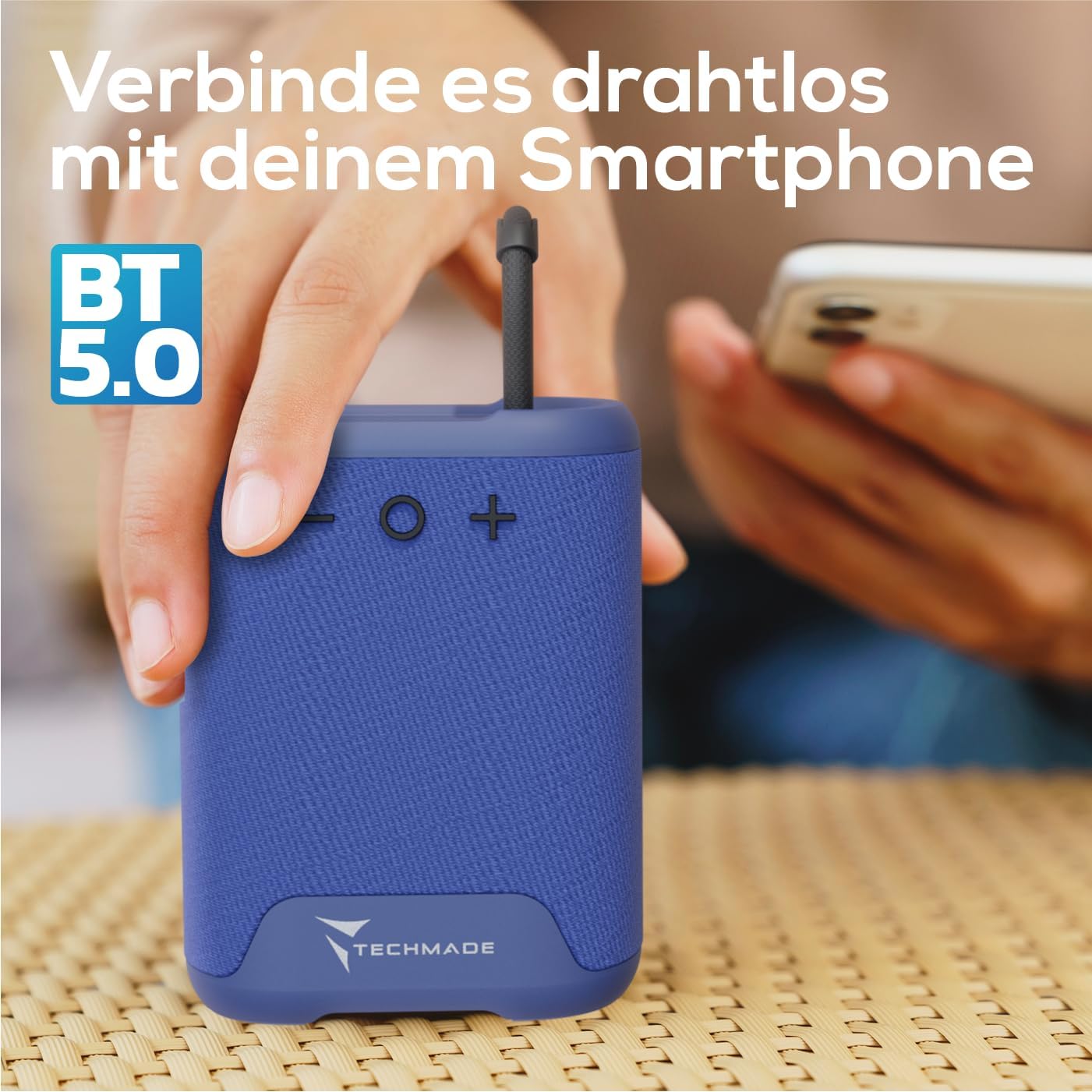
Image 3.1: Demonstrating the wireless connection process between the Techmade speaker and a smartphone via Bluetooth 5.0.
4. Operating Instructions
4.1. Power On/Off
- To Power On: Press and hold the Power button until you hear a sound or see an indicator light.
- To Power Off: Press and hold the Power button again until the speaker shuts down.
4.2. Audio Playback
- Once paired, audio from your connected device will play through the speaker.
- Use the Volume Up (+) and Volume Down (-) buttons on the speaker to adjust the volume. You can also control volume from your connected device.
4.3. Hands-Free Calling
The speaker features an integrated microphone for hands-free calls:
- Answer Call: When a call comes in, press the Power button once to answer.
- End Call: During a call, press the Power button once to end the call.
- Reject Call: Press and hold the Power button to reject an incoming call.
5. Maintenance
To ensure the longevity and optimal performance of your Techmade Bluetooth Speaker:
- Cleaning: Wipe the speaker with a soft, dry cloth. Do not use abrasive cleaners or solvents.
- Storage: Store the speaker in a cool, dry place away from direct sunlight and extreme temperatures.
- Water Resistance: This speaker is not waterproof. Avoid exposure to water or high humidity.
- Battery Care: If not used for extended periods, charge the speaker at least once every three months to maintain battery health.
6. Troubleshooting
If you encounter issues with your speaker, refer to the following table for common problems and solutions:
| Problem | Possible Cause | Solution |
|---|---|---|
| Speaker does not turn on. | Battery is low or depleted. | Charge the speaker fully using the provided USB cable. |
| Cannot pair with device. | Bluetooth is off on device; speaker is not in pairing mode; device is too far. | Ensure Bluetooth is enabled on your device. Make sure the speaker is powered on and discoverable. Move device closer to speaker (within 10m). |
| No sound or low volume. | Volume is too low on speaker or device; speaker is not connected. | Increase volume on both the speaker and your connected device. Re-pair the speaker if connection is lost. |
| Poor sound quality. | Interference; device too far; low battery. | Move speaker closer to device. Avoid obstacles between speaker and device. Charge the speaker. |
7. Specifications
The following are the technical specifications for the Techmade Bluetooth Speaker M350:
| Feature | Detail |
|---|---|
| Brand | Techmade |
| Model Name | My speaker M350 |
| Model Number | M350 |
| Connectivity Technology | Bluetooth |
| Speaker Maximum Output Power | 5 Watts |
| Frequency Response | 9030 Hz |
| Audio Output Mode | Surround-Sound |
| Mounting Type | Tabletop |
| Material | Plastic |
| Speaker Type | Portable |
| Special Feature | Portable |
| Product Dimensions | 5 x 7 x 10 cm; 300 Grams |
| Batteries | 1 Lithium-Polymer battery required (included) |
| First Available Date | November 9, 2024 |

Image 7.1: Visual representation of the speaker's compact dimensions (10.5 cm height, 7.5 cm width, 5 cm depth) and its lightweight design (194 grams).
8. Warranty and Support
For warranty information or technical support, please refer to the documentation provided with your purchase or contact Techmade customer service. Keep your proof of purchase for warranty claims.
Related documentsM350

Ask a question about this manual
Ask about setup, troubleshooting, compatibility, parts, safety, or missing instructions. Manuals+ will review the question and use this page’s manual context to help answer it.