
Introduction
This user manual provides comprehensive instructions for the MECHEN D50 MP3 Player. Please read this manual carefully before using the device to ensure proper operation and to maximize your user experience. Keep this manual for future reference.
Package Contents
Verify that all items are present in the package:
- 1 x MECHEN D50 MP3 Player
- 1 x USB Cable
- 1 x Wired Earphones
- 1 x User Manual

Image: Contents of the MECHEN D50 MP3 Player package, including the player, USB cable, wired earphones, and user manual.
Product Features
- Large Memory Capacity: Built-in 32GB internal storage, expandable up to 128GB with a TF card (not included).
- Bluetooth 5.0 Connectivity: Stable wireless connection to Bluetooth headphones or speakers. Note: This MP3 player acts as a Bluetooth transmitter only and cannot pair with mobile phones or computers.
- HiFi Lossless Sound Quality: Supports MP3, WMA, APE, FLAC, WAV, OGG, and other lossless audio formats. Features professional intelligent digital noise reduction.
- 1.8-inch TFT Color Screen: Clear display for easy navigation.
- Responsive Touch Controls: Navigate menus with sensitive touch buttons. Includes a screen lock function to prevent accidental operations.
- Multi-functional Device: Includes music playback, FM radio, voice recording, and image viewing.
- Portable Design: Compact and lightweight for easy carrying.
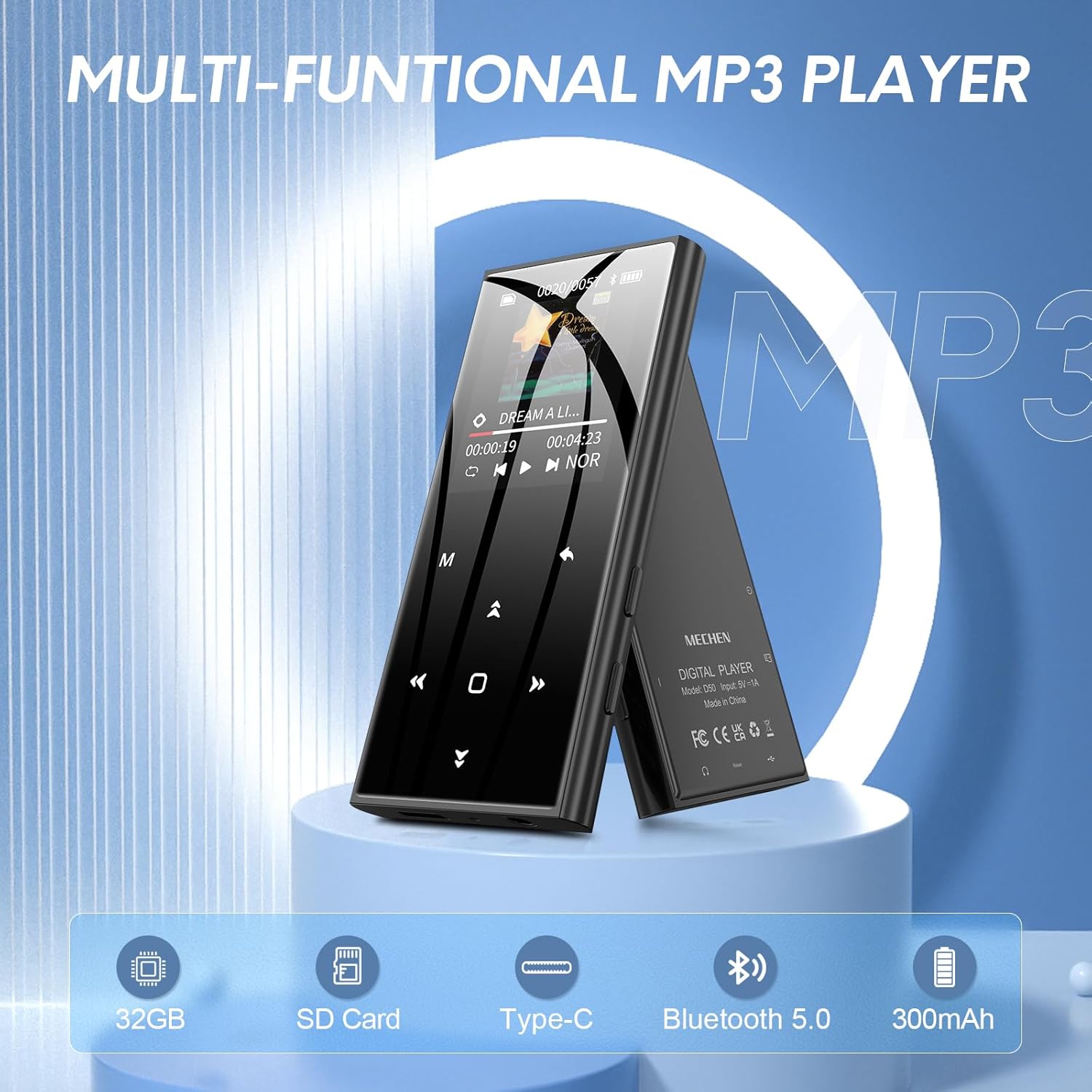
Image: The MECHEN D50 MP3 Player showcasing its multi-functional capabilities, including 32GB storage, SD card support, Type-C port, Bluetooth 5.0, and 300mAh battery.
Setup
1. Charging the Device
Before first use, fully charge the MP3 player. Connect the included USB cable to the player's Type-C port and the other end to a USB power adapter (not included) or a computer's USB port.
The battery icon on the screen will indicate charging status. A full charge typically takes approximately 2-3 hours.

Image: The MECHEN D50 MP3 Player connected to a laptop via its Type-C USB port for charging or data transfer.
2. Inserting a TF Card (Optional)
If you wish to expand the storage beyond the internal 32GB, insert a TF (Micro SD) card (up to 128GB, not included) into the designated slot on the side of the player. Ensure the card is inserted correctly until it clicks into place.
3. Transferring Music and Files
Connect the MP3 player to your computer using the USB cable. The player will appear as a removable disk. You can then drag and drop music files, photos, or other supported files into the player's storage or the inserted TF card.
Supported audio formats include MP3, WMA, APE, FLAC, WAV, OGG.
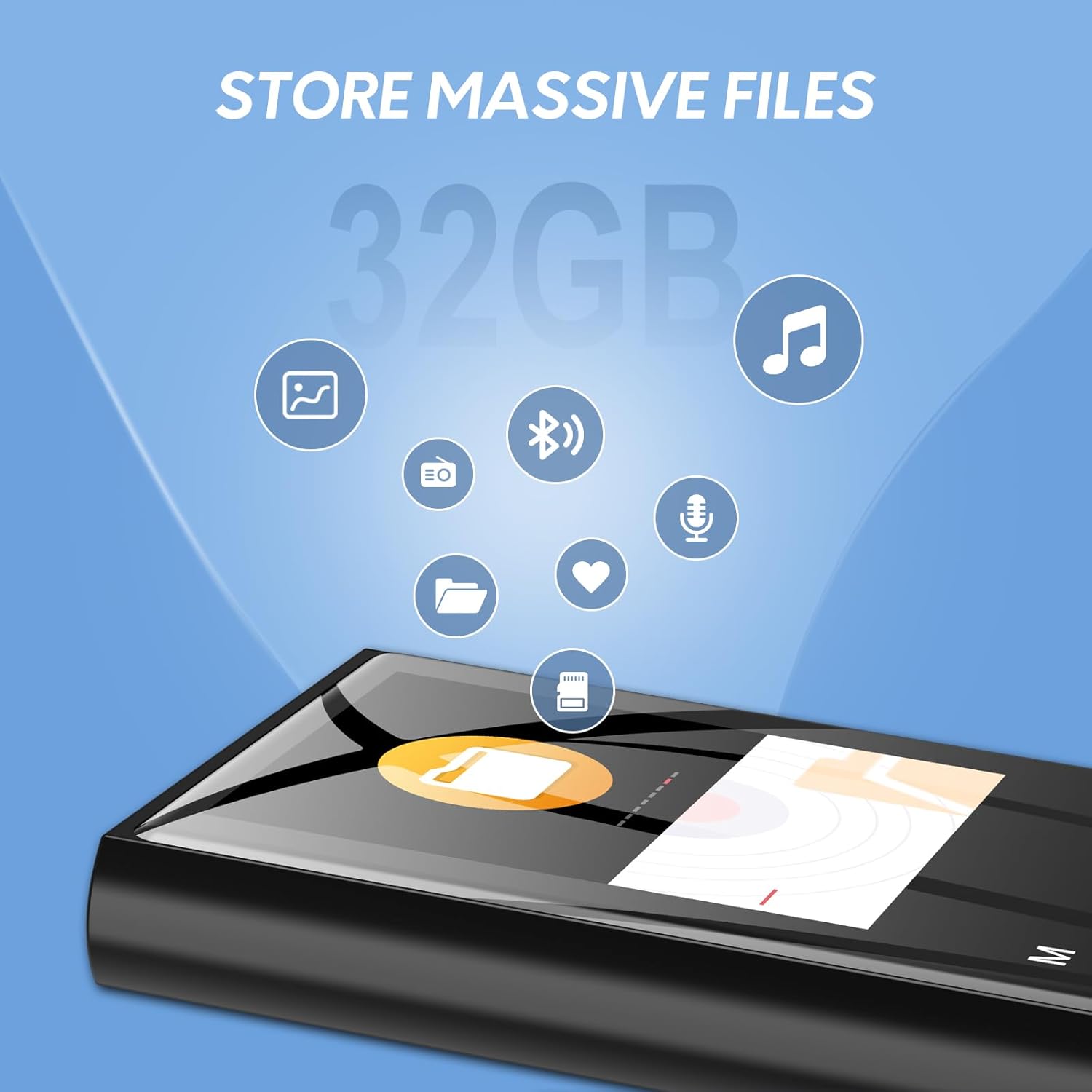
Image: Illustration of the MECHEN D50 MP3 Player's 32GB internal memory, capable of storing various file types including music and photos.
Operating Instructions
1. Power On/Off
- To power on, press and hold the power button until the screen lights up.
- To power off, press and hold the power button until the "Power Off" option appears, then select it.
2. Basic Navigation
The MECHEN D50 features responsive touch buttons for navigation:
- Up/Down Arrows: Navigate through menu options.
- Left/Right Arrows: Adjust volume, skip tracks, or move between settings.
- M (Menu) Button: Access sub-menus or return to the previous screen.
- Play/Pause Button: Confirm selections, play/pause music.
To lock the screen and prevent accidental touches, long-press the 'M' button. Long-press again to unlock.
3. Music Playback
- From the main menu, select "Music".
- Browse your music by Artist, Album, Genre, or All Songs. You can also access files via "Folders".
- Select a song to begin playback.
- During playback, use the Left/Right arrows to skip tracks, and the Up/Down arrows to adjust volume.
- Press the Play/Pause button to pause or resume playback.
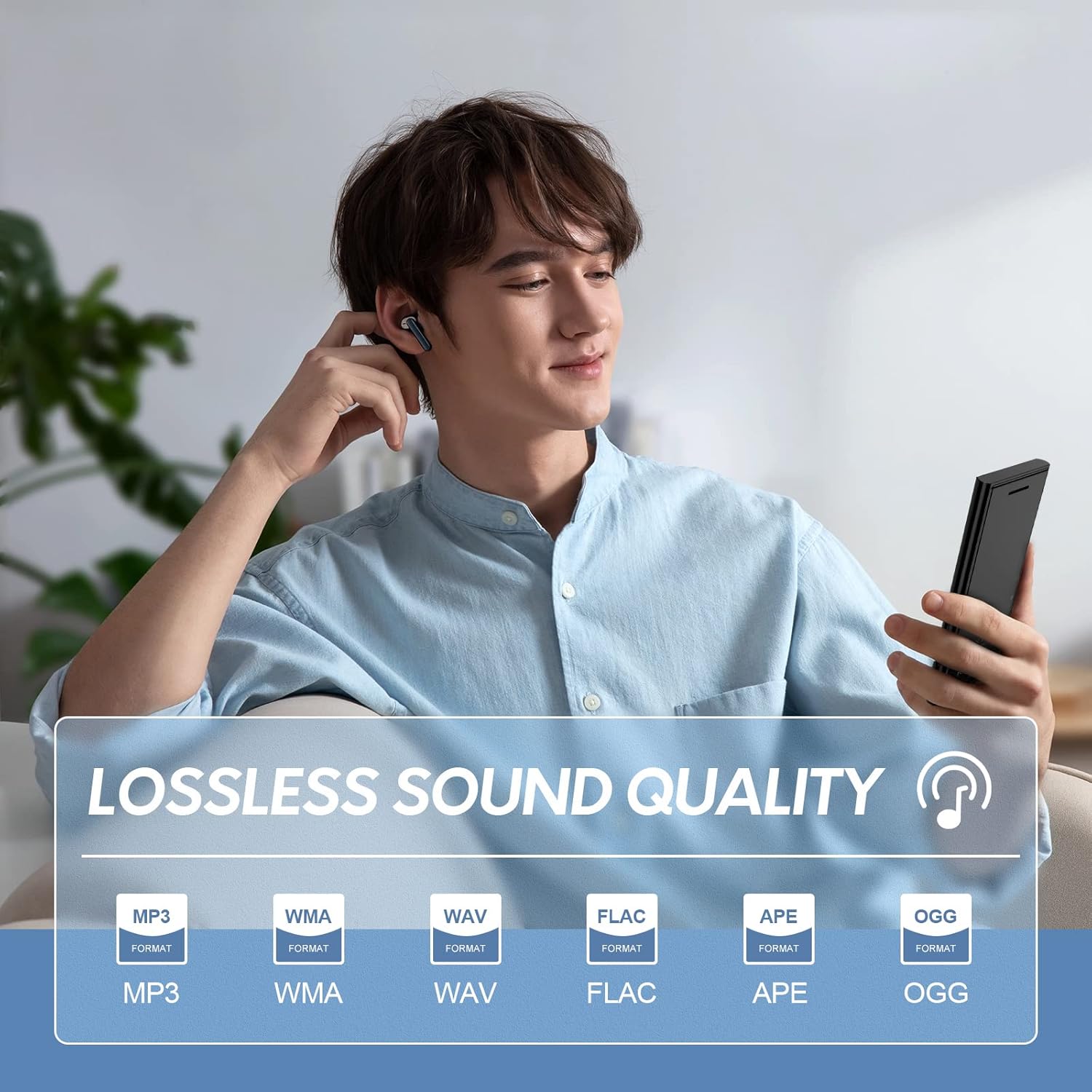
Image: A user enjoying music on the MECHEN D50 MP3 Player, highlighting its support for lossless audio formats like MP3, WMA, WAV, FLAC, APE, and OGG.
4. Bluetooth Connection
The D50 MP3 player supports Bluetooth 5.0 for connecting to wireless headphones or speakers.
- Ensure your Bluetooth headphones/speaker are in pairing mode.
- On the MP3 player, go to the main menu and select "Bluetooth".
- Turn Bluetooth "On" and select "Search Device".
- Once your device appears in the list, select it to pair.
- After successful pairing, you can play music through your connected Bluetooth audio device.
Important Note: The MECHEN D50 is a Bluetooth transmitter only. It cannot connect to smartphones, tablets, or computers via Bluetooth.
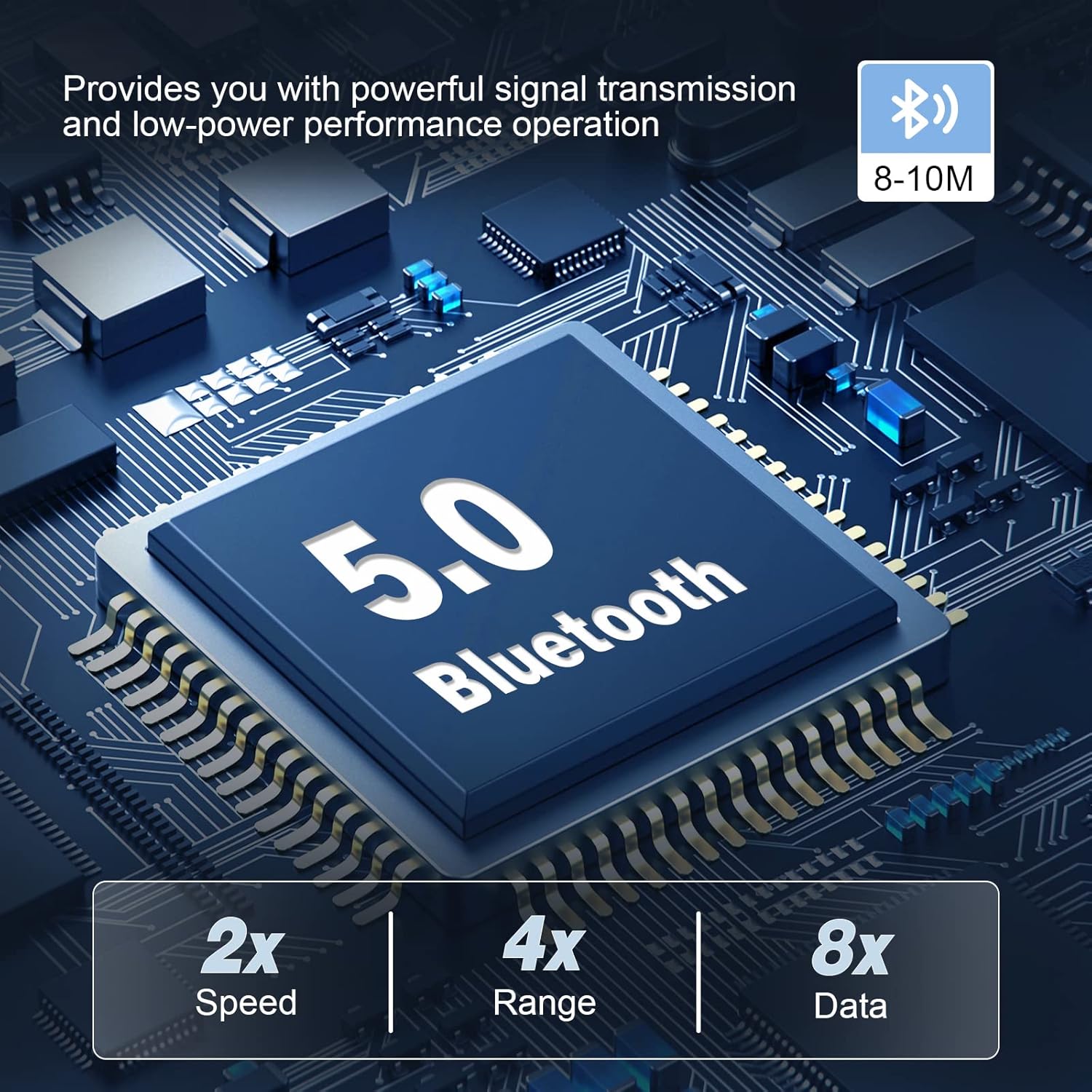
Image: An illustration of the Bluetooth 5.0 chip within the MECHEN D50 MP3 Player, emphasizing its stable and efficient wireless connectivity.
5. FM Radio
To use the FM Radio function, ensure wired earphones are connected, as they act as the antenna.
- From the main menu, select "FM Radio".
- You can choose to auto-search for stations or manually tune.
- Use the navigation buttons to change stations or adjust volume.
6. Voice Recording
- From the main menu, select "Recorder".
- Choose "Start Voice Recording" to begin.
- Press the Play/Pause button to pause/resume recording.
- Press the M button to stop and save the recording.
- Recordings are saved in the "Recordings" folder.
7. Image Viewing
The player supports viewing images in JPG and BMP formats.
- From the main menu, select "Pictures".
- Browse and select an image to view it on the 1.8-inch screen.
8. Sleep Timer
The sleep timer allows the player to automatically turn off after a set period.
- Navigate to "Settings" from the main menu.
- Select "Sleep Timer" and choose your desired duration.
Maintenance
- Keep the device dry. Avoid exposure to moisture or liquids.
- Clean the screen and body with a soft, dry cloth. Do not use abrasive cleaners or solvents.
- Avoid extreme temperatures.
- Do not attempt to disassemble or repair the device yourself. This will void the warranty.
- Store the player in a safe place when not in use to prevent scratches or damage.
Troubleshooting
Device Does Not Turn On
- Ensure the battery is charged. Connect the player to a power source for at least 30 minutes.
- If the device is unresponsive, try a hard reset by pressing and holding the power button for 10-15 seconds.
Cannot Connect to Bluetooth Device
- Ensure your Bluetooth headphones/speaker are in pairing mode.
- Verify that the MP3 player's Bluetooth is enabled and searching for devices.
- Remember, the D50 is a Bluetooth transmitter only; it cannot pair with phones or computers.
- Try restarting both the MP3 player and the Bluetooth audio device.
No Sound
- Check the volume level on the MP3 player and any connected headphones/speakers.
- Ensure headphones are properly plugged into the 3.5mm jack.
- If using Bluetooth, ensure the device is correctly paired and connected.
- Verify that the audio files are not corrupted and are in a supported format.
Files Not Displaying Correctly
- Ensure files are in supported formats (e.g., MP3, WMA, FLAC for audio; JPG, BMP for images).
- If using a TF card, ensure it is properly inserted and not corrupted.
- The player displays up to 4000 music files in the "Music View". For more, access them via "Folder View".
Short Battery Life
- Reduce screen brightness.
- Disable Bluetooth when not in use.
- Close background applications (if any).
- Ensure the device is fully charged before use.
Specifications
| Feature | Detail |
|---|---|
| Brand | MECHEN |
| Model Name | D50 |
| Color | Black |
| Screen Size | 1.8 Inches |
| Display Technology | LCD |
| Internal Memory Storage | 32 GB |
| Supported External Memory | Up to 128 GB TF Card (Micro SD) |
| Connectivity Technology | Auxiliary, Bluetooth, USB |
| Bluetooth Version | 5.0 |
| Bluetooth Range | 8-10 Meters |
| Special Features | Voice Recorder, FM Radio, Equalizer |
| Battery Composition | Lithium-ion Polymer |
| Rechargeable Battery | Yes |
| USB Ports | 1 (Type-C) |
| Product Dimensions | 92 x 43 x 9.5 mm |
| Product Weight | 65 g |

Image: A table summarizing key product information for the MECHEN D50, including brand, model, memory, Bluetooth version, size, and weight.
Warranty and Support
Warranty information for the MECHEN D50 MP3 Player is not explicitly provided in the product data. Please refer to the seller or manufacturer's website for details regarding warranty coverage and customer support.
For technical assistance or inquiries, please contact MECHEN customer service through their official channels.


