
1. Introduction
Thank you for choosing the Cuifati Voice Recorder Watch. This manual provides essential information for setting up, operating, and maintaining your device. Please read it carefully to ensure optimal performance and longevity of your product.
2. Product Overview
The Cuifati Voice Recorder Watch is a versatile device designed for both voice and video recording. It features a durable, sweat-proof design, advanced noise reduction technology, and OTG connectivity for convenient file transfer.
2.1 Package Contents
- 1 x Cuifati Voice Recorder Watch
- 1 x Charging Cable
- 1 x User Manual
2.2 Device Components

This diagram illustrates the key components of your Cuifati Voice Recorder Watch:
- USB Data Socket / Charging Socket: For charging the device and transferring data.
- Recording / Video Recording Indicator: Shows the current operating mode.
- Power On/Off / Take Pic Button: Controls power and captures still images.
- Camera: Integrated lens for video recording and photography.
- Strap: Adjustable wrist strap for comfortable wear.
The watch dial measures approximately 5.6cm (Length) x 1.3cm (Thickness) x 2.7cm (Width), and the total strap length is 27cm.
3. Setup
3.1 Initial Charging
Before using your Cuifati Voice Recorder Watch for the first time, ensure it is fully charged. Connect the provided charging cable to the USB data/charging socket on the watch and to a compatible USB power source (e.g., computer USB port, wall adapter).
- Charging Time: Approximately 2 hours for a full charge.
- The device is equipped with a built-in 300 mAh lithium polymer battery.
3.2 Powering On/Off
To turn on the device, long press the power button until the display activates. To power off, long press the power button again until the device shuts down.
4. Operating Instructions
4.1 Voice Recording
The watch features a powerful built-in chip for stable recording in complex environments, significantly reducing ambient noise and restoring clear sound quality.
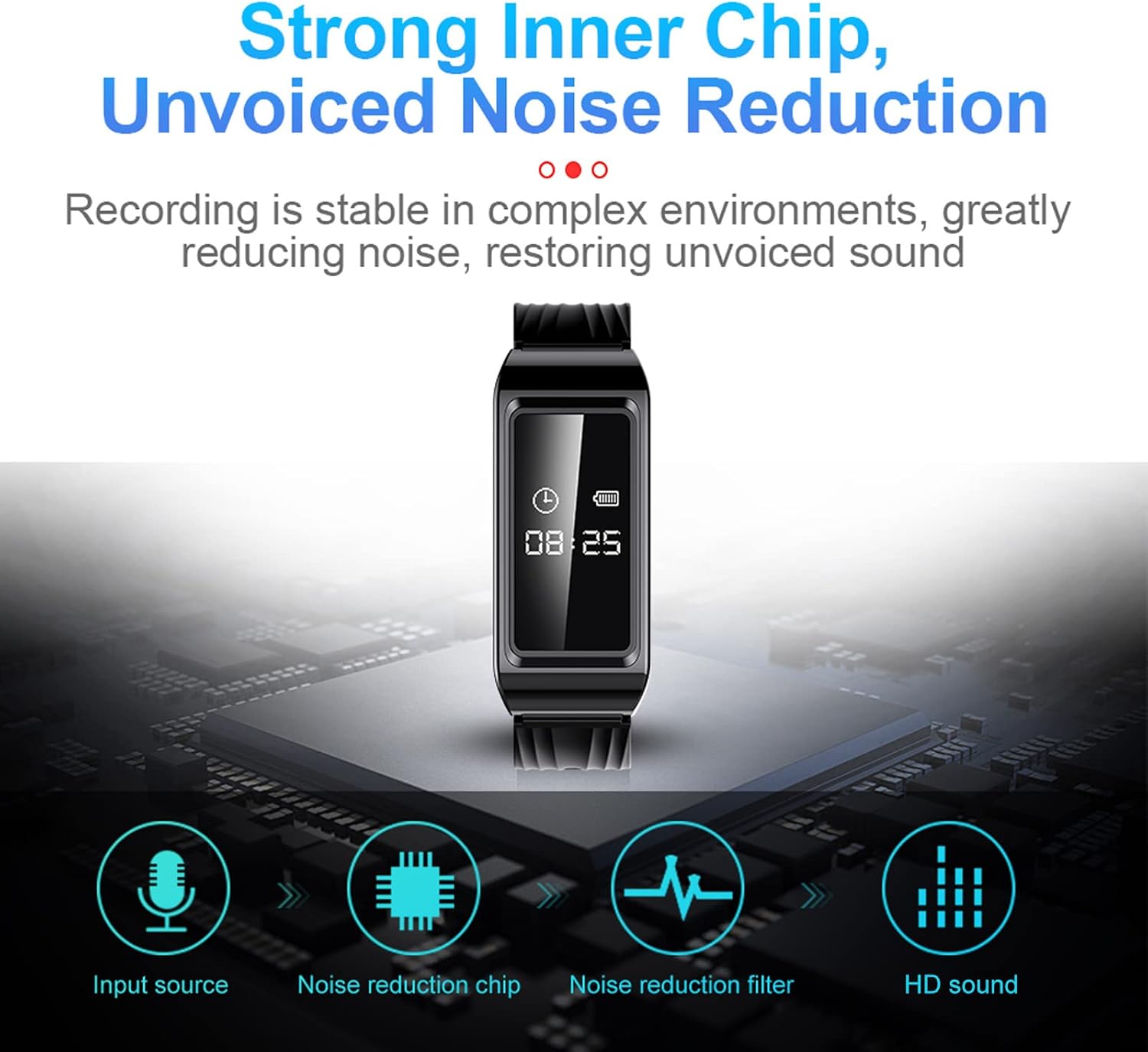
This image illustrates the noise reduction process: an input source is processed through a noise reduction chip and filter to produce HD sound.
4.2 Video Recording
The device supports 1080P HD video recording, allowing you to capture important moments with clarity. It is suitable for various situations such as meetings, speeches, and classrooms.
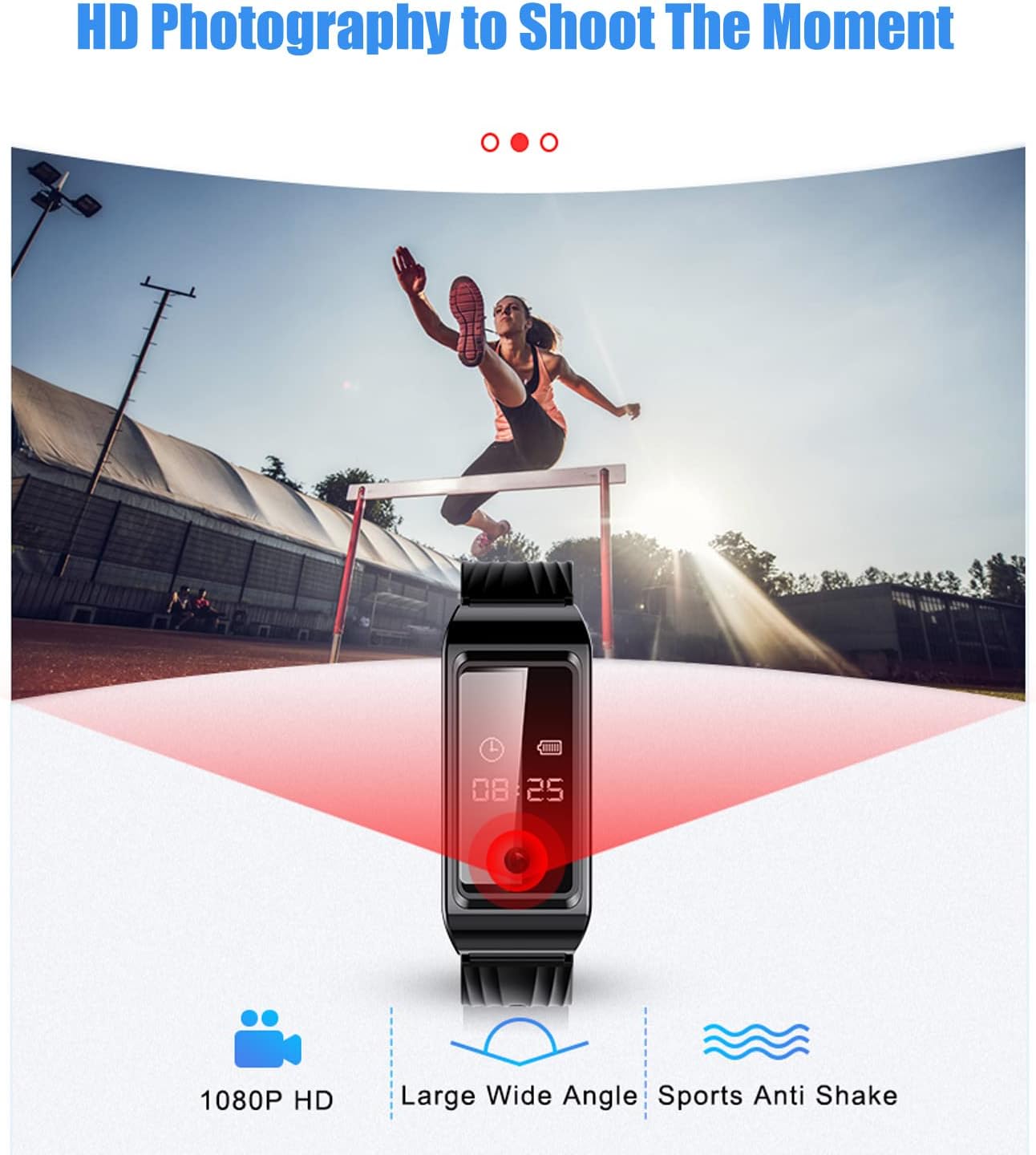
This image highlights the 1080P HD video capability, large wide-angle lens, and sports anti-shake features for stable video capture.
4.3 Automatic Save Function
The voice recorder watch is equipped with an automatic save function. If the battery level becomes critically low during recording, the device will automatically save any active recording before powering off, preventing data loss.
4.4 OTG Connection
For urgent file access without a computer, utilize the OTG (On-The-Go) connection feature. This allows you to connect the watch directly to a compatible smartphone to read and manage files anytime, anywhere.

This image shows the watch connected to a smartphone via an OTG cable, enabling direct file transfer and access.
5. Maintenance
5.1 General Care
To maintain your device, keep it clean and dry. Avoid exposing it to extreme temperatures, direct sunlight, or corrosive substances for prolonged periods.
5.2 Water and Sweat Resistance
The watch is designed to be shock-resistant and sweat-proof, making it suitable for sports and outdoor activities, even in rainy conditions or with heavy perspiration. However, it is not fully waterproof for submersion; avoid swimming or showering with the device.

This image depicts a person exercising, illustrating the watch's suitability for sports due to its anti-shake and anti-sweat properties.
5.3 Battery Life
The device offers extended battery performance for continuous use and standby.

This image indicates the battery performance: 3-4 hours of continuous video recording, 3-5 hours of continuous voice recording, and up to 90 days of long standby time.
6. Troubleshooting
6.1 Device Not Turning On
- Ensure the device is fully charged. Connect it to a power source and allow it to charge for at least 30 minutes before attempting to power on again.
- Long press the power button firmly for several seconds.
6.2 Recording Issues
- Check available memory. If the memory is full, transfer files to another device and delete them from the watch to free up space.
- Ensure the battery is sufficiently charged. Low battery can affect recording quality or prevent recording altogether.
6.3 File Transfer Problems
- For OTG connection, ensure your smartphone supports OTG functionality and that the cable is correctly connected.
- When connecting to a PC, ensure the USB cable is securely connected and the watch is recognized by the computer. Try a different USB port or cable if necessary.
7. Specifications
| Feature | Detail |
|---|---|
| Item Type | Recorder Watch |
| Material | ABS |
| Model | AUENgpg0wath81-13 |
| Memory Capacity | 32 GB |
| Built-in Battery | 300 mAh Lithium Polymer |
| Charging Time | Approx. 2 hours |
| Digital Recording Time | Up to 6 hours |
| Image Format | JPG |
| Image Resolution | 1920 x 1080 |
| Recording Format | WAV |
| Video Format | AVI |
| Lens Parameters | F NUMBER 2.25 |
| Hardware Interface | USB |
| Compatible Devices | PC |
| Microphone Form Factor | Integrated |
| Microphone Operating Mode | Mono |
| Dial Dimensions | 5.6cm (L) x 1.3cm (T) x 2.7cm (W) |
| Strap Length | 27cm |
Note: Manual measurements may have slight errors.
8. Warranty and Support
8.1 Warranty Information
The Cuifati Voice Recorder Watch comes with a 90-day warranty/return policy. Please refer to your purchase documentation or the retailer's terms and conditions for specific details regarding warranty claims and returns.
8.2 Customer Support
For further assistance, technical support, or inquiries regarding your device, please contact Cuifati customer service through the retailer where you purchased the product. You may also visit the official Cuifati store on Amazon for more information: Cuifati Amazon Store.
9. Video Resources
No official product videos from the seller were found to be relevant or useful for embedding in this manual.