
Introduction
This manual provides essential information for the safe and efficient operation of your Krisdonia Power Bank, model NJF-K8. This portable power station is designed to provide reliable power for a wide range of electronic devices, including laptops, smartphones, drones, and small appliances, making it ideal for outdoor activities, travel, and emergency backup.
Safety Precautions
- Do not expose the power bank to extreme temperatures (above 45°C/113°F or below 0°C/32°F), direct sunlight, or high humidity.
- Avoid dropping, puncturing, or disassembling the device. Unauthorized repairs can void the warranty and pose safety risks.
- Keep away from water and flammable liquids.
- Ensure proper ventilation during use and charging. Do not cover the power bank.
- Use only the original or certified charging cables and adapters.
- Keep out of reach of children.
- If the power bank swells, emits smoke, or shows any abnormal behavior, discontinue use immediately and contact customer service.
Product Overview
The Krisdonia Power Bank NJF-K8 features multiple output ports and a clear digital display for convenient power management.
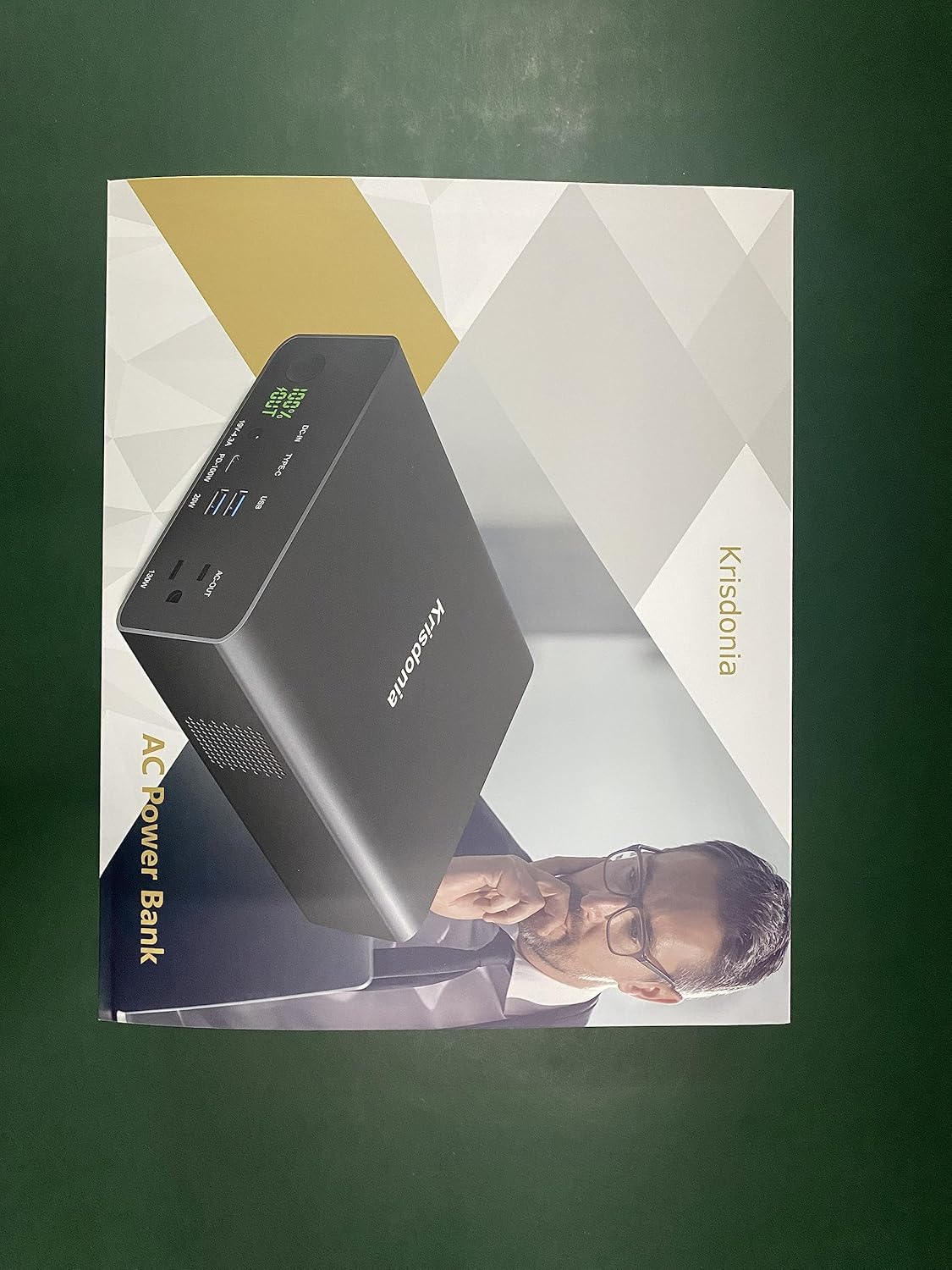
Image Description: A detailed view of the Krisdonia Power Bank NJF-K8's front panel, highlighting its various ports and indicators. Labels point to the Power ON/OFF button, LED Digital Display, DC Input (19V-4.3A), USB-C Port (PD 100W Output & Input), USB-A Ports (Quick Charge 3.0, 20W), and AC Port (130W Output).
Components and Ports:
- Power ON/OFF Button: Press and hold to turn the unit on or off.
- LED Digital Display: Shows the remaining battery percentage and output status.
- DC-IN Port (19V-4.3A): Input for recharging the power bank using the provided DC charger.
- Type-C Port (PD 100W): Bidirectional USB-C port for both input (recharging the power bank) and output (fast charging compatible devices like laptops).
- USB-A Ports (QC 3.0, 20W): Two USB-A ports for charging smartphones, tablets, and other USB-powered devices with Quick Charge 3.0 support.
- AC-OUT Port (130W/110V): Standard AC outlet for powering small appliances and devices requiring a wall plug.
Setup
Initial Charging
Before first use, it is recommended to fully charge your Krisdonia Power Bank. This ensures optimal battery performance and accuracy of the battery indicator.
- Connect the provided 19V 4A DC charger to the DC-IN port on the power bank.
- Plug the DC charger into a standard wall outlet.
- The LED digital display will show the charging progress. The power bank is fully charged when the display shows 100%. This process typically takes 5-6 hours.
- Alternatively, you can use a USB-C PD charger (not included) to charge the power bank via the Type-C port. This method also takes approximately 5-6 hours.

Image Description: The Krisdonia Power Bank is shown connected to a wall outlet via its DC charger, illustrating the recharging process. The LED display shows a charging percentage, indicating the unit is actively receiving power.
Operating Instructions
Turning On/Off
Press and hold the Power ON/OFF button for approximately 3 seconds to turn the power bank on or off. The LED display will illuminate when the unit is on.
Charging Devices via USB-C and USB-A
- Ensure the power bank is turned on.
- Connect your device (laptop, smartphone, tablet, etc.) to the appropriate USB-C or USB-A port using a compatible charging cable.
- The power bank will automatically detect the device and begin charging. The LED display will show "OUT" and the remaining battery percentage.
- The USB-C PD 100W port is ideal for fast charging laptops and other high-power USB-C devices. The USB-A ports support Quick Charge 3.0 for compatible devices.

Image Description: The Krisdonia Power Bank is shown connected to a laptop via a USB-C cable, demonstrating its 100W USB-C fast charging capability. The power bank's display shows the charging status.

Image Description: The Krisdonia Power Bank is actively charging multiple devices, including a smartphone, a camera, and a laptop, showcasing its ability to power several gadgets concurrently through its various USB and AC outputs.
Using the AC Outlet
The AC outlet provides standard wall power for devices up to 130W.
- Ensure the power bank is turned on.
- Plug your small appliance or device into the AC-OUT port.
- The power bank will automatically activate the AC output. A cooling fan may operate during AC use, which is normal.
- Important: Do not exceed the maximum 130W output. Overloading the AC outlet can cause the power bank to shut down or be damaged. Check your device's power requirements before plugging it in.

Image Description: The Krisdonia Power Bank is shown with a device plugged into its AC outlet, demonstrating its capability to provide standard wall power for various small electronics.
Recharging the Power Bank
Your Krisdonia Power Bank can be recharged using either the dedicated DC-IN port or the versatile USB-C PD port.
Using the DC Charger (Recommended)
- Connect the provided 19V 4A DC charger to the DC-IN port.
- Plug the charger into a wall outlet.
- Charging time: Approximately 5 hours.
Using a USB-C PD Charger
- Connect a USB-C PD charger (not included, minimum 60W recommended) to the Type-C port.
- Plug the charger into a wall outlet.
- Charging time: Approximately 6 hours (with a 100W PD charger).
The LED display will show the charging percentage. It is fully charged when it reaches 100%.
Maintenance
- Cleaning: Use a soft, dry cloth to clean the exterior of the power bank. Do not use abrasive cleaners or solvents.
- Storage: Store the power bank in a cool, dry place away from direct sunlight and extreme temperatures. For long-term storage, it is recommended to charge the power bank to about 50-70% every 3-6 months to preserve battery health.
- Battery Care: Avoid fully discharging the battery frequently, as this can reduce its lifespan.
- Disposal: Do not dispose of the power bank with household waste. Follow local regulations for proper disposal of lithium-polymer batteries.
Troubleshooting
| Problem | Possible Cause | Solution |
|---|---|---|
| Power bank does not turn on. | Battery is completely drained. | Recharge the power bank using the DC charger or USB-C PD port. |
| Device not charging from USB ports. | Cable issue; power bank off; device incompatible. | Ensure power bank is on. Try a different cable. Check device compatibility. |
| AC outlet not working. | Overload protection activated; power bank low on battery. | Ensure device power consumption is below 130W. Recharge the power bank. Turn off and on again. |
| Slow charging. | Cable quality; device's charging protocol. | Use high-quality, short cables. Ensure your device supports fast charging protocols (PD, QC). |
| Power bank gets warm during use/charging. | Normal operation, especially under heavy load. | Ensure adequate ventilation. If excessively hot, discontinue use and contact support. |
Specifications
| Model Number | NJF-K8 |
| Battery Type | Lithium Polymer |
| Battery Capacity | 80,000mAh / 296Wh |
| DC Input | 19V / 4.3A |
| USB-C PD Input/Output | 5V/3A, 9V/3A, 12V/3A, 15V/3A, 20V/5A (Max 100W) |
| USB-A Output | 5V/3A, 9V/2A, 12V/1.5A (Max 20W per port, QC 3.0) |
| AC Output | 110V / 60Hz / 130W (Max) |
| Product Dimensions | 8.7 x 6 x 2.2 inches |
| Item Weight | 4.84 pounds |
| Special Features | Auto Shut-Off, LED Digital Display |
Warranty and Support
The Krisdonia Power Bank NJF-K8 comes with a 12-month warranty from the date of purchase. This warranty covers manufacturing defects and workmanship under normal use.
The warranty does not cover:
- Damage caused by misuse, abuse, accident, or neglect.
- Unauthorized repair or modification.
- Normal wear and tear.
For warranty claims, technical support, or any questions regarding your product, please contact Krisdonia customer service. Please have your model number (NJF-K8) and proof of purchase ready when contacting support.
Customer Service Contact: Refer to the contact information provided on the product packaging or the official Krisdonia website.
