
Introduction
The Xiaomi Redmi Smart Band 2 is a versatile activity and fitness tracker designed to monitor various aspects of your health and daily activities. This manual provides essential information for setting up, operating, maintaining, and troubleshooting your device to ensure optimal performance.
Setup
1. Unboxing
Carefully unpack your Xiaomi Redmi Smart Band 2. The package should contain the Smart Band device, a charging cable, and this instruction manual.

Image: The Xiaomi Redmi Smart Band 2 with its ivory band, showing the digital time and various fitness metrics on its display.
2. Charging the Device
Before first use, fully charge your Smart Band. Connect the magnetic charging cable to the charging contacts on the back of the device. Plug the USB end of the cable into a compatible USB power adapter (not included) or a computer's USB port. The device display will indicate charging status.
3. Attaching the Band
Align the main body of the Smart Band with the band strap. Gently push the device into the strap until it clicks securely into place. Ensure it is firmly seated to prevent accidental detachment.
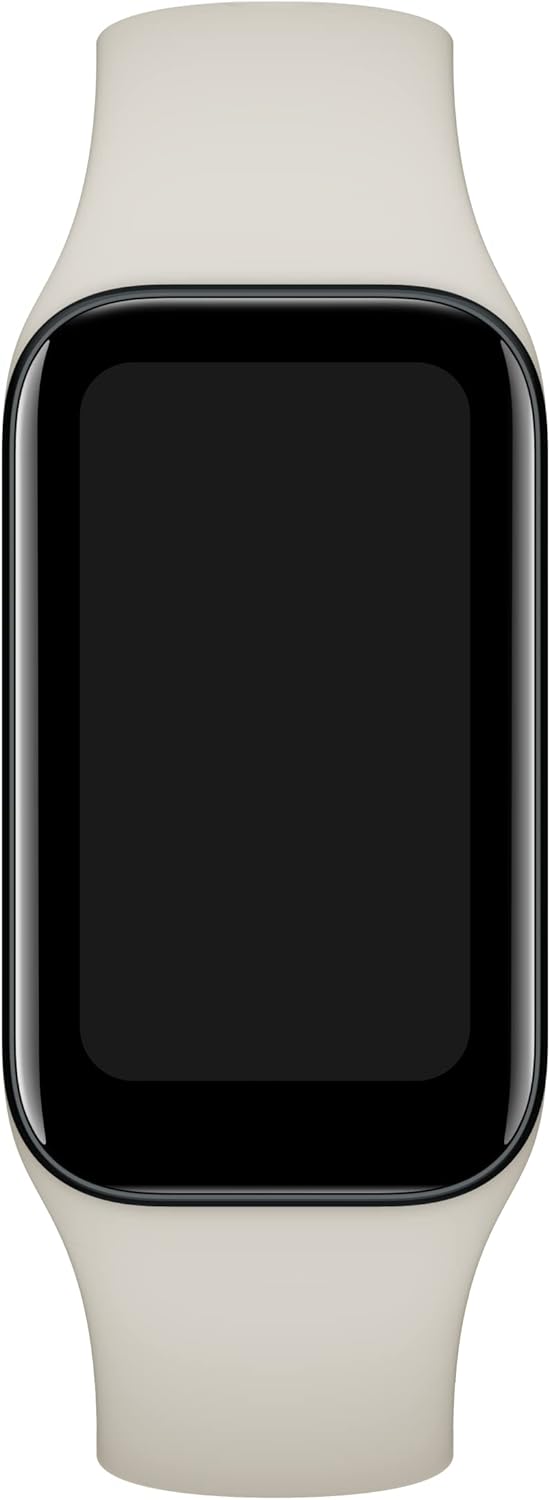
Image: A direct front view of the Xiaomi Redmi Smart Band 2, with its screen off, highlighting the sleek design and ivory strap.
4. App Installation and Pairing
To unlock the full potential of your Smart Band, download the Mi Fitness app from your smartphone's app store (Google Play Store for Android or Apple App Store for iOS). Once installed, open the app, create an account or log in, and follow the on-screen instructions to pair your Smart Band. You may need to scan a QR code displayed on the band's screen during the pairing process.
Operating Instructions
1. Basic Navigation
- Swipe Up/Down: Scroll through menus and notifications.
- Swipe Left/Right: Access quick widgets or different watch faces.
- Tap: Select an item or confirm an action.
2. Key Features
- Heart Rate Monitoring: Continuously tracks your heart rate throughout the day.
- Blood Oxygen (SpO2) Monitoring: Measures your blood oxygen saturation levels.
- Sleep Tracking: Monitors your sleep patterns, including deep sleep, light sleep, and awake times.
- Stress Monitoring: Provides insights into your stress levels.
- Activity Tracking: Records steps, distance, calories burned, and active minutes.
- Workout Modes: Supports over 30 fitness modes, including running, cycling, and swimming.
- Notifications: Receives call, message, and app notifications from your paired smartphone.
- Music Control: Control music playback on your smartphone directly from the band.
- Find Phone: Helps locate your misplaced smartphone by making it ring.
- Timer & Stopwatch: Built-in tools for timing activities.
- Flashlight: Turns the screen bright white to act as a temporary flashlight.
- Camera Remote: Remotely control your smartphone's camera shutter.
3. Customization
Customize your Smart Band's appearance and functions through the Mi Fitness app. Choose from a variety of watch faces, rearrange app icons, and set personalized alerts and reminders.
Maintenance
1. Cleaning
Regularly clean your Smart Band and strap to prevent skin irritation and maintain hygiene. Use a soft, damp cloth to wipe the device and strap. Avoid harsh chemicals or abrasive materials.
2. Water Resistance
The Xiaomi Redmi Smart Band 2 features 5ATM water resistance, meaning it can withstand pressures equivalent to a depth of 50 meters. It is suitable for showering and swimming in shallow water, but not for diving or high-pressure water activities.
3. Battery Care
To prolong battery life, avoid exposing the device to extreme temperatures. Charge the device fully when the battery is low. If storing the device for an extended period, ensure it has at least a 50% charge.
Troubleshooting
- Device not turning on: Ensure the device is fully charged.
- Pairing issues: Make sure Bluetooth is enabled on your phone and the band is within range. Restart both devices and try pairing again.
- Inaccurate data: Ensure the band is worn snugly on your wrist, not too tight or too loose. Keep the sensors clean.
- Notifications not received: Check app permissions on your phone and ensure notifications are enabled in the Mi Fitness app.
- Battery draining quickly: Reduce screen brightness, disable continuous heart rate monitoring, or turn off unnecessary features.
Specifications
| Feature | Detail |
|---|---|
| Brand | XIAOMI |
| Model Number | BHR6923GL |
| Display Size | 1.47 Inches |
| Connectivity Technology | Bluetooth, Wi-Fi |
| Wireless Communication Standard | Bluetooth |
| Special Feature | Heart Rate Monitor |
| Battery Capacity | 210 Milliamp Hours |
| Item Weight | 26.4 Grams (0.931 ounces) |
| Product Dimensions | 3.94 x 3.94 x 1.46 inches |
| Water Resistance | 5ATM |

Image: A side profile of the Xiaomi Redmi Smart Band 2, emphasizing its thin design and the texture of the ivory strap.
Warranty and Support
For warranty information and customer support, please refer to the official XIAOMI website or contact your local retailer. Keep your proof of purchase for warranty claims.


