
Lafocuse ZH0100
Lafocuse Moving Gears Clock (Model ZH0100) Instruction Manual
Model: ZH0100
Introduction
Thank you for choosing the Lafocuse Moving Gears Clock. This manual provides essential information for the proper setup, operation, and maintenance of your clock. Please read these instructions carefully before use and retain them for future reference.

Image: The Lafocuse Moving Gears Clock displayed as a desk clock on a wooden surface.
Key Features
- 2-in-1 Functionality: Designed for use as both a wall-mounted clock and a table/desk clock with a detachable base.
- Real Moving Gears: Features gold-colored gears that rotate simultaneously in clockwise and anti-clockwise directions, creating a dynamic visual element.
- Vintage Design: Combines a black MDF frame, Roman numerals, a wood grain dial, and gold metal clock hands for a rustic, steampunk-inspired aesthetic.
- Battery Operated: Separate battery compartments for clock hands and moving gears allow for independent operation.
Setup Instructions
1. Unpacking and Placement
- Carefully remove the clock and its components from the packaging.
- Decide whether to use the clock as a desk clock or a wall clock.
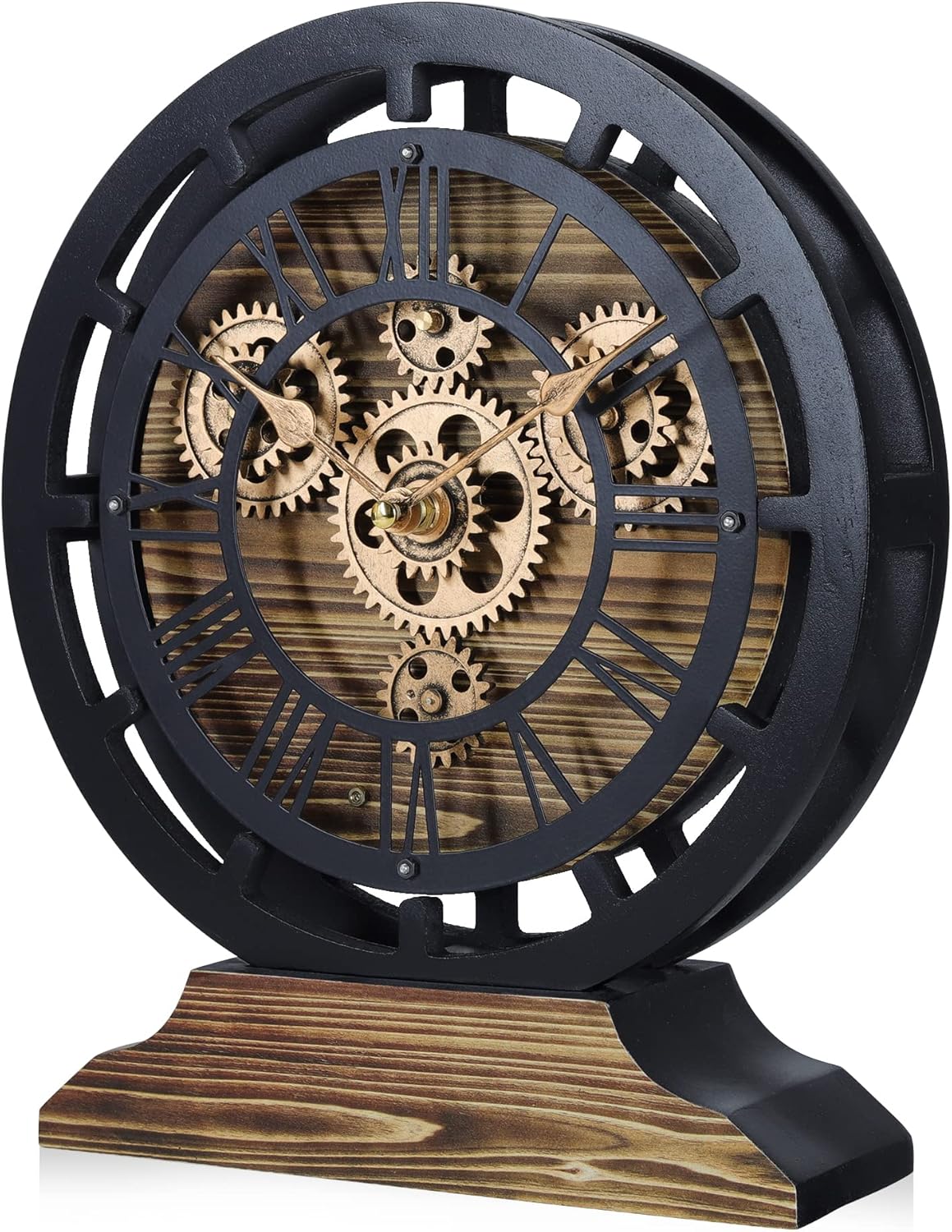
Image: The clock with its detachable wooden base, illustrating its versatility.
2. Attaching/Detaching the Base (for Desk/Wall Use)
- To use as a desk clock, ensure the wooden base is securely attached to the bottom of the clock frame.
- To use as a wall clock, gently detach the base. The clock features a hanging slot on the back for wall mounting.

Image: A close-up view of the clock's base, showing how it connects to the main clock body.
3. Battery Installation
The clock requires 3 AA batteries (not provided): 2 for the moving gears and 1 for the clock hands.
- Locate the two battery compartments on the back of the clock.
- For the moving gears (compartment labeled for movement), insert 2 AA batteries, ensuring the (+) and (-) terminals are correctly aligned.
- For the clock hands (compartment labeled for timekeeping), insert 1 AA battery, ensuring correct polarity.

Image: The rear view of the clock, highlighting the two battery compartments and the hanging mechanism for wall mounting. One compartment is for the clock movement, and the other is for the moving gears.
4. Setting the Time
- After installing the battery for the clock hands, locate the time setting knob on the back of the clock mechanism.
- Turn the knob to adjust the clock hands to the correct time.
Video: An official product video demonstrating the features of the Lafocuse Moving Gears Clock, including its appearance as a desk and wall clock, and a close-up of the moving gears and battery compartments. This video is provided by the seller, Quarebest.
Operating the Clock
Once batteries are installed and the time is set, your Lafocuse Moving Gears Clock will begin operating.
- The clock hands will move continuously to display the current time.
- The decorative gears will rotate, providing a subtle visual movement. This movement is designed to be quiet and relaxing.
- The clock hands and gears operate independently, meaning you can choose to have only the clock hands moving (by not installing batteries for the gears) or both.
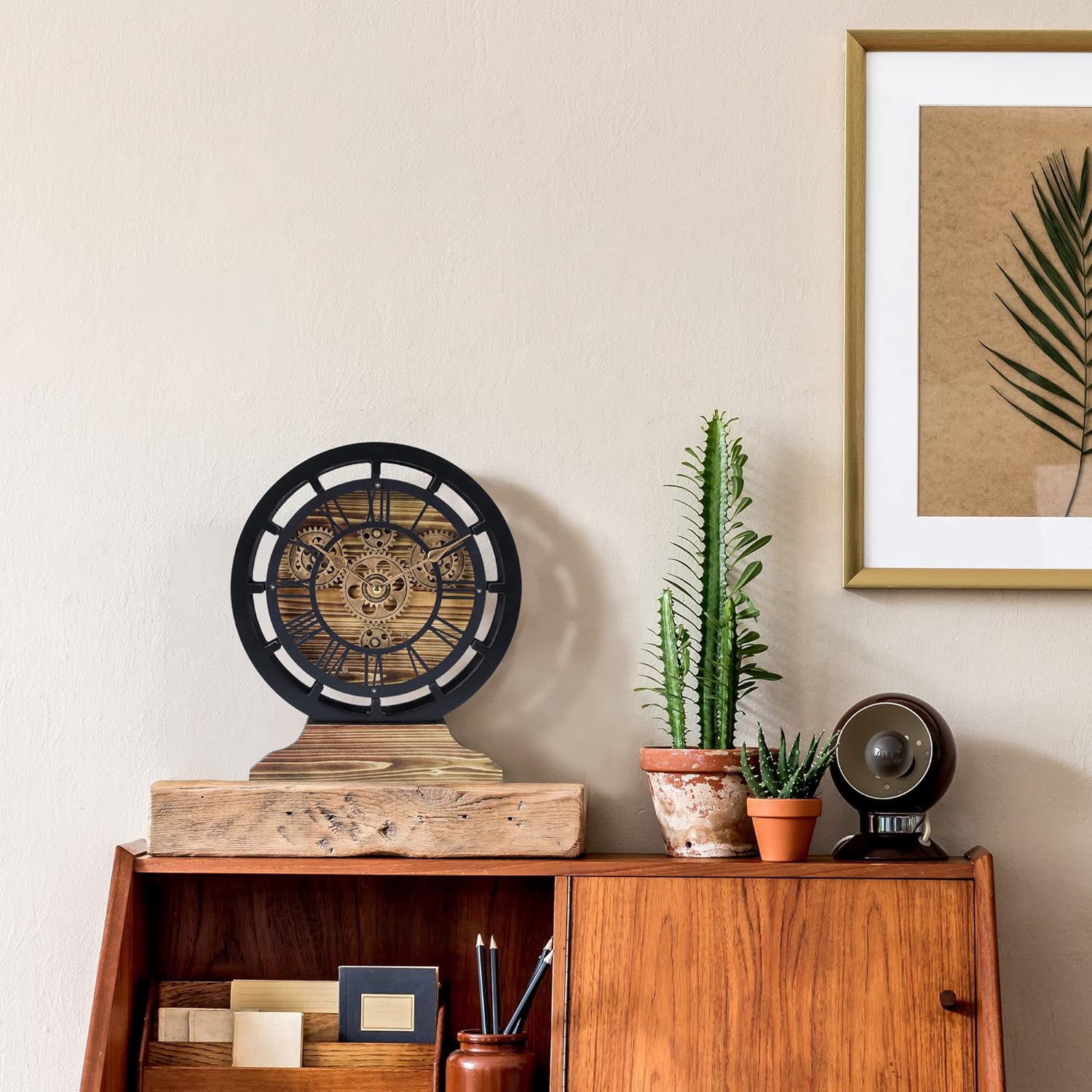
Image: A detailed view of the intricate gold-colored moving gears and clock hands on the wooden dial.
Maintenance
To ensure the longevity and optimal performance of your clock, follow these maintenance guidelines:
- Cleaning: Wipe the clock surface with a soft, dry cloth. Avoid using abrasive cleaners or solvents, as these can damage the finish.
- Battery Replacement: Replace batteries promptly when the clock hands or gears stop moving. Always use fresh, high-quality AA batteries.
- Environment: Place the clock in a dry environment, away from direct sunlight, extreme temperatures, and high humidity to prevent damage to the wood and internal components.
- Handling: Handle the clock with care. Avoid dropping it or subjecting it to strong impacts.
Troubleshooting
| Problem | Possible Cause | Solution |
|---|---|---|
| Clock hands are not moving. |
|
|
| Moving gears are not rotating. |
|
|
| Clock makes unusual noise. |
|
|
Specifications
| Feature | Detail |
|---|---|
| Brand | Lafocuse |
| Model Number | ZH0100 |
| Product Dimensions | 10"W x 12"H (Diameter: 10" / 25 cm) |
| Color | Black and Gold |
| Material Type | Wood |
| Display Type | Analog |
| Watch Movement | Quartz |
| Power Source | Battery Powered |
| Number of Batteries Required | 3 AA batteries (2 for gears, 1 for clock hands) |
| Indoor/Outdoor Usage | Indoor |
| Mounting Type | Desk Clock, Wall Mount |
Warranty Information
This Lafocuse Moving Gears Clock comes with a 3-Year Quality Assurance. If the clock experiences any quality problems within 3 years from the date of purchase, please contact our customer support for a satisfactory solution.
Customer Support
For any questions, concerns, or assistance with your Lafocuse Moving Gears Clock, please contact our customer support team:
- Email: support@lafocuse.com
- Website: Visit the Lafocuse Store on Amazon for more information and contact options.
Please have your model number (ZH0100) and purchase date ready when contacting support.
Ask a question about this manual
Ask about setup, troubleshooting, compatibility, parts, safety, or missing instructions. Manuals+ will review the question and use this page’s manual context to help answer it.