
1. Introduction
The YAREMYEYE IP67 Waterproof Bluetooth 5.3 Phone Controller Button is a versatile smart remote designed to enhance your media and call management experience while driving or cycling. This device allows for convenient control of your smartphone's media playback and call functions without needing to directly interact with your phone. Its robust IP67 waterproof rating ensures durability in various outdoor conditions, making it suitable for cars, bikes, and motorbikes.

Image: YAREMYEYE Bluetooth Controller showcasing its IP67 waterproof design, ideal for outdoor use.
2. Setup
2.1 Bluetooth Pairing
- Ensure the controller is charged (refer to Section 4.1 for charging instructions).
- Activate Bluetooth on your mobile phone.
- The connection mode is the same as that of ordinary Bluetooth audio Bluetooth headset. The remote control and Bluetooth headset/Bluetooth audio can be used simultaneously.
- Search for available Bluetooth devices on your phone and select 'QXS-001' or similar device name to pair.
- Once paired, the blue indicator light on the controller will stop flashing and remain solid or turn off, indicating a successful connection.
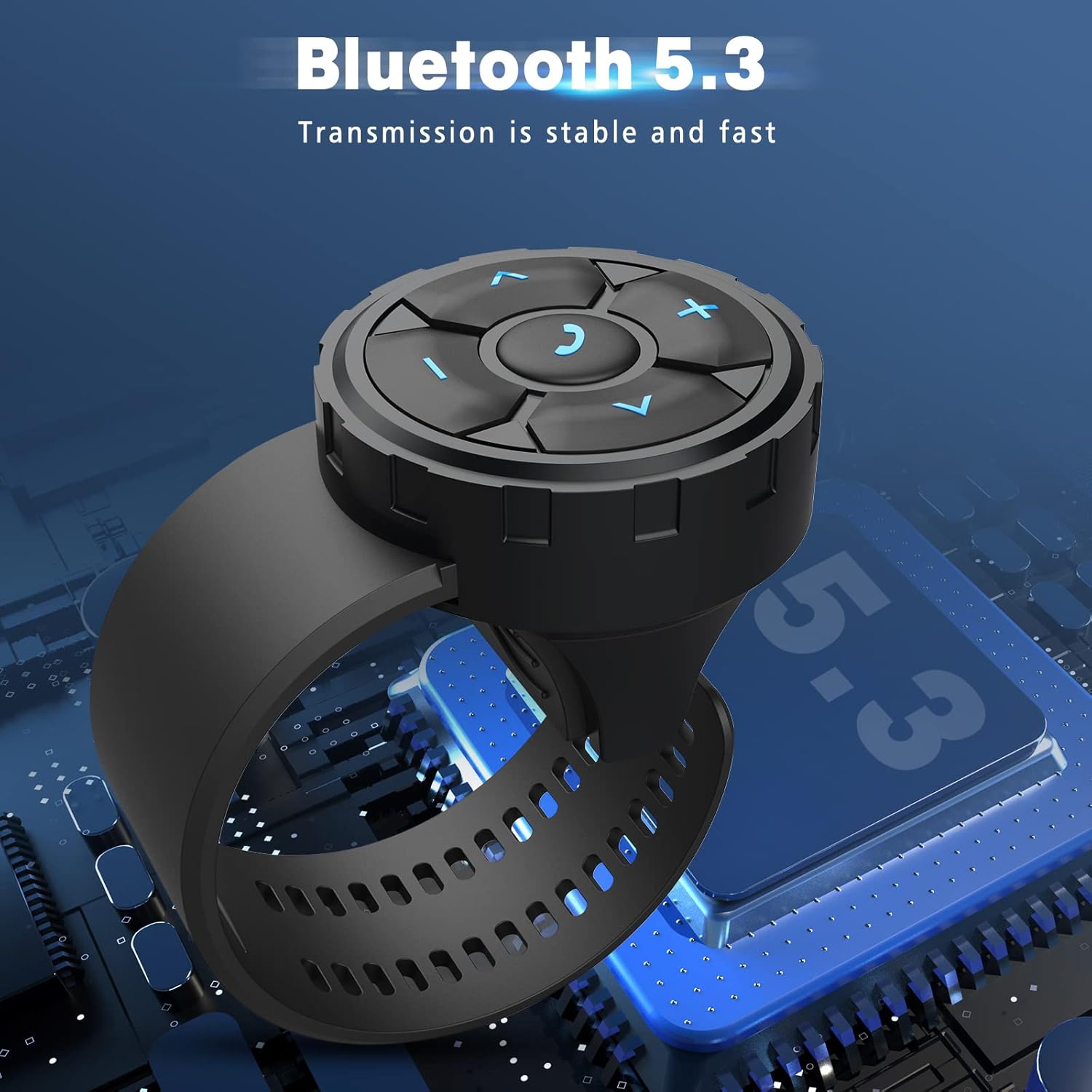
Image: The controller features Bluetooth 5.3 for stable and fast transmission.
2.2 Mounting the Controller
The controller comes with a convenient silicone strap for easy attachment.
- For Car Steering Wheel: Securely wrap the silicone strap around your car's steering wheel at a comfortable and accessible position.
- For Bike/Motorbike Handlebars: Tie the silicone watch strap directly to the handle of the car. Ensure it is tightly fastened to prevent movement during operation.

Image: Product dimensions for universal compatibility with various devices and mounting locations.
3. Operating Instructions
The controller features intuitive buttons for media playback, call management, and voice assistant activation.
3.1 Media Playback
- Volume Up (+): Increase media volume.
- Volume Down (-): Decrease media volume.
- Next Track (>): Skip to the next song or media file.
- Previous Track (<): Go back to the previous song or media file.
- Play/Pause (Center Button): Play or pause the current media.
3.2 Call Management
- Click (Center Phone Button): Accept or decline an incoming call.
- Double-click (Center Phone Button): Call back the last dialed number.
- Long Press (Center Phone Button): Decline an incoming call.

Image: The controller's central phone button allows for easy call acceptance, rejection, and redialing.
3.3 Voice Assistant Activation
- Long Press (Next Song Button): Press the 'Next song' button long enough to activate your smartphone's intelligent voice assistant (e.g., Siri, Google Assistant). This allows for voice commands related to phone, music, weather, stories, movies, and more.

Image: Activate your phone's voice assistant with a long press on the 'Next song' button for hands-free control.
4. Maintenance
4.1 Charging
The controller is equipped with a long-lasting battery, offering up to 1.5 years of battery life with automatic sleep mode to conserve power. When charging is needed, use a Type-C cable to connect to the charging port located on the side of the device.
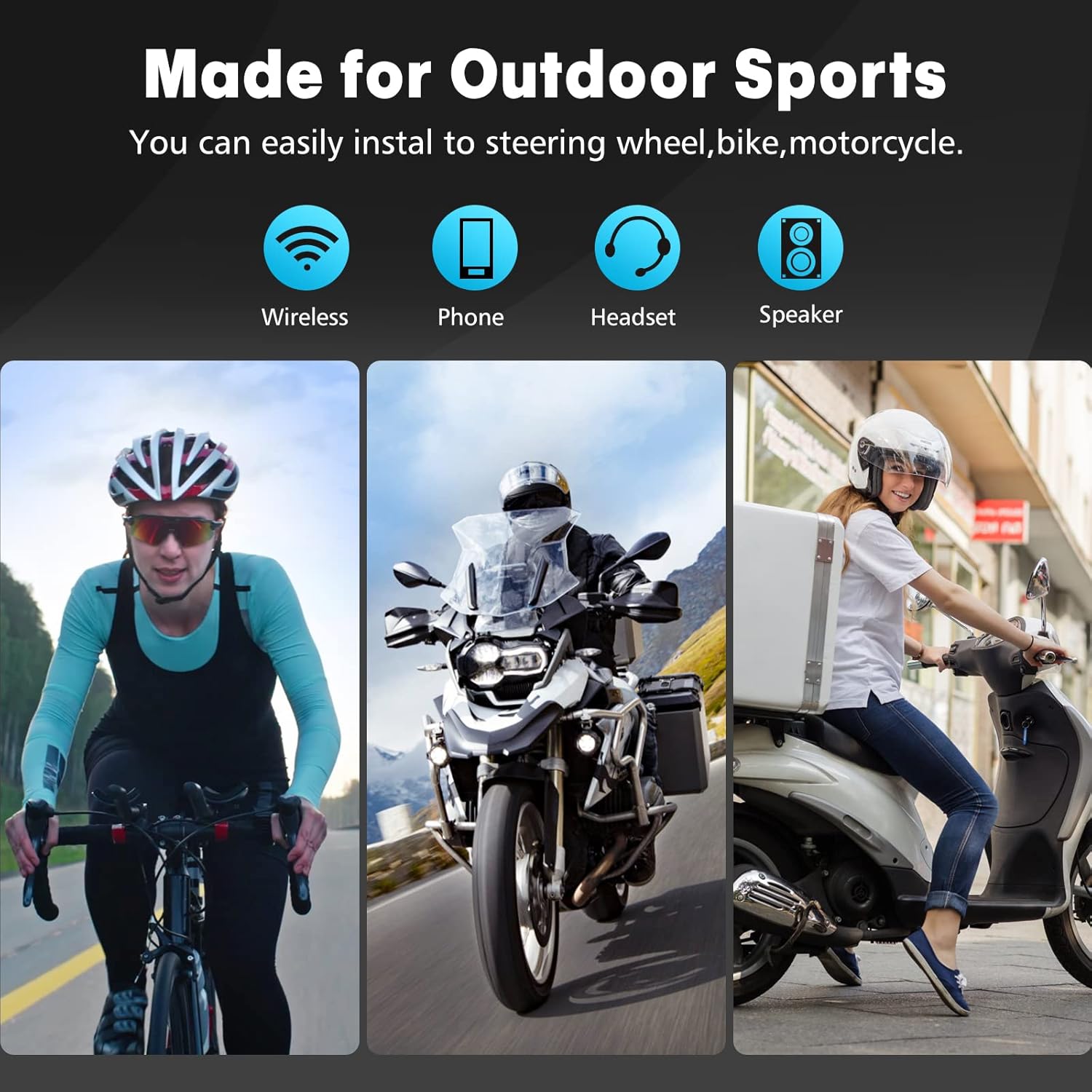
Image: The controller features a supercapacity battery for extended use.
4.2 Waterproof Rating
The device has an IP67 waterproof rating, meaning it is protected from dust and can withstand immersion in water up to 1 meter for 30 minutes. It can be used in rainy days, but prolonged submersion is not recommended.
4.3 General Care
Clean the device with a soft, damp cloth. Avoid using harsh chemicals or abrasive materials. Store in a cool, dry place when not in use.
5. Troubleshooting
5.1 Connectivity or Functionality Issues
If the item stops working, does not advance or return songs, or only controls volume, follow these steps to reset:
- Disconnect the Bluetooth connection on your mobile phone.
- Press the middle button (phone icon) quickly and continuously 5 times.
- After the blue light flashes three times, reconnect the Bluetooth of your mobile phone.
6. Specifications
| Feature | Detail |
|---|---|
| Brand | YAREMYEYE |
| Connectivity Technology | Bluetooth 5.3 |
| Power Source | Battery Powered (Type-C rechargeable) |
| Material | Plastic |
| Color | Black |
| Item Weight | 2.39 ounces |
| Package Dimensions | 3.39 x 2.76 x 1.89 inches |
| Waterproof Rating | IP67 |
7. Safety Information
- Always use the device with both hands when driving.
- Do not charge or dispose of the battery in fire or heat.
- Keep away from children and pets.
8. Warranty and Support
For warranty information or technical support, please refer to the product packaging or contact YAREMYEYE customer service through their official website or the retailer where the product was purchased. Please retain your proof of purchase for warranty claims.