
1. Introduction
Welcome to the user manual for your BUGANI M83 Portable Wireless Speaker. This guide provides detailed instructions to help you set up, operate, and maintain your speaker, ensuring optimal performance and longevity. Please read this manual carefully before using the product.
Safety Information
- Do not expose the speaker to extreme temperatures or direct sunlight for extended periods.
- Avoid dropping or subjecting the speaker to strong impacts.
- Keep the speaker away from medical devices.
- Do not attempt to disassemble or modify the speaker. This will void the warranty.
- Use only the provided charging cable or a certified equivalent.
2. Package Contents
Please check the box for the following items:
- 1 x BUGANI M83 Waterproof Bluetooth Speaker
- 1 x Micro USB Charging Cable
- 1 x AUX Cable
- 1 x Quick Start Guide
3. Product Overview
Familiarize yourself with the speaker's components and controls.

Front view of the BUGANI M83 speaker, highlighting its robust design, control panel, and integrated carrying handle.
Control Panel Functions:
- Power Button: Press and hold to power on/off.
- Play/Pause Button: Press to play or pause audio. Press to answer/end calls.
- Volume Up (+): Press to increase volume. Press and hold to skip to the next track.
- Volume Down (-): Press to decrease volume. Press and hold to skip to the previous track.
- Mode (M) Button: Press to switch between Bluetooth and AUX input modes.
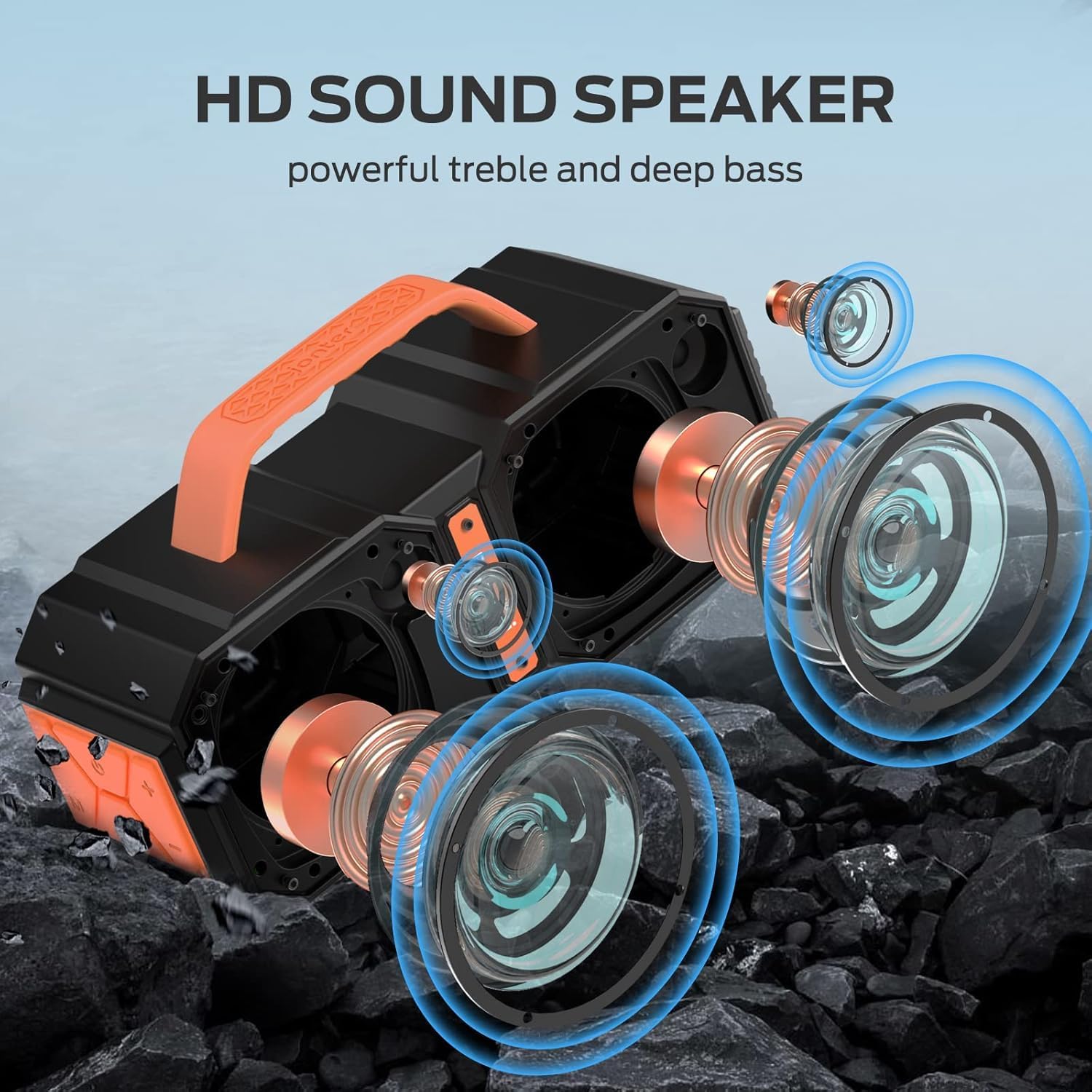
An exploded view illustrating the internal acoustic components of the M83 speaker, including its powerful drivers and passive bass radiators designed for high-definition sound.
4. Setup
4.1 Charging the Speaker
- Connect the Micro USB charging cable to the speaker's charging port.
- Connect the other end of the cable to a USB power adapter (not included) or a computer's USB port.
- The charging indicator light will illuminate.
- A full charge takes approximately 5 hours. The indicator light will change or turn off once charging is complete.
4.2 Powering On/Off
- To Power On: Press and hold the Power button for 2-3 seconds until you hear an audible prompt.
- To Power Off: Press and hold the Power button for 2-3 seconds until you hear an audible prompt.
5. Operating Instructions
5.1 Bluetooth Pairing
The speaker uses Bluetooth 5.2 for a fast, stable, and energy-efficient wireless connection.
- Ensure the speaker is powered on and in Bluetooth pairing mode (indicated by a flashing LED).
- On your device (smartphone, tablet, etc.), enable Bluetooth and search for available devices.
- Select "BUGANI M83" from the list of devices.
- Once connected, you will hear a confirmation sound, and the LED indicator will stop flashing.

The M83 speaker connected via Bluetooth to a smartphone, ready for audio playback.
5.2 True Wireless Stereo (TWS) Pairing
Two M83 speakers can be paired together using TWS technology to create a 100W stereo sound experience.
- Ensure both M83 speakers are powered on and not connected to any other Bluetooth device.
- On one speaker (this will be the primary speaker), press and hold the Play/Pause button for 3-5 seconds until you hear a pairing tone.
- The two speakers will automatically connect to each other. You will hear a confirmation sound once TWS pairing is successful.
- Now, connect your device to the primary speaker via Bluetooth as described in section 5.1.

Two M83 speakers connected via True Wireless Stereo (TWS) technology, providing enhanced stereo sound for a group enjoying music outdoors.
5.3 Audio Playback
- Play/Pause: Press the Play/Pause button.
- Volume Control: Press the '+' button to increase volume, '-' button to decrease volume.
- Next Track: Press and hold the '+' button.
- Previous Track: Press and hold the '-' button.
5.4 Hands-Free Calling
When connected to your smartphone via Bluetooth, the M83 speaker supports hands-free calling.

The M83 speaker demonstrating its hands-free calling capability, allowing users to manage calls directly through the speaker.
- Answer Call: Press the Play/Pause button once.
- End Call: Press the Play/Pause button once during a call.
- Reject Call: Press and hold the Play/Pause button for 2 seconds.
5.5 EQ Modes
The speaker features two EQ modes for optimized sound indoors or outdoors.
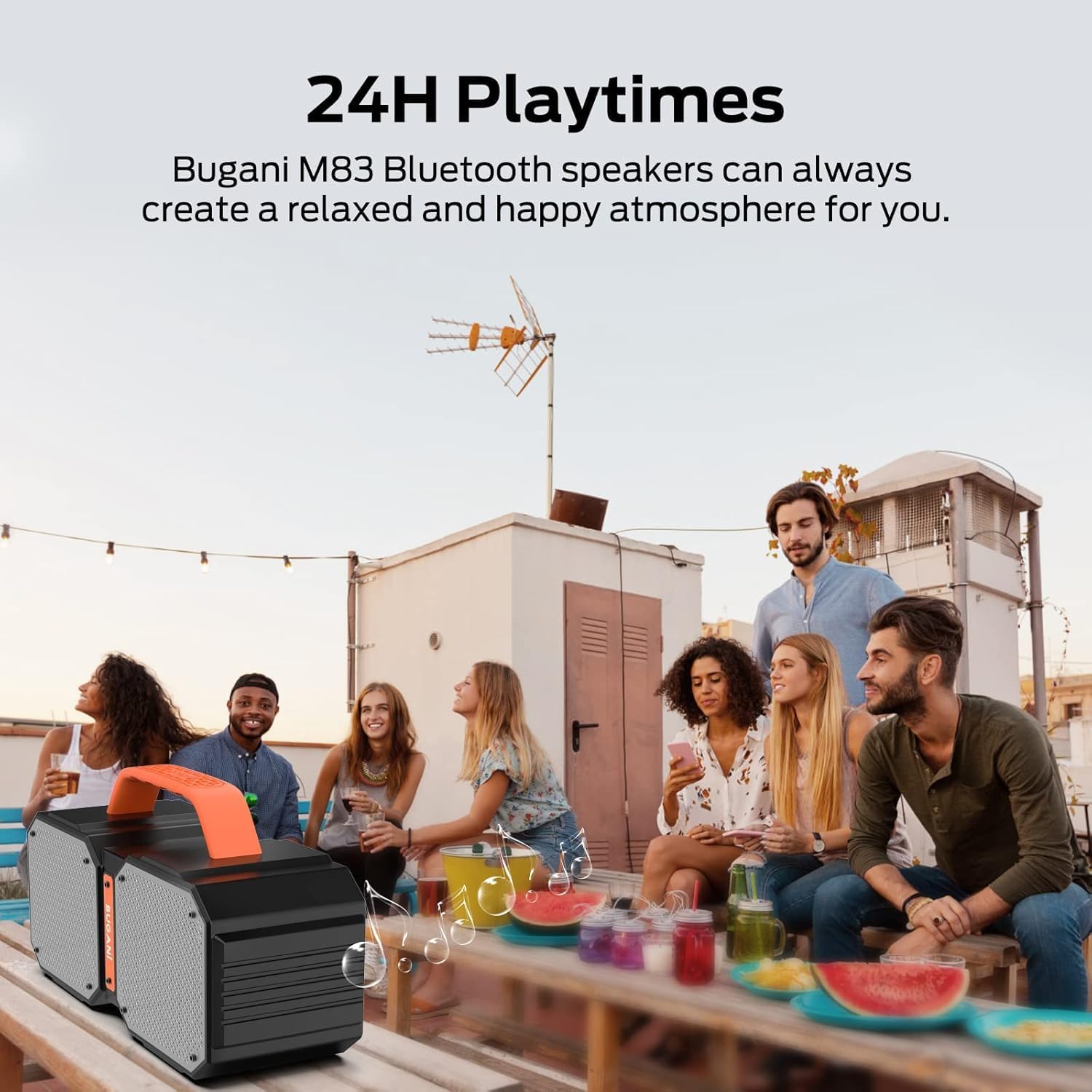
Illustration of the two available EQ modes (Outdoor and Indoor), demonstrating how the speaker can adapt its sound profile to different environments for optimal audio quality.
- Press the 'M' (Mode) button briefly to cycle between Indoor and Outdoor EQ modes.
- Each mode adjusts the audio profile to best suit the listening environment.
5.6 Using AUX Input
Connect external audio devices using the provided AUX cable.
- Connect one end of the 3.5mm AUX cable to the speaker's AUX input port.
- Connect the other end to the audio output jack of your external device.
- The speaker will automatically switch to AUX mode, or you may need to press the 'M' (Mode) button to select AUX mode.
5.7 Power Bank Function
The integrated rechargeable battery can also function as a power bank to charge other devices.
- Connect your device's charging cable to the USB output port on the BUGANI M83 speaker.
- The speaker will begin charging your device.
6. Maintenance
6.1 Cleaning
- Wipe the speaker with a soft, damp cloth.
- Do not use abrasive cleaners or solvents.
6.2 Storage
- Store the speaker in a cool, dry place when not in use.
- Avoid storing in areas with high humidity or extreme temperatures.
6.3 Water Resistance (IPX6)
The BUGANI M83 speaker is IPX6 waterproof, making it resistant to strong water jets, dust, and sand. Its durable construction is suitable for outdoor use, including poolside or camping environments.

The M83 speaker shown in a poolside setting, emphasizing its IPX6 waterproof design, making it resistant to splashes and water jets.
- Ensure all port covers are securely closed before exposing the speaker to water.
- Do not submerge the speaker completely in water.
7. Troubleshooting
If you encounter issues with your BUGANI M83 speaker, refer to the following common problems and solutions:
| Problem | Possible Cause | Solution |
|---|---|---|
| Speaker does not power on. | Low battery. | Charge the speaker fully. |
| No sound. | Volume too low; device not connected; incorrect mode. | Increase volume on both speaker and device. Ensure Bluetooth is connected or AUX cable is properly inserted. Press 'M' to switch modes. |
| Cannot pair via Bluetooth. | Speaker not in pairing mode; device Bluetooth off; interference. | Ensure speaker is flashing (pairing mode). Turn device Bluetooth off and on. Move closer to the speaker. Try plugging one speaker into a USB cable to reset pairing. |
| Bluetooth disconnects automatically. | Out of range; interference; low battery. | Move device closer to the speaker. Avoid obstacles. Ensure speaker is sufficiently charged. Try plugging one speaker into a USB cable to reset the connection. |
| TWS pairing fails. | Speakers already connected to other devices; incorrect pairing procedure. | Ensure both speakers are disconnected from all devices. Follow TWS pairing steps carefully. Try plugging one speaker into a USB cable to reset pairing. |
8. Specifications
Detailed technical specifications for the BUGANI M83 speaker:

A visual representation of the BUGANI M83 speaker's compact dimensions, indicating its portability.
| Feature | Detail |
|---|---|
| Model Name | M83 |
| Brand | BUGANI |
| Speaker Maximum Output Power | 50 Watts |
| Wireless Communication Technology | Bluetooth 5.2 |
| Bluetooth Range | 10 Meters |
| Water Resistance Level | IPX6 (Waterproof) |
| Playtime | Up to 24 Hours (varies by content/volume) |
| Charging Time | 5 Hours |
| Power Source | Battery Powered (1 Lithium Polymer battery included) |
| Product Dimensions | 5"D x 5"W x 3"H |
| Item Weight | 2.28 Kilograms (5.02 pounds) |
| Audio Output Mode | Stereo |
| Control Method | Touch |
| Included Components | Micro USB Charging Cable, AUX cable, quick start guide |
9. Warranty and Support
The BUGANI M83 speaker comes with a limited warranty. For specific warranty details, please refer to the documentation included with your purchase or contact BUGANI customer support.
BUGANI offers lifetime technical support for its products. If you have any questions, require assistance, or encounter issues not covered in this manual, please contact our support team through the official BUGANI website or your retailer.


