1. Introduction
The Imou Cell Go is a 2K wireless solar outdoor security camera designed for continuous surveillance with minimal maintenance. It features a solar panel for uninterrupted power, advanced AI human detection, color night vision, two-way audio communication, and robust IP65 weather resistance. This manual provides essential information for setting up, operating, and maintaining your camera.
2. Package Contents
Please check the package to ensure all items are present:
- Imou Cell Go Camera
- Solar Panel
- Mounting Bracket
- Mounting Screws and Wall Plugs
- 3M Adhesive Pad
- USB Charging Cable
- Quick Start Guide
3. Setup
3.1 Charging the Camera
Before initial use, fully charge the camera using the provided USB cable. The camera's battery capacity is 5000 mAh.
3.2 Connecting the Solar Panel
Connect the solar panel to the camera for continuous power. Position the solar panel in an area that receives direct sunlight for several hours daily to ensure optimal charging.

Image: Imou Cell Go camera connected to a solar panel, illustrating 100% wireless operation and 365 days of power.
3.3 Installation
The camera supports two installation methods: screw mounting or 3M adhesive mounting. Choose the method suitable for your desired location.
- Screw Mounting: Use the provided screws and wall plugs to securely attach the mounting bracket to a wall or surface.
- 3M Adhesive Mounting: For smooth, clean surfaces, use the 3M adhesive pad to attach the camera. Ensure the surface is dry and free of dust for maximum adhesion.

Image: Diagram showing two installation options for the Imou Cell Go camera: screw mounting and 3M adhesive mounting.
3.4 Network Connection
The camera connects to your home network via 2.4GHz Wi-Fi only. Download the Imou Life app from your smartphone's app store and follow the in-app instructions to add your device and connect it to Wi-Fi.
4. Operating Instructions
4.1 Video Monitoring
The Imou Cell Go camera provides 2K Ultra HD resolution with a 121° wide-angle lens and 8x digital zoom, allowing for clear and detailed monitoring of your outdoor areas.
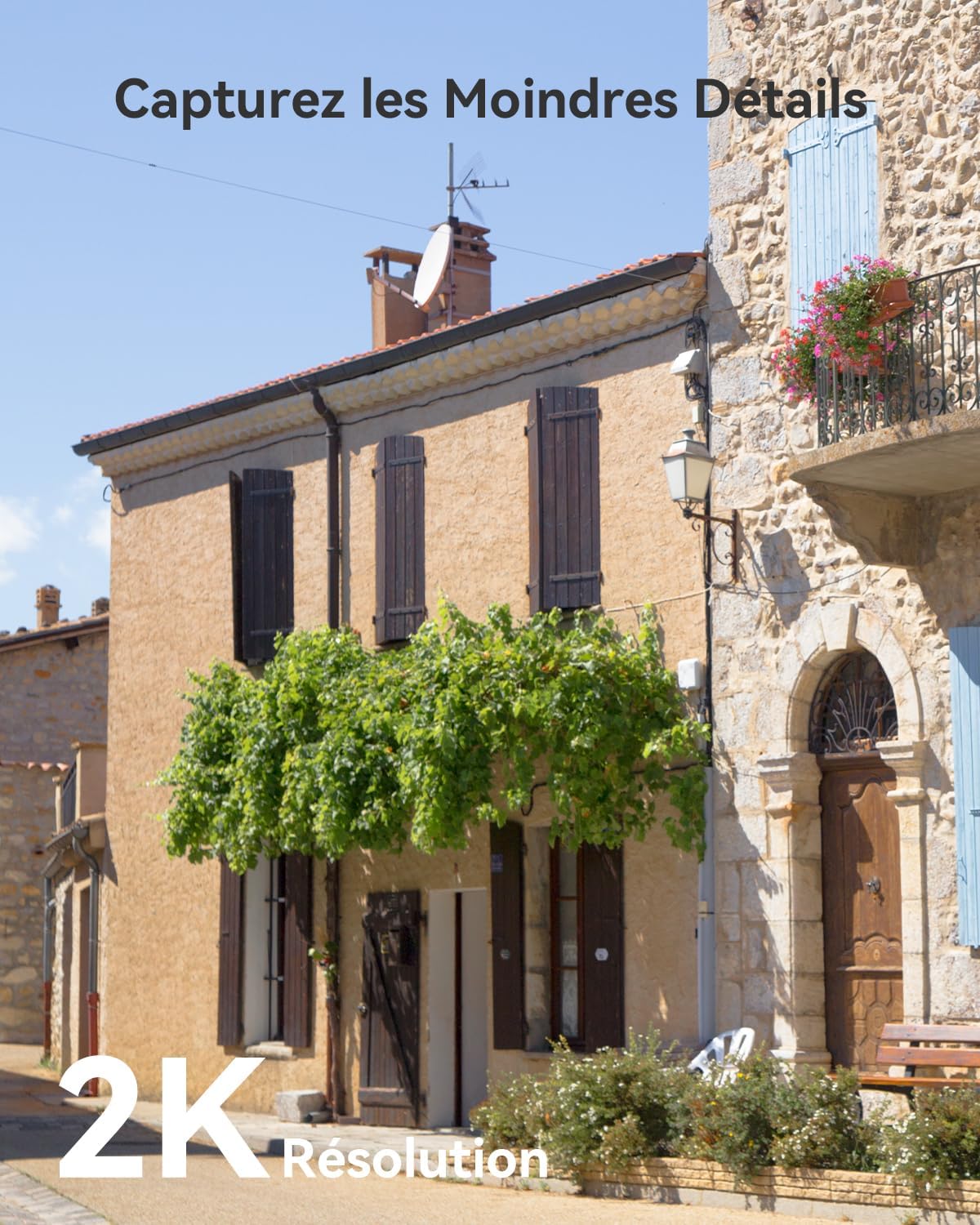
Image: A house exterior captured with 2K resolution, demonstrating the camera's ability to capture fine details.
4.2 Color Night Vision
Equipped with intelligent color night vision, the camera can capture clear, full-color video even in low-light conditions up to 10 meters.

Image: People enjoying an outdoor dinner at night, illuminated by the camera's color night vision, showing a 10m distance capability.
4.3 AI Human/PIR Detection and Alarms
The enhanced IMOU SENSE AI technology accurately identifies people, dogs, and cats, reducing false alarms by up to 95% caused by rain, light changes, or insects. Upon detection, you will receive immediate alarm notifications, and the integrated siren can be triggered to deter intruders.

Image: A man interacting with a dog in a garden, with an overlay indicating AI human detection and 99% precision.

Image: A security camera deterring an intruder at night with a spotlight and a custom voice message, demonstrating privacy protection features.
4.4 Two-Way Audio and Custom Voice
Communicate with visitors or deter unwanted guests using the two-way audio feature. You can customize your voice to sound original, masculine, or robotic for added security or fun interactions.
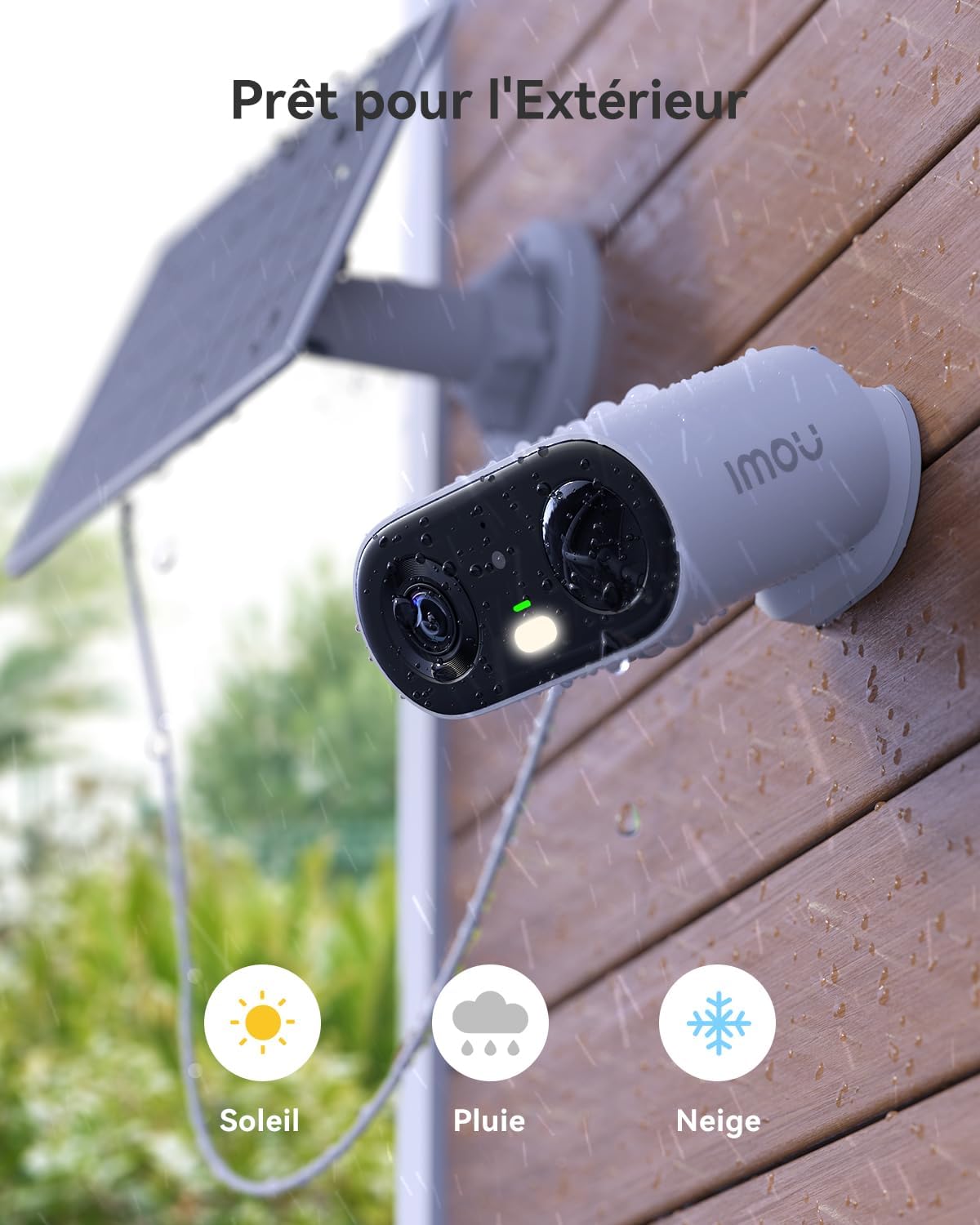
Image: A child playing in a garden, with speech bubbles illustrating two-way audio communication between the child and a parent.
4.5 Vlog Mode
The compact design allows you to hold the camera to film and edit vlogs, capturing happy moments with ease.
4.6 Device Sharing and Multi-View
Share camera access with up to 6 family members. The Imou Life app also allows you to view up to 4 Imou cameras simultaneously on the same screen.
4.7 Private Mode
Protect your privacy by pausing the live stream with a single click in the Imou Life app.
4.8 Storage Options
The camera supports flexible storage solutions:
- Micro SD Card: Supports up to 256GB (not included) for local video storage and playback.
- Imou Cloud: Offers a 30-day free trial for cloud storage. Only authorized users can access stored data.

Image: Diagram showing the camera's Micro SD card slot for up to 256GB storage and a smartphone screen displaying Imou Cloud storage options.
4.9 Product Overview Video
Video: Official product overview demonstrating key features and usage of the Imou Cell Go camera.
5. Maintenance
5.1 Weather Resistance
The camera features an IP65 weather-resistant design, protecting it from dust and water splashes. Its arched body design prevents water accumulation, enhancing its waterproof efficiency.
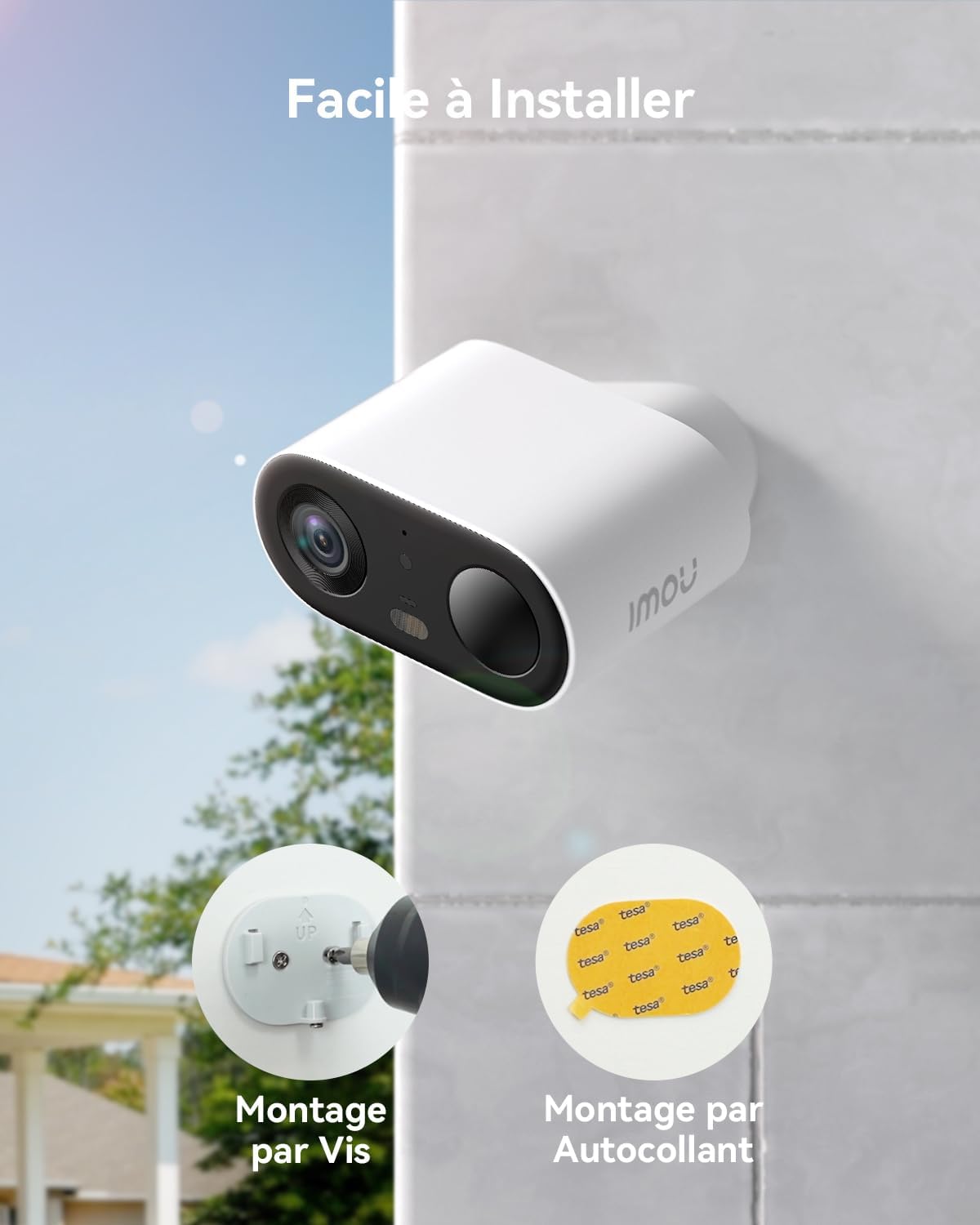
Image: Imou Cell Go camera mounted outdoors, showing resistance to sun, rain, and snow, highlighting its IP65 rating.
5.2 Cleaning
Periodically clean the camera lens and solar panel with a soft, damp cloth to ensure optimal performance and clear image quality. Avoid using harsh chemicals.
5.3 Battery Care
While the solar panel provides continuous charging, ensure the camera receives sufficient sunlight. In prolonged periods of low sunlight, you may need to manually charge the camera via USB.
6. Troubleshooting
If you encounter issues with your Imou Cell Go camera, consider the following:
- No Power: Ensure the solar panel is clean and receiving direct sunlight. Check the battery level in the Imou Life app. Try charging the camera directly via USB.
- Wi-Fi Connection Issues: Verify your Wi-Fi network is 2.4GHz. Ensure the camera is within range of your router. Restart your router and the camera.
- Poor Image Quality: Clean the camera lens. Check for obstructions in the camera's field of view. Ensure sufficient lighting for optimal night vision.
- False Alarms: Adjust the detection sensitivity settings in the Imou Life app. Ensure the AI detection is enabled for specific object types (human/pet).
- App Issues: Ensure your Imou Life app is updated to the latest version. Restart the app or your smartphone.
For further assistance, refer to the Imou Life app's help section or contact Imou customer support.
7. Specifications
| Feature | Detail |
|---|---|
| Model Name | Cell Go |
| Model Number | IPC-TB3FP-3T0WE/FSP12-TYPEC |
| Video Resolution | 2K (3MP effective) |
| Special Features | Color Night Vision, AI Human Detection, Two-Way Audio, Siren |
| Connectivity Technology | Wireless (Wi-Fi 2.4 GHz) |
| Power Source | Solar Powered (1 Lithium-ion battery required) |
| Battery Capacity | 5000 mAh |
| Usage Environment | Outdoor (IP65 Weatherproof) |
| Mounting Type | Wall Mount (Screw or Adhesive) |
| Dimensions (L x W x H) | 9 x 18 x 28 cm |
| Weight | 760 g |
| Compatible Devices | Smartphone |
| Controller Type | Amazon Alexa |
8. Warranty and Support
8.1 Warranty Information
Specific warranty details may vary by region and retailer. Please refer to the warranty card included with your product or contact your point of purchase for detailed information regarding warranty coverage and duration.
8.2 Customer Support
For technical support, product inquiries, or warranty claims, please visit the official Imou website or contact Imou customer service through the Imou Life application. You can also find frequently asked questions and troubleshooting guides on their support pages.
Visit the Imou store: Imou Official Store


