
Introduction
The Samsung Galaxy S23 Ultra Frame Case is designed to provide robust protection for your device while offering versatile customization options. This case includes a main frame and two interchangeable backplates: one clear and one with a card slot. This manual provides detailed instructions for the proper installation, operation, and maintenance of your Frame Case.
Setup: Case Installation
Follow these steps to correctly install the Frame Case onto your Samsung Galaxy S23 Ultra.
- Prepare your device: Ensure your Samsung Galaxy S23 Ultra is clean and free of dust or debris.
- Attach the main frame: Gently align your phone with the Frame Case. Insert the phone into the case, starting with one side, then carefully pressing the other side until the phone is securely seated within the frame. Ensure all buttons and ports align correctly.
- Select a backplate: Choose either the clear backplate or the card slot backplate.
- Install the backplate: Slide the chosen backplate into the designated slot on the back of the frame until it clicks into place.
Image: The Samsung Galaxy S23 Ultra Frame Case with a clear backplate, showcasing the phone's original design.
Operating Instructions
Changing Backplates
The Frame Case allows you to easily switch between the clear and card slot backplates to suit your needs or style.
- Remove current backplate: Gently slide the installed backplate out of the frame.
- Insert new backplate: Align your desired backplate (clear or card slot) with the grooves on the back of the frame and slide it in until it securely locks.
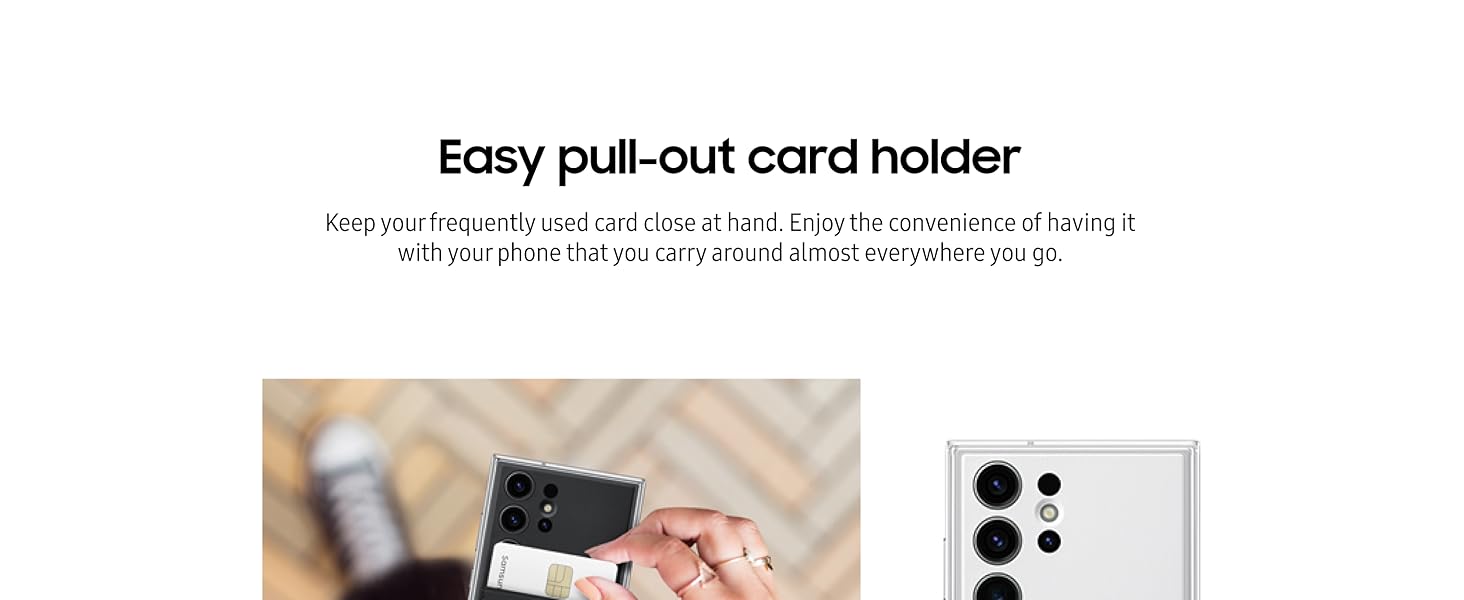
Image: Illustration of the two interchangeable backplates: a card slot design and a clear design.
Using the Card Slot Backplate
The card slot backplate provides convenient storage for one card.
- Insert card: Slide a single card (e.g., ID, credit card) into the designated slot on the backplate. Ensure it is fully seated.
- Remove card: Gently push the card from the bottom opening of the slot or pull it from the top edge to retrieve it.

Image: A hand demonstrating the insertion of a card into the card slot backplate.
Maintenance
Proper care will help maintain the appearance and functionality of your Frame Case.
- Cleaning: Use a soft, slightly damp cloth to wipe the case. Avoid using harsh chemicals, abrasive cleaners, or solvents, as these can damage the plastic material.
- Environmental considerations: The side key of the Galaxy S23 Ultra Frame Case contains a minimum of 34% UL-certified bio-based content (UL ECVP 9798).
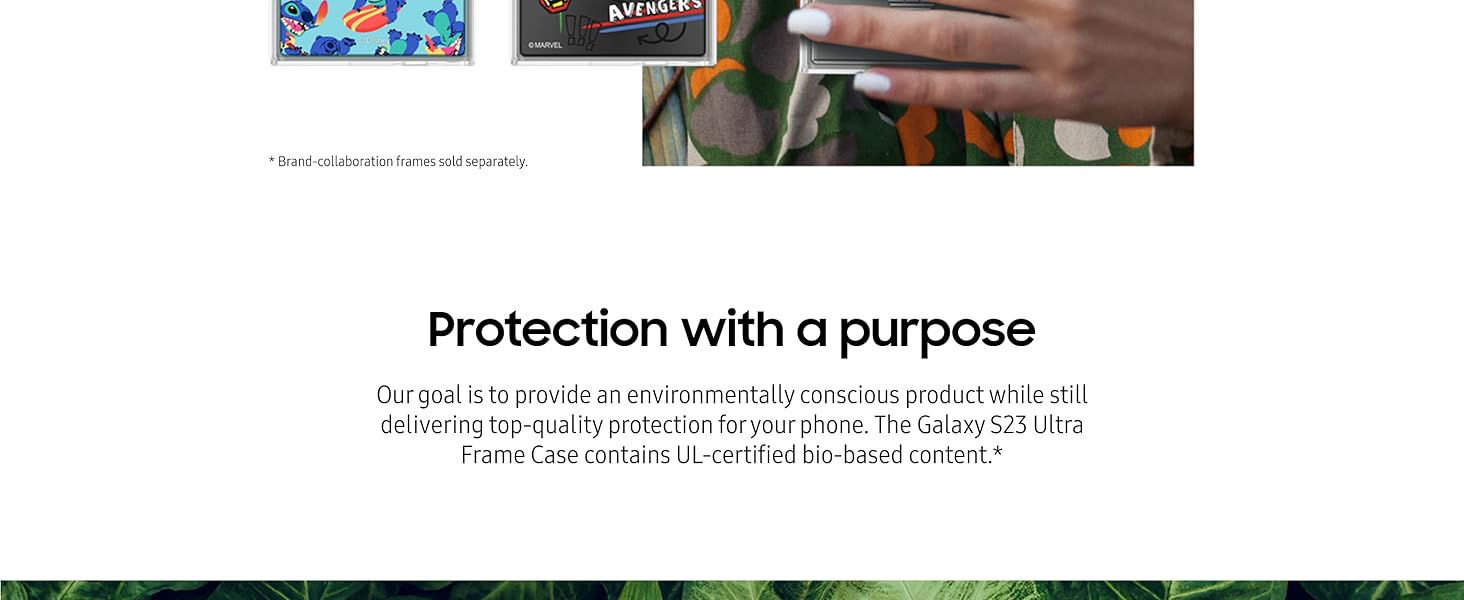
Image: The Frame Case integrated with natural elements, highlighting its bio-based content.
Troubleshooting
- Difficulty removing the case: The case is designed for a secure fit. To remove it, start by gently prying one of the bottom corners away from the phone, then carefully work your way around the edges until the phone can be lifted out. Avoid excessive force.
- Case appears scratched: Minor surface scratches may occur with regular use on plastic materials. This is normal wear and tear and does not compromise the protective function of the case.
Specifications
| Brand | Samsung |
| Model Number | EF-MS918CWEGUS |
| Compatible Phone Models | Samsung Galaxy S23 Ultra |
| Material | Plastic |
| Color | White |
| Additional Features | Shock-Absorbent, Interchangeable Backplates (Clear, Card Slot) |
| Water Resistance Level | Not Water Resistant |
| Item Dimensions (L x W x H) | 6.56 x 3.26 x 0.5 inches |
| Built-In Media | Card Holder (fits one card) |
Warranty Information
This Samsung Galaxy S23 Ultra Frame Case is covered by a 1-Year Manufacturer Warranty. For specific terms and conditions, or to make a warranty claim, please refer to the official Samsung warranty documentation provided with your purchase or visit the official Samsung support website.
Customer Support
For further assistance, technical support, or product inquiries, please contact Samsung Customer Service or visit their official website.
- Online Support: Visit the official Samsung Support website.
- Brand Store: Explore other Samsung products at the Samsung Amazon Store.


