
1. Introduction
This manual provides essential information for the safe and efficient use of your Cecotec Bolero CoolMarket Chest 142 Freezer. Please read these instructions carefully before installation and operation, and retain them for future reference.

Image 1.1: Front view of the Cecotec Bolero CoolMarket Chest 142 Freezer with the lid open, showing the interior and a storage basket.
Important Safety Instructions
- Ensure the appliance is properly grounded.
- Do not use mechanical devices or other means to accelerate the defrosting process, other than those recommended by the manufacturer.
- Do not damage the refrigerant circuit.
- Do not use electrical appliances inside the food storage compartments of the appliance, unless they are of the type recommended by the manufacturer.
- Keep ventilation openings, in the appliance enclosure or in the built-in structure, clear of obstruction.
- This appliance is intended for household use only.
- Children should be supervised to ensure they do not play with the appliance.
2. Setup
2.1 Unpacking
- Remove all packaging materials, including foam and adhesive tape.
- Inspect the freezer for any damage during transit. If damage is found, do not plug in the appliance and contact customer support.
- Keep packaging materials out of reach of children.
2.2 Placement
Choose a suitable location for your freezer, ensuring proper ventilation and stability.
- Place the freezer on a firm, level surface to prevent vibrations and noise.
- Allow sufficient space around the appliance for proper air circulation (at least 10 cm on sides and back).
- Avoid placing the freezer in direct sunlight or near heat sources such as stoves, radiators, or heaters.
- The appliance is designed for ambient temperatures between 10°C and 43°C (Climate Class T).
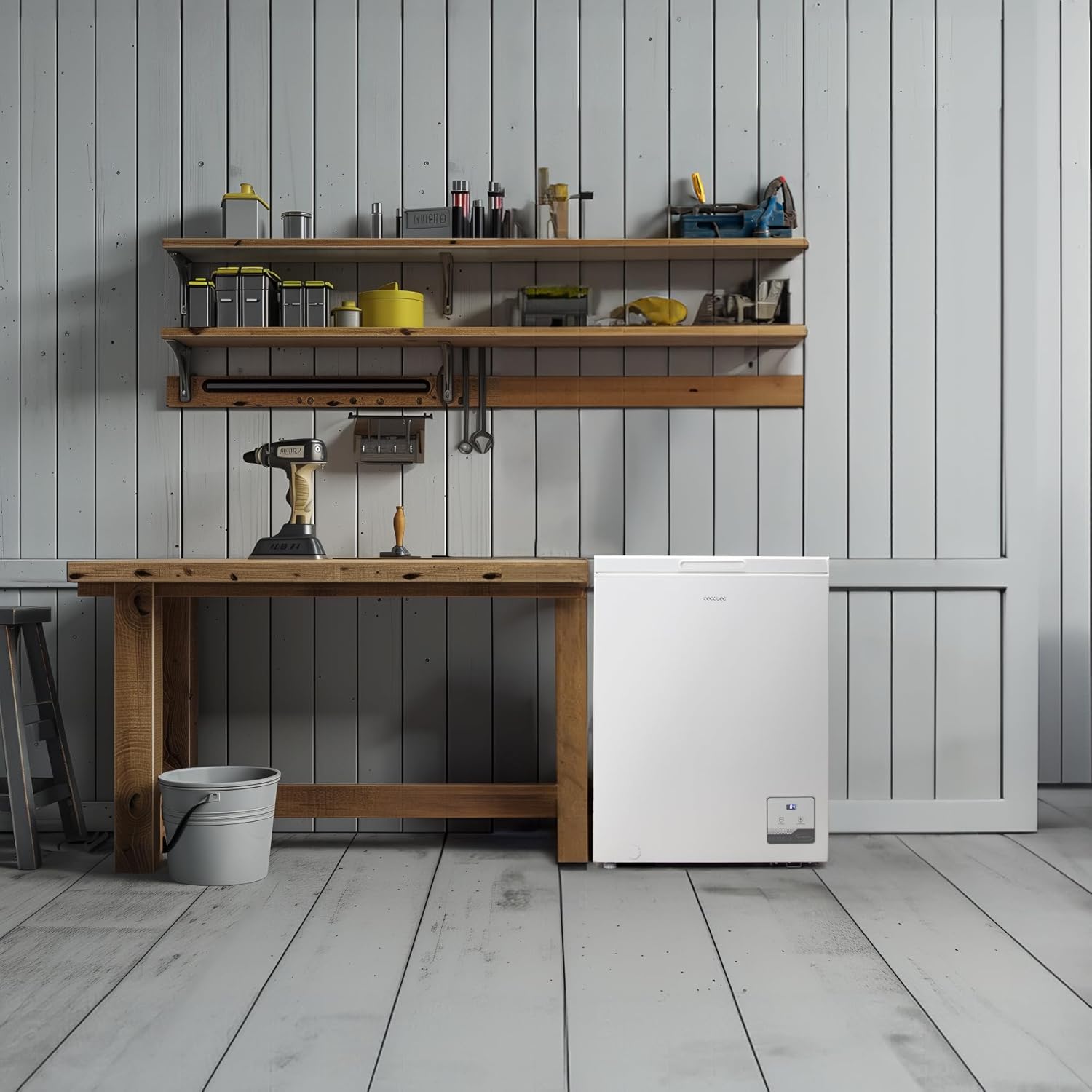
Image 2.1: The freezer positioned in a room, demonstrating suitable placement with adequate surrounding space.

Image 2.2: Visual representation of the freezer's dimensions: 83.5 cm (height), 55.6 cm (depth), and 63.5 cm (width).
2.3 Before First Use
- Clean the interior of the freezer with a damp cloth and mild detergent. Dry thoroughly.
- After placement, allow the appliance to stand upright for at least 2-4 hours before plugging it in. This allows the refrigerant to settle.
- Connect the power cord to a dedicated, properly grounded electrical outlet (220V).
3. Operating Instructions
3.1 Control Panel
The freezer features an electronic control panel for easy temperature management and function selection.

Image 3.1: Detailed view of the electronic control panel, including the digital display and control buttons.
- Display: Shows the current temperature inside the compartment.
- Temperature Adjustment Buttons (-/+): Use these buttons to set the desired temperature. Press and hold for 3 seconds to unlock the controls.
- Fast Freeze Button: Activates the fast freezing function. Press and hold for 3 seconds to activate.
3.2 Temperature Settings
To adjust the temperature:
- Press and hold the '-' button for 3 seconds to unlock the control panel.
- Use the '+' or '-' buttons to select your desired temperature. The display will show the set temperature, then revert to the actual internal temperature after a few seconds.
- Recommended freezer temperature is -18°C.
3.3 Dual Function (Freezer/Refrigerator)
This appliance offers a dual function, allowing it to operate as either a freezer or a refrigerator.
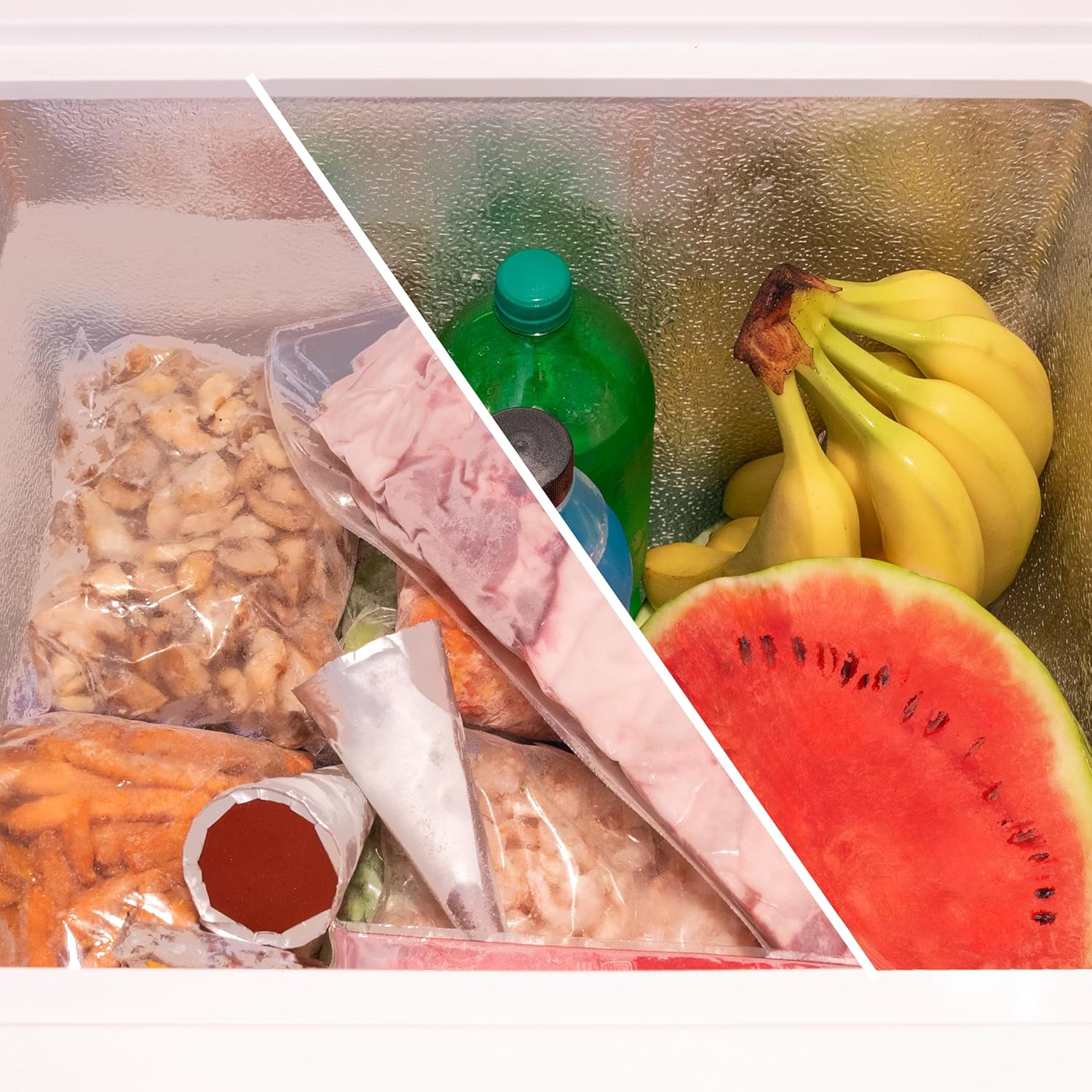
Image 3.2: Visual representation of the dual function, showing the appliance's versatility for both freezing and refrigeration.
To switch between modes, refer to the specific instructions in your full user manual, as this typically involves a specific sequence on the control panel to select the desired temperature range (e.g., freezer range -12°C to -24°C, refrigerator range 8°C to 2°C).
3.4 Fast Freezing
The fast freezing function rapidly lowers the temperature to quickly freeze fresh food, preserving its quality and nutrients.

Image 3.3: Example of various frozen fruits, demonstrating the effectiveness of the fast freezing function.
- To activate, press and hold the 'Fast Freeze' button for 3 seconds. The indicator light will illuminate.
- Place fresh food to be frozen into the compartment.
- The function will automatically switch off after a set period (usually 24-48 hours) or can be manually deactivated by pressing the button again.
3.5 Internal Basket
The removable internal basket helps organize smaller items and provides easy access to frequently used foods.

Image 3.4: A user demonstrating the use of the internal storage basket for organizing frozen goods.
4. Maintenance
4.1 Cleaning
Regular cleaning ensures optimal performance and hygiene.
- Always unplug the freezer from the power outlet before cleaning.
- Clean the interior with a soft cloth dampened with a solution of mild detergent and warm water. Avoid abrasive cleaners or solvents.
- Wipe the exterior surfaces with a soft, damp cloth.
- Ensure all surfaces are thoroughly dried before plugging the appliance back in.
4.2 Defrosting
Defrost the freezer when the frost layer reaches approximately 5 mm thickness to maintain efficiency.
- Unplug the freezer from the power outlet.
- Remove all food items and store them in another freezer or cooler.
- Leave the lid open to allow the frost to melt naturally. You can place towels at the bottom to absorb water.
- Do not use sharp objects or heating devices to remove frost, as this can damage the appliance.
- Once defrosted, clean and dry the interior thoroughly before plugging it back in and returning food.
5. Troubleshooting
Before contacting customer service, please check the following common issues:
| Problem | Possible Cause | Solution |
|---|---|---|
| Freezer does not operate. | No power supply. | Check if the power cord is plugged in correctly and if the circuit breaker is tripped. |
| Temperature is not cold enough. | Temperature setting is too high; lid not closed properly; excessive food load; poor ventilation. | Adjust temperature to a lower setting; ensure lid is sealed; reduce food load; ensure adequate space around the freezer. |
| Excessive frost buildup. | Lid not sealed properly; frequent opening of the lid; high humidity. | Check lid seal for damage; avoid opening lid unnecessarily; defrost the appliance. |
| Unusual noises. | Appliance not level; objects touching the back of the freezer. | Ensure the freezer is on a level surface; move objects away from the back. |
6. Specifications
Technical details for the Cecotec Bolero CoolMarket Chest 142 Freezer, Model 02448.
| Feature | Detail |
|---|---|
| Brand | Cecotec |
| Model Number | 02448 |
| Capacity | 142 Liters |
| Dimensions (L x W x H) | 55.6 x 63.5 x 83.5 cm |
| Weight | 23.3 Kilograms |
| Energy Class | E |
| Annual Energy Consumption | 182 kWh/annum |
| Voltage | 220 Volts |
| Power | 61.11 Watts |
| Noise Level | 39 dB |
| Installation Type | Freestanding |
| Door Orientation | Top-opening |
| Door Finish Material | Stainless Steel |
| Special Features | Inverter Plus Motor, Dual Function (Freezer/Refrigerator), Fast Freezing, Electronic Control, Inner Basket |

Image 6.1: EU Energy Label providing key energy efficiency and performance data. For more details, visit the EPREL database.
7. Warranty & Support
Your Cecotec Bolero CoolMarket Chest 142 Freezer is covered by a manufacturer's warranty. Please refer to the warranty card included with your purchase for specific terms and conditions.
- Spare parts are available for a period of 10 years from the date of purchase.
- For technical assistance, repairs, or to inquire about spare parts, please contact Cecotec customer support. Contact details can typically be found on the manufacturer's official website or in the full user manual.


