
1. Introduction
Thank you for choosing the Cecotec Bolero Hexa MWO703800 Line Built-in Microwave Oven. This manual provides essential information for the safe and efficient operation, installation, and maintenance of your appliance. Please read these instructions carefully before use and retain them for future reference.
2. Safety Instructions
Always follow basic safety precautions when using electrical appliances to reduce the risk of fire, electric shock, injury to persons, or exposure to excessive microwave energy.
- Do not attempt to operate this oven with the door open as this can result in harmful exposure to microwave energy.
- Do not place any object between the oven front face and the door or allow soil or cleaner residue to accumulate on sealing surfaces.
- Do not operate the oven if it is damaged. It is particularly important that the oven door closes properly and that there is no damage to the: (1) door (bent), (2) hinges and latches (broken or loosened), (3) door seals and sealing surfaces.
- The oven should not be adjusted or repaired by anyone except properly qualified service personnel.
- Liquids or other foods must not be heated in sealed containers since they are liable to explode.
- Only use utensils that are suitable for use in microwave ovens.
- When heating food in plastic or paper containers, keep a close watch on the oven due to the possibility of ignition.
- If smoke is observed, switch off or unplug the appliance and keep the door closed in order to stifle any flames.
- This appliance is intended to be used in household and similar applications.
- The appliance is not intended for use by persons (including children) with reduced physical, sensory or mental capabilities, or lack of experience and knowledge, unless they have been given supervision or instruction.
3. Product Overview
The Cecotec Bolero Hexa MWO703800 Line is a versatile built-in appliance combining microwave, convection, and grill functions. It features a 34-liter capacity and a sleek black finish.

Figure 1: Front view of the Cecotec Bolero Hexa MWO703800 Line built-in microwave oven. The image shows the black glass door, integrated handle, and digital control panel above the door.

Figure 2: Angled view of the microwave oven, illustrating its external dimensions: 59.5 cm width, 38.2 cm height, and 50.5 cm depth (including the back components).
3.1 Components
- Oven Cavity: The interior space where food is placed for cooking.
- Glass Turntable: A rotating glass tray that ensures even cooking.
- Turntable Ring: Supports the glass turntable.
- Grill Rack: Used for grilling food.
- Control Panel: Digital display and touch controls for operating the oven.
- Oven Door: Features a viewing window and integrated handle.
3.2 Control Panel
The control panel features a digital display and touch-sensitive buttons for various functions. Refer to the detailed image below for button identification.
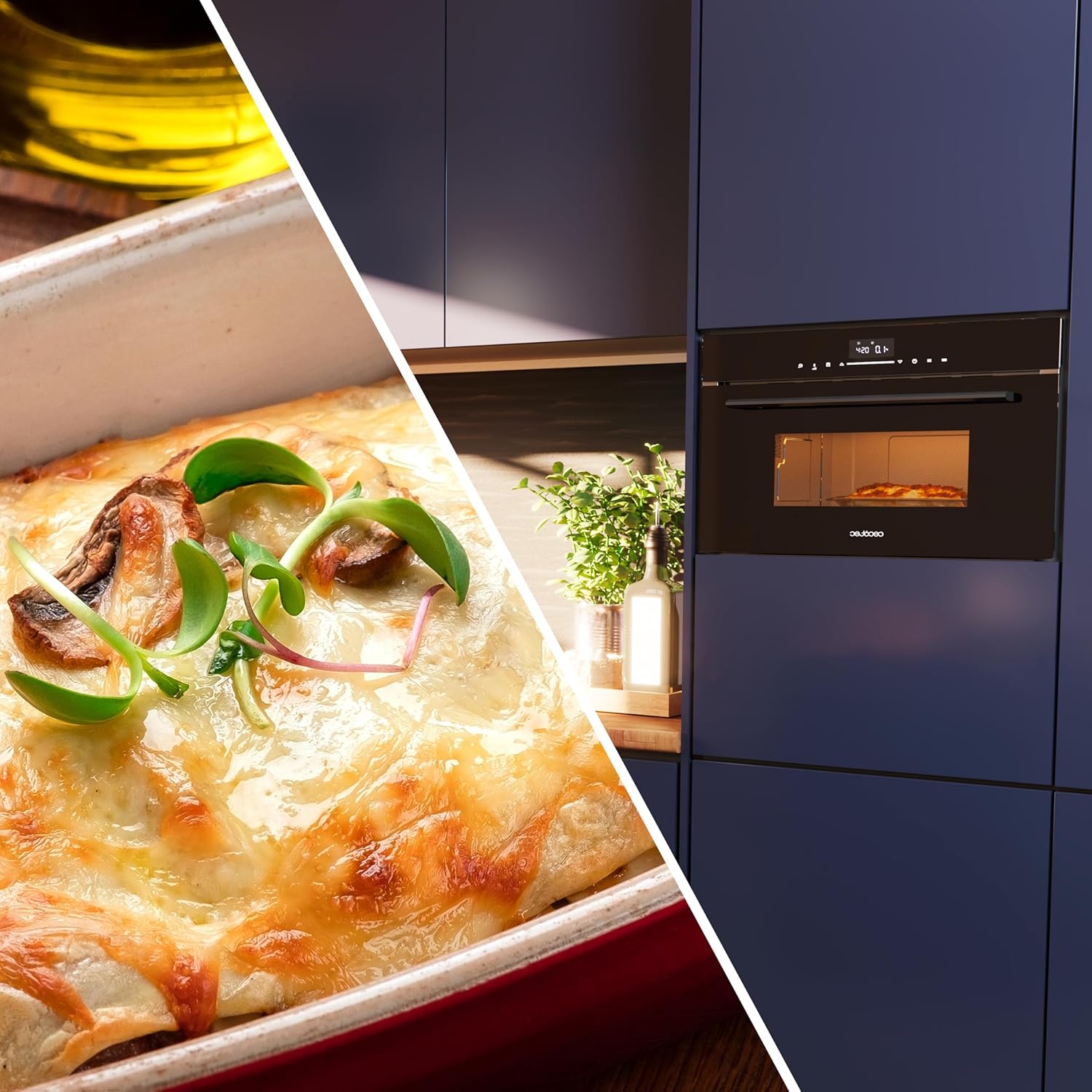
Figure 3: Close-up view of the control panel, showing the digital display and touch buttons for functions such as microwave, grill, convection, time setting, automatic menus, and start/pause.
4. Installation
This appliance is designed for built-in installation. Ensure proper ventilation and clearance as specified in the installation diagram. Professional installation is recommended.
4.1 Installation Requirements
- Ensure the cabinet opening dimensions match the appliance specifications.
- The power outlet should be easily accessible after installation.
- Do not block ventilation openings.

Figure 4: Technical diagram illustrating the required cabinet dimensions for built-in installation. Key measurements include a minimum width of 560mm, a height of 380mm (+2mm), and a depth of at least 500mm.
5. Initial Setup
5.1 Before First Use
- Remove all packaging materials and accessories.
- Clean the interior and exterior of the oven with a damp cloth.
- Place the glass turntable and turntable ring inside the oven cavity.
5.2 Setting the Clock
After plugging in the oven, the display will show '0:00'.
- Press the 'Clock' button (often represented by a clock icon).
- Use the '+' or '-' buttons (or rotating dial, if applicable) to set the hour.
- Press the 'Clock' button again.
- Use the '+' or '-' buttons to set the minutes.
- Press the 'Clock' button to confirm the setting.
6. Operating Instructions
This section details how to use the various cooking functions of your microwave oven.

Figure 5: The microwave oven with its door open, revealing a plate of pasta inside the illuminated cavity, ready for cooking or reheating.
6.1 Microwave Cooking
Use this function for standard microwave heating and cooking.
- Place food in a microwave-safe container on the glass turntable.
- Press the 'Microwave' button (often represented by wavy lines).
- Select the desired power level (e.g., 100%, 80%, 50%).
- Use the '+' or '-' buttons to set the cooking time.
- Press 'Start' to begin cooking.
6.2 Grill Function
Ideal for browning and crisping food.
- Place food on the grill rack.
- Press the 'Grill' button (often represented by a zigzag line).
- Set the desired grilling time.
- Press 'Start'.
6.3 Convection Function
For baking and roasting, similar to a conventional oven.
- Press the 'Convection' button (often represented by a fan icon).
- Set the desired temperature.
- Set the cooking time.
- Press 'Start'.
6.4 Combination Cooking
Combine microwave with grill or convection for faster and more varied cooking results.
- Press the 'Combi' button (if available, or select microwave then grill/convection).
- Select the desired combination mode (e.g., Microwave + Grill).
- Set the cooking time.
- Press 'Start'.
6.5 Defrost Function
Defrost food by weight or time.

Figure 6: A visual representation of the defrost function, showing frozen spinach on one side and defrosted, fresh spinach on the other, highlighting the effectiveness of the defrost mode.
- Place frozen food in the oven.
- Press the 'Defrost' button (often represented by a snowflake icon).
- Select defrost by weight or time.
- Adjust the weight or time using the '+' or '-' buttons.
- Press 'Start'.
6.6 Automatic Menus
The oven includes pre-programmed settings for common dishes.

Figure 7: The control panel displaying an automatic menu selection, with icons for various food types like potatoes, meat, and fish, indicating pre-set cooking options.
- Press the 'Auto Menu' button (often represented by a menu icon).
- Rotate the dial or press '+' / '-' to select the desired food category.
- Confirm the selection and press 'Start'.
6.7 Quick Start
For quick heating at full power.
- Press the 'Start' button repeatedly to add cooking time in increments (e.g., 30 seconds or 1 minute per press).
6.8 Child Lock
To prevent accidental operation by children.

Figure 8: A graphic icon representing the child lock feature, shown alongside a mother and child near the microwave, emphasizing safety for young children.
- To activate: Press and hold the 'Stop/Cancel' button for 3 seconds. A lock icon will appear on the display.
- To deactivate: Press and hold the 'Stop/Cancel' button again for 3 seconds. The lock icon will disappear.
7. Maintenance and Cleaning
Regular cleaning and maintenance will ensure the longevity and optimal performance of your oven.
- Always unplug the oven before cleaning.
- Clean the oven cavity after every use with a damp cloth and mild detergent.
- The glass turntable and turntable ring can be washed in warm soapy water or a dishwasher.
- Wipe the exterior surfaces with a damp cloth. Avoid abrasive cleaners.
- Clean the door seals and sealing surfaces regularly to ensure proper door closure.
8. Troubleshooting
If you encounter issues with your oven, refer to the following common problems and solutions:
| Problem | Possible Cause | Solution |
|---|---|---|
| Oven does not start | Power cord not plugged in; Door not closed properly; Fuse blown or circuit breaker tripped. | Ensure power cord is securely plugged in; Close the door firmly; Check household fuse or reset circuit breaker. |
| Food not heating | Incorrect cooking time/power level set; Utensils not microwave-safe. | Adjust cooking time and power level; Use microwave-safe dishes. |
| Turntable not rotating | Turntable not properly placed; Turntable ring obstructed. | Ensure turntable and ring are correctly positioned; Clean any obstructions. |
| Display shows error code | Internal malfunction. | Unplug the oven for a few minutes, then plug it back in. If the error persists, contact customer support. |
If the problem persists after attempting these solutions, please contact Cecotec customer support.
9. Specifications
- Brand: Cecotec
- Model Number: 02841 (MWO703800 Line)
- Dimensions (L x W x H): 53 x 59.5 x 38.2 cm
- Weight: 23 kg
- Capacity: 34 Liters
- Power: 2300 Watts (max)
- Material: Glass (door), Metal (inner material)
- Installation Type: Built-in
- Functions: Microwave, Convection, Grill, Defrost, Automatic Menu, Quick Cook
- Color: Black
- Components Included: 1 microwave oven, 1 rotating glass tray, 1 turntable support/ring, 1 raised grill rack, 1 low grill rack, 1 turntable shaft, 1 user manual.

Figure 9: A visual representation highlighting the generous 34-liter capacity of the oven cavity, suitable for various cooking needs.
10. Warranty and Support
This product comes with a manufacturer's warranty. Please refer to the warranty card included with your purchase for specific terms and conditions. For technical assistance, spare parts, or service inquiries, please contact Cecotec customer support through their official website or the contact information provided in your warranty documentation.


