
Introduction
Welcome to the user manual for your boAt Airdopes 408 Wireless Earbuds. This guide provides essential information to help you set up, operate, maintain, and troubleshoot your earbuds, ensuring an optimal audio experience. Please read these instructions carefully before using the product.
What's in the Box
- boAt Airdopes 408 Earbuds
- Charging Case
- USB Charging Cable
- Extra Ear Tips (various sizes)
- User Manual
- Warranty Card
Product Overview
The boAt Airdopes 408 are true wireless stereo (TWS) earbuds designed for a seamless audio experience. They feature a lightweight, in-ear design with advanced touch controls and an integrated microphone for calls and voice assistant activation.

Image: The boAt Airdopes 408 wireless earbuds shown with their charging case.
Setup
1. Charging the Earbuds and Case
Before first use, fully charge the earbuds and the charging case. Connect the USB charging cable to the charging case and a power source. The indicator lights on the case will show the charging status.

Image: This image illustrates the 20 hours of total playback time and the ASAP Charge technology, providing 40 minutes of playback from a 5-minute charge.
2. Pairing with a Device
- Open the charging case. The earbuds will automatically enter pairing mode.
- On your device (smartphone, tablet, etc.), enable Bluetooth.
- Search for available Bluetooth devices and select "Airdopes 408".
- Once connected, you will hear an audio prompt, and the indicator lights on the earbuds will change.
The earbuds feature Bluetooth V5.0 for instant and stable wireless connectivity.
Operating Instructions
Touch Controls
The Airdopes 408 features advanced capacitive touch controls for easy management of your audio and calls:
- Play/Pause: Single tap on either earbud.
- Next Track: Double tap on the right earbud.
- Previous Track: Double tap on the left earbud.
- Answer/End Call: Single tap on either earbud during an incoming call.
- Reject Call: Press and hold either earbud for 2 seconds during an incoming call.
- Activate Voice Assistant: Triple tap on either earbud.
Audio Quality
Equipped with premium 10mm audio drivers, the Airdopes 408 delivers an immersive sound experience.
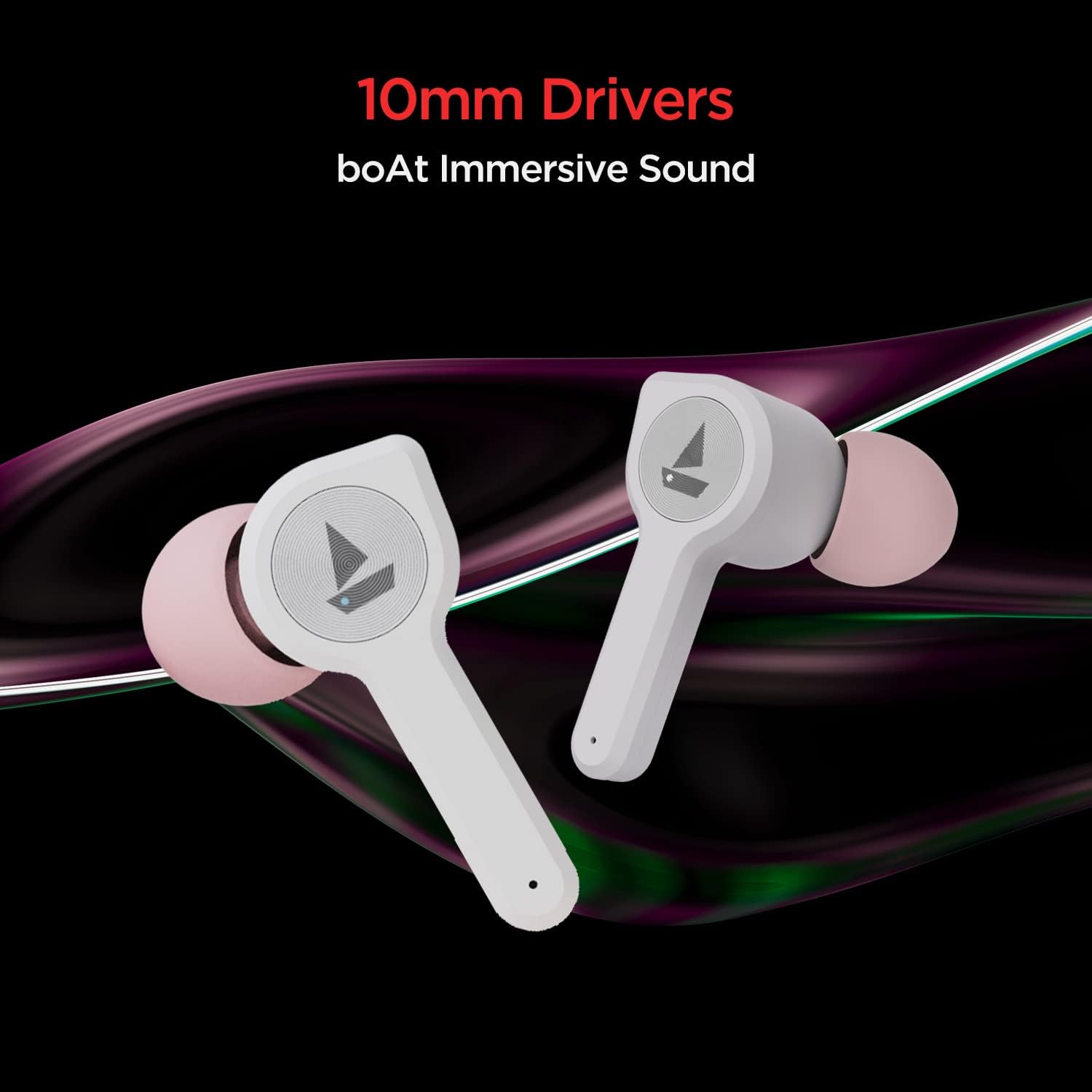
Image: The boAt Airdopes 408 earbuds highlighting the 10mm drivers for immersive sound.
Maintenance
Cleaning
Regularly clean your earbuds and charging case with a soft, dry cloth. Avoid using harsh chemicals or abrasive materials.
Water and Sweat Resistance
The Airdopes 408 earbuds are IPX4 rated, making them resistant to splashes of water and sweat. This makes them suitable for workouts and outdoor activities. However, they are not designed for submersion in water.

Image: The boAt Airdopes 408 earbuds demonstrating IPX4 water and sweat resistance.
Troubleshooting
- Earbuds not pairing: Ensure both earbuds are charged. Place them back in the case, close it, then open it again to re-enter pairing mode. Check your device's Bluetooth settings and try reconnecting.
- Only one earbud working: Try resetting the earbuds. Place both earbuds in the charging case, then remove them. If the issue persists, try re-pairing them with your device.
- Low volume: Adjust the volume on both your connected device and through the earbud controls. Ensure ear tips are properly sealed in your ear canal.
- Charging issues: Ensure the charging cable is securely connected to both the case and the power source. Clean the charging contacts on the earbuds and inside the case.
Specifications
| Model Name | Airdopes 408 |
| Connectivity Technology | Bluetooth V5.0 |
| Ear Placement | In Ear |
| Control Method | Touch |
| IP Rating | IPX4 (Water & Sweat Resistant) |
| Playback Time (per charge) | Up to 4 hours |
| Total Playback Time (with case) | Up to 20 hours |
| ASAP Charge | 5 mins charge = 40 mins playback |
| Driver Size | 10mm |
| Material | Plastic |
| Item Weight | 45 grams |
| Product Dimensions | 7 x 6 x 3 cm |
Warranty and Support
Your boAt Airdopes 408 comes with a one-year warranty from the date of purchase. For warranty claims, technical support, or any product-related inquiries, please refer to the contact information provided on your warranty card or visit the official boAt support website.
Please retain your proof of purchase for warranty validation.


