
1. Product Overview
This manual provides instructions for the UpBright 12V AC/DC Adapter, designed to power compatible devices such as the Lifepro AllevaRed LP-ALVRD-BLK and LP-ALVRDP-BLK Red Light Therapy Cloth Wrap Belts. This adapter converts standard AC wall power to 12V DC, providing a stable and reliable power source for your electronic devices.
Key features include:
- World Wide Input Voltage: 100-240VAC 50/60Hz.
- Output: 12V DC, 2A (2000mA), 24W.
- Safety Protections: OVP (Over Voltage Protection), OCP (Over Current Protection), SCP (Short Circuit Protection).

Image 1.1: The UpBright 12V AC/DC Adapter. This image shows the compact black power adapter with a two-prong US plug and an attached DC output cable ending in a barrel connector.
2. Setup
Before connecting the adapter, ensure that your device requires a 12V DC input and has a compatible barrel connector. Verify the voltage and current requirements of your device to prevent damage.
- Inspect the Adapter: Visually inspect the adapter and its cable for any signs of damage, such as frayed wires or cracked casing. Do not use if damaged.
- Identify Device Input: Locate the power input port on your electronic device (e.g., Lifepro AllevaRed belt). Ensure it is a barrel connector compatible with the adapter's output plug.
- Connect to Device: Carefully insert the barrel connector of the adapter's cable into the power input port of your device. Ensure a snug fit.
- Connect to Power Outlet: Plug the AC prongs of the adapter into a standard wall power outlet (100-240VAC, 50/60Hz).
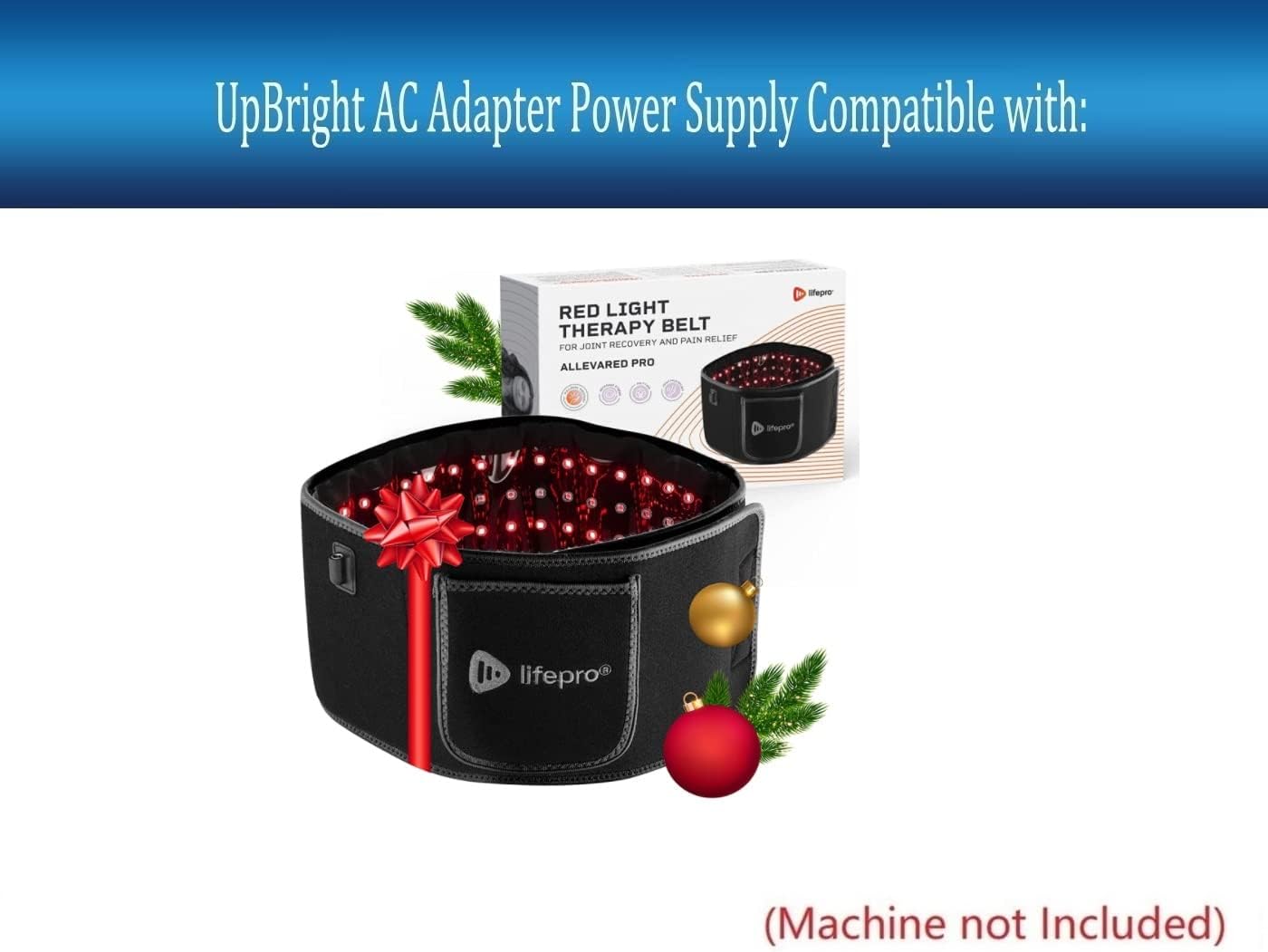
Image 2.1: The UpBright AC/DC Adapter showing the full length of its cable. This image highlights the barrel connector at the end of the cable, which connects to the device.
3. Operating Instructions
Once the adapter is properly connected to both the device and the power outlet, the device should receive power. The adapter operates automatically and does not require any user interaction beyond connection.
- The adapter provides a continuous 12V DC power supply to the connected device.
- Refer to your device's specific user manual for instructions on how to operate the device itself after it has been powered on by the adapter.

Image 3.1: Illustration of the UpBright AC Adapter's compatibility with the Lifepro Red Light Therapy Belt. This image shows the adapter next to a Lifepro Red Light Therapy Belt, indicating its intended use as a power supply for such devices.
4. Maintenance
The UpBright AC/DC Adapter requires minimal maintenance to ensure long-term performance and safety.
- Cleaning: Disconnect the adapter from the power outlet and the device before cleaning. Use a soft, dry cloth to wipe the exterior. Do not use liquid cleaners or abrasive materials.
- Storage: When not in use, store the adapter in a cool, dry place away from direct sunlight and extreme temperatures. Avoid tightly coiling the cable to prevent damage.
- Inspection: Periodically inspect the adapter and cable for any signs of wear, cuts, or damage. If any damage is observed, discontinue use immediately and replace the adapter.
5. Troubleshooting
If you encounter issues with your UpBright AC/DC Adapter, refer to the following common troubleshooting steps:
| Problem | Possible Cause | Solution |
|---|---|---|
| Device not powering on. |
|
|
| Adapter feels hot. |
|
|
| Flickering power to device. |
|
|
6. Specifications
| Attribute | Value |
|---|---|
| Brand | UPBRIGHT |
| Model Number | Lifepro AllevaRed Pro Power Supply |
| Input Voltage | 100-240VAC, 50/60Hz |
| Output Voltage | 12V DC |
| Output Current | 2 Amps (2000mA) |
| Wattage | 24 watts |
| Connector Type | Barrel Connector |
| Special Feature | Short Circuit Protection (SCP), Over Voltage Protection (OVP), Over Current Protection (OCP) |
| Product Dimensions | 4 x 3 x 2 inches (approximate, adapter unit only) |
7. Warranty and Support
UpBright stands behind the quality of its products. This adapter comes with the following warranty and support:
- Refund Policy: 30 days refund period from the date of purchase.
- Exchange Policy: 24 months exchange period for defective units.
- Contact Support: For any inquiries, troubleshooting assistance, or warranty claims, please contact UpBright customer service. Refer to the packaging or the official UpBright website for contact details.
Ensure to retain your proof of purchase for warranty claims.
