
1. Introduction
The SHANLING M0 Pro is a compact, high-resolution digital audio player designed for portable music enjoyment. It integrates a headphone DAC and amplifier, offering versatile connectivity options including two-way Bluetooth 5.0 and USB Type-C. This manual provides essential information for setting up, operating, maintaining, and troubleshooting your M0 Pro device.
2. What's in the Box
- 1X SHANLING M0 Pro Device
- 1X Quick Start Guide
- 1X Maintenance Card
- 1X USB A to Type-C Cable
- 2X Front Protective Film (one pre-applied)
3. Product Overview
3.1. Design and Dimensions
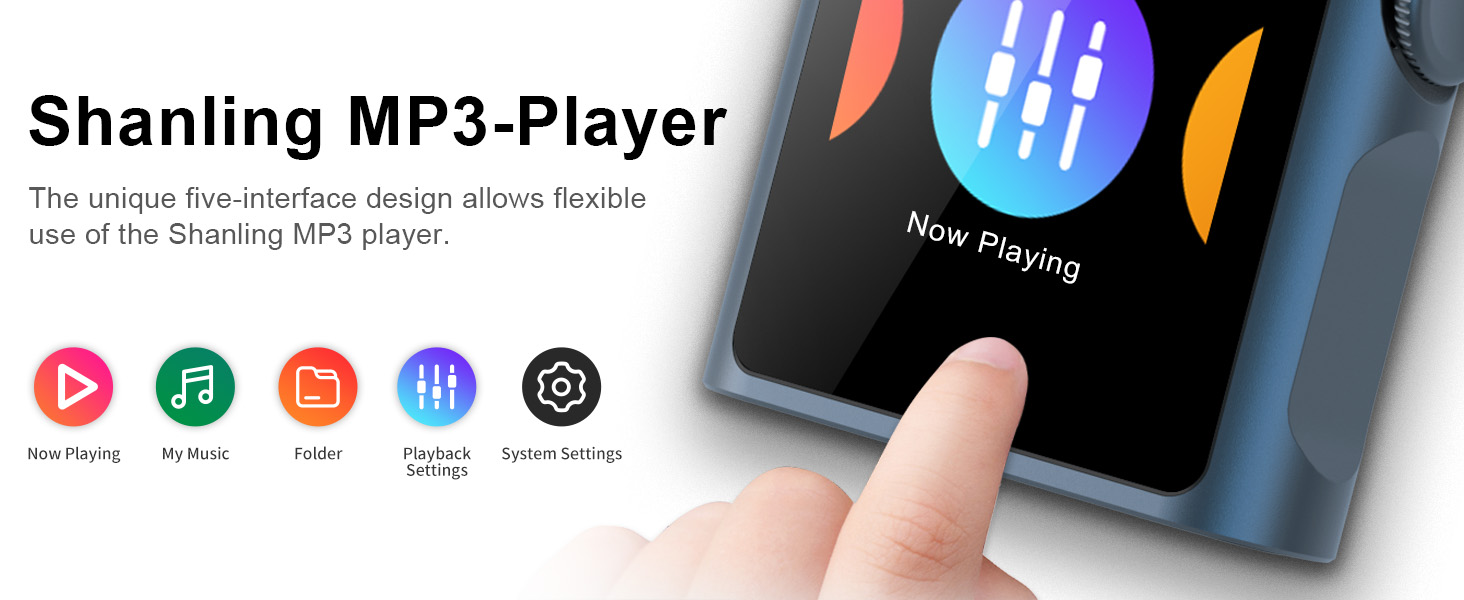
The M0 Pro features a mini, lightweight design, measuring approximately 1.7 x 1.7 x 0.54 inches and weighing only 37g. Its perimeter is constructed from metal, providing a sleek and durable feel. The device is equipped with a 1.54-inch HD touch screen for intuitive control.


3.2. Audio Performance (DAC/AMP)
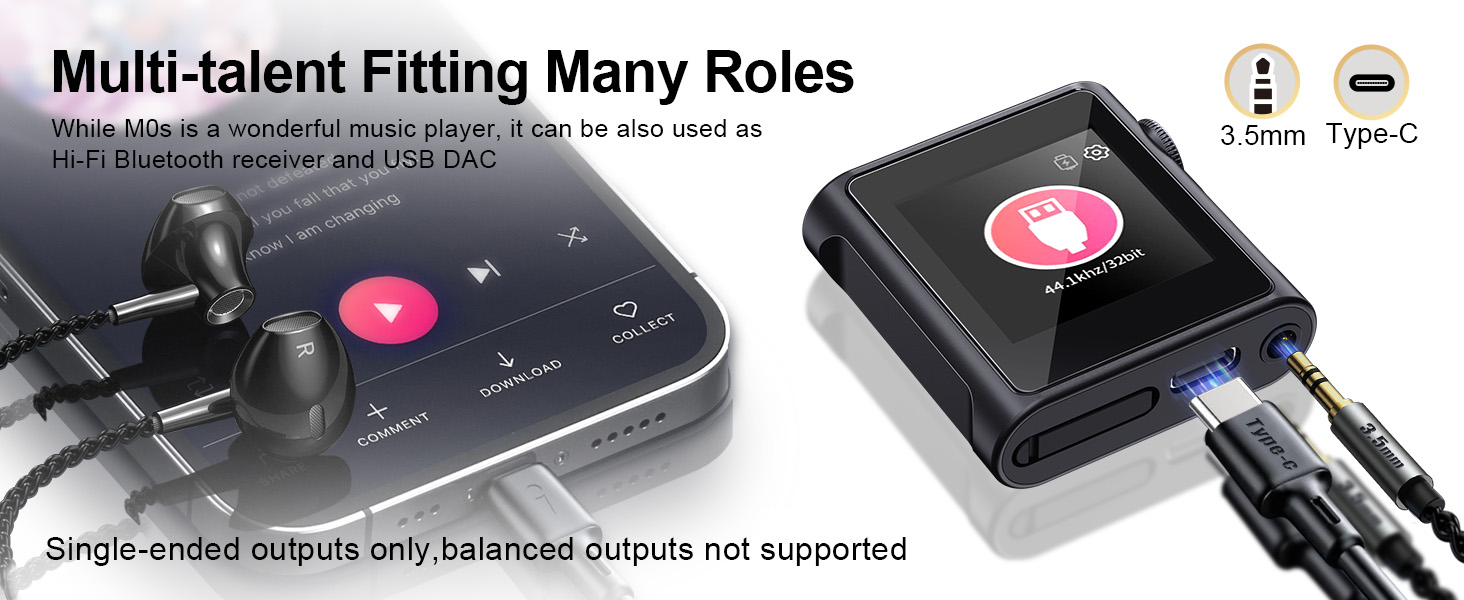
Equipped with a high-performance Dual ES9219 Chip, the M0 Pro supports up to 384 kHz/32 bit audio and DSD 128. It delivers a signal-to-noise ratio (SNR) of 119dB and a distortion of 0.0004%. The 3.5mm single-ended output provides up to 90mW@32Ω, while the 4.4mm balanced output (requires a separate adapter) can reach 236MW@32Ω, offering rich, detailed, and dynamic sound.

3.3. Connectivity (Bluetooth)
The M0 Pro features two-way Bluetooth 5.0, supporting LDAC, aptX, AAC, and SBC for transmission, and LDAC, SBC, and AAC for reception. This allows for high-quality wireless audio streaming to and from the device.

3.4. Memory and Storage
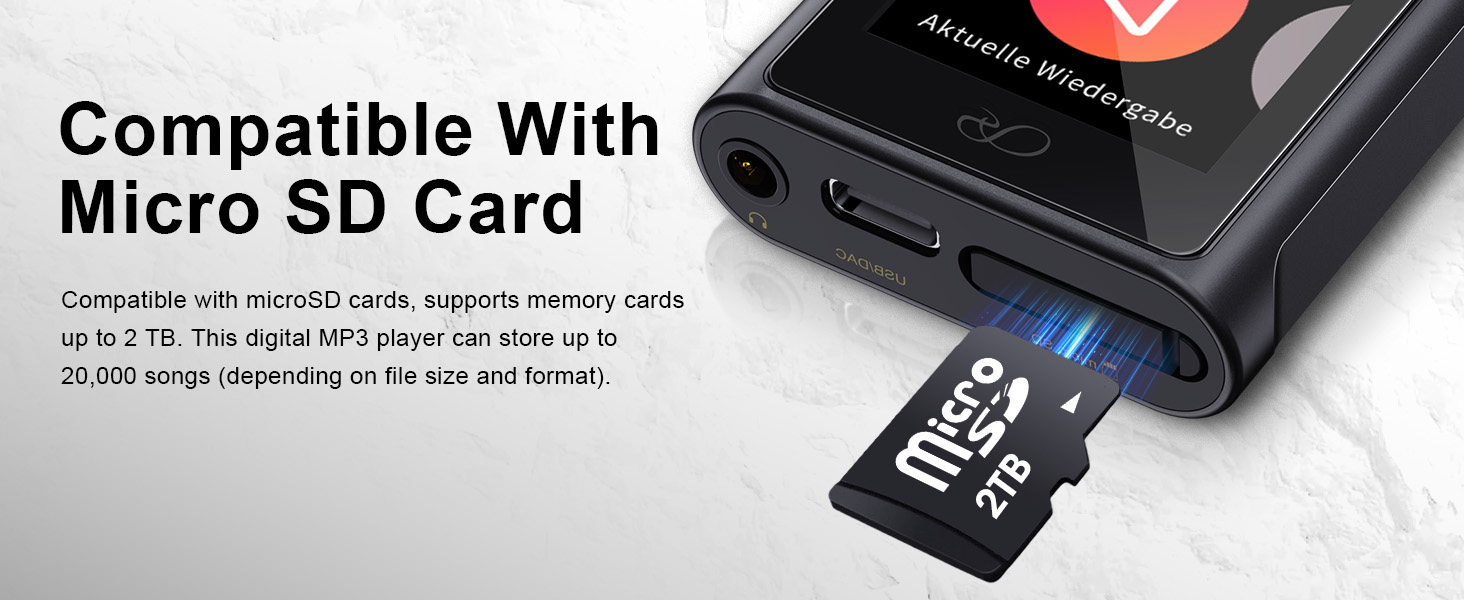
The device does not have internal data storage and requires a MicroSD card for music files. It supports MicroSD cards up to 2TB, providing ample space for extensive music libraries.
3.5. App Control
The SHANLING M0 Pro can be remotely controlled using the EDDICT PLAYER APP via the SyncLink function. This allows for convenient control over playback, volume adjustment, and song list management from a connected smartphone or tablet.


3.6. Supported Audio Formats
The M0 Pro supports a wide range of audio formats, including DSD (.iso, .dsf, .dff), DXD, APE, FLAC, ALAC, WAV, AIFF, AIF, DTS, MP3, WMA, AAC, OGG, MP2, M4A, AC3, CUE, and M3U.
3.7. USB DAC/DAP Functionality
The device can function as both a portable digital audio player (DAP) and a USB DAC (Digital-to-Analog Converter), allowing it to enhance the audio quality from computers, smartphones, and tablets.


4. Setup
4.1. Inserting a MicroSD Card
- Locate the MicroSD card slot on the side of the device.
- Gently insert a compatible MicroSD card (up to 2TB) into the slot until it clicks into place.
- Ensure the card is properly seated to avoid connectivity issues.
4.2. Charging the Device
- Connect the provided USB A to Type-C cable to the M0 Pro's USB Type-C port.
- Connect the other end of the cable to a compatible USB power adapter or computer.
- The device will indicate charging status on its screen. A full charge typically provides up to 14.5 hours of continuous playback.
4.3. Initial Power On
- Press and hold the power/volume knob on the side of the device for a few seconds until the screen illuminates.
- Follow any on-screen prompts for initial setup, such as language selection.
5. Operating Instructions
5.1. Basic Navigation
The M0 Pro uses a 1.54-inch touch screen for navigation. Swipe gestures and taps are used to interact with the MTouch OS interface. The physical knob on the side controls volume and can be pressed for power/screen on/off functions.

5.2. Music Playback
Access your music library through the