
1. Introduction
This instruction manual provides essential information for the safe and effective use of your DEWALT Powerstack 20V MAX Battery Starter Kit (Model: DCBP520C). This kit includes one DEWALT 20V MAX XR POWERSTACK 5.0Ah Battery and a compatible charger. The POWERSTACK battery features revolutionary pouch cell technology, offering enhanced power, extended work per charge, and a longer lifespan compared to traditional cylindrical cell batteries.
2. Safety Information
WARNING: To reduce the risk of injury, user must read instruction manual. Do not charge if battery is damaged or if it is not within the recommended temperature range.
- Always use the charger specified by DEWALT for charging this battery pack.
- Do not incinerate the battery pack, even if it is severely damaged or completely dead. The battery pack can explode in a fire.
- Do not expose the battery pack or charger to water or rain.
- Do not store the battery pack or charger in locations where the temperature may reach or exceed 122°F (50°C).
- Keep the battery pack and charger away from children.
3. Product Overview
The DEWALT Powerstack 20V MAX Battery Starter Kit provides a powerful and efficient solution for your cordless tools.

Figure 3.1: The DEWALT Powerstack 5.0Ah Battery and its compatible charger.
3.1. DEWALT Powerstack 5.0Ah Battery
This 20V MAX* XR POWERSTACK 5.0Ah Battery is engineered with revolutionary pouch cell technology, delivering 50% more power and 50% more work per charge compared to previous 5.0Ah batteries. It also boasts 2X the lifespan for long-term value. The battery features an impact-resistant, rubber overmolded base for durability and a 3-LED Fuel Gauge to quickly check the state of charge.
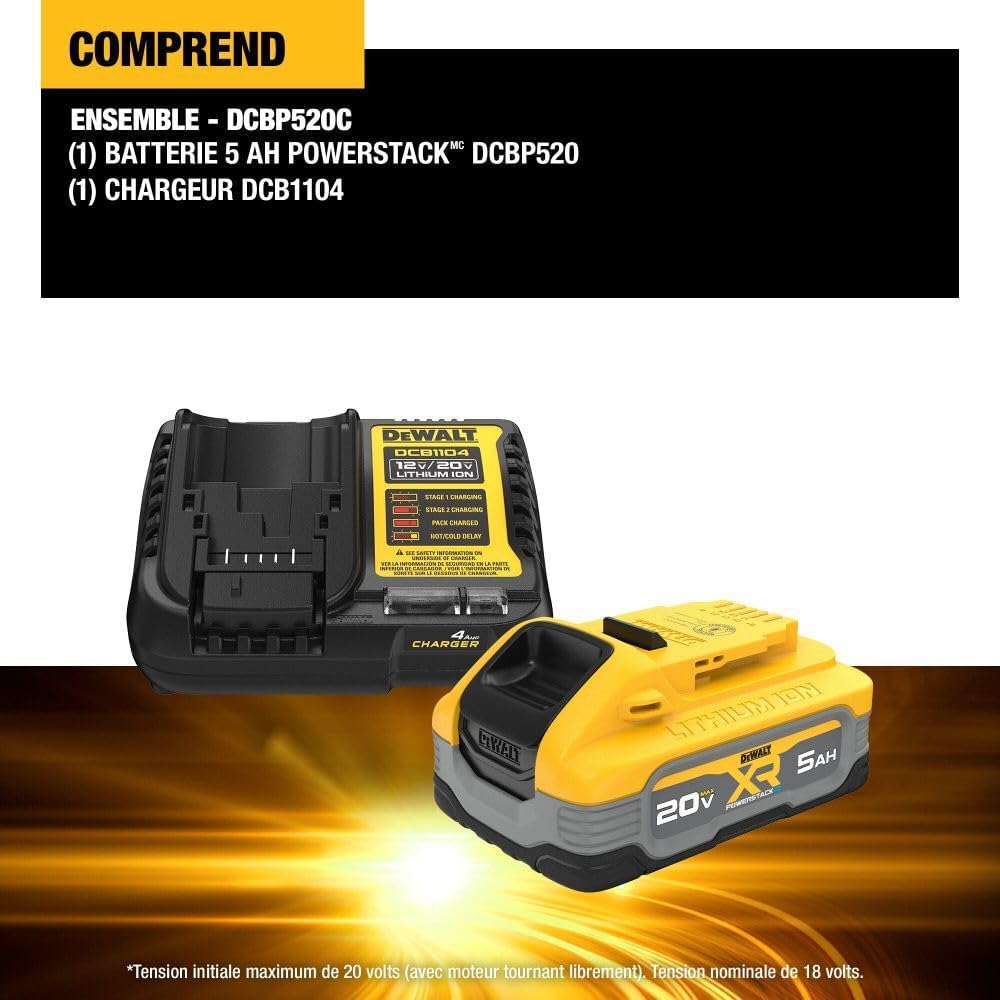
Figure 3.2: An internal view illustrating the advanced pouch cell technology within the DEWALT Powerstack battery.
3.2. DEWALT DCB115 Charger
The included DCB115 charger is designed to charge all DEWALT 12V MAX* and 20V MAX* Lithium Ion battery packs. It features indicator lights to communicate the battery's charging status.
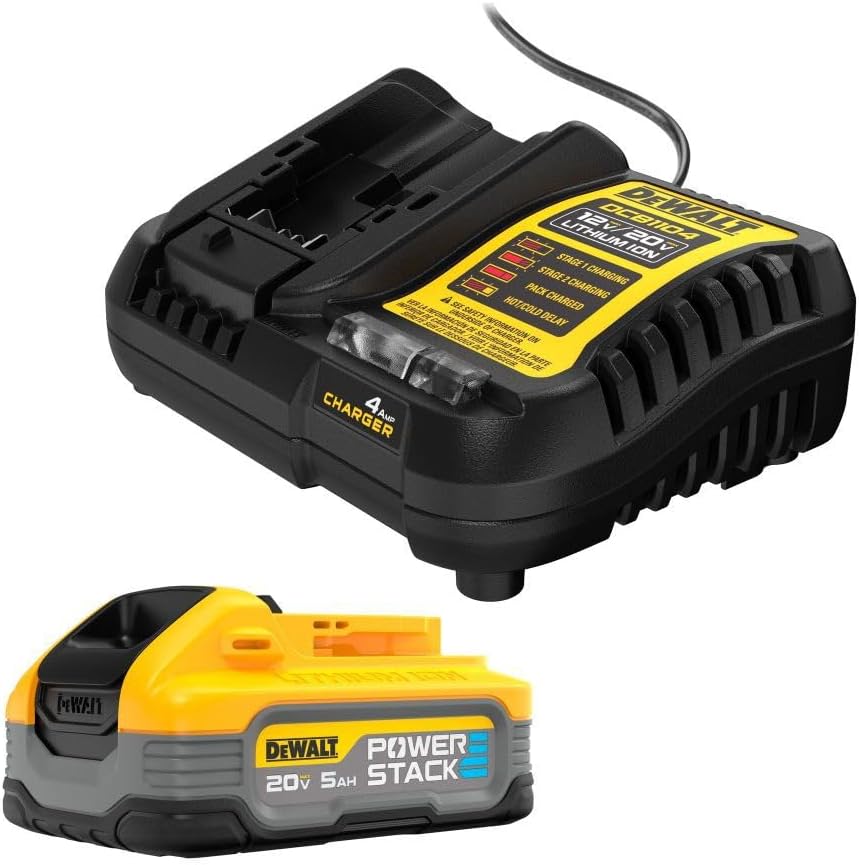
Figure 3.3: The DEWALT Powerstack battery connected to its charger.
4. Setup
4.1. Initial Charging Procedure
Before first use, fully charge the battery pack. To charge the battery:
- Plug the charger into an appropriate outlet.
- Slide the battery pack onto the charger, ensuring it is fully seated.
- Observe the charger's indicator lights to confirm charging has begun.
For a visual guide on the product and its charging process, please refer to the official video below:
Video 4.1: Official DEWALT video demonstrating the Powerstack 20V MAX Battery Starter Kit, including a brief overview of its components and charging.
4.2. Charger Indicator Lights (DCB115)
- Flashing Red Light: Battery is charging.
- Solid Red Light: Battery is fully charged.
- Flashing Red and Yellow Light: Hot/Cold Delay. The battery pack is too hot or too cold. Charging will begin automatically once the battery reaches an acceptable temperature.
5. Operating Instructions
5.1. Battery Installation and Removal
To install the battery pack into a compatible DEWALT 20V MAX* tool, align the battery with the tool's battery port and slide it in until it clicks securely into place. To remove, press the battery release button and pull the battery pack out of the tool.
5.2. Checking Battery Charge
The Powerstack battery features a 3-LED Fuel Gauge. Press the button on the front of the battery to illuminate the LEDs, indicating the remaining charge level.

Figure 5.1: The 3-LED Fuel Gauge on the Powerstack battery, allowing for quick charge status checks.
5.3. Tool Compatibility
The DEWALT Powerstack 5.0Ah Battery is fully compatible with all DEWALT 20V MAX* tools and chargers, expanding the versatility of your existing tool collection.
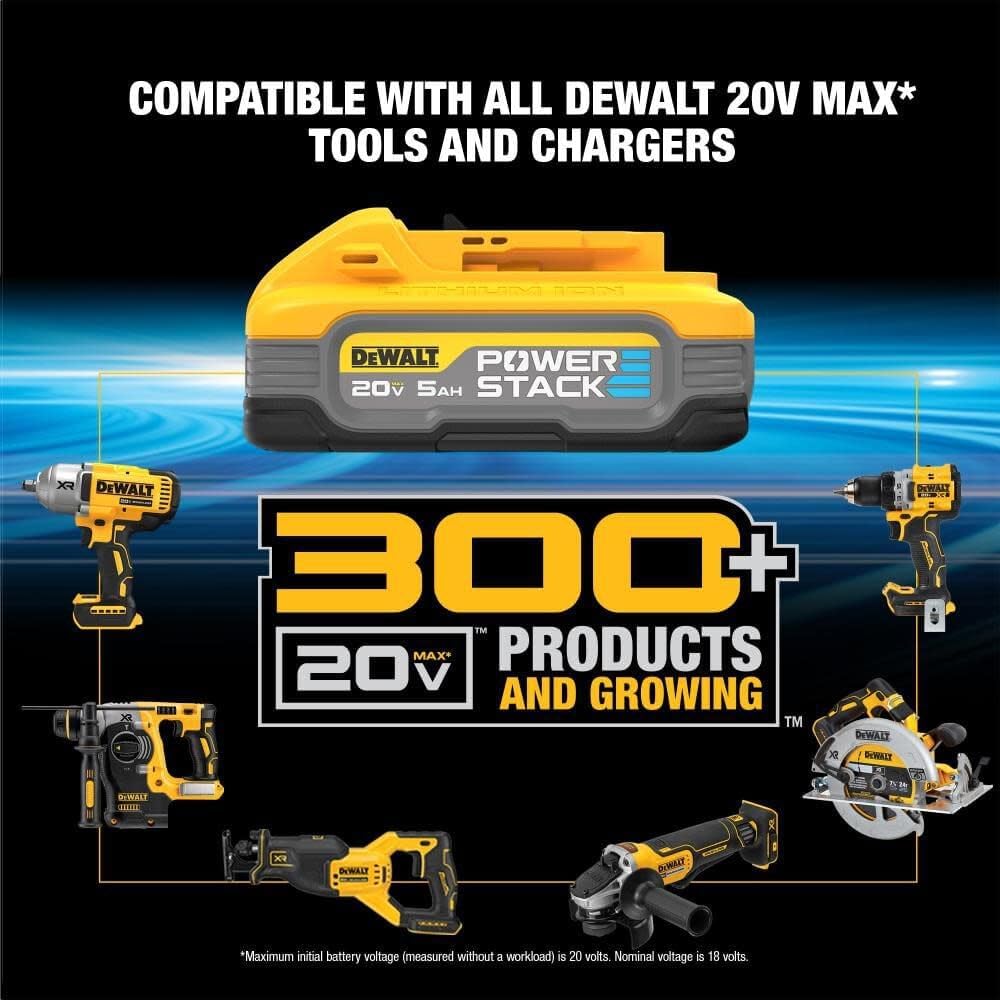
Figure 5.2: The Powerstack battery is compatible with over 300 DEWALT 20V MAX* products.
6. Maintenance
6.1. Cleaning
Keep the battery pack and charger clean by wiping them with a dry cloth. Do not use water or cleaning solutions.
6.2. Storage
Store the battery pack and charger in a cool, dry place, away from direct sunlight and excessive heat or cold. For optimal battery life, store partially charged (e.g., 50% charge) rather than fully charged or fully depleted.
7. Troubleshooting
| Problem | Possible Cause | Solution |
|---|---|---|
| Battery not charging | Charger not plugged in; Battery too hot/cold (Hot/Cold Delay); Damaged battery/charger. | Ensure charger is securely plugged in. Wait for battery to reach acceptable temperature (flashing red and yellow light). If issue persists, contact DEWALT support. |
| Battery not holding charge | Battery nearing end of lifespan; Improper storage. | Ensure proper storage conditions. If battery life has significantly decreased, it may need replacement. |
8. Specifications
| Feature | Specification |
|---|---|
| Manufacturer | DEWALT |
| Part Number | DCBP520C |
| Item Weight | 2 pounds |
| Product Dimensions | 9 x 7.5 x 3.6 inches |
| Voltage | 20 Volts |
| Battery Cell Type | Lithium Ion |
| Battery Capacity | 5 Amp Hours |
| Included Components | POWERSTACK 5AH STARTER KIT (DCBP520 battery, DCB115 charger) |
9. Warranty and Support
9.1. Warranty Information
Please note that the product specifications indicate "No Warranty" for this item. It is recommended to verify warranty terms with your retailer at the time of purchase.
9.2. Customer Support
For any questions, technical assistance, or service needs not covered in this manual, please contact DEWALT customer support directly or visit their official website for the most up-to-date information and service centers.


