1. Introduction
The XSONIC Airstep Play is a versatile hands-free controller designed to enhance your experience with online video and audio content. It allows seamless control over playback, looping, speed, and pitch, making it ideal for musicians, students, and anyone who needs to interact with media without using their hands. Compatible with Android, iOS, Mac, and PC devices, the Airstep Play connects via Bluetooth or USB, providing intuitive control for various applications.
2. Package Contents
Please ensure all the following items are included in your package:
- AIRSTEP Play Controller
- Charging Cable
- Footswitch Sticker
- User Manual
3. Setup
Follow these steps to set up your XSONIC Airstep Play:
- Charge the Device: Connect the Airstep Play to a power source using the provided charging cable. The device requires 1 Lithium Ion battery (included).
- Download the App: Search for the official XSONIC Airstep Play app on your Android, iOS, Mac, or PC device's app store. Install the application.
- Power On: Press and hold the power button on the Airstep Play until the indicator lights illuminate.
- Pair via Bluetooth: Open the Airstep Play app on your device. Follow the in-app instructions to pair your Airstep Play via Bluetooth. Ensure Bluetooth is enabled on your host device.
- Initial Configuration: The app will guide you through initial setup and button assignments.

Figure 3.1: XSONIC Airstep Play Controller

Figure 3.2: Airstep Play connected to a smartphone
4. Operating Instructions
The Airstep Play provides hands-free control for various online video and audio platforms. Once connected via the app, you can control media playback using the footswitches.
4.1 Core Functions
- Play/Pause: Start or stop video/audio playback.
- Forward/Rewind: Skip forward or backward in the media.
- Rewind to Start: Instantly return to the beginning of the current media.
- Loop Section: Define and loop any specific section of the video or audio for repeated practice or analysis.
- Change Speed: Adjust the playback speed (slower for detailed study, faster for review).
- Change Pitch: Modify the audio pitch without affecting the tempo.
4.2 Supported Platforms & Files
The Airstep Play is compatible with major online video platforms and local audio/video files. This includes, but is not limited to:
- YouTube
- Fender Play
- TrueFire
- JamPlay
- GuitarTricks
- Justin Guitar
- ArtistWorks
- Udemy
- Local MP3, WAV, MP4, AVI files

Figure 4.1: Hands-free control for online video

Figure 4.2: Guitarist utilizing the Airstep Play
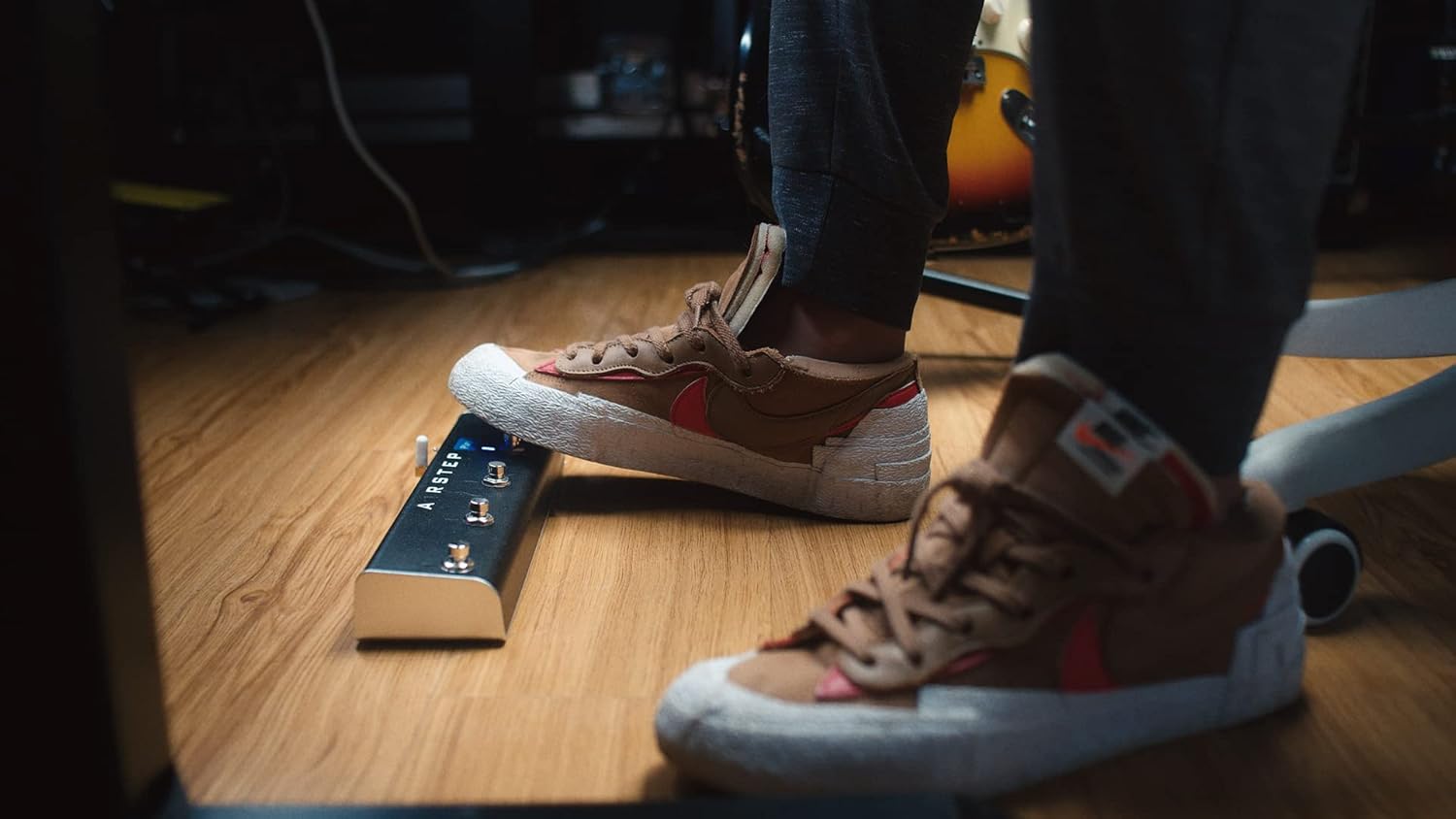
Figure 4.3: Footswitch in action

Figure 4.4: Airstep Play app interface
Video 4.1: Official demonstration of the Airstep Play's features, including playback control, looping, and speed/pitch adjustments, as shown by a seller.
5. Maintenance
To ensure the longevity and optimal performance of your Airstep Play, follow these simple maintenance guidelines:
- Cleaning: Use a soft, dry cloth to wipe down the device. Avoid using harsh chemicals or abrasive materials.
- Storage: Store the Airstep Play in a cool, dry place away from direct sunlight and extreme temperatures.
- Battery Care: For optimal battery life, avoid fully discharging the battery frequently. Charge the device regularly, especially if it will be stored for an extended period.
6. Troubleshooting
If you encounter any issues with your Airstep Play, please refer to the following common solutions:
- Device Not Connecting: Ensure Bluetooth is enabled on your host device and the Airstep Play is powered on and within range. Try restarting both the Airstep Play and your host device.
- App Functionality Issues: Some users have noted that the controller primarily works with the mobile web versions of platforms accessed through the Airstep Play app, rather than native applications. Ensure you are using the correct interface within the app.
- Unresponsive Footswitches: Check the battery level. If the issue persists, try re-pairing the device with the app.
- Audio/Video Lag: Ensure your host device meets the minimum system requirements and has a stable internet connection for online content.
For more complex issues, please consult the full user manual or contact XSONIC customer support.
7. Specifications
| Feature | Detail |
|---|---|
| Item Weight | 1.52 pounds |
| Package Dimensions | 12.76 x 3.86 x 2.05 inches |
| ASIN | B0BPHX5PMG |
| Item Model Number | a9985d84-cb57-4655-a239-9e0d656d06bf |
| Batteries | 1 Lithium Ion batteries required (included) |
| Compatible Devices | Smartphone, Tablet |
| Connector Type | USB |
| Hardware Interface | Bluetooth |
| Hardware Platform | PC/Mac, iOS, Android |
| Brand | XSONIC |
| Connectivity Technology | Bluetooth |
| Model Name | RM |
8. Warranty and Support
The XSONIC Airstep Play comes with a manufacturer's warranty. Please refer to the warranty card included in your package for specific terms and conditions. For technical support, troubleshooting assistance, or warranty claims, please visit the official XSONIC website or contact their customer service department.
You can find more information and support resources at the XSONIC Store on Amazon.


