
Soundcore Life Note E
Contents
Soundcore Life Note E True Wireless Earbuds User Manual
Model: Life Note E | Brand: Soundcore by Anker
1. Product Overview
The Soundcore by Anker Life Note E true wireless earbuds are designed for an immersive audio experience with powerful bass and clear calls. They feature oversized 10mm drivers, customizable EQ modes, and AI-enhanced call technology, all within a compact and water-resistant design.
Key Features:
- Thumping Beats: Equipped with 10mm oversized drivers for 50% more bass and clear audio.
- Customized Sound: Switch between Signature, Bass Booster, and Podcast EQ modes.
- Compact and Lightweight: Ultra-light earbuds and a compact charging case (1.3oz / 37g) for portability.
- Extended Playtime: Up to 8 hours of listening on a single charge, with the charging case providing up to 4 full recharges for a total of 32 hours.
- AI-Enhanced Calls: Built-in microphones and a custom AI-algorithm ensure clear conversations.
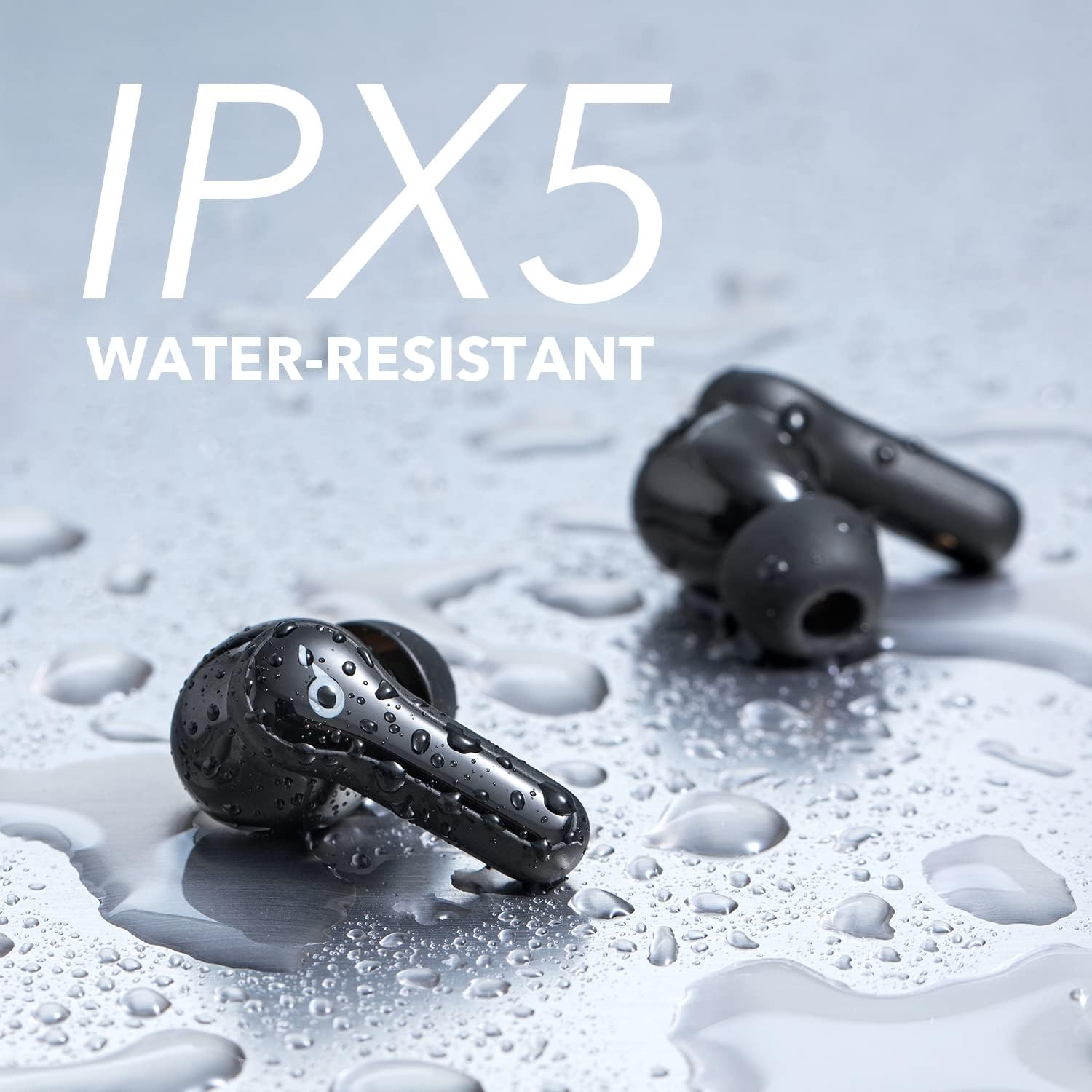
- IPX5 Water-Resistant: Designed to withstand splashes and sweat, suitable for workouts and outdoor use.
2. What's in the Box
- Soundcore Life Note E True Wireless Earbuds (Left and Right)
- Charging Case
- USB-C Charging Cable
- Multiple Sizes of Eartips
- Quick Start Guide / User Manual (this document)
3. Product Diagrams


4. Setup Guide
4.1 Charging the Earbuds and Case
Before first use, fully charge the earbuds and the charging case.
- Place both earbuds into the charging case.
- Connect the USB-C charging cable to the charging port on the back of the case and to a power source.
- The LED indicators on the case will light up to show charging status. Once fully charged, the indicators will turn solid or off depending on the model.
- A full charge provides up to 8 hours of playtime for the earbuds, and the case holds an additional 24 hours of charge (3 full recharges).
4.2 Pairing with Your Device
- First-Time Pairing: Open the charging case. The earbuds will automatically enter Bluetooth pairing mode, and the LED indicator on one earbud will flash white.
- On your device (smartphone, tablet, laptop), go to the Bluetooth settings.
- Select "Soundcore Life Note E" from the list of available devices.
- Once connected, the LED indicator on the earbud will turn solid white for 1 second and then turn off.
- Pairing with Another Device: Place the earbuds in the charging case and leave the lid open. Press and hold the button on the charging case for 3 seconds until the earbud indicators flash white rapidly. Then repeat steps 2-4.
5. Operating Instructions
5.1 Controls
The Soundcore Life Note E earbuds feature touch controls. The specific actions may vary slightly based on the firmware version. Refer to the Soundcore app for customizable controls.
| Action | Left Earbud | Right Earbud |
|---|---|---|
| Play/Pause | Double-tap | Double-tap |
| Next Track | (Not specified, typically triple-tap or hold) | Hold 2 seconds |
| Previous Track | Hold 2 seconds | (Not specified, typically triple-tap or hold) |
| Answer/End Call | Double-tap | Double-tap |
| Reject Call | Hold 2 seconds | Hold 2 seconds |
| Activate Voice Assistant | Triple-tap | Triple-tap |
Note: For volume control, use your connected device.
5.2 EQ Modes
The Soundcore Life Note E offers three distinct EQ modes to optimize your listening experience. These can typically be switched via the Soundcore app or specific touch controls if available (check app for details).
- Soundcore Signature: Balanced sound profile suitable for all music genres.
- Bass Booster: Enhances low frequencies for a more powerful and thumping bass.
- Podcast: Optimizes audio for spoken content, making voices clearer and more prominent.

5.3 Making Calls
The earbuds feature AI-enhanced microphones for clear call quality.
- Ensure earbuds are connected to your phone.
- Use the touch controls (as listed in Section 5.1) to answer, end, or reject calls.
6. Maintenance and Care
Proper maintenance ensures the longevity and optimal performance of your Soundcore Life Note E earbuds.
- Cleaning: Regularly clean the earbuds and charging pins with a soft, dry, lint-free cloth. Remove eartips and clean any earwax or debris from the mesh.
- Storage: When not in use, always store the earbuds in their charging case to protect them and keep them charged.
- Water Resistance: While IPX5 water-resistant, avoid submerging the earbuds in water. Dry them thoroughly if they get wet before placing them back in the charging case.
- Temperature: Avoid exposing the earbuds to extreme temperatures (hot or cold) as this can damage the battery and internal components.
7. Troubleshooting
If you encounter issues with your earbuds, try the following solutions:
| Problem | Possible Solution |
|---|---|
| Earbuds not charging | Ensure the charging cable is securely connected. Clean the charging pins on both the earbuds and the case. Try a different USB-C cable or power adapter. |
| Earbuds not pairing | Make sure Bluetooth is enabled on your device. Place earbuds back in the case, close the lid, then open it again to re-enter pairing mode. Forget "Soundcore Life Note E" from your device's Bluetooth list and try pairing again. |
| Only one earbud playing sound | Ensure both earbuds are charged. Place both earbuds back in the case, close the lid, wait a few seconds, then open it again. Try resetting the earbuds (refer to the full Soundcore manual for specific reset instructions). |
| Poor sound quality | Adjust the EQ mode in the Soundcore app. Ensure eartips provide a good seal in your ear. Clean any debris from the earbud mesh. Move closer to your connected device to avoid interference. |
| Microphone issues during calls | Ensure earbuds are properly positioned. Check for any obstructions on the microphone ports. Ensure your phone's audio output is set to the earbuds during calls. |
8. Specifications
| Feature | Detail |
|---|---|
| Model Name | Life Note E |
| Connectivity Technology | Wireless (True Wireless) |
| Driver Size | 10mm Oversized Drivers |
| Playtime (Earbuds) | Up to 8 Hours |
| Total Playtime (with Charging Case) | Up to 32 Hours |
| Charging Port | USB-C |
| Water Resistance Rating | IPX5 |
| Microphones | Built-in with AI-algorithm for calls |
| EQ Modes | Signature, Bass Booster, Podcast |
| Control Type | Touch Control (Media Control, Remote) |
| Compatible Devices | Cellphones, Tablets, Laptops, Desktops |
| Item Weight (Case) | 1.31 ounces (37g) |
| Color | Black |
| Batteries | 1 Lithium Polymer batteries required (included) |
9. Warranty and Support
This product is covered by a return policy of 90 days from the date of purchase. For detailed warranty information and terms, please refer to the official Soundcore website or contact their customer support.
For further assistance, troubleshooting, or to register your product, please visit the official Soundcore support page or contact their customer service team. Contact details can typically be found on the Soundcore website or in the product packaging.
Online Support: us.soundcore.com/pages/support
Documents and downloads
Ask a question about this manual
Ask about setup, troubleshooting, compatibility, parts, safety, or missing instructions. Manuals+ will review the question and use this page’s manual context to help answer it.