
ODK ODK-L13593-BLK
ODK 135x93cm Black L-Shaped Corner Desk User Manual
Model: ODK-L13593-BLK
Introduction
This manual provides detailed instructions for the assembly, operation, and maintenance of your ODK 135x93cm Black L-Shaped Corner Desk. Please read this manual thoroughly before assembly and use to ensure proper setup and safe operation. Keep this manual for future reference.
Safety Information
- Ensure all parts are present before beginning assembly.
- Assemble the desk on a soft, clean surface to prevent scratches.
- Do not overtighten screws during assembly to avoid damaging components.
- Keep small parts away from children to prevent choking hazards.
- Do not stand or sit on the desk.
- Place the desk on a level surface to ensure stability.
- Distribute weight evenly across the desk surface.
Package Contents
Before assembly, verify that all components listed below are included in your package. If any parts are missing or damaged, please contact customer support.
- Desk Panels (Main L-shaped surface, Monitor Stand shelf)
- Steel Frame Components (Legs, Support Bars)
- Adjustable Monitor Stand Brackets
- Cable Management Grommets
- Adjustable Foot Pads
- Assembly Hardware (Screws, Allen Wrench)
- Instruction Manual

Image: Exploded view of the ODK L-shaped corner desk components, showing all panels, steel frame parts, and hardware required for assembly.
Setup and Assembly
Follow these steps carefully to assemble your ODK L-shaped corner desk. It is recommended to have two people for assembly.
Step 1: Assemble the Main Desk Frame
Attach the steel legs to the main desk panels using the provided screws. Ensure all connections are secure but do not fully tighten until all major components are in place.

Image: An assembled ODK L-shaped corner desk, showcasing its overall structure and design.
Step 2: Attach the L-shaped Extension
Connect the L-shaped extension panel to the main desk frame. The desk is reversible, allowing you to configure the L-shape to either the left or right side to suit your space. Secure with screws.

Image: Diagram illustrating the dimensions of the ODK L-shaped corner desk and its reversible configuration options.
Step 3: Install the Adjustable Monitor Stand
The monitor stand can be adjusted to three different heights: 10cm, 13cm, or 16cm. Choose your desired height and attach the monitor stand brackets to the main desk panel, then place the monitor stand shelf on top. This allows for ergonomic positioning of your monitor(s).

Image: Close-up showing the three adjustable height options (10cm, 13cm, 16cm) for the monitor stand, with arrows indicating upward adjustment.
Step 4: Final Tightening and Leveling
Once all components are loosely assembled, gently place the desk upright. Then, fully tighten all screws. Adjust the foot pads at the bottom of the legs to ensure the desk is stable and level on uneven floors.

Image: Detail of the desk's steel frame connection, highlighting its stability and robust construction.
Operating Instructions
Monitor Stand Usage
The adjustable monitor stand is designed to elevate your screen(s) to an ergonomic viewing height, reducing neck strain. Place your monitor(s) directly on the stand. Ensure the weight capacity of the stand is not exceeded.
Cable Management
Utilize the integrated cable management grommets on the desk surface to route and organize your cables. This helps maintain a tidy workspace and prevents cable clutter.
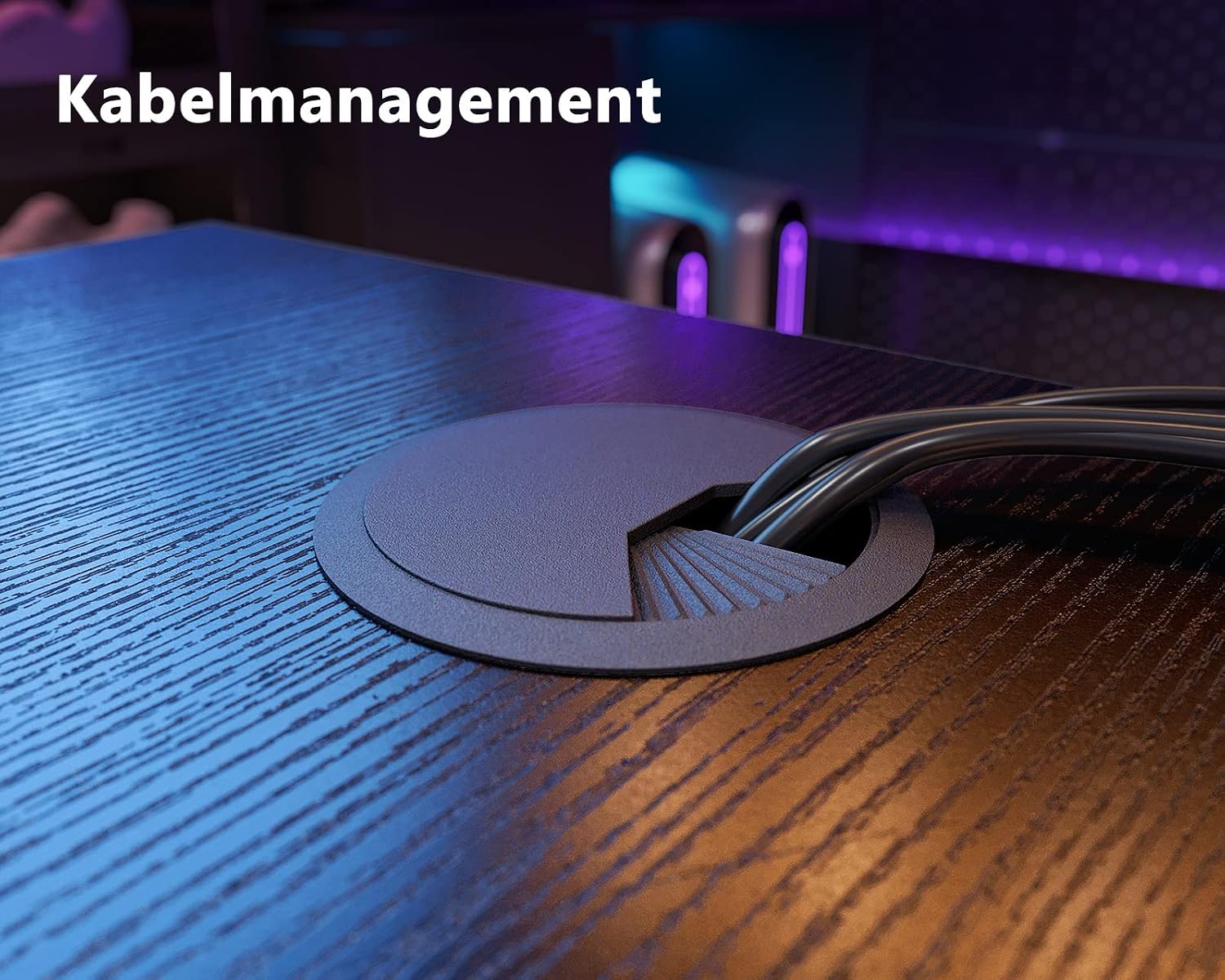
Image: Close-up of the cable management grommet, showing cables neatly routed through the desk surface.
Maintenance
Cleaning the Desk Surface
The desk surface is waterproof and scratch-resistant. To clean, wipe with a soft, damp cloth. Avoid using abrasive cleaners or harsh chemicals, as these may damage the finish.
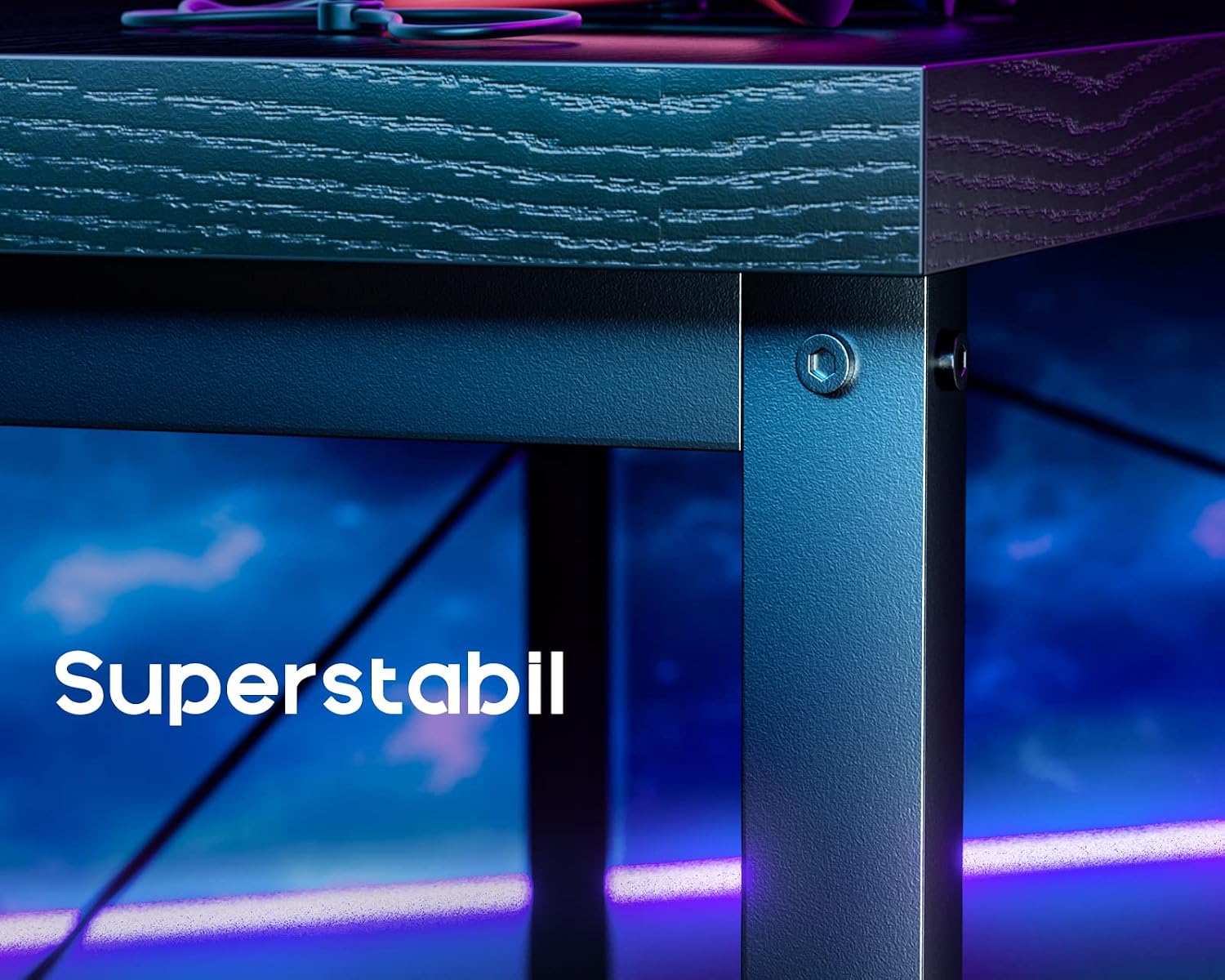
Image: Detailed view of the desk surface, highlighting its texture and durable finish.
Frame Care
The steel frame can be cleaned with a damp cloth. Periodically check all screws and connections to ensure they remain tight. Retighten if necessary to maintain desk stability.
Troubleshooting
- Desk is wobbly: Ensure all screws are fully tightened. Check that the desk is on a level surface and adjust the foot pads as needed.
- Parts missing or damaged: Review the "Package Contents" section. If parts are missing or damaged upon arrival, contact customer support immediately for assistance.
- Difficulty with assembly: Refer back to the "Setup and Assembly" section and review the steps. Ensure you are using the correct hardware for each step.
Specifications
| Brand | ODK |
| Model Number | ODK-L13593-BLK |
| Color | Black |
| Dimensions (L x W x H) | 135 x 93 x 76 cm |
| Material | Steel Frame, MDF Board |
| Product Weight | 16.6 kg |
| Special Features | Adjustable Monitor Stand (10cm, 13cm, 16cm), Cable Management, Waterproof Surface, Reversible L-Shape |
| Assembly Required | Yes |
Warranty and Support
ODK products are manufactured to high-quality standards. For information regarding warranty coverage, please refer to the warranty card included with your purchase or contact ODK customer support.
If you have any questions, require assistance with assembly, or need to report missing/damaged parts, please contact our customer support team via the contact information provided on the ODK official website or your purchase platform.
Related documentsODK-L13593-BLK


Ask a question about this manual
Ask about setup, troubleshooting, compatibility, parts, safety, or missing instructions. Manuals+ will review the question and use this page’s manual context to help answer it.