
1. Introduction
This manual provides detailed instructions for the setup, operation, and maintenance of your G Keni K-2993W Wooden Dual Alarm Clock. Please read this manual thoroughly before using the product to ensure proper function and to prevent damage.

Image: Front view of the G Keni K-2993W Wooden Dual Alarm Clock.
2. Product Features
- Dual Alarm Clock: Set two independent alarms with snooze function.
- 10W Fast Wireless Charging: Conveniently charge Qi-enabled smartphones.
- FM Radio: Enjoy your favorite radio stations with auto-scan and presets.
- Bluetooth Connectivity: Stream audio wirelessly from your devices.
- USB Charging Port: Additional port for charging other electronic devices.
- Auto Time Setting: Time can be set automatically when connected via Bluetooth.
- Adjustable Display Dimmer: Four brightness levels (High/Middle/Low/Off) for comfortable viewing.
- Sleep Timer: Set a timer for the audio to turn off automatically.
- Battery Backup: Maintains time settings during power outages (requires batteries, not included).

Image: Overview of the G Keni K-2993W's key features including dual alarm, wireless charging, FM radio, and Bluetooth.
3. Package Contents
- G Keni K-2993W Wooden Dual Alarm Clock
- Power Adapter
- User Manual
4. Controls and Display
Familiarize yourself with the buttons and display indicators on your alarm clock.

Image: Detailed views of the alarm clock's front display, top control panel, side speaker, and back ports.
Top Panel Controls:
- VOL- / VOL+: Adjust volume.
- AL1 / AL2: Set Alarm 1 / Alarm 2.
- MEM: Store/recall FM radio presets.
- DIMMER: Adjust display brightness.
- TIME: Set current time.
- SNOOZE / SLEEP: Snooze alarm / Activate sleep timer.
- SCAN: Auto-scan for FM radio stations.
- CH- / CH+: Change FM radio stations/presets.
- MODE: Switch between FM, Bluetooth, AUX-IN modes.
- Power Button: Turn unit on/off.
Back Panel Ports:
- DC IN: Power adapter connection.
- AUX-IN: 3.5mm audio input.
- USB OUT: USB charging port.
- Battery Compartment: For backup batteries (not included).
5. Setup
- Power Connection: Connect the provided power adapter to the DC IN port on the back of the alarm clock and plug it into a wall outlet. The display will light up.
- Battery Backup (Optional): For time retention during power outages, open the battery compartment on the back and insert 2 AAA batteries (not included).
- Antenna: Extend the FM antenna located on the back for optimal radio reception.
6. Operating Instructions
6.1 Time Setting
- Press and hold the TIME button until the display flashes.
- Use the CH- / CH+ buttons to adjust the hour. Press TIME again to confirm the hour.
- Use the CH- / CH+ buttons to adjust the minute. Press TIME again to confirm the minute.
- Press TIME again to select 12-hour or 24-hour format using CH- / CH+. Press TIME to confirm.
- The time is now set.
Video: Demonstrates how to set the time and alarm on the G Keni K-2993W alarm clock.
6.2 Alarm Setting (Alarm 1 / Alarm 2)
The clock supports two independent alarms.
- Press and hold the AL1 or AL2 button until the alarm time flashes.
- Use the CH- / CH+ buttons to adjust the alarm hour. Press AL1/AL2 again to confirm.
- Use the CH- / CH+ buttons to adjust the alarm minute. Press AL1/AL2 again to confirm.
- Use the CH- / CH+ buttons to select the alarm source: FM Radio or Buzzer. Press AL1/AL2 again to confirm.
- Use the CH- / CH+ buttons to set the alarm volume (01-16). Press AL1/AL2 again to confirm.
- To activate/deactivate an alarm, short press the AL1 or AL2 button. The corresponding alarm indicator (AL1 or AL2) will appear/disappear on the display.
- When the alarm sounds, press SNOOZE for a 9-minute snooze. To turn off the alarm, press the corresponding AL1 or AL2 button.
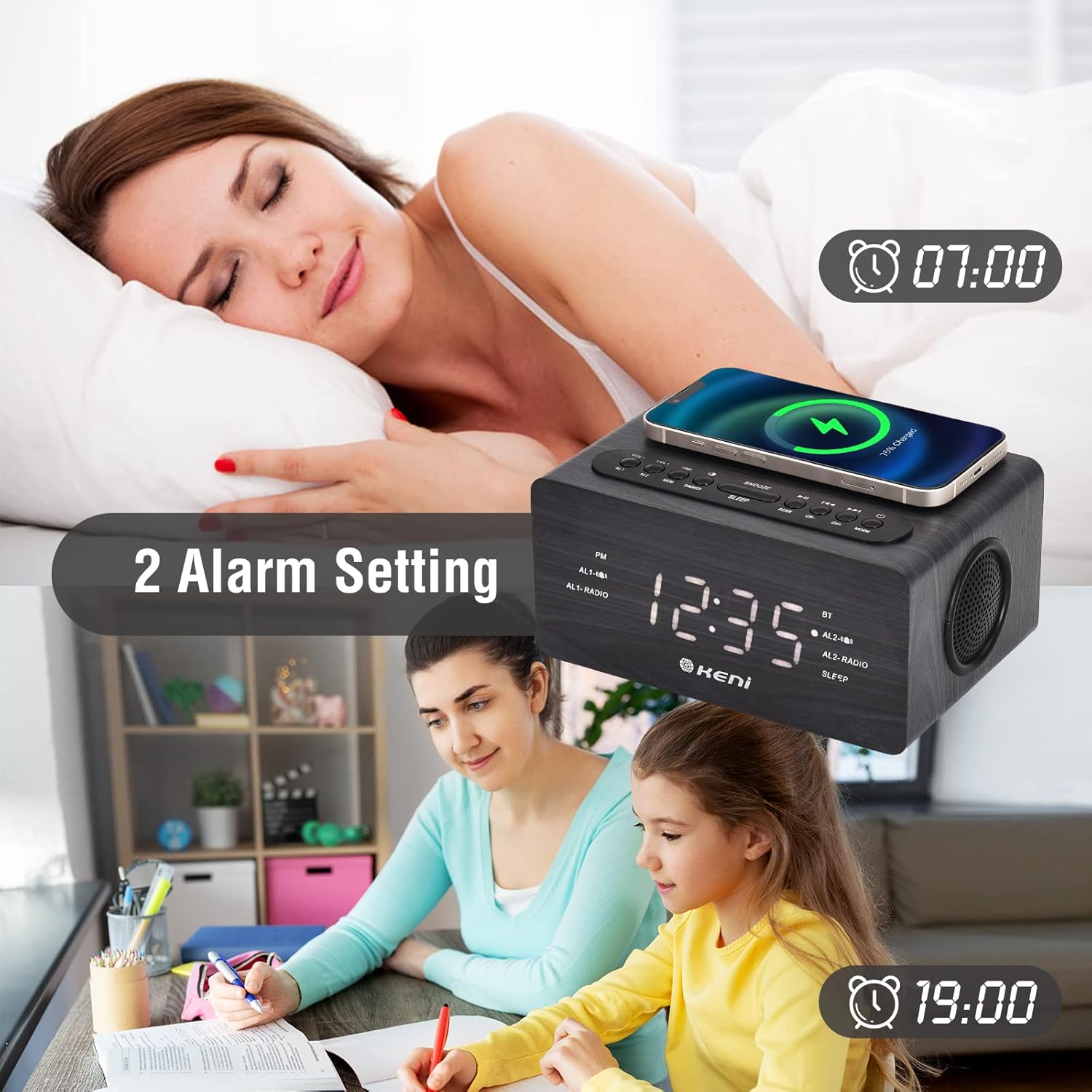
Image: The alarm clock display showing two distinct alarm settings.
6.3 FM Radio Operation
- Press the MODE button repeatedly until "FM" appears on the display.
- Auto Scan: Press and hold the SCAN button to automatically scan and save available FM stations as presets.
- Manual Tuning: Short press CH- / CH+ to manually tune to the next/previous station.
- Recall Presets: Short press the MEM button to cycle through saved presets.
- Adjust volume using VOL- / VOL+.

Image: The alarm clock in FM radio mode, showing the frequency and related functions.
6.4 Bluetooth Connectivity
- Press the MODE button repeatedly until "BT" appears on the display and the Bluetooth indicator flashes.
- On your mobile device, enable Bluetooth and search for "K-2993W".
- Select "K-2993W" to pair. Once connected, the Bluetooth indicator will stop flashing.
- You can now stream audio from your device. Use the VOL- / VOL+ buttons to adjust the volume.
- The clock may automatically set the time upon Bluetooth connection.

Image: The alarm clock connected via Bluetooth, with a phone showing the pairing process.
6.5 Wireless Charging
- Place your Qi-enabled smartphone on the wireless charging pad located on top of the alarm clock.
- Ensure the phone is centered on the charging symbol for optimal charging.
- The charging indicator on your phone will confirm charging has begun.

Image: The alarm clock demonstrating both wireless charging for a smartphone and wired USB charging for earbuds.
6.6 USB Charging
Connect your device's USB charging cable to the USB OUT port on the back of the alarm clock to charge.
6.7 Display Dimmer
Press the DIMMER button repeatedly to cycle through four brightness levels: High, Medium, Low, and Off.

Image: Visual representation of the alarm clock's adjustable display brightness settings.
6.8 Sleep Timer
When playing audio (FM radio or Bluetooth), press the SLEEP button repeatedly to set a sleep timer (e.g., 15, 30, 60, 90 minutes). The audio will automatically turn off after the set time.
7. Maintenance
- Cleaning: Wipe the unit with a soft, dry cloth. Do not use liquid cleaners or abrasive materials.
- Storage: If storing for an extended period, disconnect from power and remove backup batteries.
- Environment: Keep the device away from direct sunlight, heat sources, and moisture.
8. Troubleshooting
| Problem | Possible Cause | Solution |
|---|---|---|
| No power/display off. | Power adapter not connected or faulty. | Ensure power adapter is securely plugged into the unit and a working outlet. |
| Wireless charging not working. | Phone not Qi-enabled or not properly aligned. | Verify phone supports Qi wireless charging. Reposition phone on the charging pad, ensuring it's centered. Remove thick phone cases. |
| Poor FM radio reception. | Antenna not extended or interference. | Fully extend the FM antenna. Try repositioning the unit or moving away from other electronic devices. |
| Bluetooth not connecting. | Device not in pairing mode or too far. | Ensure the alarm clock is in Bluetooth mode ("BT" flashing). Make sure your device's Bluetooth is on and within range (approx. 10m). Forget "K-2993W" on your device and re-pair. |
| Alarm not sounding. | Alarm not activated or volume too low. | Check if the AL1/AL2 indicator is on. Verify alarm volume is set above 0. |
9. Specifications
| Brand: | G Keni |
| Model: | K-2993W |
| Display Type: | Digital |
| Wireless Charging Output: | 10W (5W/7.5W/10W adaptive) |
| USB Charging Output: | Standard USB (details not specified, typically 5V/1A) |
| Power Source: | Corded Electric |
| Battery Backup: | Requires 2 AAA batteries (not included) |
| Product Dimensions: | 7.1"W x 3.4"H |
| Material Type: | Wood |
10. Warranty and Support
The G Keni K-2993W Wooden Dual Alarm Clock comes with a 12-month warranty from the date of purchase. This warranty covers manufacturing defects and malfunctions under normal use.
For warranty claims, technical support, or any questions regarding your product, please contact G Keni customer service. Refer to the contact information provided with your purchase or visit the official G Keni website.
Manufacturer: K&K INTERNATIONAL CO.,LTD