VIVO STAND-V032

VIVO Dual Monitor Desk Mount STAND-V032 Instruction Manual

Model: STAND-V032 | Brand: VIVO

Introduction

This manual provides comprehensive instructions for the assembly, operation, and maintenance of your VIVO Dual Monitor Desk Mount STAND-V032. Designed for two LCD/LED screens ranging from 13 to 32 inches and weighing up to 22 lbs each, this mount offers enhanced ergonomic flexibility and helps reclaim valuable desk space. Please read all instructions carefully before installation and use.

Safety Information

WARNING:

Package Contents

Please verify that all parts are included before proceeding with assembly:

Setup and Installation

Follow these steps to correctly assemble and install your VIVO Dual Monitor Desk Mount. For a visual guide, please refer to the official assembly video below.

Video: VIVO Dual Monitor Desk Mount Assembly Guide (Model STAND-V002, similar to STAND-V032)

This video demonstrates the step-by-step assembly process for a VIVO dual monitor desk mount, including attaching the clamp, installing the arms, and mounting the monitors. While the video references model STAND-V002, the assembly procedure is largely identical for the STAND-V032.

Step 1: Attach Desk Clamp to Pole

Image showing the C-clamp attachment to a desk, highlighting desktop compatibility.

Image: Desktop Compatibility and C-Clamp Installation. This image illustrates how the C-clamp attaches to a desk edge, emphasizing compatibility with flat and straight-edged desktops up to 3.25 inches thick.

Step 2: Install Swivel Arm and Cable Clips

Step 3: Attach VESA Plates to Monitors

Image showing VESA mounting patterns on the back of a monitor.

Image: VESA Compatibility. This image displays the VESA 75x75mm and 100x100mm mounting patterns on the back of a monitor, indicating where the VESA plate should be attached.
Operating Instructions

The VIVO Dual Monitor Desk Mount offers extensive adjustability to optimize your viewing experience and ergonomic posture.

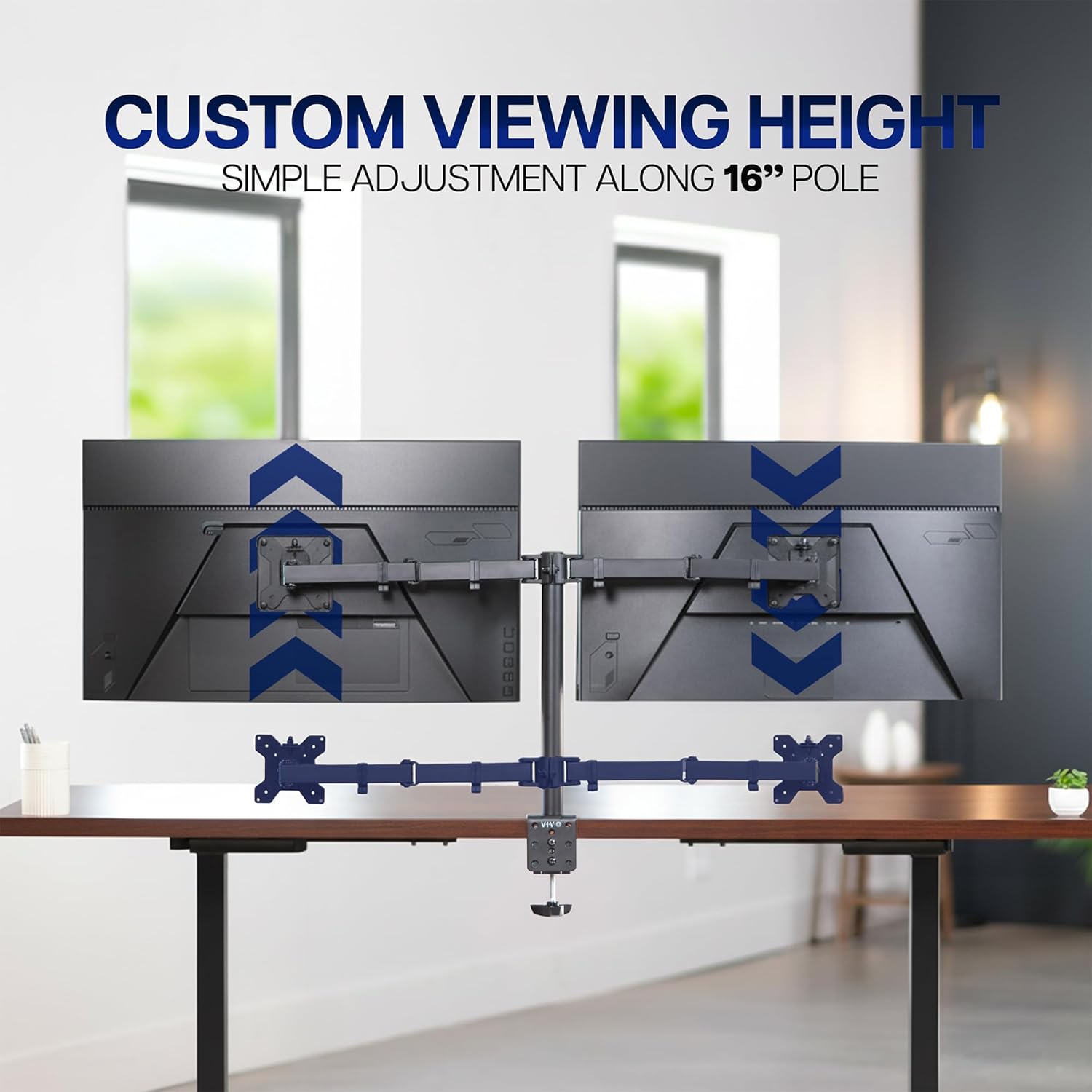
Height Adjustment

Image illustrating custom viewing height adjustment along the 16-inch pole.

Image: Custom Viewing Height. This image demonstrates how the monitor height can be adjusted along the 16-inch central pole for optimal viewing.

Tilt, Swivel, and Rotation

Image showing articulation options: tilt, swivel, and rotation.

Image: Easy Articulation. This image visually explains the tilt (+90° to -90°), swivel (180°), and rotation (360°) capabilities of the monitor arms.

Cable Management

Maintenance

Troubleshooting

Specifications

FeatureDetail
Model NumberSTAND-V032
Screen Size Compatibility13" to 32" (each)
Weight Capacity22 lbs (10 kg) per screen
VESA Compatibility75x75mm, 100x100mm
Tilt Angle+90° to -90°
Swivel Angle180°
Rotation360° (Portrait/Landscape)
Mounting TypeC-Clamp or Grommet (up to 3.25" desk thickness)
MaterialAlloy Steel, Aluminum
ColorBlack
Image showing key measurements and specifications of the monitor mount.

Image: Product Measurements. This image provides a visual overview of the mount's dimensions, including arm span, pole height, VESA standard, weight capacity, and screen size compatibility.

Warranty and Support

VIVO is committed to providing high-quality products and excellent customer service. Your VIVO Dual Monitor Desk Mount is backed by our commitment to quality.

Image showing VIVO's US-based support team.

Image: VIVO U.S. Based Support. This image highlights VIVO's commitment to customer service with a visual of their support team.

Related Documents - STAND-V032

Preview VIVO STAND-V032 Dual Monitor Desk Mount - Installation Guide
This instruction manual provides detailed steps for assembling and installing the VIVO STAND-V032 Dual Monitor Desk Mount. It includes safety warnings, package contents, tools required, and contact information for support.
Preview VIVO Dual Monitor Desk Stand STAND-V032F/FW Instruction Manual
Instruction manual for the VIVO Dual Monitor Desk Stand (Model STAND-V032F/FW). Includes package contents, tools needed, and step-by-step assembly instructions for mounting two monitors up to 32 inches.
Preview VIVO Dual Ultrawide Vertical Monitor Desk Stand STAND-V200L Instruction Manual
Instruction manual for the VIVO Dual Ultrawide Vertical Monitor Desk Stand (STAND-V200L). This guide provides detailed steps for assembly, installation, and adjustment of the monitor desk stand, including package contents, tools needed, and safety warnings.
Preview VIVO DESK-V100EBY Black Electric Single Motor Standing Desk Frame - Assembly Manual
Assembly instructions for the VIVO DESK-V100EBY Black Electric Single Motor Standing Desk Frame. Learn how to assemble your adjustable desk with step-by-step guidance, safety warnings, and part lists.
Preview VIVO Dual Monitor Desk Mount STAND-V002/W/WD Assembly Guide
Instruction manual for the VIVO Dual Monitor Desk Mount (STAND-V002/W/WD), providing detailed assembly steps, safety information, and customer support contacts.
Preview VIVO STAND-V001C/CW Single Monitor Desk Mount Instruction Manual
This instruction manual provides detailed steps for assembling and using the VIVO STAND-V001C/CW Single Monitor Desk Mount. It includes package contents, installation options (desk clamp and grommet base), warnings, and support contact information.