Introduction
This manual provides comprehensive instructions for the installation, operation, and maintenance of your SV3C C18 WiFi Security Camera. Designed for both indoor and outdoor use, this 2K camera offers advanced features such as color night vision, motion detection, two-way audio, and flexible storage options to enhance your security monitoring.
What's in the Box
- 2K WiFi security camera with 3M/10ft USB power cord
- US power adapter
- Screws for mounting
- English User Manual

Image: SV3C C18 WiFi Security Camera and its components, including the camera unit, power adapter, mounting screws, and user manual.
Setup Guide
1. Physical Installation
The SV3C C18 camera is designed for easy installation. It can be wall-mounted using the included screws. Ensure the camera is placed within range of your 2.4GHz WiFi network and near a power outlet.

Image: The SV3C C18 camera mounted on an exterior wall, highlighting its IP65 waterproof design suitable for various weather conditions.
2. App Download and Account Setup
Download the "SV3C Cloud" app from your mobile device's app store. Follow the in-app instructions to create an account and log in.

Image: A visual guide illustrating the four steps for initial setup: downloading the app, connecting to 2.4G WiFi, scanning the QR code on the camera, and viewing the live feed.
3. Device Pairing
- Power on the camera using the provided USB power cord and adapter. The camera's indicator light will begin to blink.
- Open the "SV3C Cloud" app and select "Add Device". Choose the "Power Plug Camera" option.
- Follow the app's prompts to connect the camera to your 2.4GHz WiFi network. You will need to scan a QR code displayed on your phone screen using the camera's lens.
- Once successfully paired, the indicator light will turn solid blue, and you will see the live feed in the app.
Image: The SV3C C18 camera positioned next to a smartphone showing its live video feed, demonstrating successful pairing.
Operating Your Camera
Night Vision Modes
The SV3C C18 offers three distinct night vision modes for optimal surveillance in low-light conditions:
- Ordinary Mode: Provides clear black and white infrared (IR) night vision.
- Color Mode: Utilizes the built-in spotlight to deliver full-color night vision.
- Intelligent Mode: Automatically activates the spotlight and switches to color night vision when motion is detected at night.

Image: A comparison of the three night vision modes: standard black and white, intelligent mode (activates spotlight on motion), and full-color mode.
Motion and Sound Detection & Alerts
The camera features advanced motion and sound detection. When an event is triggered, the camera will begin recording and send real-time notifications to your "SV3C Cloud" app. You can customize detection areas and choose from sound, light, or combined sound and light alarms.

Image: An illustration of the camera's smart detection capabilities, showing an alert message on a smartphone indicating motion detected by the camera.
Two-Way Audio
With a built-in microphone and speaker, the camera supports two-way audio communication. You can remotely speak to individuals near the camera, whether it's to greet visitors or deter intruders.
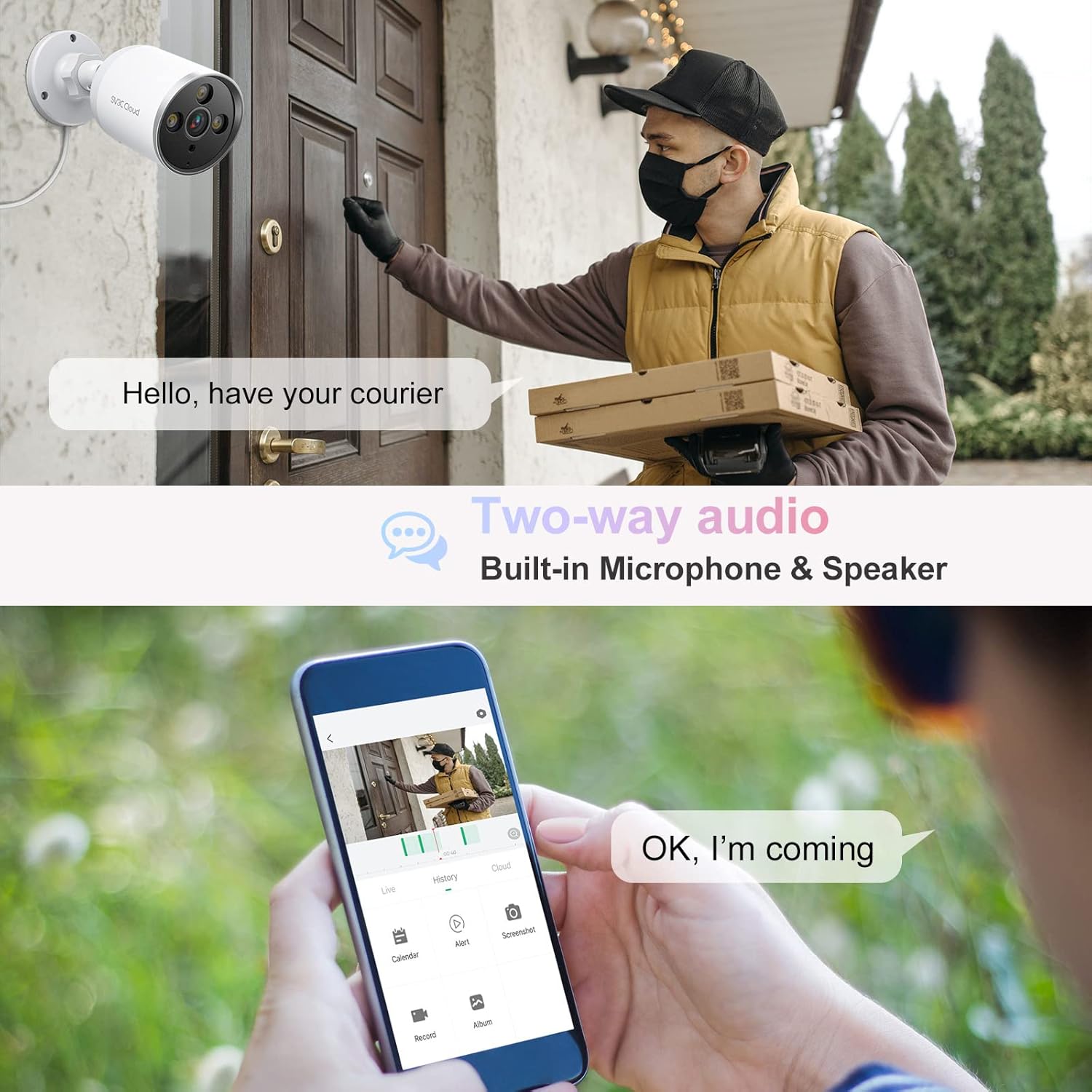
Image: A person at a front door being observed by the SV3C camera, while another person communicates with them via two-way audio through a smartphone app.
Storage Options
The camera offers flexible storage solutions for your recordings:
- Micro SD Card: Supports up to 128GB (not included) for local storage. Recordings can be continuously saved or triggered by events.
- Cloud Storage: Optional subscription-based cloud storage is available for secure, remote access to your recordings.
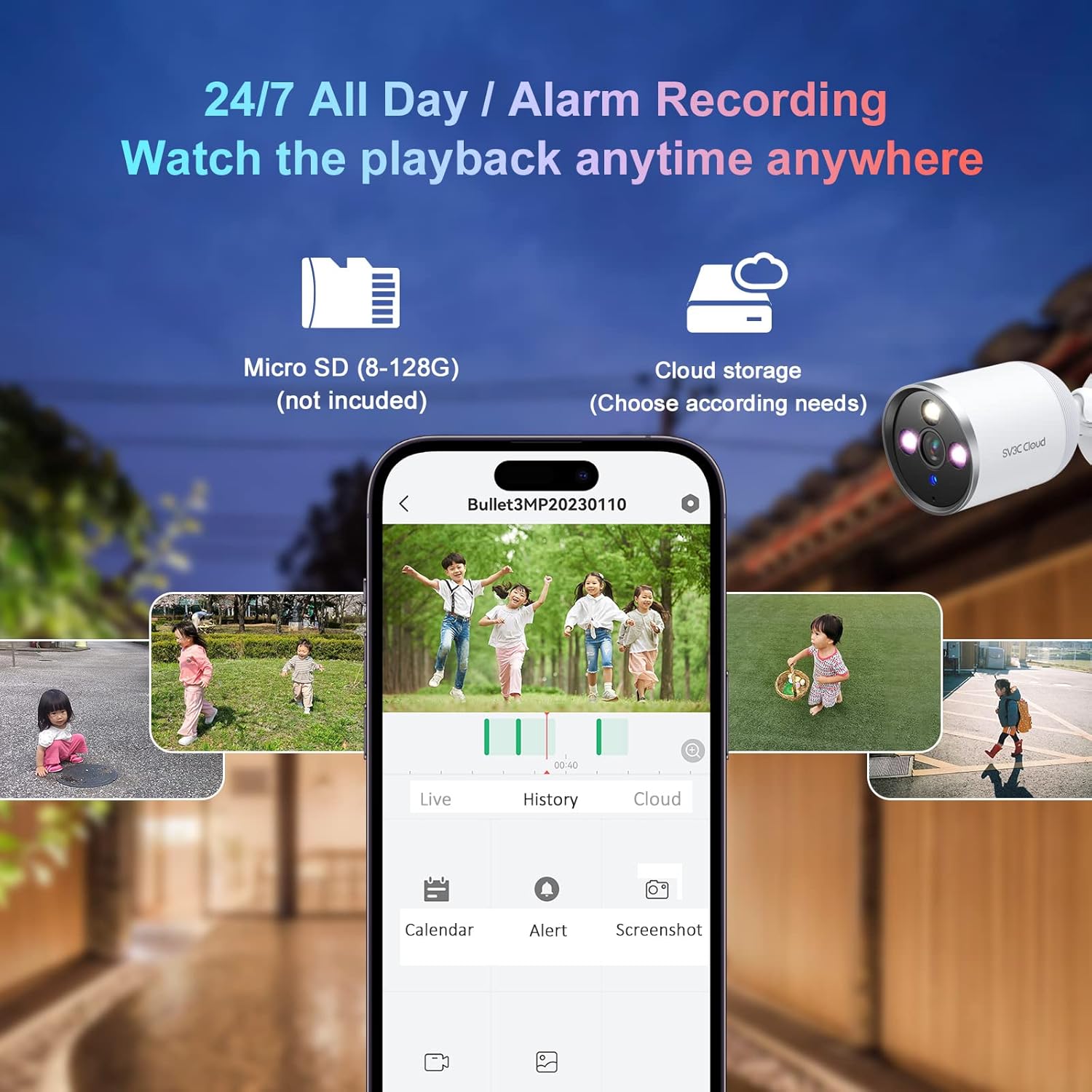
Image: Visual representation of the camera's storage capabilities, including Micro SD card slot (supporting 8-128GB) and cloud storage options.
Privacy Protection
To protect your privacy, the "SV3C Cloud" app includes a "Lens Switch" button that allows you to turn off the live view image at any time.

Image: A smartphone screen displaying the "SV3C Cloud" app interface, with options to toggle the camera lens on or off for privacy.
Maintenance
- Regularly clean the camera lens with a soft, dry cloth to ensure clear image quality.
- Check the power cable and connections periodically for any signs of wear or damage.
- Ensure the camera's firmware is up to date through the "SV3C Cloud" app for optimal performance and security.
- For outdoor installations, periodically check the mounting screws for tightness.
Troubleshooting
| Issue | Possible Solution |
|---|---|
| Camera offline | Check WiFi signal strength, ensure power connection is secure, restart camera and router. |
| Poor image quality | Clean the camera lens, ensure adequate lighting, check app settings for resolution. |
| Motion alerts not received | Verify motion detection settings in the app, check app notification permissions on your phone. |
| Two-way audio issues | Ensure microphone and speaker are not obstructed, check app audio settings, verify phone's microphone permissions. |
| SD card not recording | Ensure SD card is correctly inserted, formatted in the app, and not full. Replace if corrupted. |
Specifications
| Feature | Detail |
|---|---|
| Brand | SV3C |
| Model Number | C18 |
| Video Capture Resolution | 2K (3MP Effective) |
| Connectivity Technology | Wi-Fi (2.4GHz), ONVIF |
| Power Source | Corded Electric (5 Volts DC, 5 Watt-hours) |
| Indoor/Outdoor Usage | Outdoor, Indoor |
| Special Features | Night Vision (Full Color, IR), Motion Sensor, Two-Way Audio |
| International Protection Rating | IP65 |
| Item Dimensions (L x W x H) | 8.66 x 3.94 x 2.76 inches |
| Item Weight | 13.7 ounces |
| Storage Options | Micro SD Card (up to 128GB), Cloud Storage |
| Compatible Devices | Tablet, Smartphone (via SV3C Cloud App) |
Warranty and Support
For warranty information, technical support, or to explore other SV3C products, please visit the official SV3C Store:


