
Introduction
Welcome to the Oclean Kids Electric Toothbrush Air 2 user manual. This guide provides essential information for the safe and effective use of your new electric toothbrush. Designed for children aged 6 and above, the Oclean Air 2 features advanced sonic technology for thorough cleaning and a quiet brushing experience.
Please read this manual carefully before first use and keep it for future reference.
What's in the Box
Your Oclean Kids Electric Toothbrush Air 2 package includes the following components:
- Oclean Kids Electric Toothbrush handle (x1)
- Toothbrush Head (x2)
- USB Magnetic Charge Base (x1)
- User Manual (x1)
Setup
1. Charging the Toothbrush
Before first use, fully charge the toothbrush. The Oclean Air 2 features a fast-charging capability.
- Connect the USB Magnetic Charge Base to a compatible USB power adapter (not included).
- Place the toothbrush handle onto the magnetic charge base. Ensure proper contact.
- The indicator light on the toothbrush will show charging status. A full charge takes approximately 2.5 hours and provides up to 40 days of use.

Image: Patented Maglev Motor. This image shows a transparent view of the toothbrush handle, highlighting the internal patented maglev motor, which delivers up to 80,000 movements per minute for effective cleaning.
2. Attaching the Brush Head
- Align the brush head with the metal shaft on the toothbrush handle.
- Push the brush head down firmly until it clicks into place.
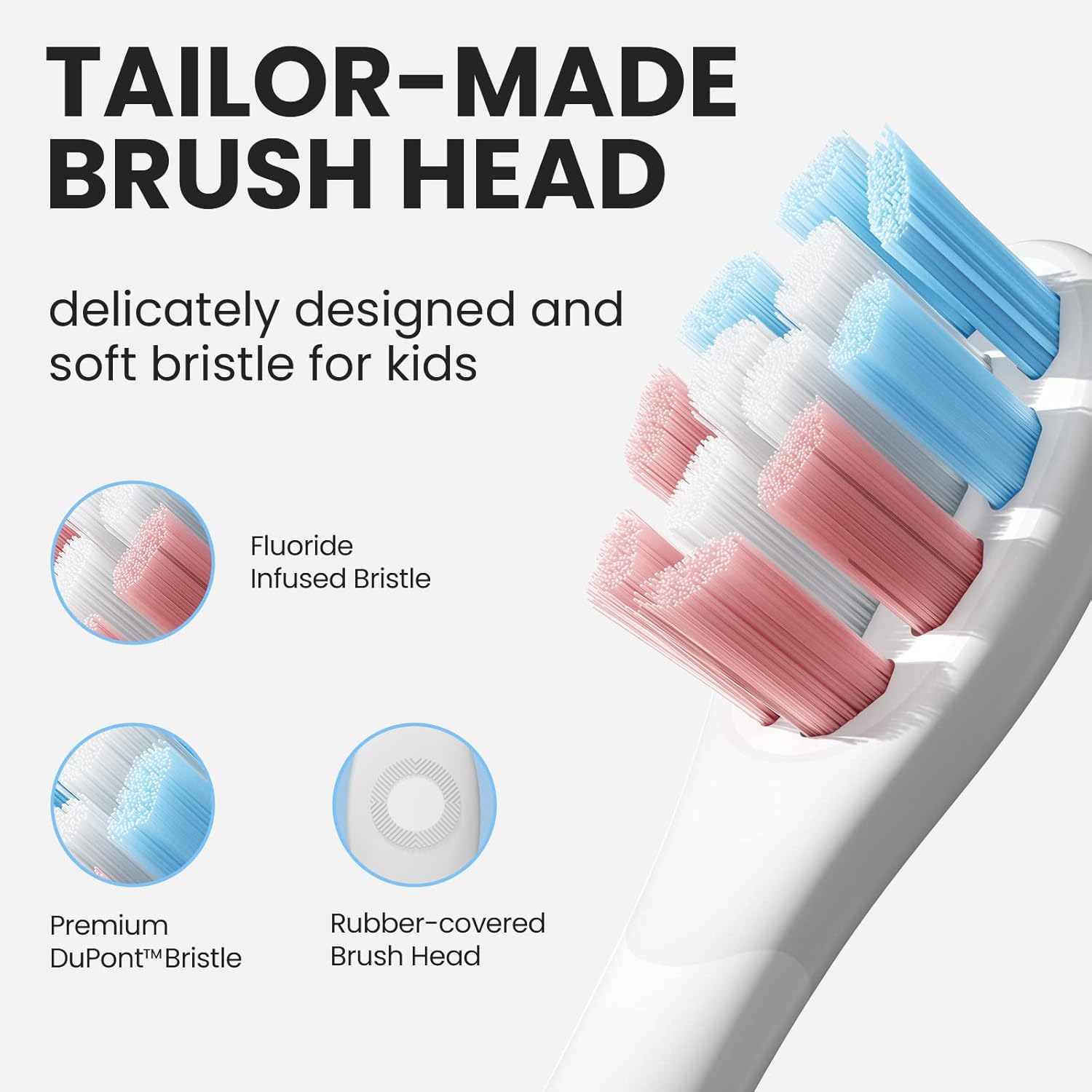
Image: Tailor-Made Brush Head. This image displays the specially designed brush head for kids, featuring soft DuPont & Pedex bristles, some infused with fluoride, and a rubber-covered base for safety and comfort.
Operating Instructions
Power On/Off and Mode Selection
The Oclean Air 2 features a single-button operation for simplicity.
- To Turn On/Off: Short press the power button.
- To Switch Modes: Long-press the power button for 2 seconds while the toothbrush is on. The toothbrush offers two cleaning modes:
- Gentle Clean Mode: Ideal for sensitive gums or initial use.
- Standard Brushing Mode: Provides up to 80,000 movements per minute for daily thorough cleaning.
Brushing Technique
- Wet the brush head and apply a small amount of toothpaste.
- Place the brush head against the teeth at a slight angle towards the gum line.
- Turn on the toothbrush. Gently move the brush head slowly across each tooth, allowing the sonic vibrations to clean. Do not scrub.
- The toothbrush includes a 2-minute smart timer and a 30-second reminder to guide brushing in all four quadrants of the mouth.
- The built-in AI pressure sensor helps protect gums and teeth by alerting if too much pressure is applied.

Image: AI Pressure Sensor. This graphic illustrates the AI pressure sensor feature, showing how it detects excessive force during brushing to protect teeth and gums.
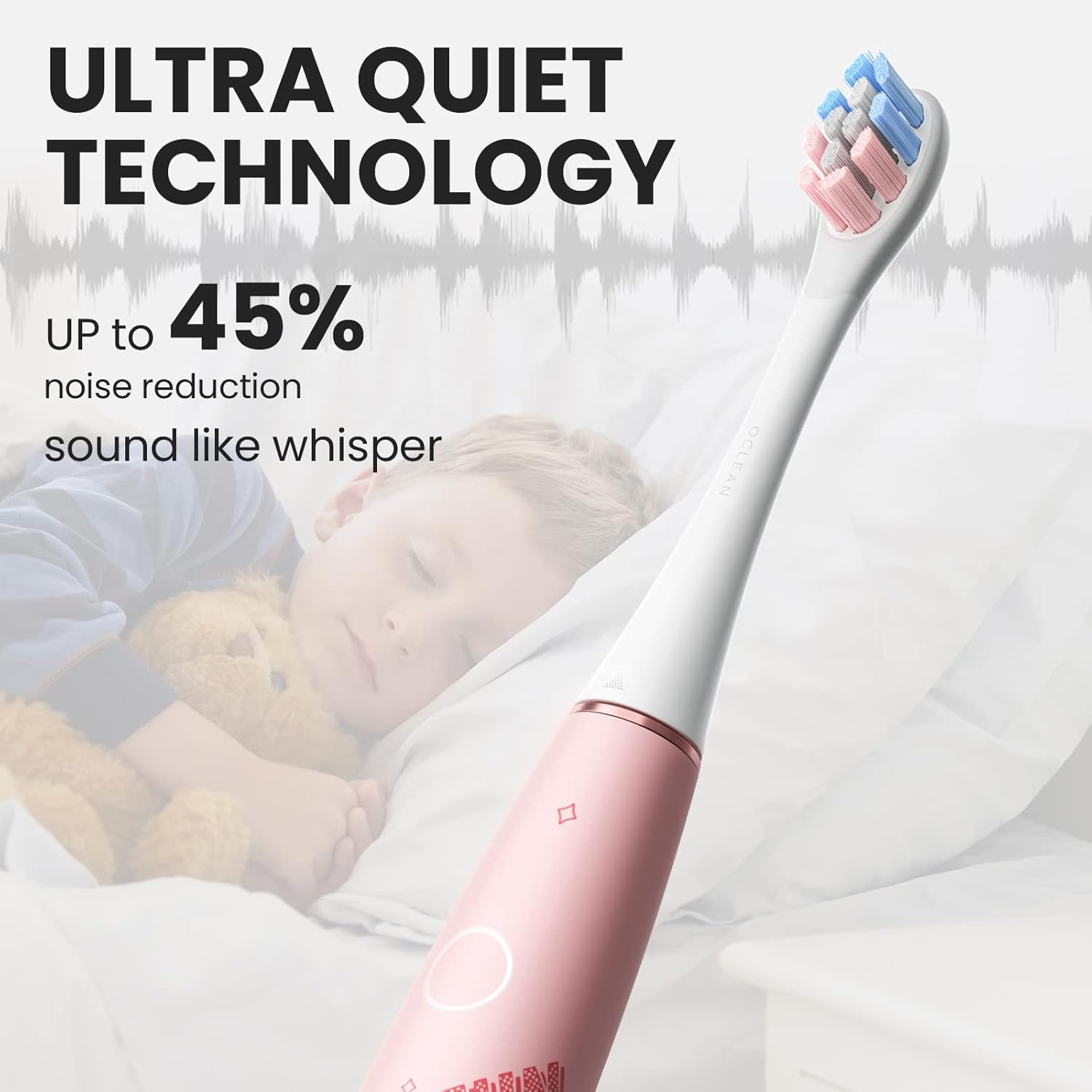
Image: Ultra Quiet Technology. This image shows a child sleeping peacefully while the Oclean toothbrush is in use, emphasizing its ultra-quiet operation (under 37 dB) due to Whisperclean technology.
Maintenance
Cleaning the Toothbrush
Regular cleaning ensures hygiene and extends the life of your toothbrush.
- After each use, rinse the brush head thoroughly under running water.
- Remove the brush head and rinse the metal shaft area.
- Wipe the toothbrush handle with a damp cloth. The toothbrush is IPX7 waterproof, allowing it to be safely rinsed under water.
- Allow all parts to air dry before storing.
Brush Head Replacement
Dentists recommend replacing brush heads every 3 months, or sooner if the bristles become frayed.
Troubleshooting
| Problem | Possible Cause | Solution |
|---|---|---|
| Toothbrush does not turn on. | Battery is depleted. | Charge the toothbrush fully using the magnetic charge base. |
| Weak vibration or reduced performance. | Low battery or brush head is worn. | Recharge the toothbrush. Replace the brush head if bristles are frayed. |
| Toothbrush stops during use. | Battery is low or automatic timer has completed. | Recharge the toothbrush. If the 2-minute timer has finished, simply restart for further cleaning if desired. |
| Brush head feels loose. | Brush head not properly attached. | Remove and re-attach the brush head, ensuring it clicks firmly into place. |
Specifications
| Feature | Detail |
|---|---|
| Model Number | OC-Kids Air2-Pink |
| Brand | Oclean |
| Dimensions (LxWxH) | 25 x 25 x 235 Millimeters |
| Item Weight | 95g (toothbrush body) / 349 g (package weight) |
| Power Source | Battery Powered (Rechargeable) |
| Battery Capacity | 800mAh (Built-in) |
| Charging Time | Approx. 2.5 hours |
| Battery Life | Up to 40 days (based on typical use) |
| Waterproof Rating | IPX7 |
| Brushing Modes | 2 (Gentle Clean, Standard Brushing) |
| Movements per Minute | Up to 80,000 |
| Noise Level | Under 37 dB (Whisperclean Technology) |
| Special Features | AI Pressure Sensor, 2-minute Smart Timer, 30-second Reminder, Magnetic Charge Base |
| Bristle Material | Ultra Soft DuPont & Pedex |
| Age Range | 6+ years |
Warranty and Support
For warranty information, product support, or to purchase replacement parts and accessories, please visit the official Oclean website or contact Oclean customer service directly. Keep your purchase receipt as proof of purchase.
Manufacturer: Oclean
Item Part Number: OC-Kids Air2-Pink