
Introduction
This manual provides instructions for the assembly, operation, and maintenance of your SHW 36-Inch Height Adjustable Standing Desk Converter, Model OD-82B-W. This workstation is designed to allow seamless transitions between sitting and standing positions, promoting a healthier work environment.

Image: The SHW 36-Inch Height Adjustable Standing Desk Converter in a typical office setup, showcasing its design and functionality.
Safety Information
Please read all safety instructions before assembly and use. Failure to follow these instructions may result in injury or product damage.
- Weight Limit: Do not exceed the maximum weight capacity of 30 lbs (13.6 kg). Exceeding this limit may cause damage or injury.
- Stability: Always ensure the desk converter is stable on a flat, level surface before and during height adjustments.
- Monitor Placement: Properly position and secure monitors on the upper shelf. Ensure they are centered and stable.
- Pinch Points: Be aware of pinch points during height adjustment. Keep hands and fingers clear of moving parts.
- Assembly: Follow all assembly instructions carefully. Ensure all fasteners are tightened securely.
Package Contents
Verify that all components are present before beginning assembly. If any parts are missing or damaged, please contact customer support.
- Main Desk Riser Unit
- Monitor Shelf
- Storage Basket (if included)
- Assembly Hardware (screws, Allen key)
- Instruction Manual (this document)
Setup and Assembly
The SHW Standing Desk Converter comes mostly pre-assembled. Only the monitor shelf and optional storage basket require attachment.
Step 1: Unpacking
Carefully remove all components from the packaging. Place the main desk riser unit on a stable, flat surface where you intend to use it.
Step 2: Attaching the Monitor Shelf
Position the monitor shelf on the designated area of the main desk riser. Align the screw holes and secure the shelf using the provided screws and Allen key. Ensure it is firmly attached.
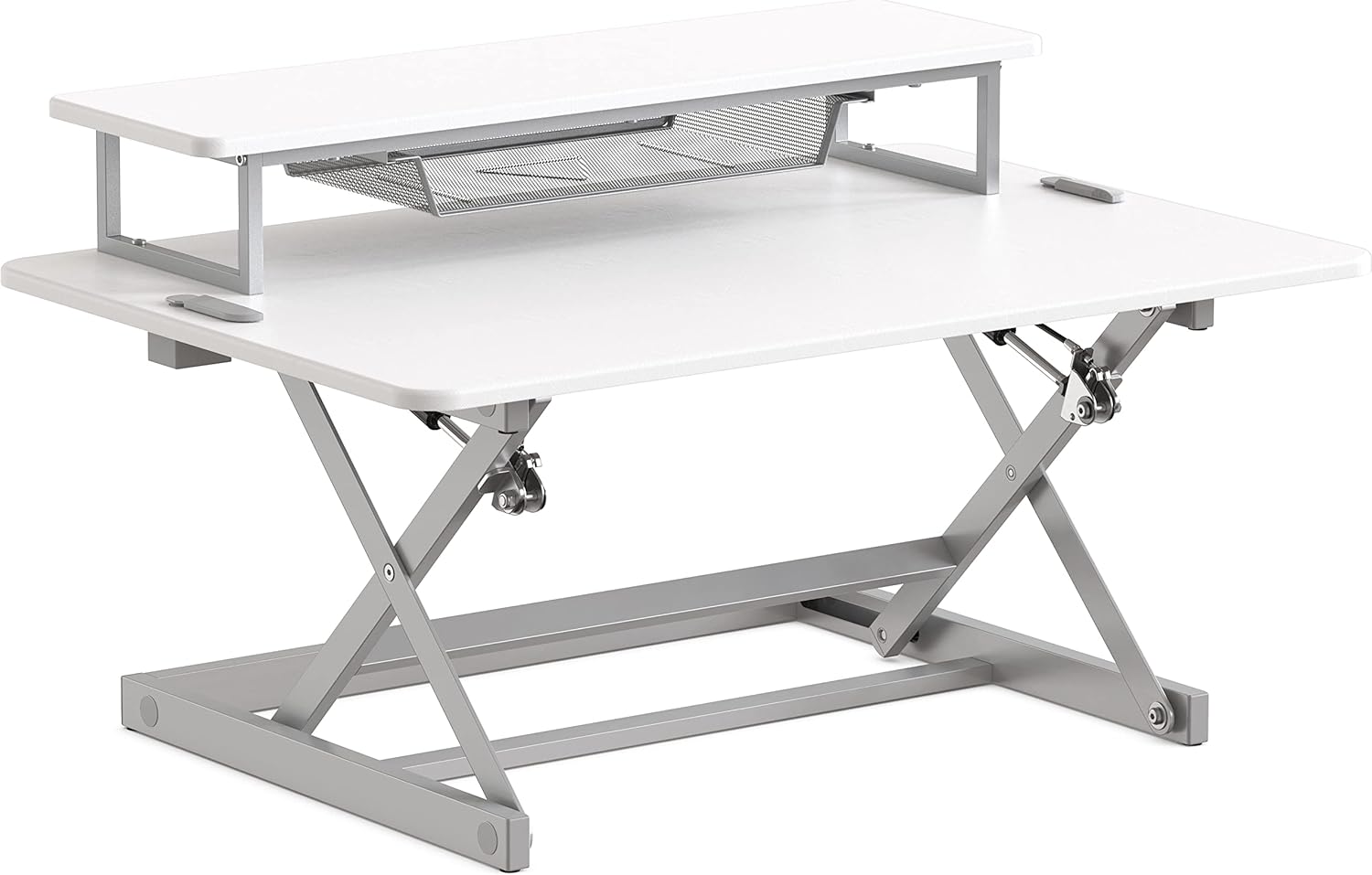
Image: The SHW Standing Desk Converter with the monitor shelf installed, ready for use.
Step 3: Attaching the Storage Basket (if included)
If your model includes a storage basket, slide it into the designated slots beneath the monitor shelf. Ensure it is securely seated.

Image: A close-up view of the mesh storage basket, located beneath the monitor shelf, designed for small office supplies.
Assembly Video Guide
For a visual guide on assembly, please refer to the official assembly video:
Video: Official SHW 36-Inch Height Adjustable Standing Desk Riser Assembly Guide. This video demonstrates the steps required to assemble the desk converter, including attaching the monitor shelf.
Operating Instructions
The SHW Standing Desk Converter features a gas spring lifting system for smooth height adjustments.
Adjusting Height
- To Raise: Simultaneously press and hold the two release levers located on the sides of the main desktop. Gently lift the desktop to your desired standing height. Release the levers to lock the desk in place.
- To Lower: Simultaneously press and hold the two release levers. Apply gentle downward pressure to the desktop to lower it to your desired sitting height. Release the levers to lock the desk in place.
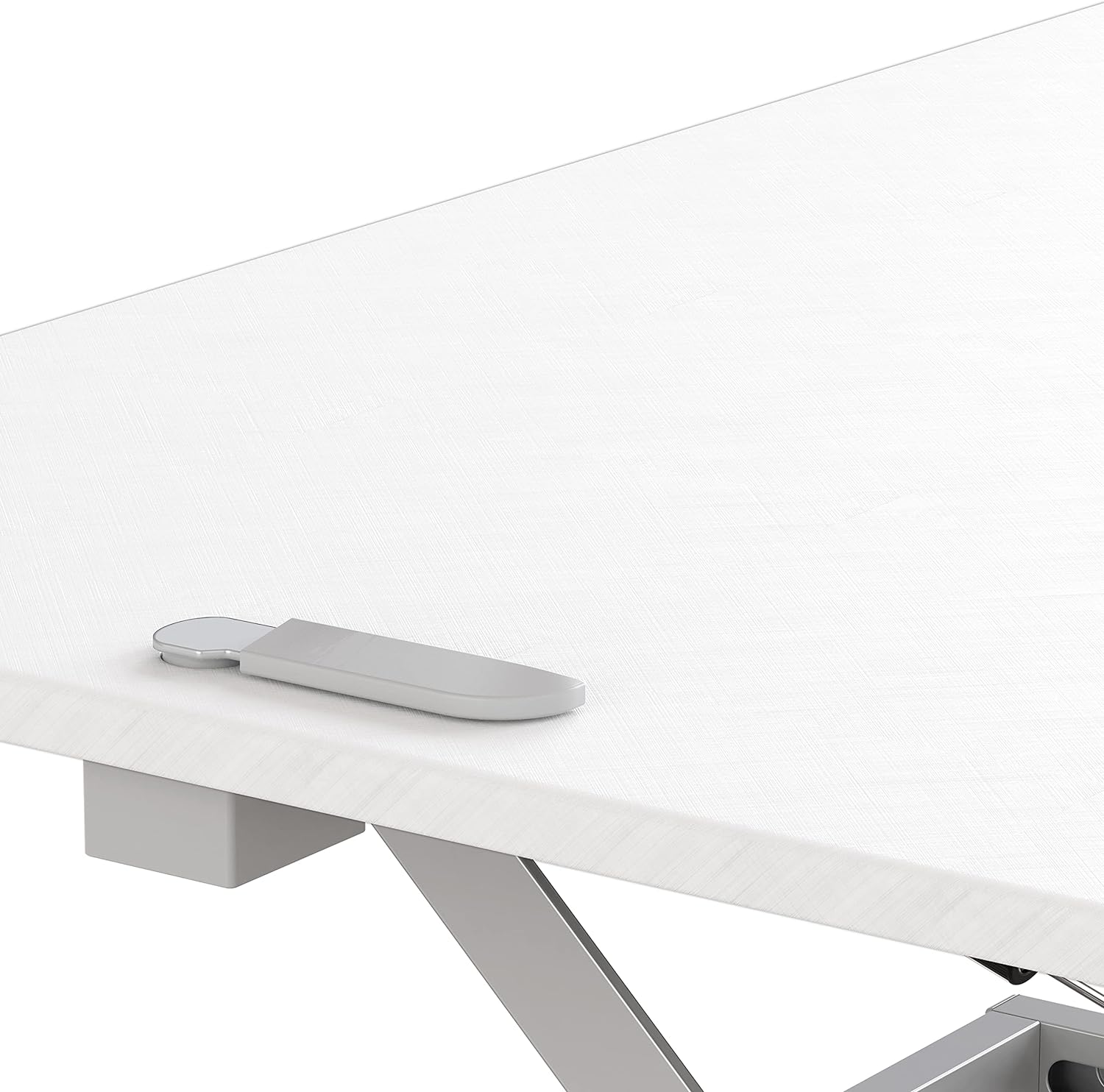
Image: An illustration demonstrating how to use the side levers to raise or lower the desk converter, showing the smooth motion.
Note: Some initial effort may be required to initiate movement, especially when lowering. Ensure all items on the desk are stable before adjusting height.
Maintenance
Regular maintenance ensures the longevity and smooth operation of your desk converter.
- Cleaning: Wipe surfaces with a soft, damp cloth. Avoid harsh chemicals or abrasive cleaners.
- Inspection: Periodically check all screws and connections to ensure they are tight. Retighten if necessary.
- Moving Parts: The gas spring mechanism is designed for maintenance-free operation. Do not attempt to lubricate or disassemble it.
- Weight Distribution: Always distribute weight evenly across the desktop and monitor shelf to prevent strain on the mechanism.
Troubleshooting
If you encounter issues with your SHW Standing Desk Converter, refer to the following common solutions:
| Problem | Possible Cause | Solution |
|---|---|---|
| Desk is difficult to lower. | Gas spring resistance. | Apply firm, even downward pressure while holding the release levers. This is normal for gas spring mechanisms. |
| Desk feels wobbly. | Loose connections or uneven surface. | Ensure all assembly screws are tightened. Place the converter on a completely flat and stable desk surface. |
| Rubber feet are detaching. | Adhesive wear. | Re-attach with a strong adhesive. Consider placing the converter on a non-slip mat for added stability. |
| Desk does not lock at desired height. | Levers not fully released. | Ensure both release levers are fully returned to their locked position after adjusting the height. |
Specifications
- Model: OD-82B-W
- Brand: SHW
- Dimensions (D x W x H): 24" x 36" x 4" - 16" (61 cm x 91.4 cm x 10.2 cm - 40.6 cm)
- Minimum Height: 4 inches (10.2 cm)
- Maximum Height: 16 inches (40.6 cm)
- Weight Capacity: 30 lbs (13.6 kg)
- Item Weight: 32.4 lbs (14.7 kg)
- Material: Alloy Steel frame, Plastic or Painted/Coated Engineered Wood top
- Color: White
- Assembly Required: Yes (minimal)
- Included Components: Keyboard Tray (integrated into main desktop), Monitor Shelf
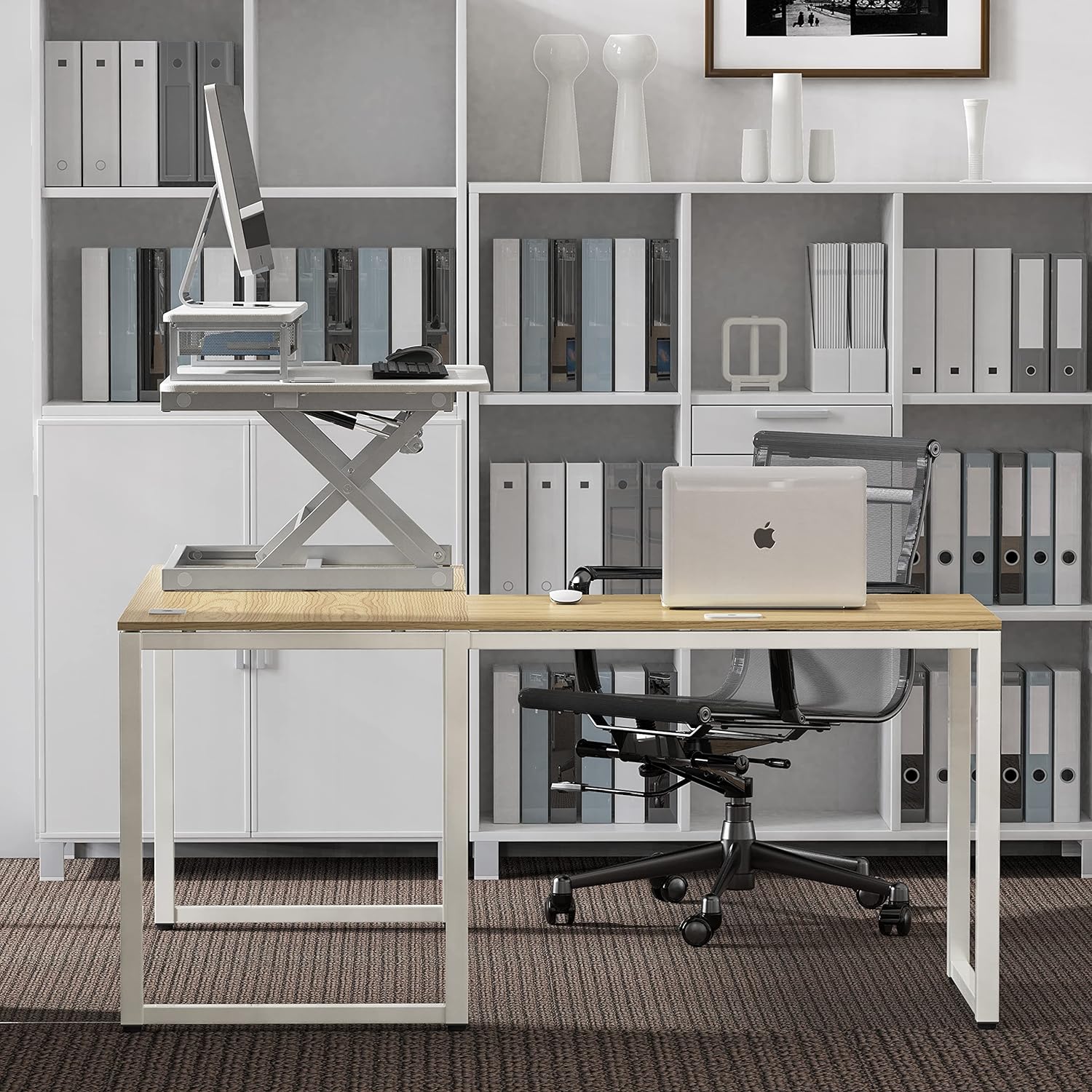
Image: A diagram illustrating the key dimensions of the SHW 36-Inch Standing Desk Converter, including width, depth, and height range.
Warranty and Support
For warranty information or technical support, please refer to the product packaging or contact SHW customer service directly. Keep your purchase receipt for warranty claims.
- Customer Service: Refer to the contact information provided with your product or on the manufacturer's official website.
- Proof of Purchase: Retain your original purchase receipt for any warranty-related inquiries.