
1. Introduction
Thank you for choosing the Karcher DAB Go Portable Bluetooth Speaker and Digital Radio. This device is designed to provide versatile audio entertainment with its compact form factor, integrated rechargeable battery, and practical carrying strap. It supports DAB+ and FM radio reception, Bluetooth 5.1 for wireless streaming, and an AUX-In port for wired connections. Additionally, it features a 2.4-inch color display and a dual alarm clock function.
Please read this manual carefully to ensure proper use, optimal performance, and longevity of your device. Keep this manual for future reference.
2. Safety Information
- Do not expose the device to rain, moisture, or extreme temperatures.
- Avoid placing the device near heat sources or in direct sunlight.
- Use only the specified charging voltage (5-7.5W) and a compatible USB-C cable.
- Do not disassemble or attempt to repair the device yourself. Refer all servicing to qualified personnel.
- Keep the device away from strong magnetic fields.
- Clean the device with a soft, dry cloth. Do not use liquid cleaners or aerosols.
3. Product Overview
3.1 Device Components
The Karcher DAB Go features a compact design with intuitive controls and essential ports.

Image 3.1.1: Front view of the Karcher DAB Go, showcasing the speaker grille and central display.

Image 3.1.2: Top view of the Karcher DAB Go, illustrating the control buttons and extendable antenna.

Image 3.1.3: Side view of the Karcher DAB Go, highlighting the AUX-In and USB-C charging ports.
3.2 Key Features
- Digital Radio: DAB+ and FM tuner with 30 preset stations for each mode.
- Bluetooth 5.1: Seamless wireless audio streaming from smartphones, tablets, and other compatible devices.
- AUX-In: 3.5mm jack for connecting external audio sources like MP3 players.
- Stereo Sound: 2 x 2.5W RMS output (total 5W) with passive membranes for enhanced bass.
- Color Display: 2.4-inch dimmable color display with slideshow support for station information.
- Alarm Clock: Dual alarm function for setting two independent wake-up times.
- Portability: Compact design with an integrated rechargeable Lithium-ion battery providing up to 8 hours of playback.
- USB-C Charging: Modern and convenient charging interface.

Image 3.2.1: Feature overview of the Karcher DAB Go, detailing its passive membrane for sound, practical carrying strap, 2.4-inch color display, and integrated battery for up to 8 hours of music playback.
4. Setup
4.1 Charging the Device
- Locate the USB-C charging port on the side of the device.
- Connect the provided USB-C to USB-A charging cable to the device.
- Connect the USB-A end of the cable to a compatible USB power adapter (not included) with an output of 5-7.5W.
- The charging indicator on the display will show the charging status. A full charge takes approximately 3 hours.

Image 4.1.1: Illustration of the recommended power adapter specifications (5-7.5W) for charging the Karcher DAB Go.
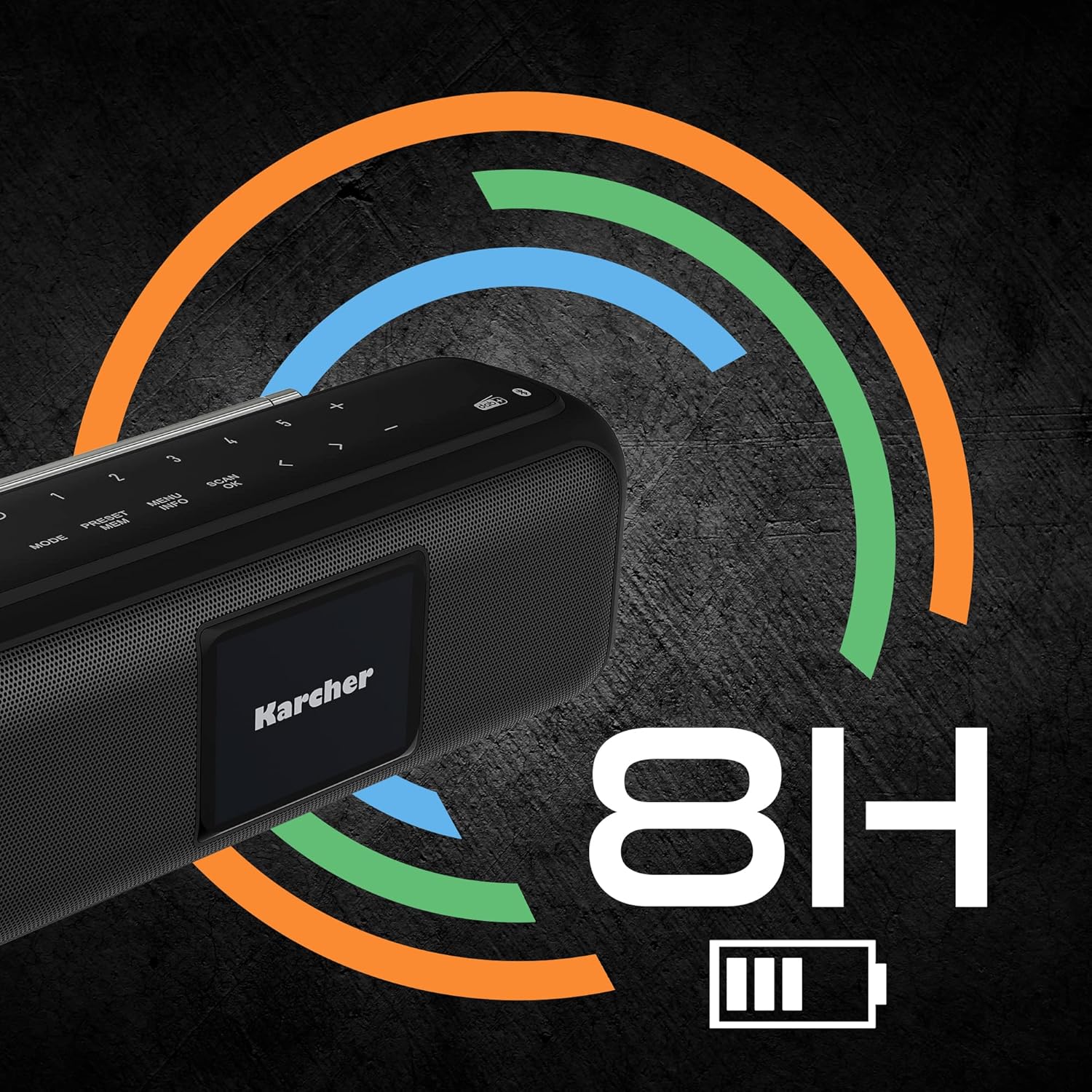
Image 4.1.2: Visual representation of the Karcher DAB Go's battery life, indicating up to 8 hours of operation on a full charge.
4.2 Initial Power-On and Antenna Adjustment
- Press and hold the Power button (U) on the top panel to turn on the device.
- Extend the telescopic antenna fully for optimal radio reception. Adjust its position for the best signal.
5. Operating Instructions
5.1 Power On/Off
- To turn on: Press and hold the Power button (U).
- To turn off: Press and hold the Power button (U) again.
5.2 Selecting Modes
Press the MODE button repeatedly to cycle through available modes: DAB+, FM, Bluetooth, and AUX-In.

Image 5.2.1: The Karcher logo displayed on the device's 2.4-inch color screen.
5.3 DAB+ / FM Radio Operation
- Select DAB+ or FM mode using the MODE button.
- Scanning for Stations: In DAB+ mode, the device will automatically scan for available stations upon first use. In FM mode, press the SCAN button to auto-scan.
- Selecting Stations: Use the < and > buttons to navigate through available stations.
- Saving Presets: To save a station, press and hold the PRESET button, select a preset number (1-30) using < and >, then press OK to confirm.
- Recalling Presets: Briefly press the PRESET button, then use < and > to select your desired preset.
5.4 Bluetooth Operation
- Select Bluetooth mode using the MODE button. The display will show "Pairing" or a similar message.
- On your smartphone or other Bluetooth device, enable Bluetooth and search for available devices.
- Select "Karcher DAB Go" from the list of devices.
- Once paired, the device will confirm the connection, and you can begin streaming audio.

Image 5.4.1: Illustration of the Karcher DAB Go's Bluetooth connectivity, allowing wireless audio streaming from various devices.
5.5 AUX-In Operation
- Select AUX-In mode using the MODE button.
- Connect your external audio device (e.g., MP3 player) to the AUX-In port on the side of the Karcher DAB Go using a 3.5mm audio cable (not included).
- Control playback and volume from your external device.
5.6 Alarm Clock Function
The Karcher DAB Go features a dual alarm clock. Refer to the on-screen menu for setting alarm times, alarm sources (buzzer, radio), and recurrence.
5.7 Sound Adjustment
- Volume Control: Use the + and - buttons on the top panel to adjust the volume.
- Equalizer: The device may offer adjustable bass and treble settings or predefined equalizer modes. Access these through the MENU button and navigate the display options.

Image 5.7.1: Detail of the passive membrane, which contributes to the powerful sound output of the Karcher DAB Go.
6. Maintenance
6.1 Cleaning
Wipe the exterior of the device with a soft, dry, lint-free cloth. Do not use abrasive cleaners, waxes, or solvents as they may damage the finish.
6.2 Battery Care
- To prolong battery life, avoid fully discharging the battery frequently.
- If the device will not be used for an extended period, charge it to approximately 50% before storage.
- Store the device in a cool, dry place.
7. Troubleshooting
- No Power: Ensure the device is charged. Connect it to a power source using the USB-C cable.
- No Sound: Check the volume level on the device and the connected source (if using Bluetooth or AUX-In). Ensure the correct mode is selected.
- Poor Radio Reception: Fully extend and adjust the telescopic antenna. Try moving the device to a different location. Perform a new station scan.
- Bluetooth Pairing Issues: Ensure the device is in Bluetooth pairing mode. Turn off and on Bluetooth on your source device. Make sure the Karcher DAB Go is not already connected to another device.
- Display Not Working: Ensure the device is powered on. If the issue persists, try resetting the device (if a reset option is available in the menu or by holding the power button for an extended period).
8. Specifications
| Brand | Karcher |
| Model Number | DAB Go |
| Color | Black |
| Connectivity Technology | Bluetooth 5.1, AUX-In, USB-C (charging) |
| Tuner Technology | DAB+, FM |
| Output Power | 2 x 2.5W RMS (5W total) |
| Display | 2.4-inch Color Display |
| Battery Type | Lithium-ion |
| Battery Life | Up to 8 hours |
| Charging Time | Approximately 3 hours |
| Dimensions (L x W x H) | 19.1 cm x 7 cm x 7.2 cm |
| Weight | Information not available |

Image 8.1.1: Dimensions of the Karcher DAB Go portable speaker.
9. Warranty and Support
Karcher products are designed and manufactured to the highest quality standards. For information regarding warranty coverage, terms, and conditions, please refer to the warranty card included with your product or visit the official Karcher website.
For technical support, troubleshooting assistance, or spare parts inquiries, please contact Karcher customer service through their official channels. Contact details can typically be found on the Karcher website or in the product packaging.


