
Introduction
Thank you for choosing the Vivilumens S22 Bedside Lamp. This multi-functional device integrates an LED night light, wireless phone charger, Bluetooth speaker, and white noise machine into a single, elegant unit. Designed for convenience and relaxation, it is an ideal addition to any bedroom or living space. Please read this manual carefully to ensure proper setup and operation.
Package Contents
- Vivilumens S22 Bedside Lamp
- USB Charging Cable (USB wall charger not included)
- User Manual
Setup
- Power Connection: Connect the provided USB charging cable to the lamp's USB port. Plug the other end into a compatible USB wall charger (15W or above recommended for best performance, QC compatibility).
- Placement: Place the Vivilumens S22 Bedside Lamp on a stable, flat surface such as a bedside table or desk.

Operating Instructions
1. LED Night Light Operation
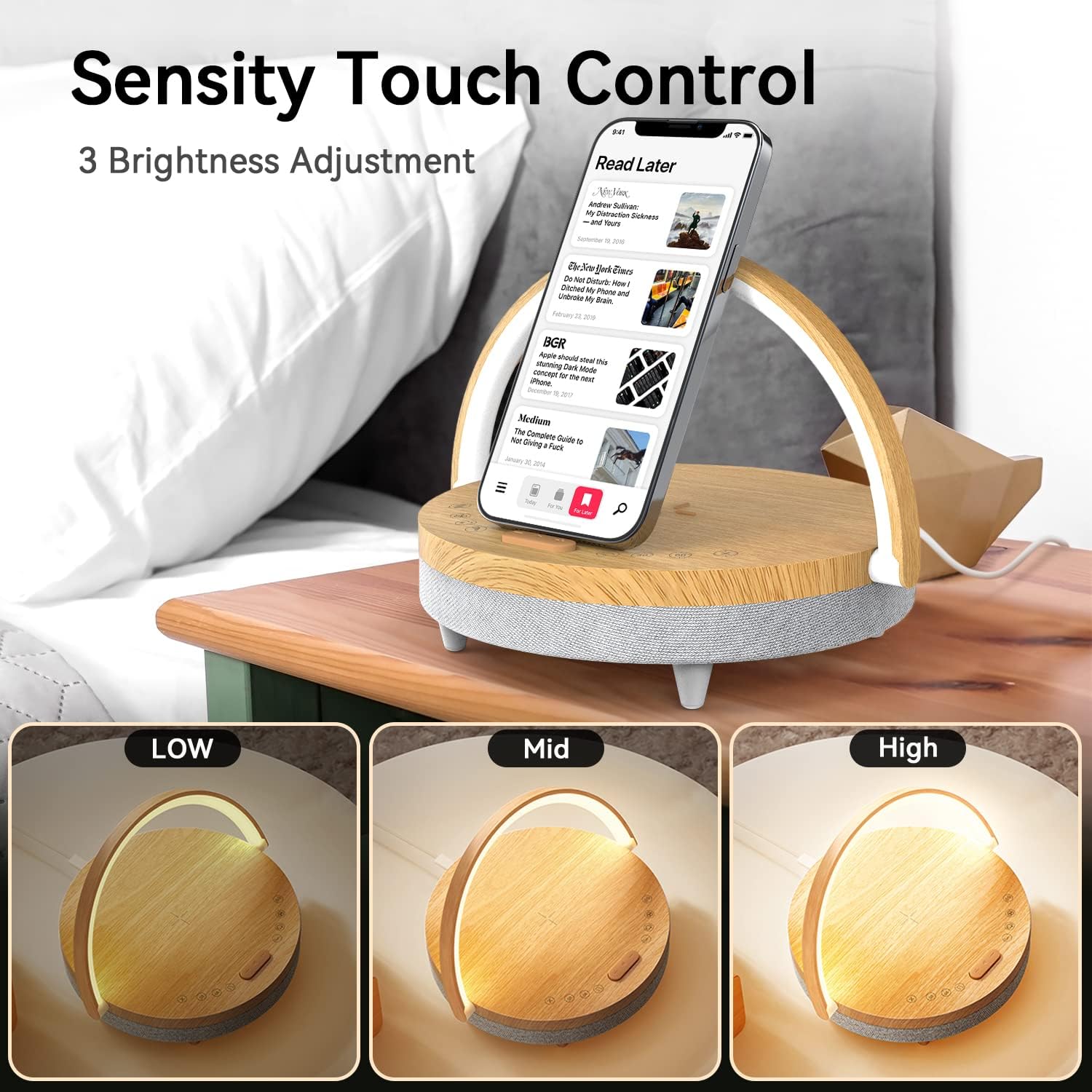
- Turn On/Off: Gently touch anywhere on the light bar to turn the light on or off.
- Adjust Brightness: Tap the light bar to cycle through three brightness levels: 30%, 70%, and 100%.
- Adjust Light Angle: The light bar can be rotated 180 degrees to direct the light as needed.
2. Wireless Charging
- Compatibility: Ensure your mobile phone is compatible with wireless charging.
- Placement: Place your mobile phone in the center of the lamp's top surface, aligning it with the indicated charging area.
- Charging Indicator: Your phone's screen will indicate when charging has begun.
- Note: The lamp must be plugged into a wall charger for wireless charging functionality.
3. Bluetooth Speaker
- Power On: Press and hold the play/pause button (middle button on the control panel) for approximately 3 seconds until you hear an audible confirmation.
- Pairing: On your mobile device, enable Bluetooth and search for
