
1. Introduction
The ENOKIK Galaxy Projector is a versatile device designed to create a captivating celestial atmosphere in any room. It combines a star and aurora projection system with a built-in Bluetooth speaker and white noise generator, offering multiple functionalities for relaxation, ambiance, and entertainment.

Image: The ENOKIK Galaxy Projector in operation, projecting a vibrant galaxy scene onto a room's ceiling.
2. What's in the Box
- ENOKIK Galaxy Projector (Model HJ-XKD05)
- Remote Control
- USB Power Cable
- Instruction Manual (this document)
3. Product Overview
The projector features a unique design with a 360° adjustable projection angle, allowing for flexible placement and coverage. It incorporates upgraded LED lights for enhanced visual effects and a full-featured remote control for convenient operation.

Image: A detailed diagram illustrating the dimensions and various features of the projector, including its adjustable angle, control buttons, and USB power input.
Key Features:
- Multifunctional Design: Combines galaxy projection, Bluetooth speaker, white noise generator, and night light.
- Dynamic Lighting Effects: Offers 16 light effects based on red, green, blue, and white colors, with 4 light speeds and 4 brightness levels.
- Soothing White Noise: Includes 8 distinct white noise sounds for relaxation and sleep.
- Bluetooth 5.2 Speaker: Connects wirelessly to devices for audio playback with 12-level volume adjustment.
- Timer Function: Customizable 1-hour or 2-hour automatic shut-off. Default auto-off after 4 hours.
- Remote Control: Full-featured remote for easy adjustment of all settings.
4. Setup
- Unpack: Carefully remove all components from the packaging.
- Place the Projector: Position the projector on a stable, flat surface. The 360° adjustable head allows you to direct the projection as desired.
- Power Connection: Connect the provided USB power cable to the projector's power input port. Plug the other end into a compatible USB power adapter (not included) or a USB port.
- Remote Control Batteries: Insert 2 AAA batteries (not included) into the remote control, observing polarity.
5. Operating Instructions
The projector can be operated using the buttons on the unit or the included remote control.
5.1. Basic Operation (Unit Buttons)
- Power Button (⏻): Press to turn the projector On/Off.
- Light Mode Button: Cycles through different light effects (stars only, aurora only, stars + aurora, various color combinations).
- Volume Down Button: Decreases the volume of the Bluetooth speaker or white noise.
- Volume Up Button: Increases the volume of the Bluetooth speaker or white noise.
5.2. Remote Control Functions

Image: The remote control with clearly labeled buttons for various functions.
- Power (Red Button): Turns the projector On/Off.
- Color Selection (R, G, B, W): Selects individual colors (Red, Green, Blue, White) for the aurora effect. Combinations are possible.
- Brightness (S+, S-): Adjusts the brightness of the projection (4 levels).
- Light Speed (Mode button, then use +/-): Adjusts the movement speed of the aurora (4 levels).
- Stars On/Off (Star icon button): Toggles the star projection On/Off.
- Bluetooth Pairing (Bluetooth icon button): Activates Bluetooth pairing mode.
- Volume Control (Volume +, Volume -): Adjusts the speaker volume (12 levels).
- Music Playback (Play/Pause, Previous, Next buttons): Controls audio playback when connected via Bluetooth.
- White Noise (Microphone icon button): Cycles through 8 built-in white noise sounds.
- Timer (1H, 2H buttons): Sets the auto-off timer for 1 or 2 hours.
5.3. Bluetooth Speaker Pairing
The projector features a Bluetooth 5.2 speaker for wireless audio streaming.
- Ensure the projector is powered on.
- On your mobile device, enable Bluetooth and search for available devices.
- Select "HJ-05" from the list of devices to pair.
- Once connected, you can play audio through the projector's speaker.
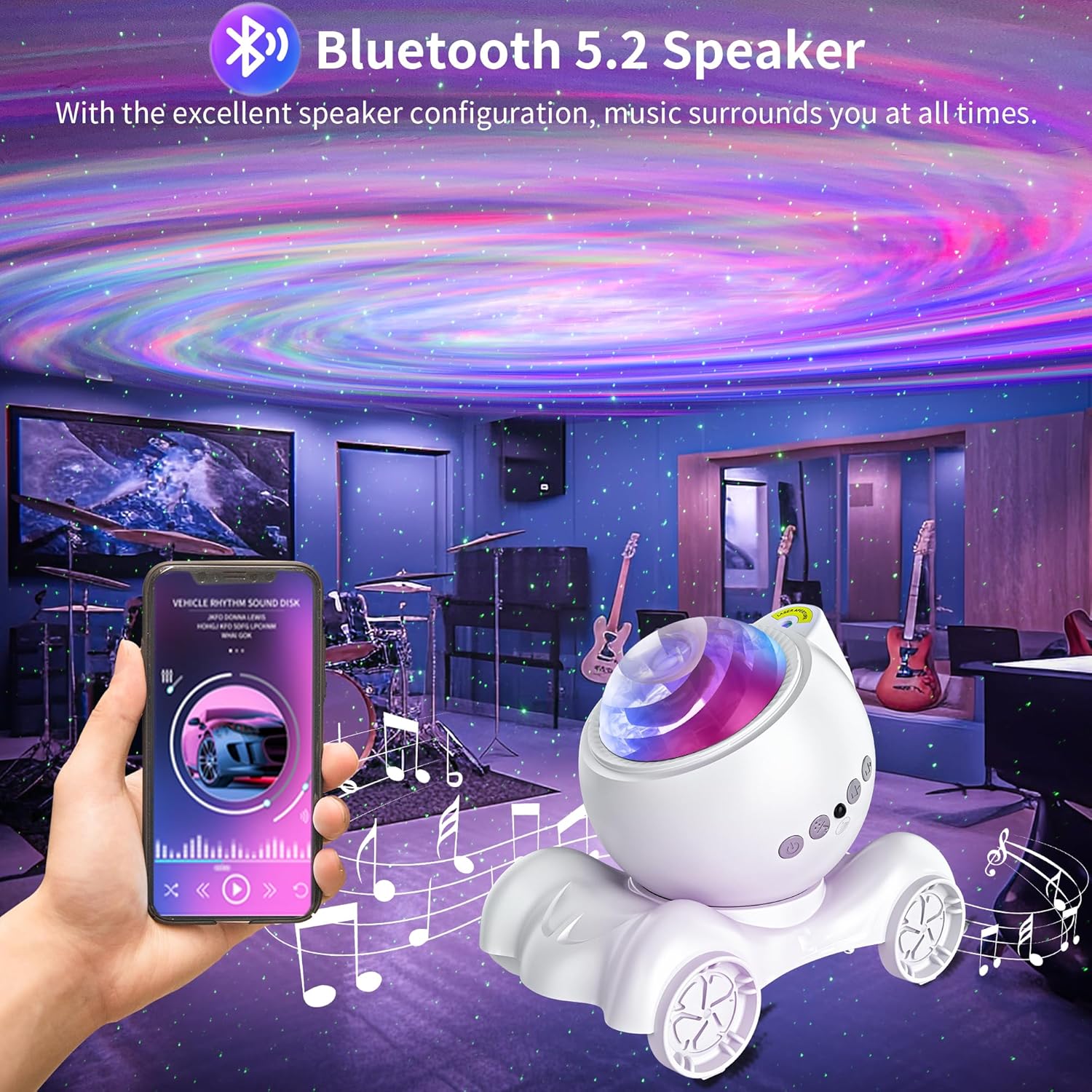
Image: The projector displaying aurora effects while a smartphone is connected via Bluetooth, indicating music playback.
5.4. White Noise Function
The projector includes 8 soothing white noise sounds:
- Soft light music
- Ocean waves
- Forest birds
- Music box
- Early morning jungle
- Stream
- Bonfire
- Pebbled beach
Press the microphone icon button on the remote to cycle through these sounds.
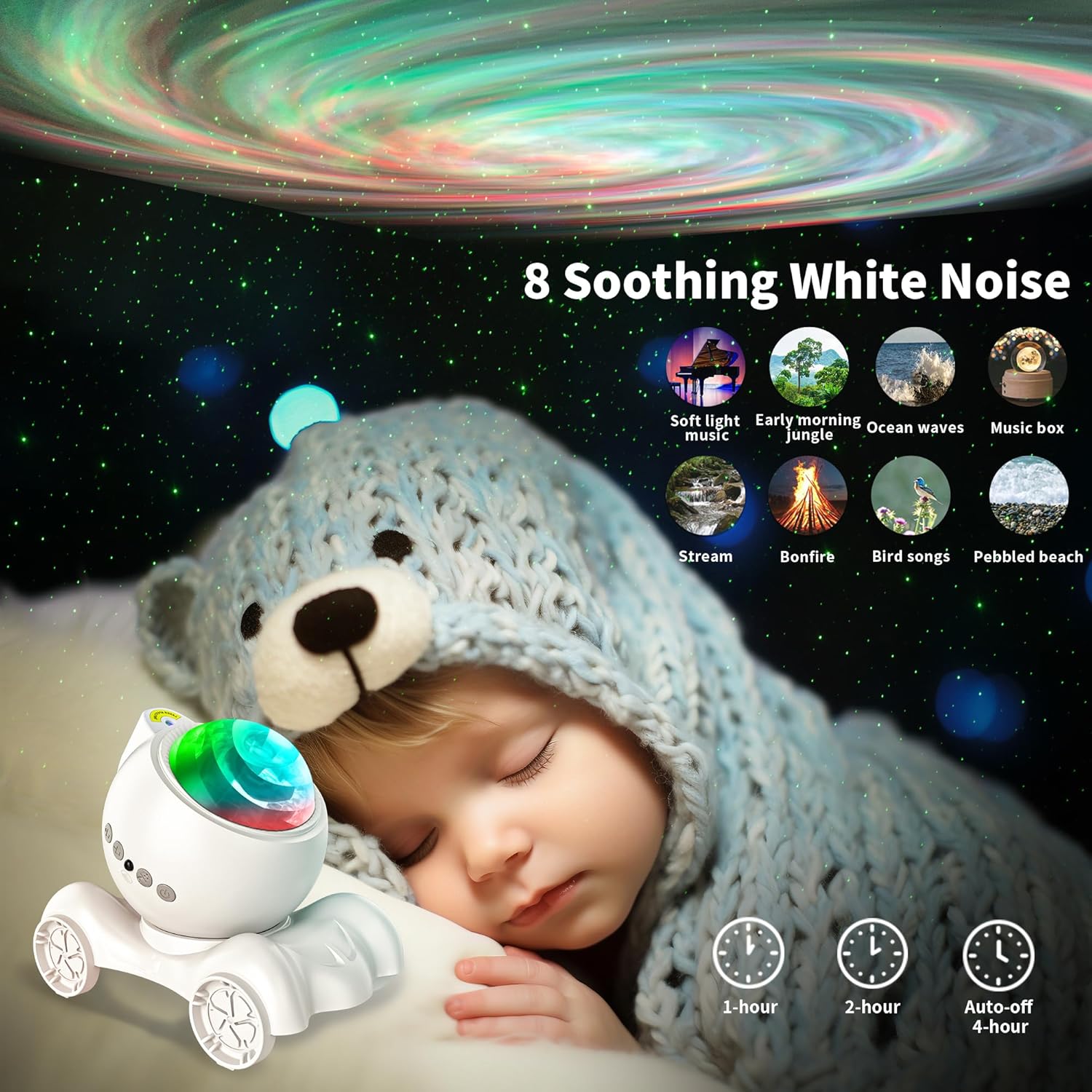
Image: The projector creating a calming atmosphere with white noise options displayed, suitable for sleep.
6. Maintenance
- Cleaning: Use a soft, dry cloth to clean the projector's exterior. Do not use liquid cleaners or aerosols.
- Storage: Store the projector in a cool, dry place when not in use.
- Avoid Water: Keep the device away from water or excessive moisture.
- Handle with Care: Avoid dropping or subjecting the projector to strong impacts.
7. Troubleshooting
| Problem | Solution |
|---|---|
| Projector does not turn on. | Ensure the USB power cable is securely connected and the power source is active. Check remote control batteries. |
| No projection or dim projection. | Adjust brightness settings using the remote (S+). Ensure the projection lens is clean. |
| Bluetooth not connecting. | Ensure Bluetooth is enabled on your device and the projector is in pairing mode. Check that no other device is currently connected to the projector. Restart both devices. |
| Remote control not working. | Check and replace batteries. Ensure there are no obstructions between the remote and the projector's IR receiver. |
8. Specifications
- Model Number: HJ-XKD05
- Brand: ENOKIK
- Color: White
- Shape: Mars Rover
- Material: Acrylonitrile Butadiene Styrene (ABS)
- Light Source Type: LED
- Power Source: Corded Electric
- Voltage: 120 Volts
- Wattage: 5 Watts
- Product Dimensions: 6.37"L x 4.21"W x 4.92"H
- Item Weight: 12.8 ounces
- Included Components: Remote Control
9. Warranty and Support
Information regarding specific product warranty and customer support contacts was not provided in the available product details. Please refer to the product packaging or the retailer's website for warranty claims and support inquiries.