
1. Safety Information
Please read all safety instructions carefully before using the ENOKIK Northern Light Projector. Retain this manual for future reference.
- General Safety: Keep the device away from water, moisture, and high temperatures. Do not attempt to disassemble or repair the unit yourself. Avoid direct eye exposure to the laser light.
- Electrical Safety: Use only the provided USB-C cable. Ensure the power adapter (not included) meets the required specifications. Unplug the device during lightning storms or when unused for extended periods.
2. Package Contents
Verify that all the following items are included in your package:
- Star Projector
- User Manual
- Remote Control
- USB-C Cable

Image: The package contents, including the projector, remote, USB-C cable, and user manual.
3. Product Overview
The ENOKIK Northern Light Projector is a versatile device designed to create a captivating atmosphere. It combines dynamic aurora and star projections with a built-in Bluetooth speaker and white noise functions, offering a multi-sensory experience.

Image: The ENOKIK Northern Light Projector displaying aurora and star effects on a bedroom ceiling.

Image: A detailed diagram highlighting the 360-degree adjustable angle and key dimensions of the projector.
4. Setup Instructions
Follow these steps to set up your projector:
- Placement: Place the projector on a stable, flat surface. The 360° adjustable angle allows for flexible projection onto ceilings or walls.
- Power Connection: Connect the provided USB-C cable to the projector and a compatible USB power adapter (not included).
- Remote Control: Insert 2 AAA batteries (not included) into the remote control.
Video: An overview of the Northern Light Projector, demonstrating its features and setup.
5. Operating Instructions
The projector can be operated using the onboard buttons or the included remote control.
5.1. Power On/Off
- Press the power button on the device or remote to turn the projector on or off.
5.2. Light Modes
The projector offers various lighting effects, combining aurora and star projections.
- Aurora Colors: Select individual colors (Red, Green, Blue, White) or combinations using the corresponding buttons on the remote.
- Star Projection: Activate or deactivate the star projection feature.
- Brightness Levels: Adjust the light brightness (4 levels) using the remote.
- Light Speed: Control the movement speed of the aurora effects (4 speeds) using the remote.
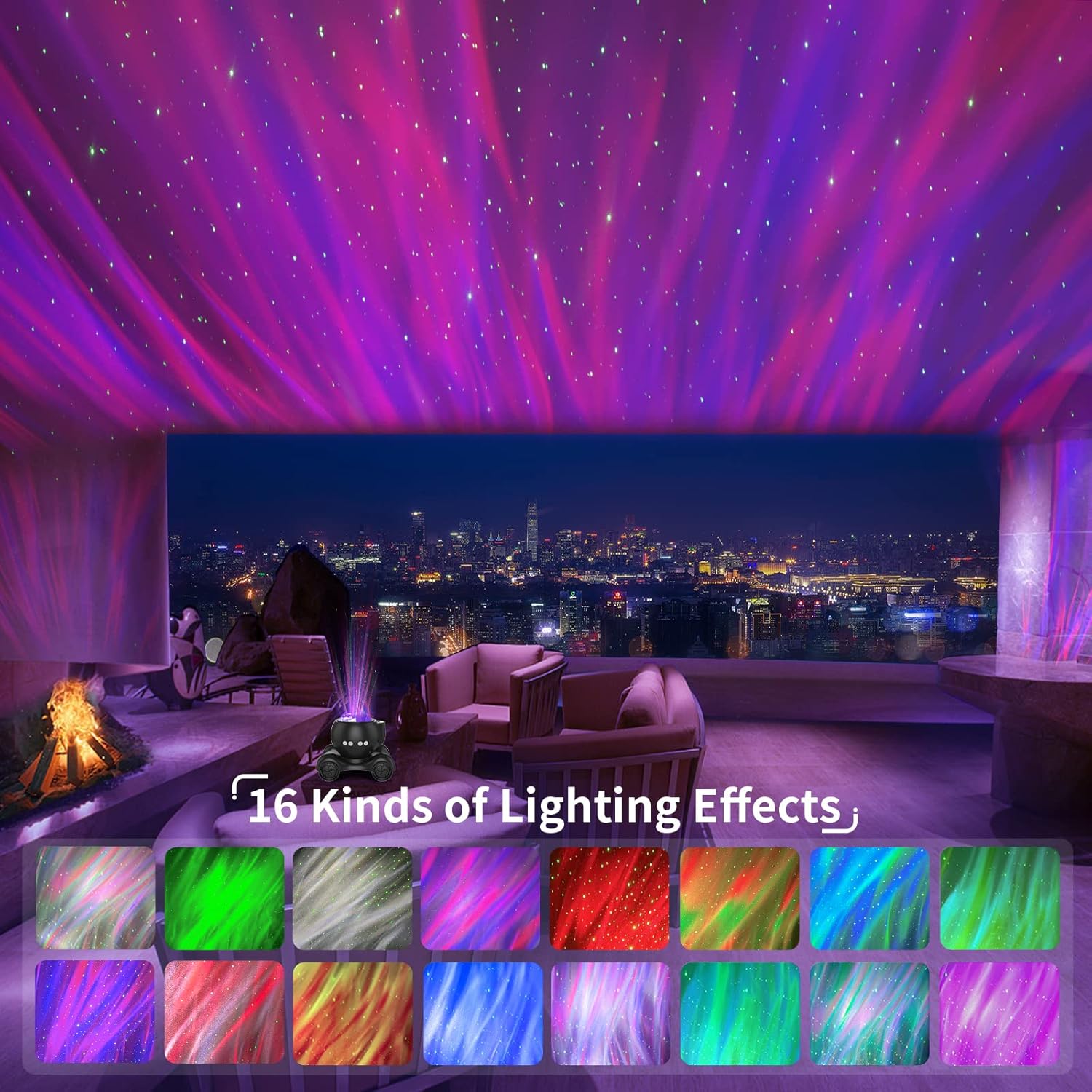
Image: A visual representation of 16 different lighting effects achievable with the projector.
5.3. White Noise Machine
Choose from 8 soothing white noise sounds:
- Soft Light Music
- Ocean Waves
- Forest Birds
- Music Box
- Early Morning Jungle
- Stream
- Bonfire
- Pebbled Beach

Image: A child sleeping, with the projector's timer function and white noise features highlighted.
5.4. Bluetooth Speaker
Connect your device via Bluetooth 5.2 to play your own audio.
- Activate Bluetooth on your audio device.
- Search for "HJ-05" in your device's Bluetooth settings and connect.
- Adjust volume using the remote control (12 levels) or your connected device.
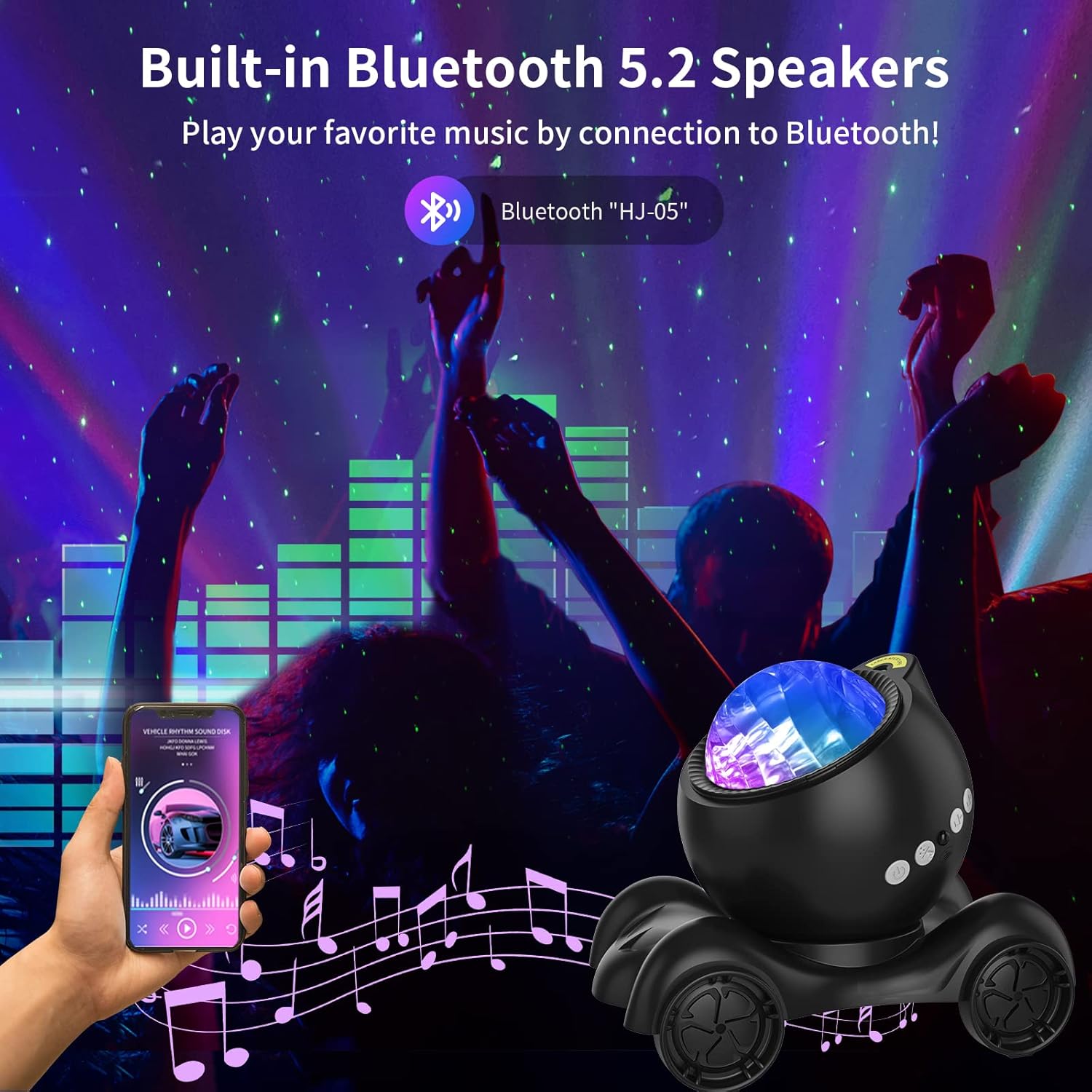
Image: The projector connected to a smartphone via Bluetooth, projecting lights during a party setting.
5.5. Timer Function
Set the projector to automatically turn off after a specified duration.
- Select 1-hour or 2-hour timer options on the remote.
- The projector will automatically shut down after 4 hours if no timer is set.
Video: A demonstration of the galaxy projector's light and sound options.
6. Maintenance
- Cleaning: Wipe the projector's exterior with a soft, dry cloth. Do not use abrasive cleaners or immerse the device in water.
- Storage: Store the device in a cool, dry place when not in use.
7. Troubleshooting
| Problem | Solution |
|---|---|
| Projector does not turn on. | Ensure the USB-C cable is securely connected to both the projector and a working power source. Check the power adapter. |
| Remote control is not working. | Check if the batteries are correctly inserted and not depleted. Ensure there are no obstructions between the remote and the projector. |
| Bluetooth connection fails. | Ensure the projector is powered on and your device's Bluetooth is enabled. Try restarting both devices. Make sure you are connecting to "HJ-05". |
| Lights are dim or flickering. | Adjust the brightness settings using the remote control. Ensure the projector lens is clean. |
8. Specifications
- Brand: ENOKIK
- Model Number: HJ-XKD05
- Color: Northern Light Projector (Black unit)
- Shape: Rectangular
- Material: Acrylonitrile Butadiene Styrene (ABS)
- Finish Type: Projector
- Light Source Type: Light Emitting Diode
- Power Source: Corded Electric
- Item Weight: 14.5 ounces (410 Grams)
- Product Dimensions: 7.09"L x 5.14"W x 6.37"H
- Mounting Type: Ceiling Mount
- Bulb Features: Bluetooth, Music Sync
- Number of Light Sources: 1
- Batteries Included?: No (for main unit, remote requires 2 AAA)
- Included Components: Star Projector, User Manual, Remote Control, Cable
9. Warranty and Support
For detailed warranty information, technical support, or customer service, please refer to the documentation included with your purchase or visit the official ENOKIK website. Keep your purchase receipt for warranty claims.
Video: A review highlighting the features and functionality of the Galaxy Projector.
Video: An honest review showcasing the galaxy projector's capabilities.