
Dakota Lithium Powerbox+ 60
Dakota Lithium 12V 60Ah PowerBox+ 60 Instruction Manual
Model: Powerbox+ 60
Introduction
The Dakota Lithium 12V 60Ah Dual Purpose Power Box is a versatile mobile power station designed for various applications, from camping and construction sites to powering marine electronics and small trolling motors. This unit includes a 12V 60Ah 1000 CCA LiFePO4 battery, multiple charging ports, and integrated LED lighting, all housed within a water/shock-resistant case. This manual provides essential information for the safe and efficient use of your PowerBox+ 60.
Key Features:
- Mobile Powerstation: Integrated 12V 60Ah Dual Purpose 1000 CCA Battery, six USB charging ports, a 12V car plug, binder posts, and high-efficiency LED lighting.
- Long-Lasting Performance: LiFePO4 Batteries offer 2,000+ cycles under recommended conditions, significantly outperforming traditional lead-acid batteries.
- Smart Electronics: Features a Battery Management System (BMS) for cell balancing, low/high voltage cutoff, short-circuit protection, and high-temperature protection.
- Versatile Applications: Ideal for charging phones, cameras, laptops, fish finders, ice fishing equipment, small trolling motors, and more.
Safety Information
- Always ensure proper ventilation when charging or operating the PowerBox.
- Do not expose the unit to extreme temperatures outside its operating range (-20°F to 120°F).
- Avoid short-circuiting the terminals.
- Keep out of reach of children.
- Use only the provided charger or a compatible 12V 10amp charger.
- Do not attempt to open or modify the battery pack or internal components unless specified in this manual.
Setup
Unboxing and Initial Inspection:
Carefully remove the PowerBox+ 60 from its packaging. Inspect the unit for any signs of damage during transit. Ensure all included components are present: the 12V 60Ah Dual Purpose 1000 CCA Battery (pre-installed), the PowerBox case, and the 12V 10amp Charger.
Charging the PowerBox:
The PowerBox+ 60 comes with a 12V 10amp charger. To charge the unit:
- Locate the charging ports on the PowerBox.
- Connect the red clamp of the charger to the positive (+) terminal and the black clamp to the negative (-) terminal on the PowerBox.
- Plug the charger into a standard 110V AC outlet.
- The charger will indicate when the battery is fully charged.
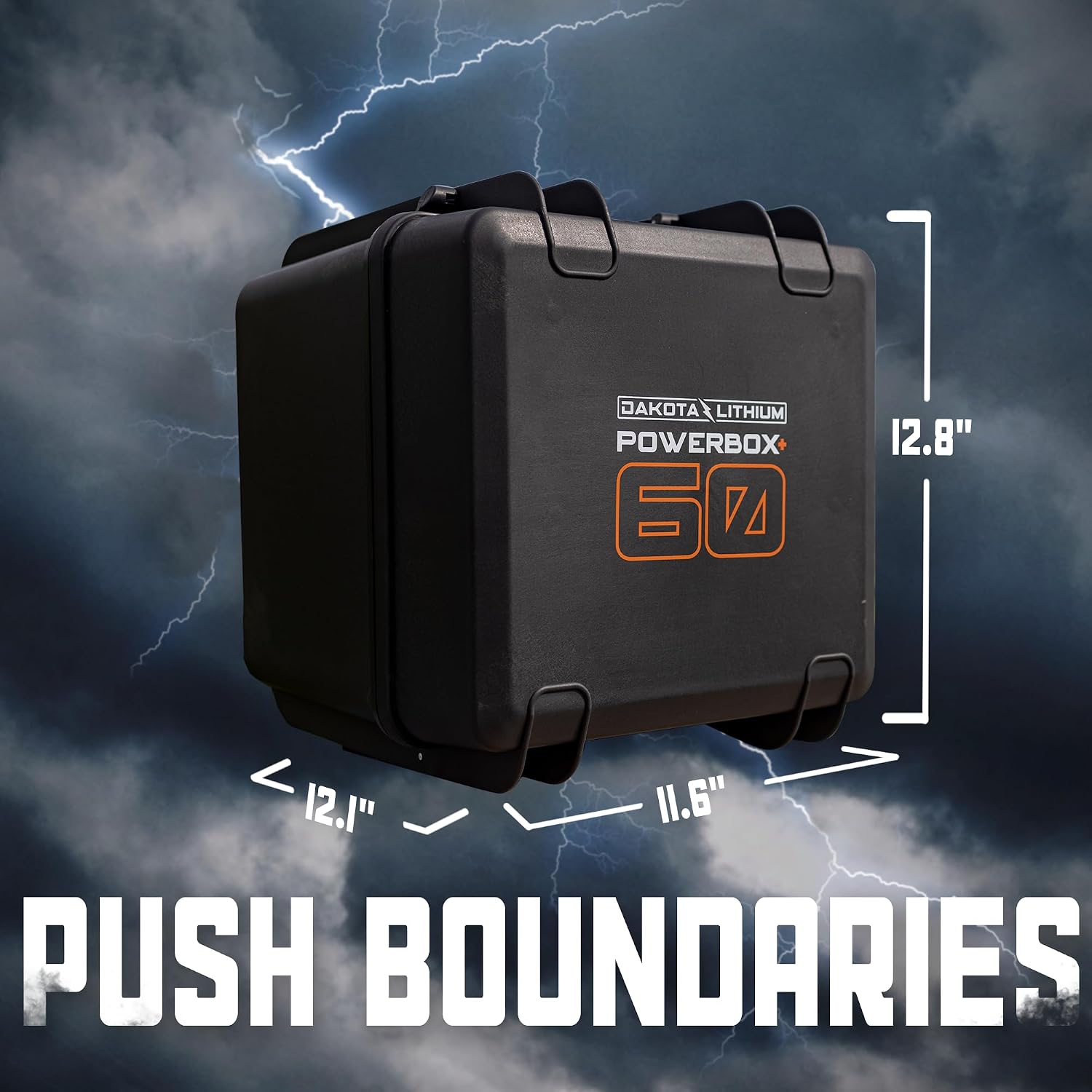
Figure 1: Dakota Lithium PowerBox+ 60 with key dimensions (11.6 x 12.1 x 12.8 inches).
Video 1: Overview of the Dakota Lithium PowerBox+ 60, demonstrating its features including the internal battery, charging ports, and LED light. This video also shows the included charger and how to connect it to the PowerBox terminals.
Operating Instructions
Powering On/Off:
To activate the PowerBox, locate the main power switch on the unit's control panel and toggle it to the 'ON' position. The integrated display will illuminate, showing the current battery voltage.
Using USB and 12V Ports:
- The PowerBox features six USB charging ports and a 12V car plug.
- Simply plug your devices into the appropriate ports.
- The USB display shows the remaining battery life, allowing you to monitor usage.
LED Lighting:
The PowerBox includes high-efficiency LED lighting. Activate the lights using the dedicated switch on the control panel.
Video 2: A quick demonstration of the Dakota Lithium PowerBox+ 60, highlighting the main power source, terminal power, LED lights, USB ports, and 12V port. It also shows the voltage display.
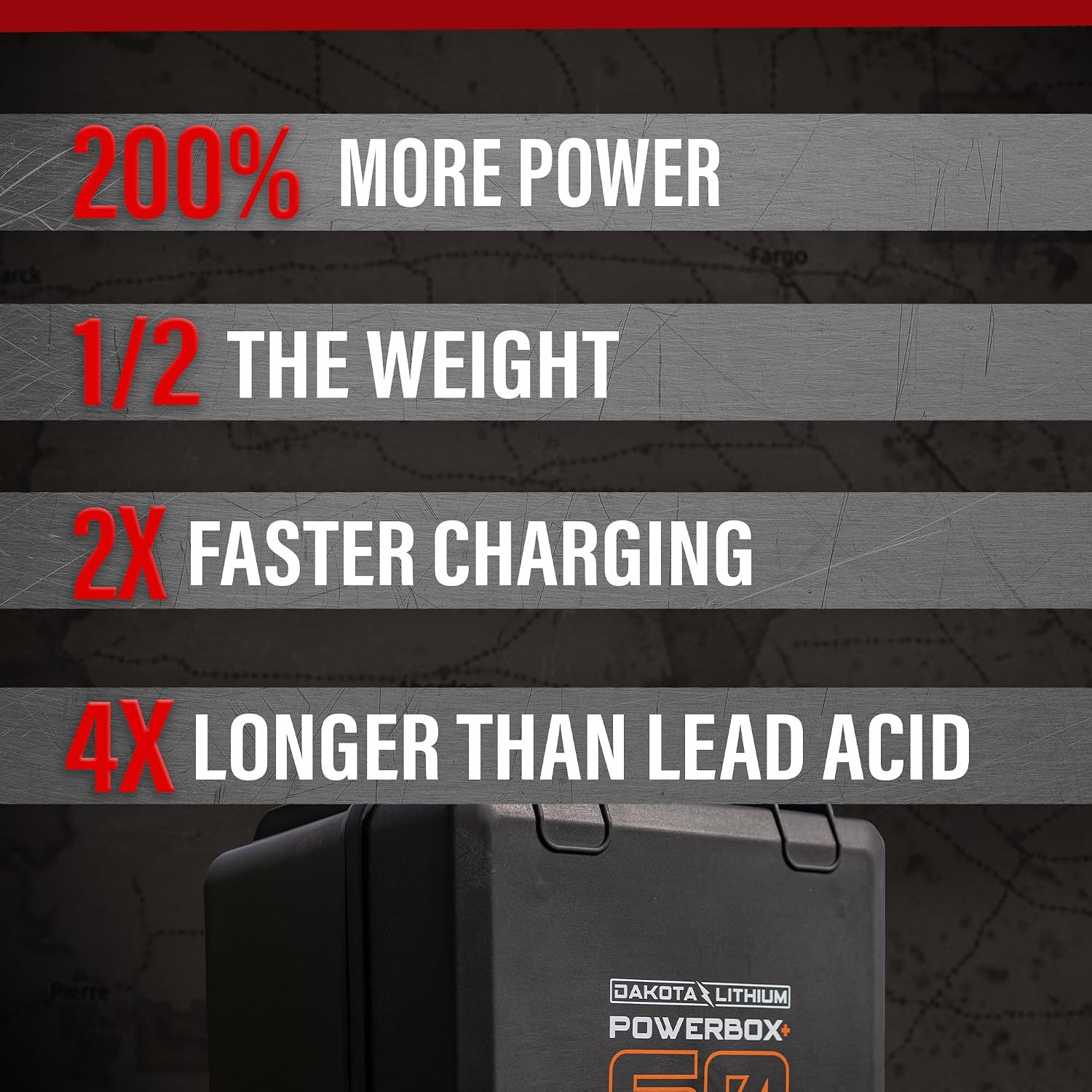
Figure 2: The Dakota Lithium PowerBox+ 60 highlighting its power output and faster charging capabilities compared to lead-acid batteries.
Maintenance
General Care:
- Keep the PowerBox clean and dry. Wipe down the exterior with a damp cloth as needed.
- Store the unit in a cool, dry place when not in use.
- Periodically check the connections for tightness and corrosion.
Battery Longevity:
The LiFePO4 battery is designed for long life. For optimal performance, avoid fully discharging the battery frequently. Recharge the unit after each significant use.

Figure 3: The Dakota Lithium PowerBox+ 60 connected to a vehicle for jumpstarting, demonstrating its dual-purpose capability.
Troubleshooting
Unit Not Charging or Powering Devices:
- Check Connections: Ensure all cables and connectors are securely attached.
- Inspect Fuses: The PowerBox contains internal fuses to protect the circuitry. If a port is not working, it may indicate a blown fuse. Refer to the internal wiring diagram (visible by opening the case) to identify and replace the appropriate fuse.
- Verify Charger Functionality: Ensure the 12V 10amp charger is working correctly and receiving power from the AC outlet.

Figure 4: Internal view of the Dakota Lithium PowerBox+ 60, showing the wiring and fuse holder for easy inspection and replacement.
Specifications
| Feature | Detail |
|---|---|
| Brand | Dakota Lithium |
| Model Name | Powerbox+ 60 |
| Battery Type | LiFePO4 (Lithium Iron Phosphate) |
| Voltage | 12 Volts |
| Battery Capacity | 60 Amp Hours |
| Cold Cranking Amps (CCA) | 1000 CCA |
| Output Wattage | 768 Watts |
| Starting Wattage | 1000 Watts |
| Running Wattage | 768 Watts |
| Included Components | 12V 60Ah Dual Purpose 1000 CCA Battery, 12v 10amp Charger, PowerBox case with six USB charging ports, 12V car plug, binder posts, and high efficiency LED lighting |
| Product Dimensions | 11.6 x 12.1 x 12.8 inches |
| Material | Plastic |
| Color | Black |
| Special Features | Engine Starting Power, Water/Shock Resistant Case |
Warranty and Support
The Dakota Lithium 12V 60Ah PowerBox+ 60 comes with an 11 Year Manufacturer Warranty for the battery. For warranty claims or technical support, please refer to the official Dakota Lithium website or contact their customer service directly.
For additional resources and product information, visit the Dakota Lithium Store on Amazon.
Related documentsPowerbox+ 60


Ask a question about this manual
Ask about setup, troubleshooting, compatibility, parts, safety, or missing instructions. Manuals+ will review the question and use this page’s manual context to help answer it.