
Cellularline ACHUSBGAN2PD45WK
Cellularline Multipower Micro 45W Charger User Manual
Comprehensive guide for the safe and efficient use of your Cellularline Multipower Micro 45W charger.
Product Overview
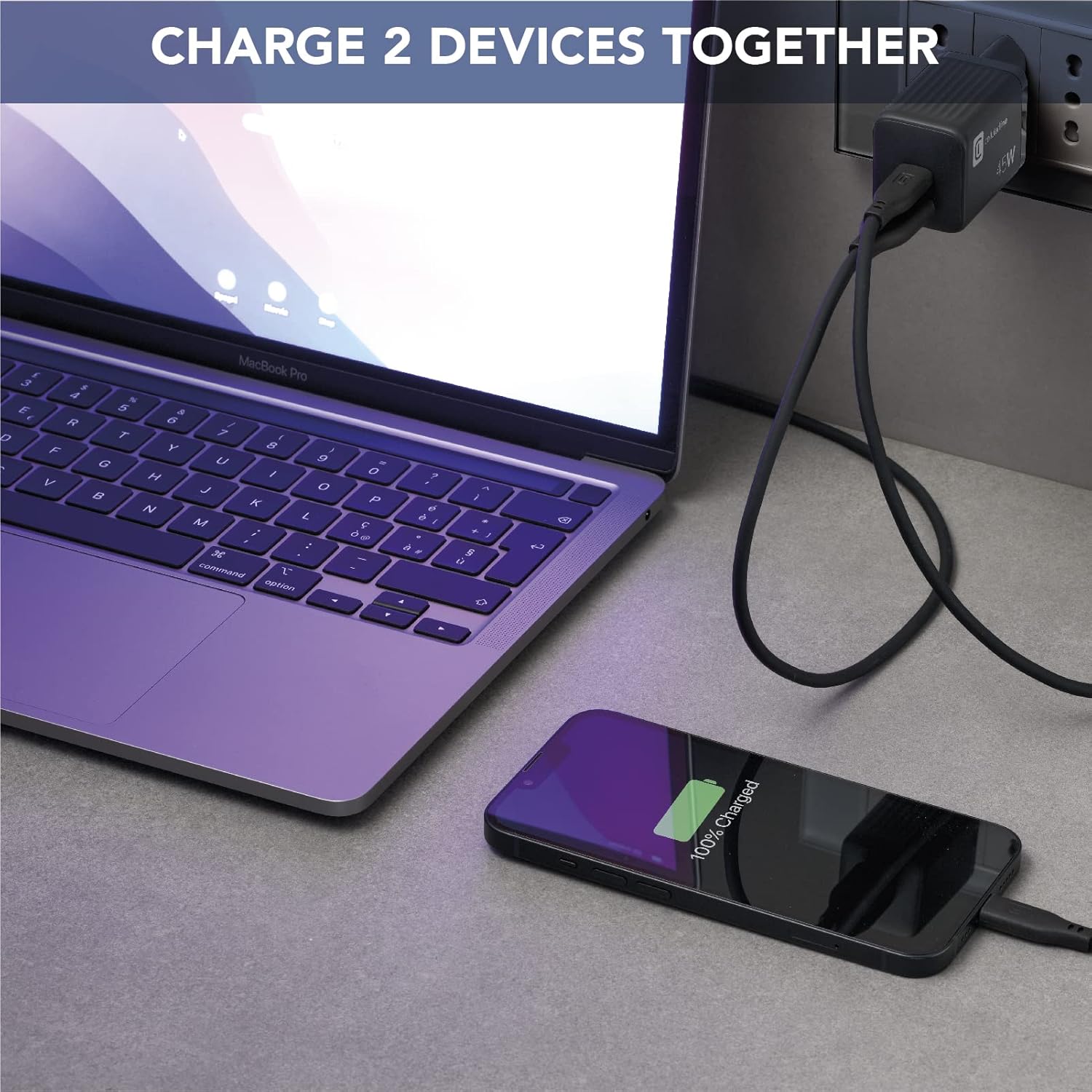
The Cellularline Multipower Micro 45W charger is a powerful and compact solution designed to safely and efficiently charge a wide range of devices, including smartphones, iPhones, tablets, iPads, laptops, and MacBooks. Featuring two charging ports (USB-C and USB-A) and GaN technology, it offers high performance in a small form factor, allowing simultaneous charging of two devices.
Key Features
- Dual Port Charging: Equipped with two ports (USB-C and USB-A) to charge up to two devices simultaneously.
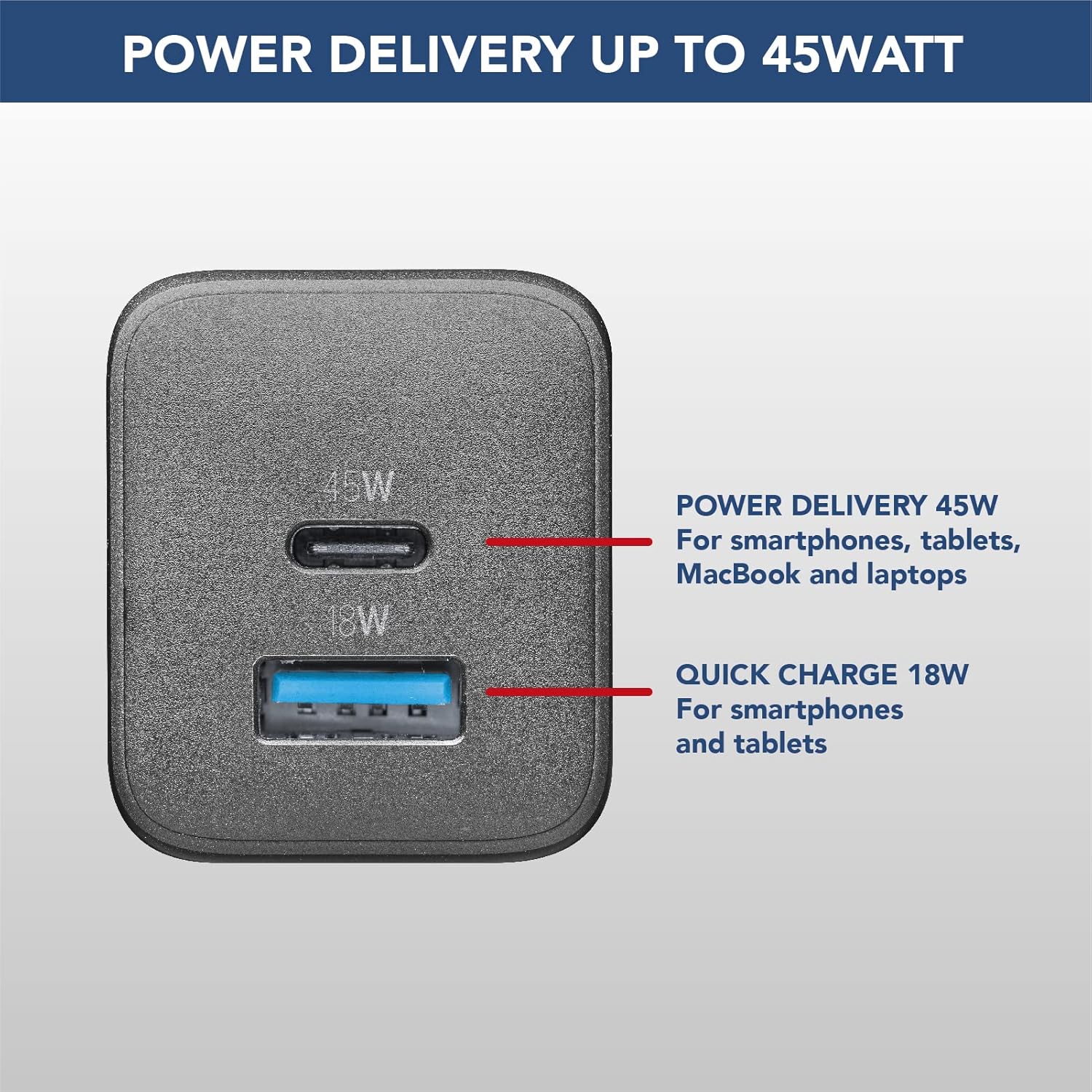
- 45W Power Delivery: USB-C port supports Power Delivery up to 45W, compatible with various devices including laptops and MacBooks.
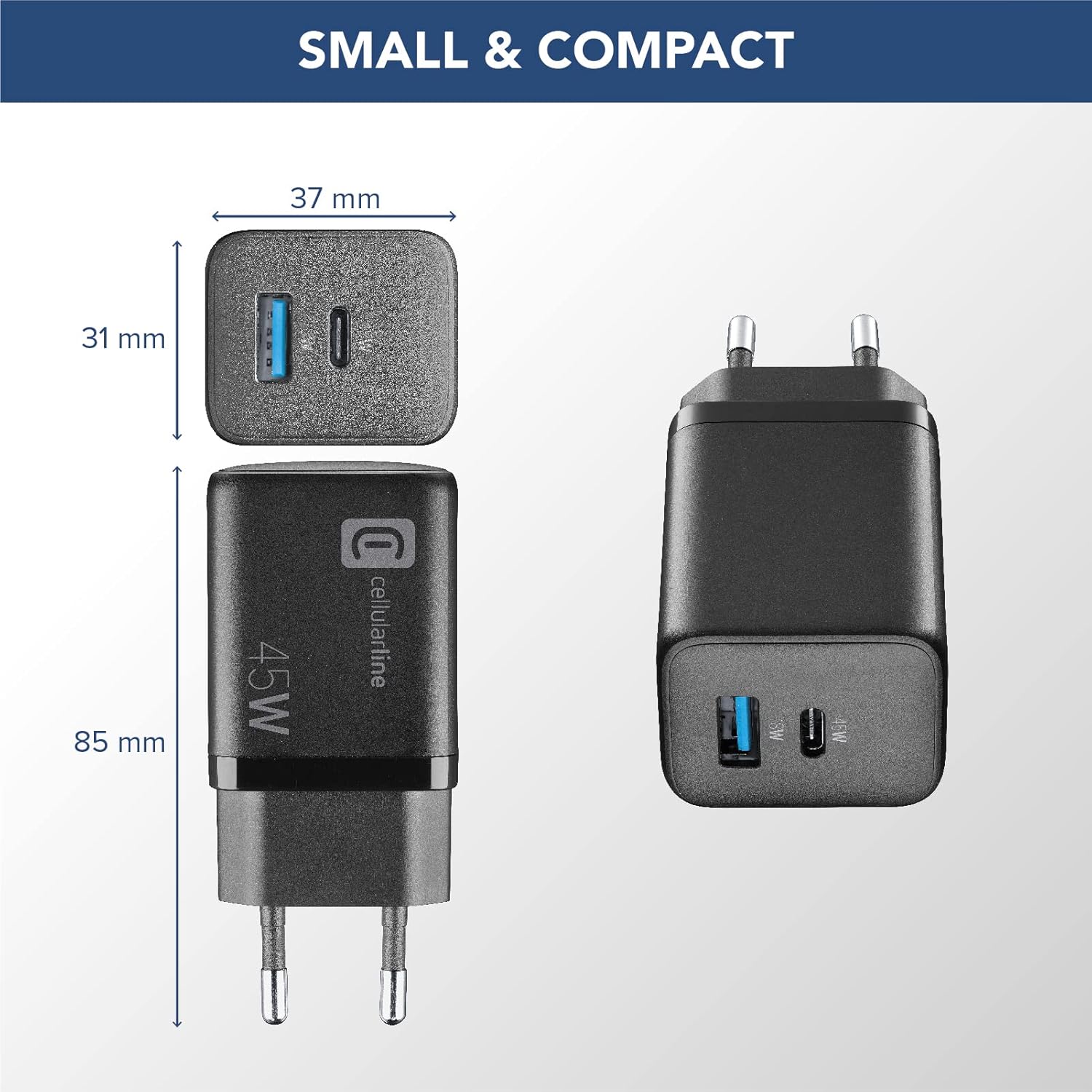
- GaN Technology: Utilizes Gallium Nitride (GaN) for a significantly smaller and lighter design without compromising charging performance.
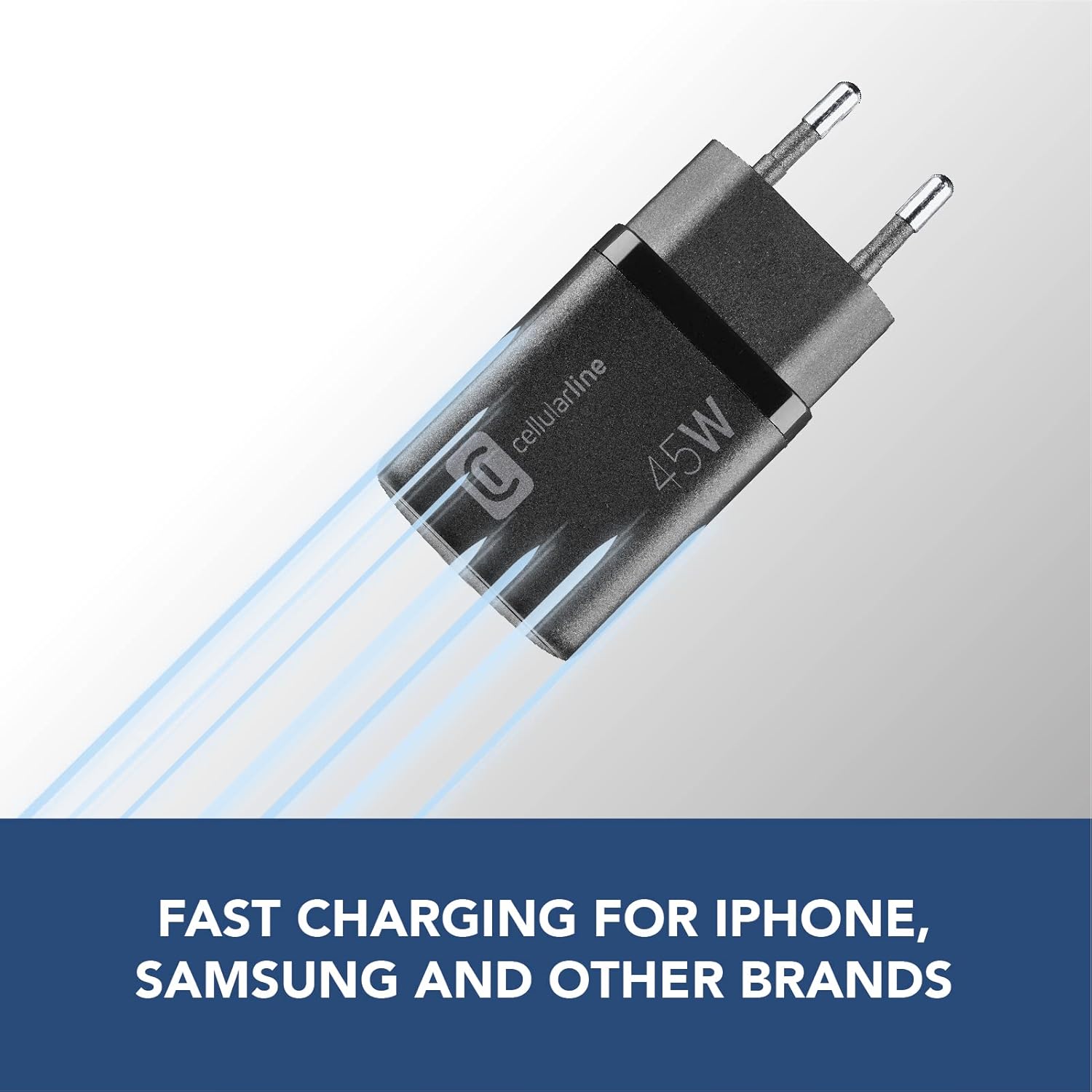
- Fast Charging: Delivers maximum charging speed for compatible devices, including Samsung's 45W Super Fast Charging 2.0 and iPhone fast charging.
- Compact Design: Ideal for travel and daily use due to its reduced dimensions.
Package Contents
- 1 x Cellularline Multipower Micro 45W Charger
- 1 x Instruction Manual


Setup
Connecting the Charger
- Unpack: Carefully remove the charger and instruction manual from the packaging.
- Inspect: Before use, inspect the charger for any visible damage. Do not use if damaged.
- Plug In: Insert the charger's prongs into a standard wall power outlet (240V compatible). Ensure it is securely seated.
Operating Instructions
Charging Devices
- Connect Cable: Plug one end of your device's charging cable into the appropriate port on the charger (USB-C for Power Delivery, USB-A for Quick Charge).
- Connect Device: Plug the other end of the charging cable into your smartphone, tablet, laptop, or other compatible device.
- Verify Charging: Confirm that your device indicates it is charging. Charging speed may vary depending on the device's compatibility and current battery level.
- Simultaneous Charging: You can charge two devices simultaneously using both the USB-C and USB-A ports. The charger will intelligently distribute power.
Important Notes
- For optimal fast charging, use high-quality cables that support the required power delivery standards.
- The 45W USB-C port is designed for devices requiring higher power, such as laptops and larger tablets.
- The 18W USB-A port is suitable for smartphones and smaller tablets.
- If only one device is connected to the USB-C port, it can utilize the full 45W output (if compatible).
Maintenance
- Cleaning: Disconnect the charger from the power outlet before cleaning. Use a soft, dry cloth to wipe the surface. Do not use liquid cleaners or aerosols.
- Storage: Store the charger in a cool, dry place away from direct sunlight and extreme temperatures.
- Handling: Avoid dropping the charger or subjecting it to strong impacts.
Troubleshooting
| Problem | Possible Cause | Solution |
|---|---|---|
| Device not charging. | Charger not plugged in; faulty cable; incompatible device; device not properly connected. | Ensure charger is securely plugged into a live outlet. Try a different charging cable. Verify device compatibility. Reconnect the device. |
| Slow charging. | Cable not supporting fast charging; device not supporting fast charging; multiple devices connected. | Use a high-quality cable rated for fast charging. Ensure your device supports fast charging. If charging two devices, power distribution may reduce individual speeds. |
| Charger feels warm during use. | Normal operation under load; poor ventilation. | It is normal for chargers to become warm during operation, especially when charging multiple devices or high-power devices. Ensure adequate ventilation around the charger. If it becomes excessively hot or emits smoke/smell, disconnect immediately. |
Specifications
| Feature | Detail |
|---|---|
| Brand | Cellularline |
| Model Number | ACHUSBGAN2PD45WK |
| Color | Black |
| Connectivity Technology | USB |
| Connector Type | USB Type C, USB Type A |
| Total USB Ports | 2 |
| Compatible Devices | Laptop, Tablet, Mobile Phone |
| Special Features | GaN Technology for small dimensions, Fast charging, Simultaneous charging of two devices, Suitable for international electrical outlets |
| Input Voltage | 240 Volts |
| Mounting Type | Travel/Portable |
| Manufacturer | CellularLine S.p.A. |
| Country of Origin | China |
Warranty and Support
This Cellularline product is covered by a standard manufacturer's warranty. For specific details regarding the warranty period and terms, please refer to the warranty card included in your product packaging or visit the official Cellularline website.
For technical support, troubleshooting assistance, or any inquiries regarding your Cellularline Multipower Micro 45W Charger, please contact Cellularline customer service through their official channels. Contact information can typically be found on the product packaging or their official website.
Return Policy: This product is eligible for a 30-day refund/replacement policy, typically fulfilled by Amazon. Please refer to your purchase platform for exact return procedures.
Related documentsACHUSBGAN2PD45WK


Ask a question about this manual
Ask about setup, troubleshooting, compatibility, parts, safety, or missing instructions. Manuals+ will review the question and use this page’s manual context to help answer it.