
1. Introduction
This instruction manual provides essential information for the safe and effective use of your GoGonova 2000W Heat Gun. Please read this manual thoroughly before operating the device and retain it for future reference. This heat gun is designed for various applications including paint removal, shrinking tubing, soldering, and other DIY or professional tasks requiring controlled heat.
2. Safety Instructions
Operating a heat gun involves high temperatures. Adhere to the following safety guidelines to prevent injury or damage:
- Always wear appropriate personal protective equipment, including heat-resistant gloves and eye protection.
- Ensure adequate ventilation in your workspace to disperse fumes and heat.
- Do not point the heat gun at yourself, other people, or flammable materials.
- Keep the heat gun moving during operation to prevent scorching or overheating the workpiece.
- Allow the heat gun to cool down completely before storing it. Use the integrated stand for hands-free cooling.
- Never block the air intake or output nozzles.
- Do not use the heat gun near liquids or in damp conditions.
- Keep children and pets away from the work area.
- Unplug the heat gun from the power source when not in use or before performing maintenance.
- This tool is equipped with overload protection to prevent overheating. If the tool shuts off, allow it to cool before restarting.
3. Package Contents
Verify that all items listed below are present in your package:
- 1 x GoGonova Heat Gun
- 1 x Reducer Nozzle
- 1 x Deflector Nozzle
- 1 x 5 Stage Nozzle
- 1 x Flat Nozzle
- 1 x Charcoal Nozzle
- 1 x Instruction Manual
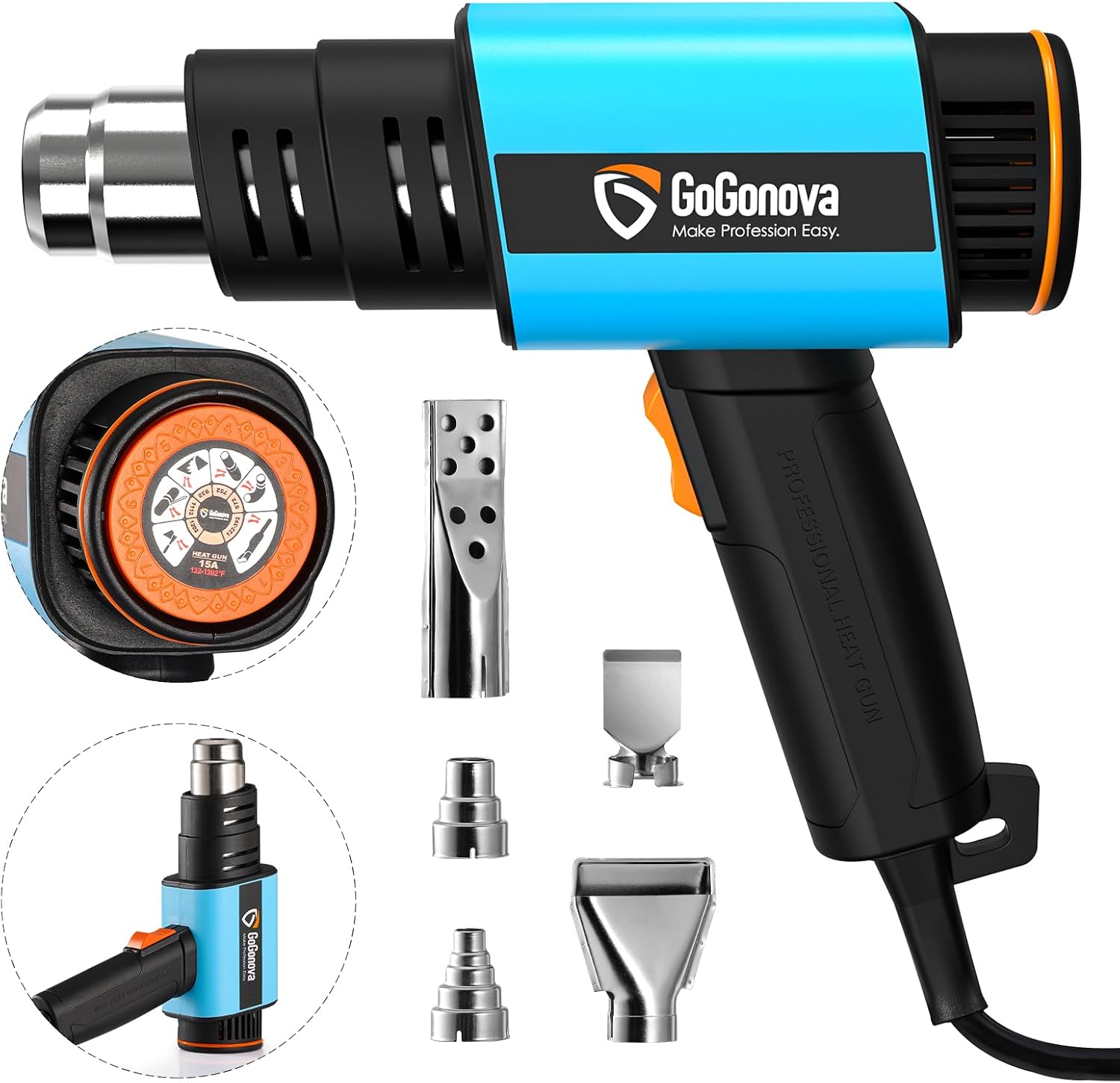
Image 3.1: The GoGonova Heat Gun with its five interchangeable nozzles.
4. Product Overview
The GoGonova Heat Gun features a compact and ergonomic design for comfortable and efficient use. It is equipped with a powerful heating element and dual airflow settings.

Image 4.1: The heat gun features an ergonomic handle for comfortable grip and a convenient hook for storage.

Image 4.2: The compact design of the GoGonova Heat Gun, illustrating its reduced size compared to traditional models.
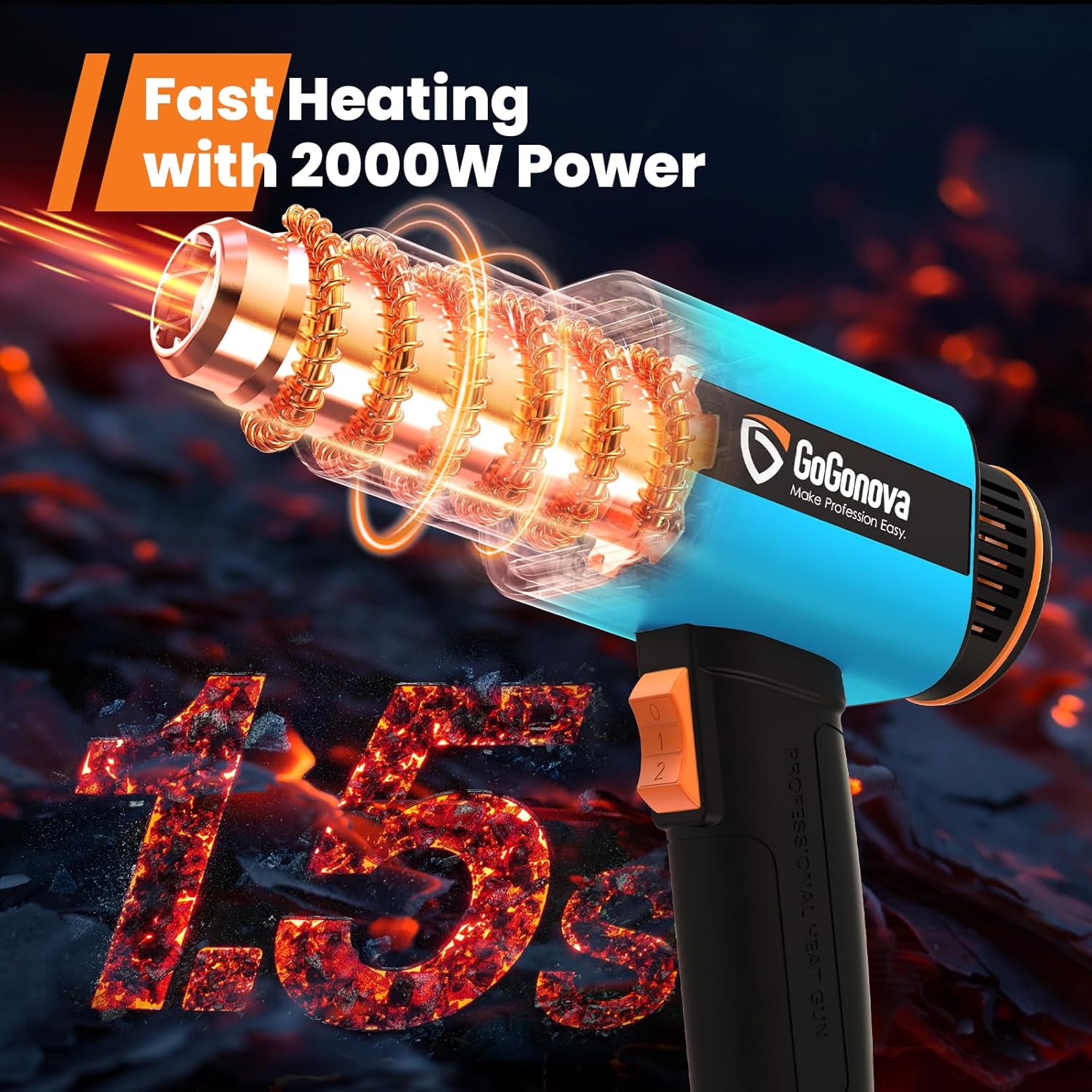
Image 4.3: Illustration highlighting the fast heating capability of the 2000W GoGonova Heat Gun.
5. Setup
Before operating the heat gun, ensure it is properly set up:
- Select the Appropriate Nozzle: Choose one of the five included nozzles based on your specific application (refer to Section 6.3 for nozzle details).
- Attach the Nozzle: Securely slide the chosen nozzle onto the heat gun's output barrel. Ensure it fits snugly.
- Connect to Power: Plug the heat gun into a standard 230V AC power outlet. Ensure the power switch is in the 'OFF' (0) position before plugging in.
- Prepare Work Area: Ensure your work area is clean, well-ventilated, and free of flammable materials.
6. Operation
6.1. Power On/Off and Airflow Adjustment
The heat gun features a three-position toggle switch for power and airflow control:
- Position 0: OFF
- Position 1: Low Airflow (300 L/min) and Temperature Range (50-300℃)
- Position 2: High Airflow (500 L/min) and Temperature Range (300-650℃)
To turn on the heat gun, slide the switch to position 1 or 2. To turn off, slide the switch back to position 0.
6.2. Temperature Adjustment
The heat gun features a stepless temperature adjustment dial, allowing precise control from 50℃ to 650℃. The dial includes application icons for quick reference:

Image 6.1: The temperature adjustment dial with various application icons and corresponding temperature ranges.
- Rotate the dial clockwise to increase temperature and counter-clockwise to decrease.
- The icons indicate recommended temperature ranges for common tasks:
- Heat Shrink: 50-200℃
- Drying: 400℃
- Softening: 300℃
- Soldering: 500℃
- PVC Pipe Bending: 600℃
- Rust Removal: 650℃
6.3. Nozzle Usage
The heat gun comes with five specialized nozzles to optimize performance for different tasks:

Image 6.2: The GoGonova Heat Gun demonstrating the use of various nozzles for different applications.
- Reducer Nozzle: Concentrates heat to a small area for detailed soldering, shrink wrapping, or vinyl repair.
- Deflector Nozzle: Directs heat around a workpiece, ideal for shrinking tubing or bending pipes without heating the surrounding area.
- 5 Stage Nozzle: Provides a broader, more even heat distribution, suitable for general heating tasks.
- Flat Nozzle: Spreads heat over a wide, flat surface, commonly used for paint removal or drying.
- Charcoal Nozzle: Designed for igniting BBQ charcoal quickly and efficiently.
6.4. Safe Handling and Hands-Free Operation
The heat gun is designed with an integrated stand, allowing it to be placed upright for hands-free operation. This is particularly useful for tasks requiring both hands, such as bending pipes or working with small components.

Image 6.3: The GoGonova Heat Gun positioned upright on its integrated stand for hands-free operation.
7. Maintenance
Regular maintenance ensures the longevity and optimal performance of your heat gun:
- Cleaning: After each use, ensure the heat gun is unplugged and completely cool. Wipe the exterior with a damp cloth. Do not use abrasive cleaners or solvents.
- Air Vents: Periodically check the air intake and output vents for dust or debris accumulation. Use a soft brush or compressed air to clear any blockages.
- Storage: Store the heat gun in a dry, safe place, out of reach of children. Utilize the convenient hook for organized storage.
- Cord Inspection: Regularly inspect the power cord for any signs of damage, cuts, or fraying. If damaged, have it replaced by a qualified technician.
8. Troubleshooting
If you encounter issues with your heat gun, refer to the following common problems and solutions:
| Problem | Possible Cause | Solution |
|---|---|---|
| Heat gun does not turn on. | No power supply; Power switch in '0' position; Faulty power cord. | Check power outlet; Ensure switch is in '1' or '2'; Inspect power cord for damage. |
| No heat or insufficient heat. | Temperature dial set too low; Air vents blocked; Overload protection activated. | Adjust temperature dial; Clear air vents; Allow unit to cool down. |
| Heat gun shuts off during use. | Overheating due to prolonged use or blocked vents; Overload protection activated. | Turn off, unplug, and allow to cool for at least 15-20 minutes. Clear any vent blockages. |
| Excessive sparks or smoke. | Internal fault; Foreign object inside. | Immediately turn off and unplug the unit. Do not use. Contact customer support. |
If the problem persists after attempting these solutions, please contact GoGonova customer support.
9. Specifications
| Feature | Detail |
|---|---|
| Model Number | GT27002191/95/97 |
| Power Source | AC |
| Voltage | 230 Volts |
| Wattage | 2000 Watts |
| Temperature Range | 50℃ to 650℃ (Stepless Adjustment) |
| Airflow Settings | Dual: 300 L/min (Low), 500 L/min (High) |
| Material | Plastic, Rubber, Metal |
| Item Weight | 2.35 pounds |
| Package Dimensions | 9.88 x 9.37 x 3.03 inches |
| Included Components | Heat Gun, 5 Nozzles, Manual |
10. Warranty and Support
For warranty information, technical support, or any inquiries regarding your GoGonova Heat Gun, please refer to the contact details provided on the product packaging or visit the official GoGonova website. Please have your model number (GT27002191/95/97) and purchase date available when contacting support.
