
Klipsch Groove XXL
Klipsch Groove XXL Portable Bluetooth Speaker
Instruction Manual
1. Introduction
The Klipsch Groove XXL is a powerful portable Bluetooth speaker designed to deliver high-quality audio wherever you go. Its robust design and long-lasting battery make it ideal for various outdoor and indoor settings, from beach outings to backyard patios. Enjoy your favorite music via seamless Bluetooth wireless connection or a traditional 3.5mm auxiliary input.

Figure 1: Front view of the Klipsch Groove XXL Portable Bluetooth Speaker.
2. Key Features
- Versatile Connectivity: Supports Bluetooth wireless connection for streaming audio from compatible devices and features an optional 3.5mm auxiliary input for wired connections.
- Powerful Audio Output: Equipped with dual 2-inch full-range drivers internally chambered to minimize distortion, complemented by a 5.25-inch subwoofer and a dual-flare port system for deep, impactful bass.
- Extended Playback Time: A rechargeable Lithium-ion battery provides up to 22 hours of continuous music playback, ensuring your party lasts all day or night.
- Device Charging Capability: Includes an optional USB output port to charge your smartphone, tablet, or other USB-connected music sources while on the go (charging cable not included).
- Portable Design: Features a built-in handle for easy transport, making it convenient to carry to any location.

Figure 2: Internal view highlighting dual 2" full-range drivers and 5.25" subwoofer.
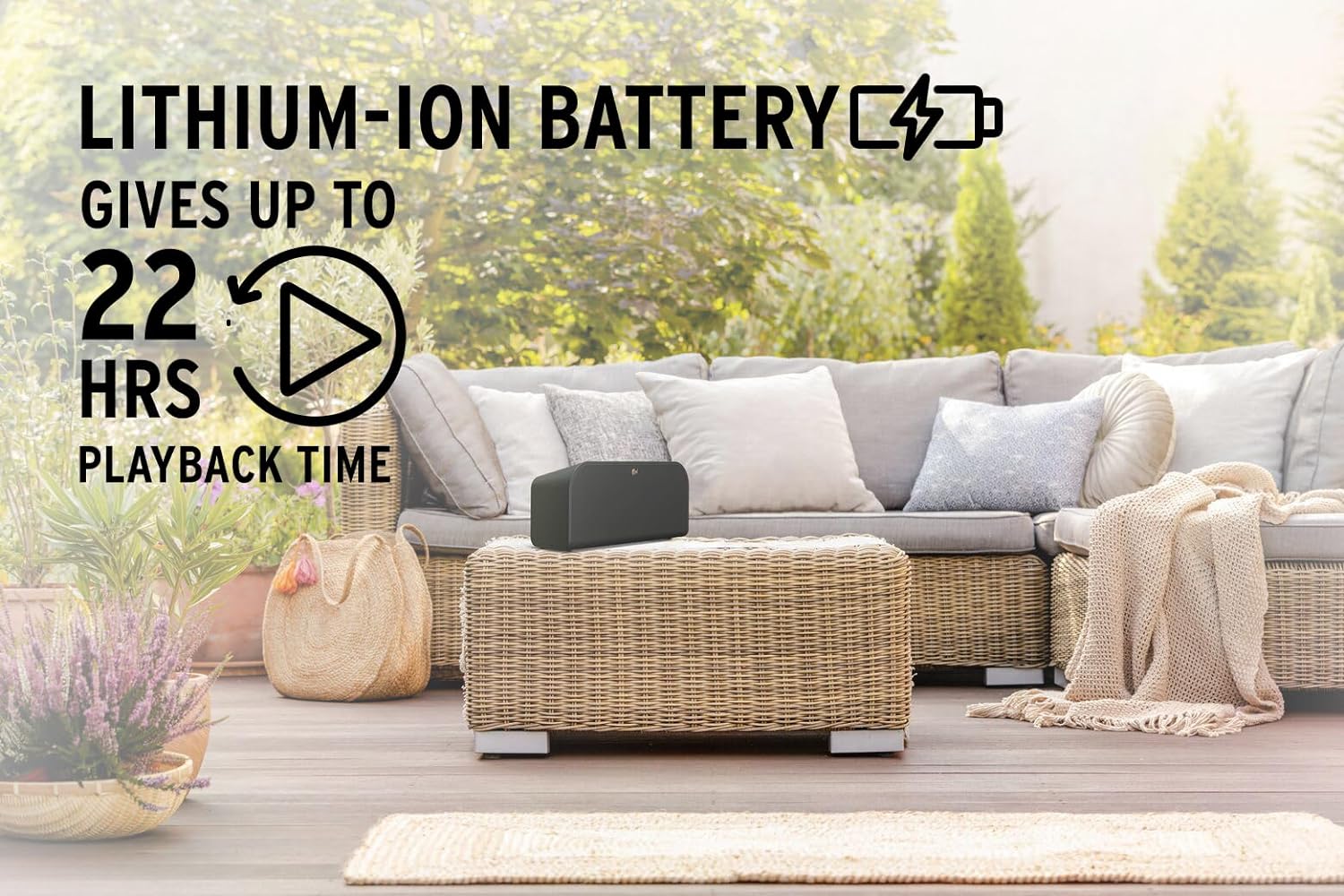
Figure 3: The speaker's long-lasting 22-hour battery life for extended use.

Figure 4: USB output for charging external devices.

Figure 5: The convenient built-in handle for portability.
3. Setup
3.1 Unpacking
Carefully remove the Klipsch Groove XXL speaker from its packaging. Ensure all components are present:
- Klipsch Groove XXL Bluetooth Speaker
- Power Adapter (not explicitly listed but implied for charging)
- Instruction Manual (this document)
3.2 Initial Charging
Before first use, fully charge the speaker. Connect the provided power adapter to the speaker's charging port and plug it into a wall outlet. The charging indicator light will show the charging status. A full charge can take several hours.
3.3 Placement
Place the speaker on a stable, flat surface. For optimal sound performance, avoid placing it directly against a wall or in an enclosed space that might muffle the sound. The speaker is designed for tabletop mounting.

Figure 6: Product dimensions for appropriate placement.
4. Operating Instructions
4.1 Powering On/Off
- To power on, press and hold the Power button located on the top panel until the indicator light illuminates.
- To power off, press and hold the Power button again until the indicator light turns off.
4.2 Bluetooth Pairing
Follow these steps to pair your device with the Klipsch Groove XXL via Bluetooth:
- Ensure the speaker is powered on.
- Press the Bluetooth button on the speaker's top panel. The Bluetooth indicator light will begin to flash, indicating it's in pairing mode.
- On your smartphone or tablet, navigate to the Bluetooth settings.
- Select "Klipsch Groove XXL" from the list of available devices.
- Once connected, the Bluetooth indicator light on the speaker will turn solid, and you will hear an audible confirmation.
- You can now play audio from your device through the speaker.
4.3 Auxiliary Input (3.5mm)
To use a wired connection:
- Connect one end of a 3.5mm audio cable (not included) to the AUX input port on the back of the speaker.
- Connect the other end of the cable to the headphone jack or audio output of your source device (e.g., MP3 player, computer).
- The speaker will automatically switch to AUX input mode.
4.4 Charging External Devices (USB Output)
The Klipsch Groove XXL can charge your mobile devices:
- Connect your device's USB charging cable (not included) to the USB output port on the back of the speaker.
- Connect the other end of the cable to your smartphone, tablet, or other compatible USB-powered device.
- Charging will begin automatically. Note that using this feature will consume the speaker's battery life.
5. Care and Maintenance
- Cleaning: Use a soft, dry cloth to clean the speaker's exterior. Do not use liquid cleaners or aerosols, as they may damage the finish or internal components.
- Storage: When not in use for extended periods, store the speaker in a cool, dry place away from direct sunlight and extreme temperatures.
- Battery Care: To prolong battery life, avoid fully discharging the battery frequently. Recharge the speaker regularly, even if not in constant use.
- Water Resistance: This product is NOT waterproof. Avoid exposing the speaker to water, rain, or excessive moisture to prevent damage.
- Handling: Handle the speaker with care. Avoid dropping it or subjecting it to strong impacts, which can damage internal components.
6. Troubleshooting
If you encounter issues with your Klipsch Groove XXL, refer to the table below for common problems and solutions:
| Problem | Possible Cause | Solution |
|---|---|---|
| No power | Battery is depleted. | Connect the speaker to a power outlet using the power adapter and allow it to charge. |
| Cannot pair via Bluetooth | Speaker is not in pairing mode; device is too far; previously paired device is connected. | Ensure the speaker's Bluetooth indicator is flashing. Move your device closer to the speaker. Disconnect from any previously paired devices. |
| No sound | Volume is too low; incorrect input source selected; audio cable not fully inserted. | Increase the volume on both the speaker and your source device. Ensure the correct input (Bluetooth or AUX) is active. Check that the 3.5mm cable is securely connected. |
| Poor sound quality | Source audio quality is low; interference; speaker placement. | Try a different audio source. Move the speaker away from other electronic devices that may cause interference. Adjust speaker placement. |
| External device not charging | Speaker battery is low; incorrect cable; device not compatible. | Ensure the speaker has sufficient charge. Use a known good USB charging cable. Verify your device supports USB charging from external sources. |
7. Technical Specifications
| Feature | Detail |
|---|---|
| Model Name | Groove XXL |
| Brand | Klipsch |
| Material | Plastic |
| Speaker Type | Component, Portable |
| Connectivity Technology | Bluetooth, USB, 3.5mm AUX |
| Wireless Communication | Bluetooth |
| Bluetooth Range | 10 Meters |
| Audio Output Mode | Stereo |
| Speaker Maximum Output Power | 180 Watts |
| Audio Drivers | Dual 2-inch full-range drivers, 5.25-inch subwoofer |
| Power Source | Battery Powered |
| Battery Life | Up to 22 Hours (Lithium-ion) |
| Control Method | Touch |
| Product Dimensions (D x W x H) | 9.84" x 20.01" x 10.24" |
| Item Weight | 5 Pounds |
| Is Waterproof | FALSE |
| Mounting Type | Tabletop Mount |
8. Warranty Information
The Klipsch Groove XXL Portable Bluetooth Speaker comes with a Limited Warranty. Please refer to the warranty card included in your product packaging or visit the official Klipsch website for detailed terms and conditions regarding coverage, duration, and claims procedures.
9. Customer Support
For further assistance, technical support, or service inquiries, please contact Klipsch customer support through their official website or the contact information provided in your product documentation. Always have your product model number (Groove XXL) and serial number ready when contacting support.
You can also visit the Klipsch Store on Amazon for more product information and resources.
Related documentsGroove XXL


Ask a question about this manual
Ask about setup, troubleshooting, compatibility, parts, safety, or missing instructions. Manuals+ will review the question and use this page’s manual context to help answer it.