
1. Introduction and Overview
This manual provides essential information for the installation, operation, and maintenance of the Qiilu EM50SP 3960W Electric Motorcycle ECU Sine Controller. This controller is designed to effectively manage electric motors, enhancing speed and power for electric motorcycles and similar vehicles. It features PC programmability and an IP67 waterproof rating, ensuring reliable performance in various conditions.
The controller is specifically designed for compatibility with QS wheel hub motors and QS medium drive motors. For other motor types, self-testing is required to ensure proper function.
2. Safety Information
Important: Read all instructions carefully before installation and operation. Failure to follow these instructions may result in damage to the product, property, or personal injury.
- Ensure all power sources are disconnected before installation or maintenance.
- Installation should be performed by qualified personnel with experience in electrical systems.
- Do not expose the controller to extreme temperatures or corrosive environments beyond its specified operating conditions.
- Verify all connections are secure and correct before applying power.
- The controller is IP67 rated for water and dust resistance; however, avoid intentional submersion or high-pressure water jets.
3. Package Contents
Verify that all items listed below are present in your package:
- 1 x ECU Sine Controller
- 3 x Wiring Harnesses
- 5 x Large Screws
- 4 x Small Screws

Image: The complete Qiilu ECU Sine Controller kit, showing the main controller unit, three wiring harnesses, and a set of mounting screws.
4. Specifications
| Feature | Specification |
|---|---|
| Model | Qiilugeu2qh941z |
| Material | Acrylonitrile Butadiene Styrene (ABS) |
| Available Battery Voltage | 72V |
| Maximum DC Current | 55A |
| Boost DC Current | 60A |
| Peak Phase Current | 190A |
| Maximum Power | 3960W |
| MOSFETs Detail | 12 FET |
| Matched Motor Rated Power | 800W-2000W |
| Maximum Efficiency | 92% |
| IP Rating | IP67 |
| Flux Weakening Ratio | 170% |
| Certification | CE |
| Working Communication | Hall Sensor |
| Programmability | Support Programmable by PC |

Image: Top and bottom views of the controller, highlighting its robust construction and connection interfaces.
5. Setup and Installation
The controller is designed for use with QS wheel hub motors and QS medium drive motors. Ensure your motor is compatible or perform necessary testing if using other motor types.
5.1 Wiring Connections
Connect the wiring harnesses to the controller and your electric vehicle's components according to the following guidelines:
- Hall Plug: Connect the Hall sensor wires from your motor to the corresponding Hall plug on the controller.
- Throttle (0-5V): Connect your vehicle's throttle input to the designated throttle port on the controller. This typically operates within a 0-5V range.
- High Brake (12V): Connect the high brake signal (12V) to the controller's brake input.
- Reverse Drive: Connect the reverse drive switch or signal as required for reverse functionality.
- Low Speed (0V): The controller supports low speed operation when the voltage is 0.

Image: The various wiring harnesses and mounting screws provided for connecting the controller to your electric vehicle's system.
5.2 Mounting
Securely mount the controller using the provided screws in a location that allows for adequate ventilation and protection from physical damage. Ensure all connections are firm and properly insulated.
Video: An overview of the Electric Car EM50SP 3960W Electric Motorcycle ECU Sine Controller, demonstrating its physical appearance and components. This video is provided by Senyar.
6. Operating Instructions
Once properly installed, the controller manages the electric motor's functions based on your vehicle's inputs.
- Motor Control: The controller efficiently manages the motor's power output, enhancing speed and overall performance.
- PC Programmable: The controller supports PC programming, allowing for customization of various parameters. This includes adjusting motion models, parking functions, anti-theft features, and magnetic flux attenuated current settings. Refer to the specific PC software documentation for detailed programming instructions.
- Integrated Functions: The controller supports functions such as reverse drive, braking, and low-speed operation, integrating seamlessly with your vehicle's control system.
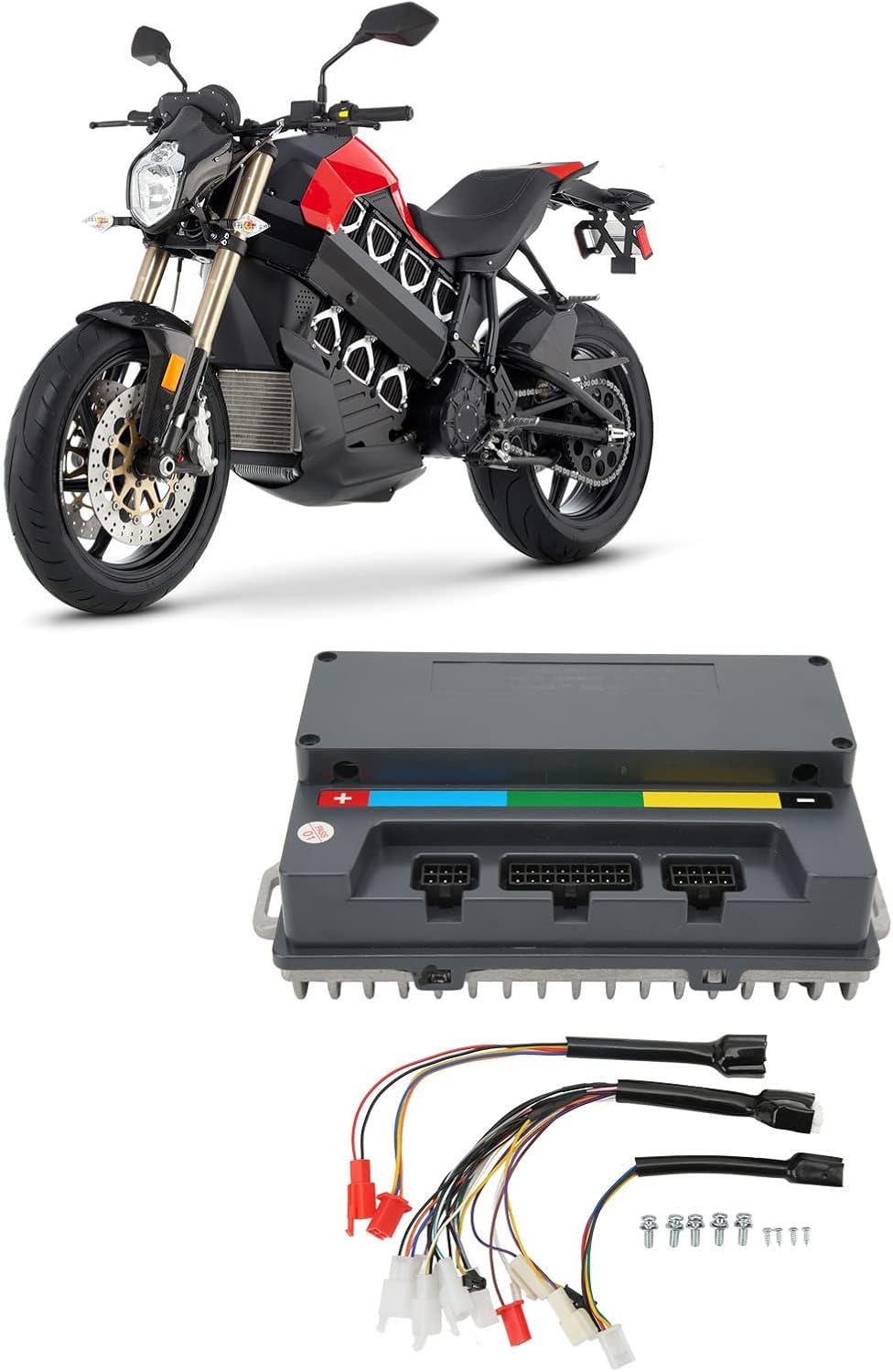
Image: An electric motorcycle shown with the controller and wiring, demonstrating the product's intended use in an electric vehicle.
7. Maintenance
To ensure the longevity and optimal performance of your Qiilu ECU Sine Controller, follow these maintenance guidelines:
- Regular Inspection: Periodically inspect the controller and all wiring connections for any signs of wear, damage, or corrosion.
- Cleaning: Keep the controller clean and free from dirt, dust, and debris. Use a soft, dry cloth for cleaning. Avoid using harsh chemicals or abrasive materials.
- Environmental Protection: Although IP67 rated, ensure the controller is not continuously exposed to harsh weather conditions or extreme temperatures.
- Firmware Updates: If available, regularly check for and apply any firmware updates provided by the manufacturer to ensure the controller operates with the latest features and bug fixes.
8. Troubleshooting
If you encounter issues with your controller, consider the following basic troubleshooting steps:
- No Power: Check all power connections, including the battery and ignition switch. Ensure the battery voltage is within the specified 72V range.
- Motor Not Responding: Verify that the throttle input is correctly connected and functioning. Check Hall sensor connections for proper seating.
- Erratic Behavior: Inspect all wiring for loose connections or damage. Ensure no wires are short-circuiting.
- Programming Issues: If experiencing problems with PC programming, ensure the correct software and drivers are installed and that the connection cable is secure.
If problems persist after performing these checks, it is recommended to consult a qualified technician or contact customer support.
9. Warranty and Support
For warranty information, technical support, or service inquiries, please refer to the documentation provided at the time of purchase or contact your retailer. Keep your purchase receipt as proof of purchase.


